
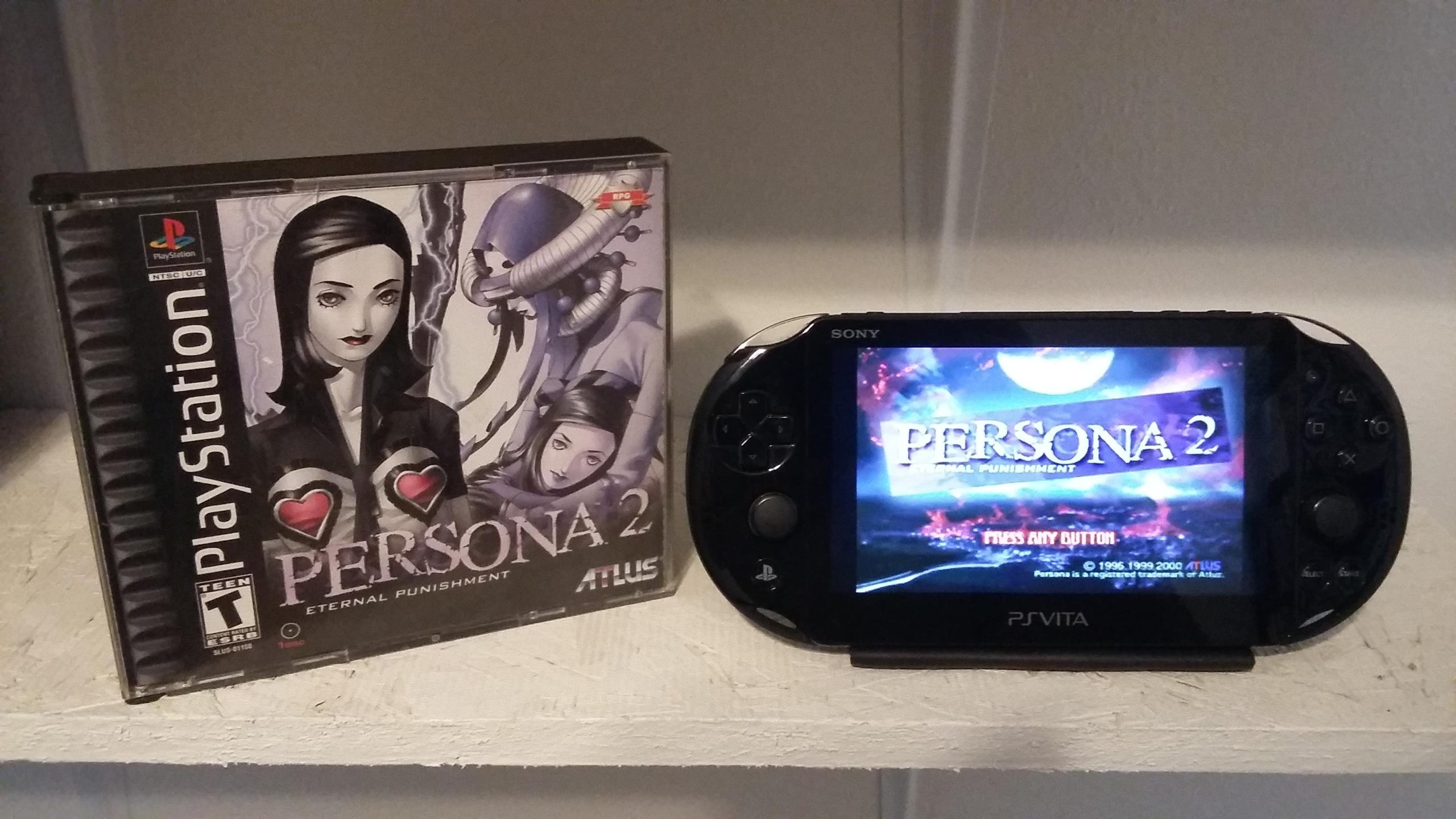
No, the PlayStation Vita cannot directly play PS3 games.
Many gamers wonder if the handheld console can play games from its bigger brother, the PS3. The short answer is, can PlayStation Vita play ps3 games? No, it cannot run them natively. They’re built on different architectures.
The Vita does have some limited compatibility via Remote Play on select titles. However, this requires a PS3 console to be actively running the game. It’s not the same as having the games directly playable.

Can PlayStation Vita Play PS3 Games?
The question of whether the PlayStation Vita can play PlayStation 3 games is something many gamers have wondered about. It’s easy to see why. The idea of taking those amazing PS3 adventures on the go is very appealing! Let’s dive into this and find out exactly what the Vita can and can’t do when it comes to its bigger console sibling’s games.
Understanding the PlayStation Vita’s Capabilities
First, it’s important to understand that the PlayStation Vita is a handheld console. It’s a powerful little device, but it’s not as powerful as the PlayStation 3. This difference in power is a key reason why playing PS3 games directly on the Vita isn’t a simple process. Think of it like this: a bicycle is great for getting around a park, but you wouldn’t use it to move heavy furniture; you’d need a truck. The Vita is the bicycle, and the PS3 is the truck, in terms of power.
The Vita uses a different kind of hardware compared to the PS3. They have different processors, different graphics chips, and different ways of storing game data. Because of these differences, PS3 games weren’t built to run directly on the Vita. So, putting a PS3 game disc into the Vita won’t work – it’s like trying to put a square peg in a round hole. It simply won’t fit or function.
The Magic of Remote Play
So, if the Vita can’t play PS3 games directly, does that mean there’s no way to enjoy PS3 games on your Vita? Not quite! Here’s where the interesting part comes in: Remote Play. This awesome feature lets your Vita connect to your PS3, so you can control the game on your PS3 using the Vita as a controller and screen. It’s like having a mini-TV that’s showing what’s happening on your PS3 which is in a different place.
How Remote Play Works
Remote Play uses your home Wi-Fi network. Your PS3 streams the game to your Vita, sending both video and controls over the network. This means your PS3 is actually doing all the heavy work of running the game. The Vita acts like a very fancy remote control, displaying the game on its screen and sending your button presses to the PS3. Think of it like watching a TV show on your phone while the TV is actually still showing it. Your phone is only showing a copy of it, but the TV is the one doing the real work.
However, there are a few things you should know about Remote Play:
- Not every PS3 game works with Remote Play: While many games support it, not all PS3 titles are compatible. Some games rely on specific hardware features that Remote Play can’t handle perfectly or they don’t support remote play at all.
- Wi-Fi Connection is a must: You need a strong and stable Wi-Fi connection for Remote Play to work smoothly. If your Wi-Fi signal is weak or unstable, you might experience lag (delay) or disconnections, making the gameplay not very pleasant. It’s like trying to watch a video online with a weak internet signal – it keeps pausing and buffering.
- PS3 Needs to be powered on: Your PS3 needs to be turned on and connected to your Wi-Fi network for Remote Play to function. It’s not like you can remotely power on a PS3.
- Initial Setup is Required: You have to set up the connection first to use remote play. This usually involves pairing your Vita with your PS3. You will have to complete an initial setup which is quite easy to achieve.
Remote Play Benefits
Although there are some limitations, remote play can be a great way to continue your PS3 adventures:
- Play PS3 games anywhere in your house: With a solid Wi-Fi signal, you can play your favourite PS3 titles from the comfort of your sofa or bedroom. No need to sit in front of the TV all the time.
- Avoid TV hogging: If someone else is using the main TV, you can still enjoy your games through Remote Play.
- Use the Vita’s screen: The Vita has a sharp and clear screen which can be great for playing games on the go.
PlayStation Now and Game Streaming
Another way to play some PlayStation games on your Vita is through PlayStation Now, now known as PlayStation Plus Premium. This service lets you stream many PS3 games directly to your Vita over the internet. It’s very similar to Remote Play, but instead of playing your games from your own PS3, you are playing them from a Sony server over internet.
How PlayStation Now/PlayStation Plus Premium Works
PlayStation Now (now part of PlayStation Plus Premium) uses a technology called cloud gaming. Instead of your console doing all the work, Sony’s servers run the games, and the game video is streamed to your device (in this case the Vita), while your controller input is sent back to the servers. Think of it like watching a live video of a game, where your button presses get sent back and forth, so it’s as if you’re controlling the game live. With the subscription-based PlayStation Plus Premium, you can access a catalog of streamed PS3 games on the PS Vita. The main distinction here is that the games are running remotely on powerful servers, not your personal console.
PlayStation Now/PlayStation Plus Premium Considerations
- Subscription Required: You need a PlayStation Plus Premium subscription to access game streaming services. This requires a monthly fee to be paid.
- Internet Connection is Crucial: A fast and stable internet connection is absolutely required. If your internet connection is slow or unreliable, you will encounter buffering, lag or disconnects. The better your internet connection, the smoother the game will run.
- Game Availability: The selection of PS3 games available via PlayStation Plus Premium changes from time to time. The games are dependent on your region as well. Not every PS3 game is available on PS Plus Premium. So, it’s important to check the catalog to see if a specific game is included.
- Input Latency: Because the game data travels through the internet, there might be slight delays between your actions and what happens on screen. This delay is called input lag, and it’s unavoidable. For action games where timing is everything, it can impact the overall experience.
The Vital Difference: Native Play vs. Remote Play/Streaming
It’s essential to understand the difference between playing a game natively and using Remote Play or streaming. Native play means that the game is installed and run directly on the console itself. Remote Play and Streaming, by contrast, require that the game runs elsewhere and only sends a video signal to your device. This is a big difference, and it changes the experience you will have as a player.
Native Play
When a game runs natively, it takes complete advantage of the system’s hardware. This usually means it’ll perform better and you will have a smoother game experience, with faster loading times and overall better control. Unfortunately, the Vita cannot do this with PS3 games.
Remote Play/Streaming
Remote Play and PlayStation Plus Premium use a different method. The game is actually running on a PS3 console, or a server, while the Vita acts as a screen and controller. This method involves sending data over your local Wi-Fi or internet, which can be a source of interruptions (lag and disconnects), and it’s not always as reliable as playing a game locally on a console. In other words, although it is a convenient way to play games, it’s not the same as playing them directly on the console they were intended for.
Game Compatibility and Limitations
We’ve touched on this already, but it’s important to emphasize that not all PS3 games are compatible with Remote Play or available on PlayStation Plus Premium. Some games simply won’t work with Remote Play or they are not on the PS Plus premium services.
Why Not All Games Work
Here are a few reasons why some games might not work with Remote Play:
- Hardware Dependencies: Some PS3 games might use unique hardware features that are not available or easily replicated through Remote Play. For example, the PS3’s motion controls might not translate well to the Vita’s controls.
- Performance Issues: Some PS3 games are very demanding, even for the PS3. Sending this information through local wifi or internet is very difficult, and might create lag, stuttering or connection issues.
- Game Design: Some games may have control schemes that are not very well compatible with the Vita.
Checking Compatibility
Before you try to Remote Play a game, it’s a good idea to see if it actually works with it. Usually, game websites and gaming forums have this information readily available. Check if the game has been officially confirmed to work well with Remote Play.
If you’re using PlayStation Plus Premium, check if the game is available in the streaming library for your region. PlayStation Plus’s webpage or Playstation’s official website will have a list of all the games.
Setting Up Remote Play: A Quick Guide
If you are ready to try Remote Play, here’s a quick guide on how to set it up:
- Enable Remote Play on Your PS3: Go to Settings on your PS3, find Remote Play, and enable it.
- Make Sure Your Devices are On Same Network: Both the PS3 and the Vita must be connected to the same Wi-Fi network.
- Activate Remote Play on Your Vita: Go to the Remote Play icon on your Vita and follow the on-screen instructions.
- Pair Your Devices: You may need to enter a code from your PS3 on your Vita to pair them. Follow the instruction on screen.
- Start Playing: Once paired, you can now select a game from your PS3 to play on your Vita.
Keep in mind that the initial setup can be a little tricky, but once you’ve done it, it should be easier to connect in the future.
The Future of PlayStation Gaming
While the PlayStation Vita is no longer in production, its legacy lives on. It was a very innovative handheld console and still holds a special place in many gamers’ hearts. With the new PlayStation generations, technology continues to evolve. Game streaming and cloud gaming may be the way of the future. These new methods allow gamers to enjoy games on multiple different devices. Even with the Vita’s limited ability to play PS3 games directly, Remote Play and the PlayStation Plus Premium streaming provide an alternative way to experience those classics on the go.
Remote play is still active on the newer PlayStation consoles and continues to be a good way of playing on different devices.
In summary, while the PlayStation Vita cannot directly play PS3 games due to hardware differences, it can access some through Remote Play and PlayStation Plus Premium game streaming services. While these options come with their own limitations and considerations, they provide a way for gamers to continue enjoying PS3 titles on their Vita, which is definitely a great feature.
Playing PS3 Games on PS Vita Explained
Final Thoughts
The PlayStation Vita cannot natively play PS3 games. Remote Play allows certain PS3 titles to be played on Vita, but it requires a PS3 console and a stable internet connection. Not every PS3 game supports Remote Play.
Therefore, the answer to ‘can playstation vita play ps3 games’ is generally no, it requires specific conditions and only certain games. You cannot directly play PS3 games on the Vita.

