
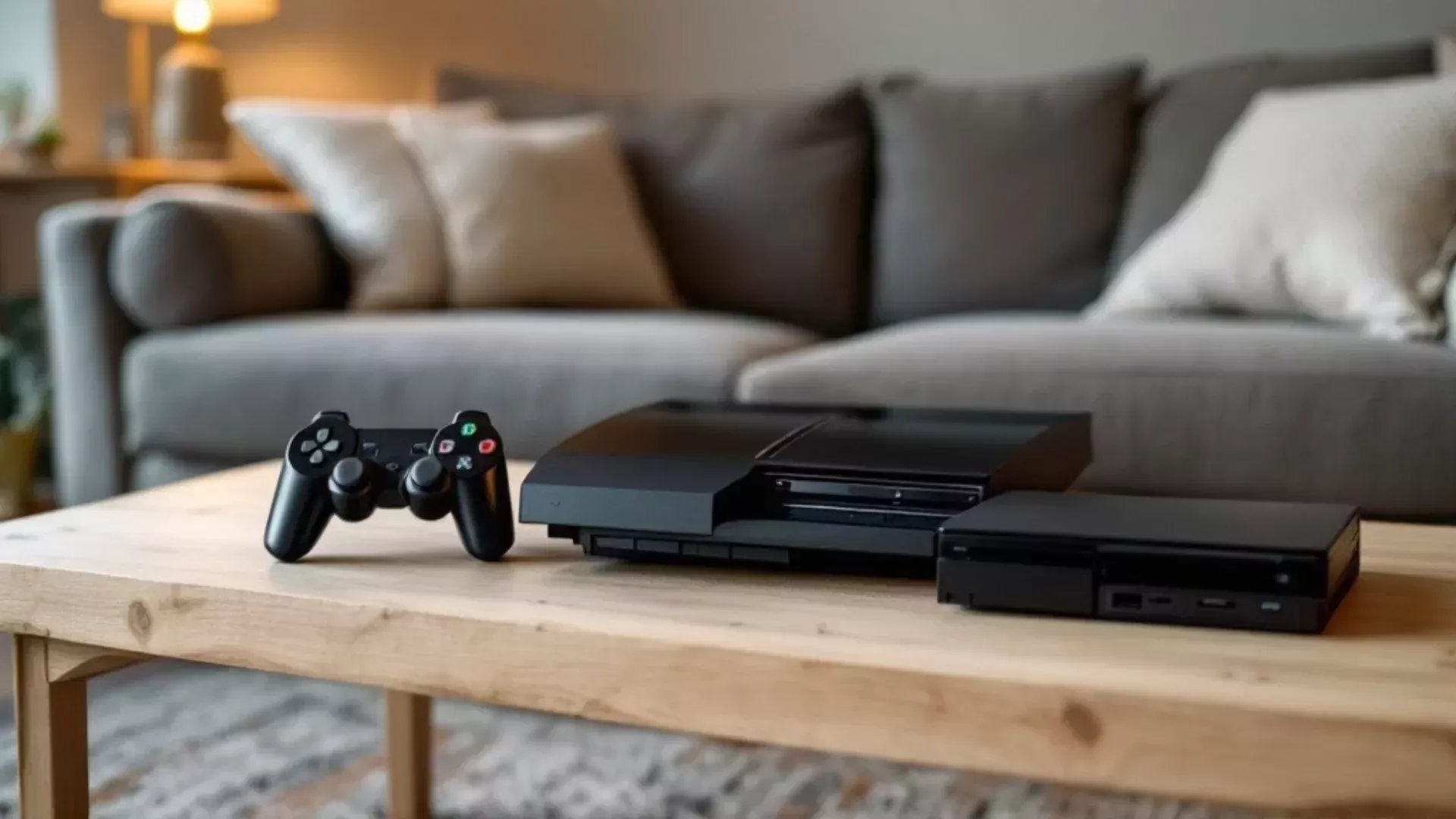
Whether a PS3 console can play PS2 games depends on the specific PS3 model; only some models are backwards compatible and can play PS2 games.
Ever wondered if you could dust off your old PS2 games and play them on your PlayStation 3? It’s a question that’s crossed many gamers’ minds: can PS3 console play PS2 games?
The answer, unfortunately, isn’t a simple yes. Only the early PS3 models, specifically some of the original “fat” models, possess the hardware necessary for full PS2 backwards compatibility.
So, before you get too excited, you’ll need to check which PS3 you own to see if those classic PS2 titles are playable. Let’s dive into the details!

Can PS3 Console Play PS2 Games?
The compatibility of the PlayStation 3 (PS3) with PlayStation 2 (PS2) games is a complex topic. It depends heavily on the specific PS3 model you own.
Some PS3 models offer full backward compatibility, while others offer none. Understanding the differences is essential for any retro gaming enthusiast.
PS3 Models and Backwards Compatibility
Not all PS3 consoles were created equal regarding PS2 game compatibility. Different hardware revisions and cost-cutting measures resulted in varying levels of support.
The initial PS3 models were designed with PS2 support in mind. Later models removed this capability.
Full Hardware Emulation (Original Models)
The very first PS3 models, specifically the 20GB and 60GB versions (often referred to as the “fat” models), included both the Emotion Engine (PS2 CPU) and the Graphics Synthesizer (PS2 GPU) chips.
These components were physically present inside the console. This allowed for near-perfect compatibility with the vast majority of PS2 games.
These models effectively contained a complete PS2 within the PS3. This ensured excellent performance and minimal glitches.
Partial Hardware/Software Emulation (Some “Fat” Models)
Some later “fat” PS3 models, particularly certain 80GB versions, used a hybrid approach.
These consoles retained the Graphics Synthesizer (PS2 GPU) but removed the Emotion Engine (PS2 CPU). They relied on software emulation for the CPU.
While still offering relatively good compatibility, some games may experience slight performance issues compared to full hardware emulation. The compatibility list was also slightly smaller.
No Backwards Compatibility (Slim and Super Slim Models)
The later PS3 Slim and Super Slim models completely removed all PS2 hardware. They do not offer any native backwards compatibility with PS2 games.
These models were designed to be more affordable and energy-efficient. The removal of the PS2 hardware was a significant cost-saving measure.
If you own one of these models, you cannot play PS2 games directly from the disc. There are no hidden settings to enable it.
Checking Your PS3 Model for PS2 Compatibility
Determining whether your PS3 is compatible with PS2 games is straightforward. Look at the model number and physical characteristics.
The model number is usually located on a sticker on the bottom of the console. You can also find it in the system settings menu.
Identifying Compatible Models
CECHAxx (60GB): This is the most sought-after model for PS2 compatibility due to its full hardware emulation.
CECHBxx (20GB): Similar to the 60GB model, offering full hardware emulation.
CECHCxx (60GB PAL): Full hardware emulation.
CECHExx (80GB): Partial hardware/software emulation.
CECHGxx (40GB): No backwards compatibility.
Other Slim and Super Slim Models: None of the Slim or Super Slim models are backward compatible.
Remember to check online databases and forums for more detailed model information. This can help you confirm your console’s capabilities.
Physical Indicators
The “fat” PS3 models, especially the 60GB and 20GB versions, have a glossy black finish and four USB ports on the front. These are good indicators of potential PS2 compatibility.
Slim and Super Slim models have a matte finish and fewer USB ports. They are also noticeably thinner and lighter.
Playing PS2 Games on Non-Compatible PS3 Models
Even if your PS3 model doesn’t offer native backwards compatibility, there are still ways to play PS2 games. These methods include PlayStation Network downloads and emulation.
Each method has its advantages and limitations. Consider your options carefully.
PlayStation Network (PSN) Downloads
Sony offers a selection of PS2 games for download through the PlayStation Network. These games are digitally remastered and optimized for the PS3.
However, the selection of available games is limited. Not every PS2 game is available for download.
Availability: Limited selection of PS2 titles available on the PSN store.
Cost: Requires purchasing each game individually.
Compatibility: Works on all PS3 models.
Enhancements: Some games feature upscaled graphics and trophy support.
Emulation on PS3
While official backwards compatibility is limited, some users have explored unofficial emulation methods on non-compatible PS3 models. This often involves installing custom firmware (CFW).
This method is more complex and carries risks, including voiding your warranty and potential for bricking your console. It also may violate terms of service.
Complexity: Requires advanced technical knowledge and carries inherent risks.
Legality: May violate terms of service and copyright laws.
Stability: Emulation performance can vary depending on the game and the emulator used.
Warranty: Installing custom firmware typically voids your console’s warranty.
Understanding the Technical Differences
The differences in hardware and software emulation methods have significant implications for game performance and compatibility. Let’s explore these technical aspects further.
Understanding the technical nuances can help you appreciate the complexities of backwards compatibility. It also helps you make informed decisions about playing PS2 games on your PS3.
Emotion Engine and Graphics Synthesizer
The Emotion Engine is the central processing unit (CPU) of the PS2. The Graphics Synthesizer is the graphics processing unit (GPU).
The presence of these chips in the original PS3 models allowed for direct execution of PS2 game code. This resulted in high accuracy and performance.
Software Emulation Challenges
Software emulation involves translating the PS2 game code into instructions that the PS3’s processor can understand. This process is resource-intensive and can lead to performance bottlenecks.
Games that rely heavily on the Emotion Engine may experience slowdown or graphical glitches. Accurate emulation is a complex and demanding task.
Compatibility Issues with Emulation
Even with the best emulation techniques, some games may not work perfectly. Compatibility issues can arise due to differences in hardware architecture and software libraries.
Certain games may exhibit graphical glitches, sound problems, or even crash entirely. It’s essential to research compatibility reports before attempting to play a game.
Troubleshooting PS2 Game Compatibility on PS3
If you have a compatible PS3 model and are experiencing issues with PS2 games, there are several troubleshooting steps you can take.
Addressing these issues can often improve game performance and stability. Let’s explore some common problems and solutions.
Game Disc Issues
Ensure that your PS2 game discs are clean and free from scratches. Scratched or damaged discs can cause read errors and prevent the game from loading.
Clean the disc with a soft, lint-free cloth. Avoid using harsh chemicals or abrasive materials.
System Software Updates
Make sure your PS3 system software is up to date. Sony often releases updates that improve compatibility with PS2 games.
You can update your system software through the PS3’s system settings menu. Ensure you have a stable internet connection during the update process.
Game Settings
Some PS2 games have specific settings that can affect their performance on the PS3. Experiment with different video output settings and display options.
Adjusting settings like smoothing or upscaling can sometimes resolve compatibility issues. Consult online forums and guides for game-specific troubleshooting tips.
PS2 Classics Emulation Settings
When playing PS2 Classics downloaded from the PlayStation Network, accessing the in-game settings can sometimes improve performance. To access these settings, press the PS button on your controller during gameplay.
Experiment with different settings such as smoothing options and aspect ratio adjustments. These settings can sometimes resolve compatibility issues or improve visual quality.
Comparing PS3 Models: PS2 Compatibility
To illustrate the differences in PS2 compatibility between various PS3 models, let’s consider a comparison table.
This table summarizes the key features and compatibility characteristics of each model.
| PS3 Model | PS2 Hardware | PS2 Emulation | PS2 Compatibility |
|—|—|—|—|
| CECHAxx (60GB) | Full (Emotion Engine & Graphics Synthesizer) | None | Excellent |
| CECHBxx (20GB) | Full (Emotion Engine & Graphics Synthesizer) | None | Excellent |
| CECHCxx (60GB PAL) | Full (Emotion Engine & Graphics Synthesizer) | None | Excellent |
| CECHExx (80GB) | Partial (Graphics Synthesizer only) | Software (Emotion Engine) | Good |
| CECHGxx (40GB) | None | None | None |
| Slim Models | None | None | None |
| Super Slim Models | None | None | None |
This table clearly shows the evolution of PS2 compatibility across different PS3 models.
Alternatives to Playing PS2 Games on PS3
If playing PS2 games directly on a PS3 is not feasible, there are alternative options to consider.
These alternatives may provide a better experience or offer access to a wider range of games.
PlayStation 2 Console
The original PlayStation 2 console remains the most reliable way to play PS2 games. It offers native compatibility with the entire PS2 library.
PS2 consoles are readily available on the used market at reasonable prices. This is a cost-effective solution for playing your favorite PS2 games.
PlayStation 2 Emulators on PC
Several PS2 emulators are available for PC. These emulators allow you to play PS2 games on your computer.
PCSX2 is one of the most popular and well-developed PS2 emulators. It offers a wide range of features and compatibility with many games.
Flexibility: Play PS2 games on your PC.
Enhancements: Some emulators offer upscaling and other graphical enhancements.
Hardware Requirements: Requires a powerful PC for optimal performance.
Legality: Requires owning the original PS2 games.
PlayStation Plus Premium
Sony’s PlayStation Plus Premium subscription service offers access to a library of classic games, including some PS2 titles.
These games are streamed to your PS4 or PS5 console. This eliminates the need for physical discs or downloads.
Convenience: Stream PS2 games to your PS4 or PS5.
Subscription Cost: Requires a PlayStation Plus Premium subscription.
Game Selection: Limited selection of PS2 games available.
Internet Connection: Requires a stable internet connection for streaming.
The Future of Backwards Compatibility
The future of backwards compatibility in gaming is a topic of ongoing discussion. While the PS3 era saw a decline in native PS2 support, newer consoles like the PS5 have embraced backwards compatibility to some extent.
The trend toward digital distribution and cloud gaming may further influence the future of backwards compatibility. Let’s explore these trends and their potential impact.
Digital Distribution and Backwards Compatibility
Digital distribution platforms like PlayStation Network and Xbox Live make it easier to offer backwards compatibility through downloadable games.
This approach allows developers to remaster or emulate older titles for newer consoles. It provides a convenient way for players to access classic games.
Cloud Gaming and Backwards Compatibility
Cloud gaming services like PlayStation Plus Premium offer the potential for backwards compatibility without the need for local hardware emulation.
Games are streamed from remote servers, allowing players to access a wide range of titles on various devices. This approach can overcome hardware limitations and expand the availability of classic games.
The Role of Emulation
Emulation technology will likely continue to play a significant role in backwards compatibility. As emulator technology improves, it may become easier to accurately and efficiently emulate older consoles on newer hardware.
This could lead to broader support for classic games on future gaming platforms. The ongoing development of emulation is crucial for preserving gaming history.
PS2 Games On PS3?!
Final Thoughts
Some PS3 models play PS2 games, while others don’t. Original “fat” PS3s (CECHAxx, CECHBxx, CECHCxx, CECHExx) offer full backward compatibility through hardware.
Later slim and super slim PS3 models removed this capability to reduce costs. These models cannot natively play PS2 discs.
Therefore, the answer to ‘can ps3 console play ps2 games’ depends entirely on the specific PS3 model you have. The original fat models must be the ones you seek for this feature.

