
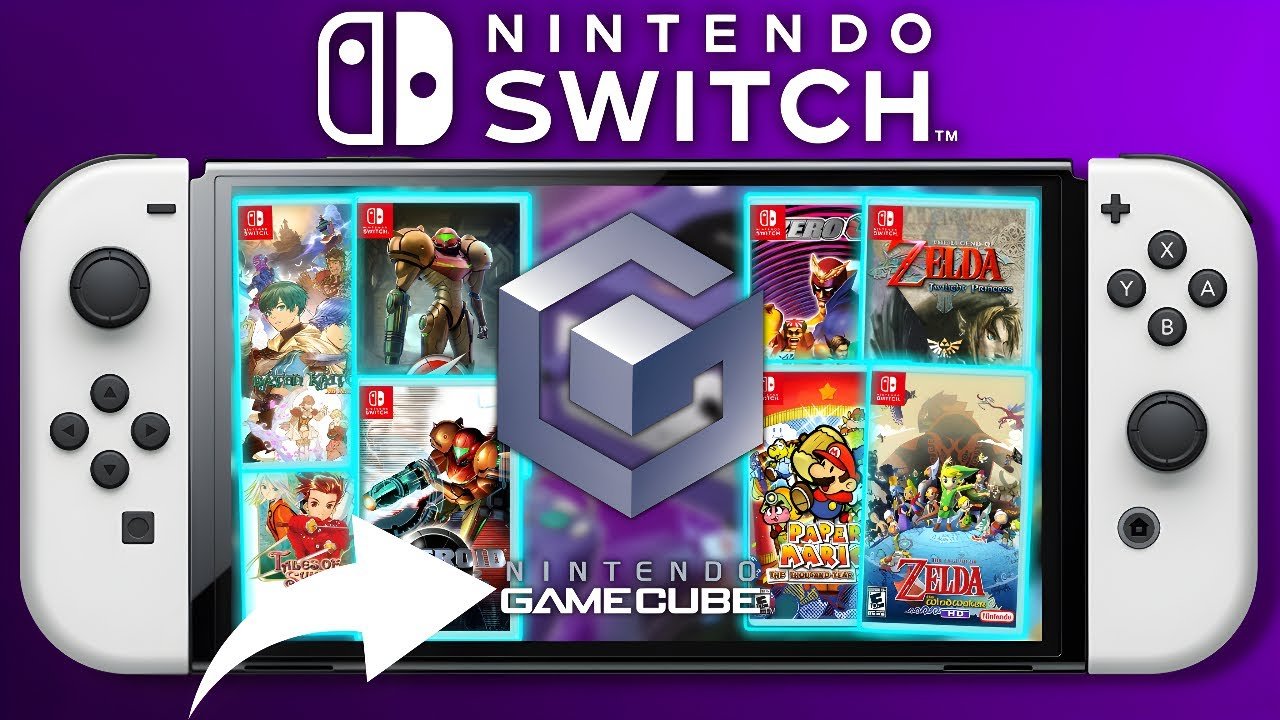
No, the Nintendo Switch cannot natively play GameCube games.
Many gamers wonder, can the switch play gamecube games? The allure of revisiting classic titles on the modern console is strong. Unfortunately, the Switch lacks the hardware and software needed to directly run GameCube discs or ROMs.
This means playing GameCube games isn’t a simple matter of inserting a disc. However, some clever workarounds do exist which we’ll explore in detail. So, while it’s not straightforward, the journey to play them is worth discussing.

Can the Switch Play GameCube Games?
That’s a great question that many gamers ask! The Nintendo Switch is super popular, and so is the old GameCube. Wouldn’t it be amazing to play those classic GameCube games on your Switch? Well, let’s explore this idea to see what’s really possible.
The Straight Answer: Officially, No
Alright, let’s get straight to the point. Nintendo has not made it possible for the Nintendo Switch to play GameCube games in an official way. When you buy a new Switch, it doesn’t have any built-in way to read GameCube discs or download GameCube games from the Nintendo eShop. This is because the Switch and the GameCube use completely different types of technology. Think of it like trying to fit a square block into a round hole – it just doesn’t work!
Why the Switch Can’t Play GameCube Discs
The GameCube used small discs, kind of like mini-CDs. The Switch uses game cartridges and digital downloads. The Switch does not have a disc drive, so there is no way for the Switch to read GameCube games. The hardware inside the two consoles are also very different. The GameCube had a specific chip set, while the Switch has a completely different processor and graphics setup. They simply aren’t designed to understand each other’s game formats.
Here’s a table to illustrate the difference:
| Feature | GameCube | Nintendo Switch |
|---|---|---|
| Game Format | Mini-discs | Game cartridges and digital downloads |
| Disc Drive | Yes | No |
| Processor and Hardware | PowerPC based Processor | NVIDIA Tegra Processor |
| Official Game Store | No Digital Store | Nintendo eShop |
The World of Emulation: A Sneaky Workaround
Okay, so the official answer is a big NO. But there’s another way people have found to play GameCube games on the Switch, which is by using something called emulation. Emulation is like pretending to be a GameCube using special software on your Switch. It’s like teaching your Switch to speak the GameCube’s language.
What is an Emulator?
An emulator is a computer program that lets one device behave like another. Think of it as a translator, allowing your Switch to run software that was originally made for the GameCube. These emulators have been developed by people who really love video games and understand how the GameCube worked. They painstakingly recreate the inner workings of the console in software. It’s like building a virtual GameCube inside your Switch!
Dolphin Emulator: The Star Player
The most popular emulator that allows you to play GameCube games is called Dolphin. It’s a very powerful emulator that is capable of playing lots of GameCube titles. The Dolphin emulator is open source meaning its code is free and available to use. It’s been in development for a long time now, so it’s pretty good at making GameCube games run smoothly.
There are other emulators, but Dolphin is often the one people talk about when it comes to GameCube emulation. It works by translating the game’s instructions into a language the Switch can understand. This is a complex process, but thankfully it’s mostly behind the scenes, meaning you can focus on playing the games.
The Technical Side of Switch Emulation
To make this work, people need to use a modified Switch. This often means installing custom firmware or CFW on the console. Think of it like doing some special work on your phone that lets you install apps from sources that aren’t the official app store. However, doing this can sometimes be a bit complicated. It might require special tools or software, and there’s always a risk of making a mistake and causing issues with your Switch. It’s important to be careful if you decide to go this route.
Important Things to Know About Switch Emulation
Emulation, while awesome, is not as straightforward as just popping a game in a console. There are things you need to understand before diving into the world of using emulators on your Switch.
Not Always Perfect
Even with a good emulator like Dolphin, GameCube games don’t always run perfectly on the Switch. Some games might have graphical glitches, like colors not showing up correctly or lines that look out of place. Other games might run slowly or have sound issues. This is because the Switch is not a GameCube, and the emulator has to work hard to translate everything perfectly. The experience can be different from game to game.
Legality of Emulation: A Gray Area
Using emulators can sometimes be a gray area in terms of what’s legal. The emulator software itself is not illegal. However, getting game files is a different story. The safest way to use an emulator is to only use it to play game files that you already own the original game for. Downloading games that you don’t own is considered piracy, and it’s illegal. Just like you shouldn’t download a movie you haven’t bought, you shouldn’t download games you haven’t bought.
The Risk of Modifying Your Switch
Modifying your Switch to install emulators can come with risks. It could potentially void your warranty, meaning Nintendo might not fix it if something goes wrong. There’s also a small chance that you could accidentally “brick” your Switch, making it unusable. Always do your research before modifying your console. Always remember to follow instructions carefully.
A Technical Undertaking
Emulation isn’t always straightforward, you will probably need to do some research, read tutorials, and sometimes you’ll still need to figure out problems on your own. It might be a bit complicated for some people. It’s not just like downloading an app, there are more involved steps to get everything set up and running. Be prepared to spend some time getting everything working the way you want it to.
GameCube Games That Run Well on Switch Via Emulation
Even with the challenges, many GameCube games do run surprisingly well on the Nintendo Switch using the Dolphin emulator. Here’s a look at some popular titles that people have enjoyed:
- Super Mario Sunshine
- The Legend of Zelda: The Wind Waker
- Metroid Prime
- Luigi’s Mansion
- Mario Kart Double Dash
- Super Smash Bros Melee
- Resident Evil 4
Many other games work well. It depends on the emulator version, the game itself, and settings. You will be able to find settings online which have been set up by other users. These settings can greatly improve the gaming experience.
Are there other ways to play Gamecube games on Switch?
Nintendo does not provide any official way to play Gamecube games on the Nintendo switch console.
Nintendo has released ports and remasters of several classic Gamecube titles on the Nintendo Switch. Here are some examples:
- Luigi’s Mansion 3 is a completely new title but shares the same universe as the original GameCube title.
- Pikmin 1 and 2 were remastered and released as a double pack on the Nintendo Switch.
- The Legend of Zelda Wind Waker and Twilight Princess which were originally on the Gamecube have received HD remasters on the Wii U and could make their way to the Nintendo Switch at a later date.
It’s important to keep an eye out for new releases, as Nintendo sometimes brings back older games in new forms. This does not help with your original Gamecube copies, but it is a way to play these classic games again.
Why Emulation Can Be Fun
Despite the extra work, lots of gamers like using emulators on their Switch. It’s a fun way to play games they haven’t seen in a long time. It’s almost like discovering your favorite games all over again but in a different way. Plus, it allows for more flexibility to adjust settings. Gamers are able to adjust graphics, play in different aspect ratios and even add mods.
A Community of Fans
There’s a whole online community that’s into emulation. People share settings and tips, they help each other with problems, and they get excited about playing old games in new ways. So, if you want to try this out, you can find lots of friendly people who can help you along the way. You can find online guides and tutorials that help walk you through installing an emulator on your Switch. These online communities are a great place to begin if you decide to begin your Gamecube journey on your Switch.
The Nintendo Switch, although unable to play Gamecube games via its own hardware, can achieve emulation. The emulation route however can have its challenges and might be more suited to tech enthusiasts. Gamecube games are amazing and their replay value make them great additions to any gamers library.
Gamecube Games in the Nintendo Switch
Final Thoughts
The Nintendo Switch doesn’t natively play GameCube games. Nintendo has not included backward compatibility for GameCube discs or downloads.
While some GameCube titles are available as remasters or through the Nintendo Switch Online service, this is not the same as playing your original collection. The question “can the switch play gamecube games” has a very clear answer which is no. This is a feature that many fans must have wished for.

