
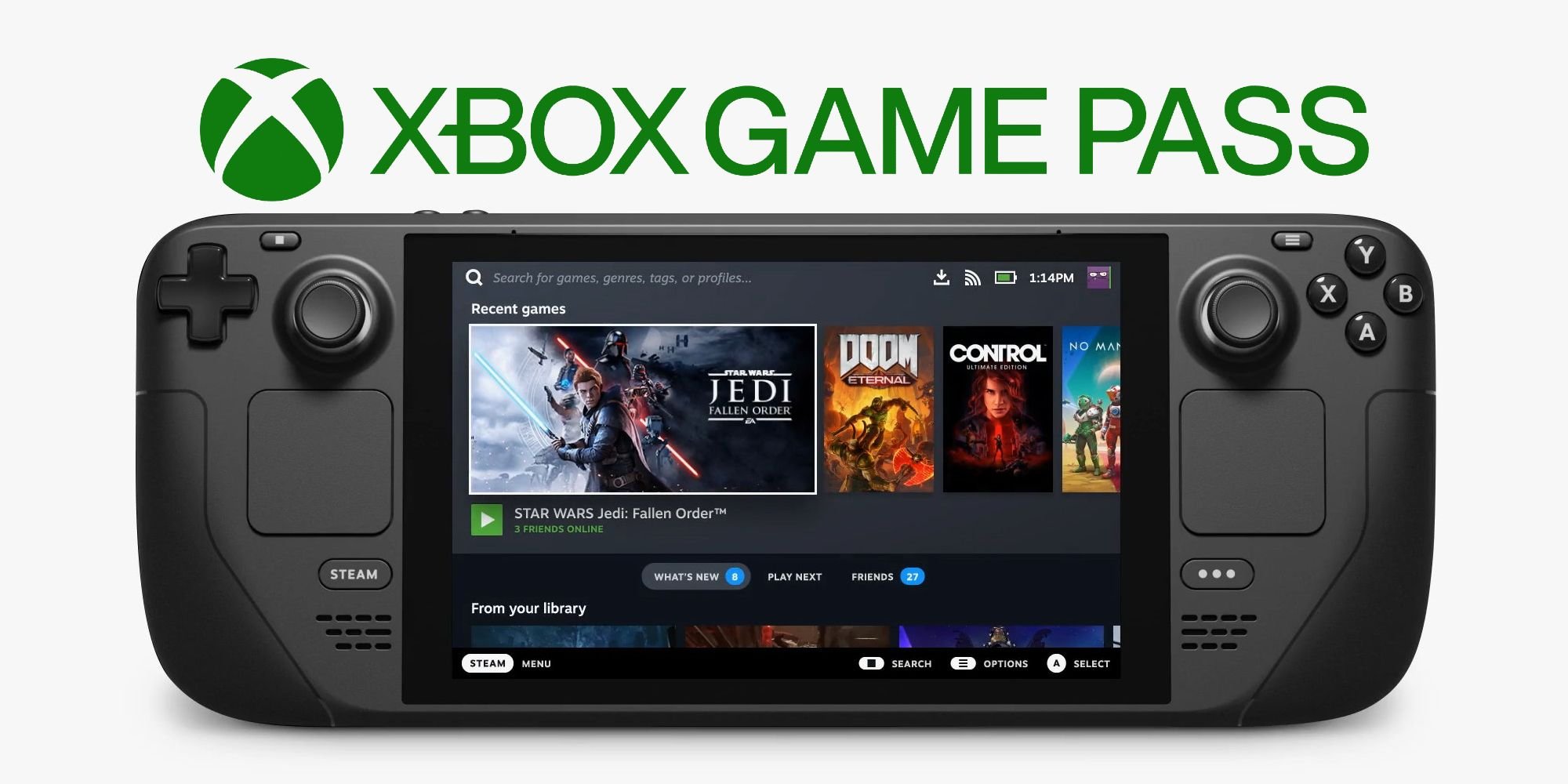
No, generally Xbox Game Pass games cannot directly play with Steam games, as they operate on separate platforms and networks.
Ever wondered if you could jump into a game with your friend who’s on Steam, while you are using Xbox Game Pass? It’s a common question, and the answer isn’t always straightforward. Many gamers want to know if ‘can xbox game pass play with steam’ and if their game libraries can cross paths. This article will clarify the situation.

Can Xbox Game Pass Play With Steam?
Let’s dive into a question that’s on many gamers’ minds: Can Xbox Game Pass games and Steam games play together? It’s a bit of a tricky question because it’s not a simple yes or no. The short answer is: sometimes! But that ‘sometimes’ depends on a bunch of things. Let’s explore all the details to see how it all works.
Understanding the Platforms: Xbox Game Pass vs. Steam
First, it’s super important to know what each of these platforms are. Think of them like different playgrounds for games.
Xbox Game Pass: A Subscription Service
Xbox Game Pass is like a Netflix but for games. You pay a monthly fee, and you get to play tons of games. You can play these games on your Xbox console, on your computer (PC), or even on your phone sometimes through the cloud. It’s a way to try out lots of different games without having to buy each one individually.
Steam: A Digital Game Store and Platform
Steam is a giant store where you can buy games for your computer. Once you buy a game on Steam, you download it and play it directly from the Steam app. Steam is also a social place for gamers, where you can chat with friends, see what they’re playing, and even join multiplayer games.
The Key Factor: Crossplay
The ability for Xbox Game Pass games and Steam games to play together hinges on one very important thing: crossplay (also called cross-platform play). Crossplay is when a game lets people on different platforms play with each other. Think of it like having a toy that works with both kinds of batteries – you can play together even if you have different battery types. But crossplay isn’t automatic. It needs to be built into the game by the people who made it.
How Crossplay Works
When a game has crossplay, it means the developers have made sure that players using different gaming platforms can connect to the same game servers. This process requires careful planning and technical expertise, because each platform has its own unique ways of handling online play. The game’s code needs to be able to translate between these different systems, so players using an Xbox and players using Steam can all see and interact with the same virtual world.
When Xbox Game Pass and Steam Can Play Together
Here’s where things get exciting! When a game supports crossplay and is available on both Xbox Game Pass (PC version) and Steam, you and your friends can play together even if one of you is using Game Pass and the other is using Steam.
Finding Crossplay Games
It’s not always easy to know which games allow crossplay. Here are a few ways you can figure it out:
- Check the Game’s Page: On both the Xbox Game Pass app and on the Steam store page for a game, there should be information about crossplay if it’s available. Look for phrases like “cross-platform multiplayer” or “crossplay enabled.”
- Search Online: A quick search on Google with the game’s title and the words “crossplay” or “cross-platform” can usually tell you if the game supports it. There are many gaming websites that keep track of these kinds of things.
- Ask in Forums or Communities: If you’re still unsure, ask other gamers! Check out online forums or communities dedicated to the game and someone is likely to know the answer.
Examples of Games that Offer Crossplay
Many popular games offer crossplay between the Xbox Game Pass PC version and Steam. Here are a few examples:
- Minecraft: If you play Minecraft on the Xbox Game Pass version (or on the Microsoft Store), you can join worlds with your friends playing on Steam (Java version). Keep in mind there are different versions of Minecraft, so make sure you are using the right one.
- Sea of Thieves: This pirate adventure game fully supports crossplay. It doesn’t matter if your friends are on Xbox or Steam – you can all sail the seas together.
- Forza Horizon 5: This racing game lets players on Xbox and Steam connect and compete in the same shared world.
- No Man’s Sky: Explore the universe with your friends regardless of whether they play it through Game Pass or Steam.
This is not a complete list but it gives you a good idea of what to look for.
Why Not All Games Have Crossplay?
If crossplay is so awesome, why don’t all games have it? There are several reasons:
Development Challenges
Creating crossplay isn’t easy for game developers. It takes time and money to make different platforms work together seamlessly. Each system has its own unique code, so developers need to build a bridge that allows all of them to communicate smoothly. This is a difficult thing to do, and not every team has the resources to make it happen.
Different Game Versions
Sometimes, different versions of the game on each platform aren’t exactly the same. For example, a game on Xbox Game Pass PC may have slight differences from the same game on Steam. In such cases, it can be very hard to get all versions to play nicely together.
Publisher Decisions
Sometimes the decision to allow crossplay is up to the game company. They might choose not to have it for business or other reasons. For example, they may have deals with specific platforms that prevent crossplay.
Technical Difficulties
Even if they really want to add it, the game might not be built in a way that crossplay is possible, or it might introduce unexpected problems and issues. If they can’t make it work perfectly, sometimes they prefer not to implement it at all.
Things to Keep in Mind When Using Crossplay
Even if a game has crossplay, there are a few things you need to remember to ensure you have a smooth gaming session:
Account Compatibility
Sometimes, you may need to link your Xbox account or your Microsoft account with your Steam account to make crossplay work. Some games might require an account created through their systems, so be sure to check each game’s requirements to get everything working.
Friend Lists
Even with crossplay, your friend lists might not automatically be linked. You will usually need to add friends within the game itself, using an in-game username or ID. This means that if your friend plays on Steam, you may need to specifically add them within the game from your Xbox or Game Pass version.
Game Updates
Make sure you and your friends have the latest updates for the game. This makes sure everyone’s game version matches and that you can play together without problems. Sometimes different versions of the game do not allow crossplay.
How to Troubleshoot Crossplay Issues
Sometimes, even if everything is supposed to work, you might run into problems. Here are a few things you can try:
Restart the Game and Your Devices
This may sound simple, but it can be quite effective! Sometimes the game or the device needs a fresh start to properly connect to servers. Close the game completely and restart your computer or console, and your friend should do the same.
Check Your Internet Connection
A weak or unstable internet connection can cause problems with online multiplayer games. Make sure you have a strong WiFi or Ethernet connection, and try restarting your router if you are having issues. If the issue is from your internet, you may need to contact your internet service provider.
Verify Game Files
Sometimes, game files can become corrupted or damaged, causing connection issues. If you use Steam, there’s an option to verify the game files to make sure they’re okay. Most of the time, this process will download or replace corrupted files and can help you fix the issue.
Check Game Servers
Sometimes there might be problems with the game’s server. Check the game’s official social media channels or forums to see if other players are experiencing the same thing. If it is a server problem, you might need to wait for the game company to fix it, and you might be able to play with your friends later.
Update Your Drivers
Make sure your computer’s video card drivers and operating system are up to date. Outdated drivers can sometimes cause issues with the game and prevent you from connecting to the game servers. Usually, when you update your computer, the drivers will automatically be updated as well, but sometimes you may need to check them.
Firewall and Antivirus
Sometimes, your firewall or antivirus software can block the game from connecting to the internet. You may need to check the settings of your firewall and antivirus and make sure that the game is allowed to go through them.
Contact Support
If you’ve tried everything and you’re still having problems, the best thing to do is to contact the game’s support team. They might have more specific things for you to try and be able to help you with specific issues you may be facing. If you contact them, they can also see if there are any issues with the game on their end, and see if it has to be fixed by them.
In short, whether Xbox Game Pass can play with Steam depends entirely on if the specific game you want to play supports crossplay. When it does, it’s a fantastic way to enjoy games with friends regardless of their platform. Always check the game’s details, keep your software updated, and remember a little troubleshooting can go a long way.
Xbox Games on Steam Deck with Game Pass! EASY SETUP for Xbox Cloud Gaming
Final Thoughts
Ultimately, cross-platform play between Xbox Game Pass and Steam depends entirely on the specific game. Many games support it, allowing friends on different platforms to play together. However, some do not offer this feature.
Therefore, you should always check each game individually. Whether can xbox game pass play with steam is available will vary, so check the game’s description. This clarifies the multiplayer options before you buy.

