
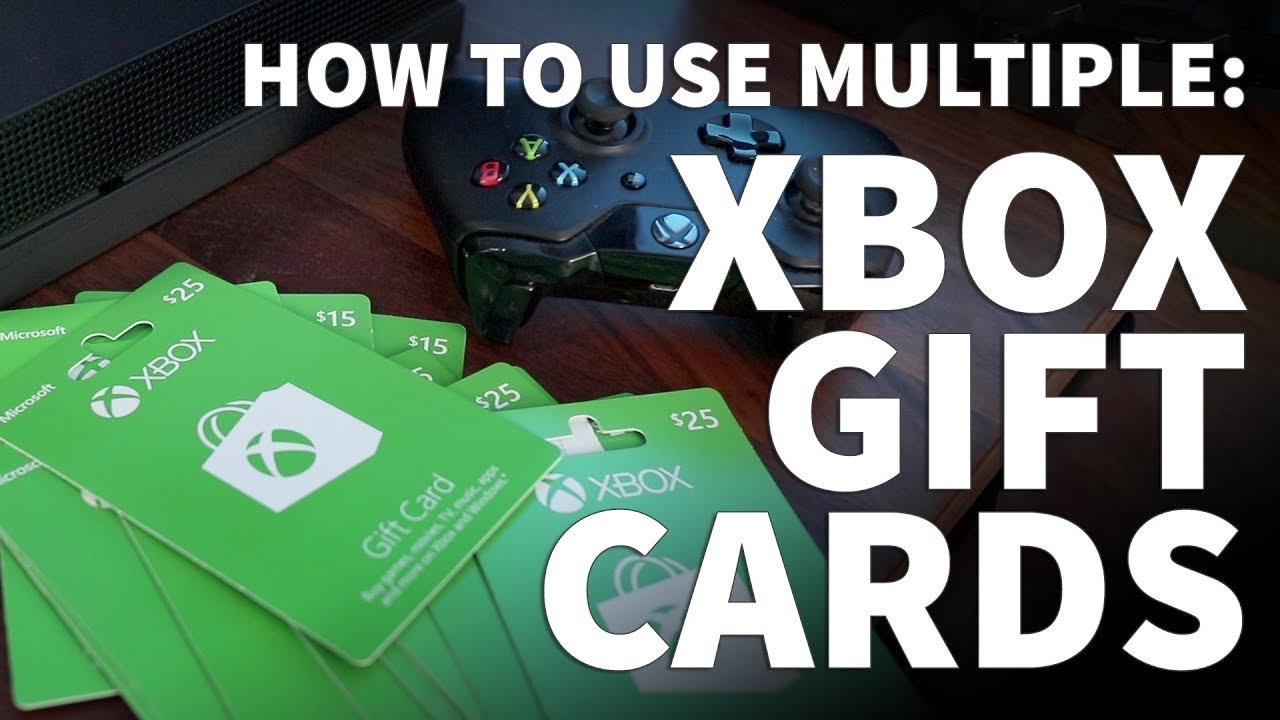
Yes, you can buy an Xbox game using multiple gift cards on the Microsoft Store.
Ever found yourself with a collection of Xbox gift cards, wondering if they can all work together? It’s a common question! Many gamers accumulate these cards through various means and are curious if it is possible. It can be frustrating when you don’t know the answer.
The good news is, the Microsoft Store allows you to combine several gift card balances to purchase a single digital game. So, if you’ve been pondering, “can you buy an xbox game with multiple gift cards?”, you now have your answer.

Can You Buy an Xbox Game With Multiple Gift Cards?
Hey there, fellow gamers! Ever found yourself staring at that shiny new Xbox game, your heart set on playing it, but your wallet feeling a little light? Maybe you’ve got a few gift cards lying around—a little something from birthdays, holidays, or just because. The big question is: Can you use more than one of those gift cards to buy that Xbox game you’ve been dreaming of? Let’s dive into the world of Xbox gift cards and see how it all works.
Understanding Xbox Gift Cards
Before we get into the nitty-gritty of combining gift cards, let’s make sure we’re all on the same page about what Xbox gift cards actually are. Think of them like a prepaid debit card, but only for Xbox stuff. You can use them to purchase a bunch of awesome digital stuff from the Microsoft Store (where you can find Xbox games), including:
- Full video games
- Game add-ons (like extra levels or characters)
- Movies and TV shows
- Xbox Game Pass subscriptions
- Other digital goodies from the Microsoft Store
These cards come in two main forms: physical cards that you can buy in stores and digital codes that you can receive via email or other platforms. Regardless of which format you have, the basic principle is the same: you’re using prepaid credit to buy digital content.
The Simple Answer: Yes, You Generally Can!
Okay, the moment you’ve been waiting for. The good news is that, for the most part, yes, you can use multiple gift cards to buy an Xbox game! This is a big win for gamers with a stack of gift cards collected from different sources. Microsoft designed their system to make it simple for you to use the funds on your account, even if they come from various gift card sources.
However, there are a few key aspects we need to explore to ensure your game-buying journey goes smoothly. Let’s break down how it works and some situations where things might be a bit different.
How to Combine Multiple Xbox Gift Cards
The magic happens when you redeem your gift cards to your Microsoft account. When you do this, the funds from those gift cards get added to your account balance, this balance, not the individual cards, is used when you make a purchase. Here’s a simple step-by-step on how this process usually works:
- Get your Gift Card Codes Ready: Gather all of your Xbox gift cards (both physical or digital). If you have physical cards, carefully scratch off the protective coating on the back to reveal the code. If you have digital cards, get the code ready from your email or the place they were stored.
- Go to Microsoft Account Settings: On your Xbox console, computer, or your phone (using a browser), navigate to your Microsoft account settings. Look for the section on ‘Redeem a Code’ or ‘Payment & billing’.
- Redeem Each Gift Card: Enter the code from each gift card one by one, and redeem each into your account. The value of the gift card will be added to your Microsoft Account balance. You can view this updated balance in your account settings.
- Shop for your Game: Now that you have your balance set, go to the Microsoft Store and choose the Xbox game you’re after.
- Complete Your Purchase: When you check out, the system will automatically deduct the purchase price from your Microsoft account balance which is a combination of funds from multiple cards.
Here’s an important thing to keep in mind: once the funds from the gift cards are added to your account, they act just like normal credit. It’s not like you’re using one gift card and then another gift card, it’s like you are using a single balance.
Potential Limitations and Things to Consider
While using multiple gift cards is generally a breeze, there are a few considerations to be aware of to avoid any hiccups. Here are a few things you’ll want to know:
Regional Differences
Gift cards are generally region-locked. For example, if you have a gift card purchased in the United States, you generally cannot use it with an account set to a different country. So, make sure all your gift cards are from the same region as your Microsoft account, or it can cause trouble.
Maximum Account Balance
Microsoft might have a maximum limit on how much credit your account can hold at any given time. If you have a ton of gift cards, there might be a limit to how many you can redeem to your account at a given time. If this happens you may have to use the balance before you add another gift card. If you have a lot of gift card balance, it’s a good idea to be aware of how much your account can hold to prevent any issues before you try to buy the game. This limit can sometimes fluctuate depending on your region and other factors.
Gift Card Redemption Limits
There may also be limits on how many gift cards you can redeem within a specific time period, such as per day or per week. While this is less common, it’s good to know, especially if you have a massive collection of gift cards.
Purchasing Physical Games
This process of combining gift cards to buy a game works well for digital purchases from the Microsoft Store. However, keep in mind that you cannot use your Microsoft account balance to buy physical games directly from other retailers. If you want to buy a physical copy, you might need to use a payment method such as a credit or debit card.
Using Gift Cards for Subscriptions
You can also use the combined balance of multiple gift cards to purchase subscriptions such as the Xbox Game Pass. When you have a subscription, the required amount is deducted from your account balance each billing cycle. If you have a subscription that bills monthly, make sure that your account balance has enough funds to cover the costs when they are due.
What if You Don’t Have Enough Balance After Using Multiple Gift Cards
Let’s say you have used a couple gift cards, but your combined account balance is still not enough to buy the game you desire, then you can use another payment option to pay for the remaining balance, you can use your credit/debit cards, or other payment methods which are available at the Microsoft store.
For example, If a game costs $60 and your combined gift card balance is $40 then the remaining $20 can be paid using a credit/debit card. This way you can still get your favorite game.
Troubleshooting Common Problems
Sometimes, things might not go as smoothly as we’d like. Here are some common issues you may encounter and how to tackle them:
Error Messages During Redemption
If you get an error message when trying to redeem your gift card, double-check that you have typed the code correctly. It’s very easy to mistake numbers or letters. If you are sure the code is correct, your gift card might be from a different region, or it may be old. Contact Microsoft support if the issue persists.
Not Seeing the Balance Update
If you don’t see the updated balance after redeeming a gift card, try logging out of your Microsoft account and then logging back in, sometimes your balance is not updated instantly, logging out and back in will refresh it. If the problem remains, there may be a delay on Microsoft’s end, and it might update after some time, try to use the balance later.
Problems at the Checkout
If your payment doesn’t go through, ensure that your account balance is sufficient to cover the game and that there are no other issues with your Microsoft account. Check if your region setting is correct. If you still have a problem contact Microsoft support, they can be a great resource for troubleshooting such problems.
Tips for a Smooth Gift Card Experience
To make sure your gift card experience is as smooth as can be, here are some useful tips:
- Keep Track of Gift Cards: Store both physical and digital codes in a safe place, so that you don’t lose them when you need them.
- Redeem Sooner Rather Than Later: Gift cards don’t last forever and sometimes there can be expiry dates, it’s good to redeem them to your account as soon as you can, that way they won’t expire, and you are able to use them when you wish.
- Double Check Your Account Region: When using gift cards, always check that you are using it in a region where you’re account is registered.
- Use Microsoft’s Support: If you find yourself stuck, Microsoft’s customer support is always a good resource to solve any issue related to gift cards, purchase, or your account, they can help with any problems you face.
What This Means for You as a Gamer
The ability to combine multiple gift cards to buy an Xbox game is great news for you because it provides flexibility in how you buy games. You can combine different gift cards from different occasions, such as birthdays, holidays, and others to get the game you’ve wanted. It’s a user-friendly system that lets you easily make use of every bit of credit you have accumulated. This can lead to you spending less money out of your pocket on buying games.
Additional Ways to Save Money on Xbox Games
While using multiple gift cards can be a great way to save, here are some other tips to help you buy Xbox games without spending too much:
- Xbox Game Pass: If you’re unsure about a specific game, or you just love to play a variety of games, consider Xbox Game Pass. This subscription service gives you access to a big library of games for a monthly fee.
- Sales and Promotions: The Microsoft Store often has sales events and special deals. Check regularly to see if your desired game is on discount.
- Used Games: Sometimes buying used games can be cheaper than buying new ones. But make sure to check if the game works properly before you buy.
- Rewards Programs: Check for any rewards programs offered by Microsoft. You may be able to earn points for purchases you make which could be used to buy games later.
With these tips and knowing how to combine multiple gift cards, you’re well on your way to keeping your gaming budget in good shape.
In summary, the answer is a clear yes: You can indeed combine multiple Xbox gift cards to buy that game you’ve been looking at. So, go ahead, gather all those gift cards, redeem them to your account, and start playing that awesome new game! Happy gaming!
How to Use Multiple Xbox Gift Cards to Buy Xbox Games – Can You Redeem Multiple Xbox Gift Cards
Final Thoughts
Yes, you can generally combine multiple gift cards when purchasing an Xbox game. The Microsoft store typically allows this payment method. You simply input each gift card code at checkout, applying them to your total.
This makes it easier to utilize smaller denomination cards. You can combine various gift card balances for a single purchase. So, to answer the main question: can you buy an xbox game with multiple gift cards? Absolutely.

