
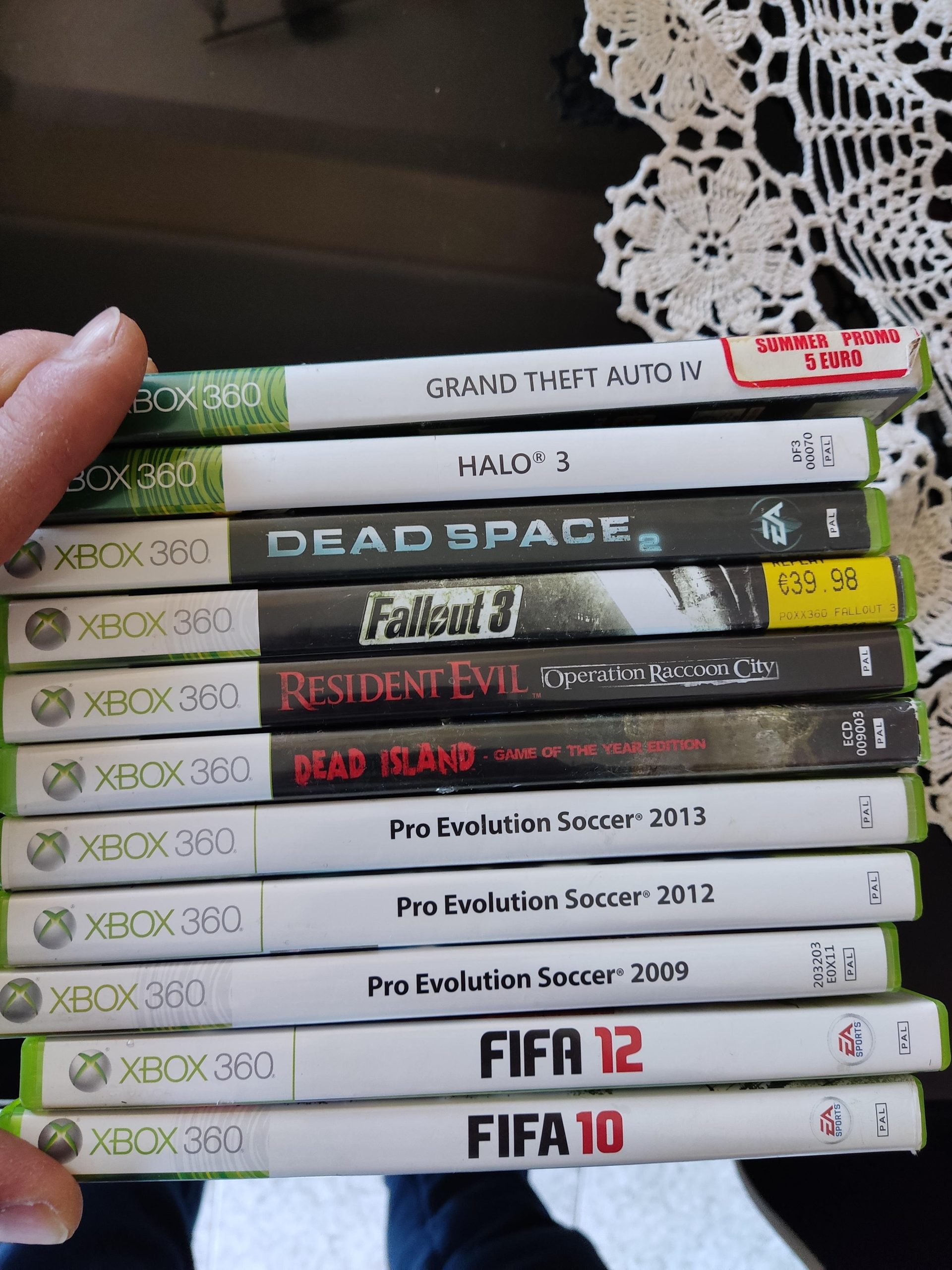
Yes, you can exchange games at GameStop, typically for store credit or another used game, though conditions apply.
Ever stared at a game you’re just not enjoying, wondering if it’s possible to swap it for something else? Well, you’re not alone! Many gamers find themselves in this situation, especially with the constant release of new titles. So the big question on everyone’s mind, can you exchange games at gamestop?
It’s a common query for both new and seasoned players. Thankfully, the answer is usually a yes, though there are some details to keep in mind, like condition of game and trade value etc. We will explore how the exchange process works in this post.

Can You Exchange Games at GameStop? A Deep Dive
So, you’ve got a game you’re just not feeling anymore. Maybe it’s too hard, maybe it’s not as fun as you thought, or maybe you just finished it and need something new. The big question then pops up: can you exchange games at GameStop? The short answer is: sometimes, yes! But it’s not always as simple as walking in and swapping one game for another. Let’s explore all the details of exchanging games at GameStop, from the types of trades they accept to what you should expect when you head to the store.
Understanding GameStop’s Trade-In Policy
GameStop has a specific system for taking back games, and it’s important to understand how it works. They don’t typically do straight “exchanges” where you swap one game directly for another of the same value. Instead, they use a trade-in system. This means that GameStop will buy your used games from you and give you either cash or store credit in return. You then can use that credit or cash to purchase something new, a used game or something else in their store.
Trade-in Value Factors
How much money or credit you get for your old games is based on several things:
- The Game’s Popularity: Games that are hot and in high demand tend to get more value when traded in. Think of the newest big-name releases.
- The Game’s Condition: Scratches on the disc or a damaged case will usually lower how much you get back. You need to make sure that you are trading in your game in best possible condition, so you can get maximum trade in value.
- The Game’s Age: Older games generally don’t get as much value as newer titles. For example, if you are trying to trade in a game that released 5 years ago, you won’t get high amount of credit or cash in exchange.
- Current GameStop Inventory: If GameStop already has many copies of a certain game, they may not offer as much for it. They need to balance their stock, so that they can have good collection of games.
- Current Promotions: GameStop sometimes offers extra credit or cash for certain games or during specific trade-in events. Always be on the lookout for these kind of special events and promotions.
Cash vs. Store Credit
GameStop typically offers two options for trade-ins: cash or store credit. Store credit is what you would use to buy something else in the store. Often, GameStop provides a higher value for your trade-in when you choose store credit instead of cash. For example, instead of $20 cash, you might get $25 in store credit. It’s good idea to check the values for both cash or store credit before you take your decision. It’s all about what works better for you.
What Games Can You Trade In?
Generally, GameStop accepts most video game titles, as long as they are in good condition. They primarily deal with:
- Console Games: For PlayStation, Xbox, and Nintendo consoles.
- Handheld Games: For Nintendo Switch and other handheld devices.
- PC Games: In some locations, GameStop also takes PC games that come in physical boxes with discs. However, many PC games are digital-only now, so this is less common.
Games They Often Won’t Accept
There are certain situations where GameStop won’t accept games for trade-in, such as:
- Heavily Damaged Games: Games that are severely scratched, cracked, or missing parts.
- Games without Original Cases: Games that are just the disc without a case.
- Pirated or Counterfeit Games: Any games that aren’t authentic.
- Games That They Have in Excess: Games that they have too many of at that moment.
The Process of Trading In Games
When you head to GameStop to trade in games, it’s good to know what to expect so that the trade-in process goes as smoothly as possible:
- Gather Your Games: Bring the games, cases, and any manuals you have.
- Check the Condition: Look over your games to ensure they’re in good condition. Clean any dust off, and make sure there aren’t any obvious scratches or damage.
- Go to the Counter: Bring your games to the sales associate at the counter.
- Associate Evaluates Your Games: The GameStop employee will check the condition of your games and look up their trade-in value in their system.
- Get an Offer: They’ll give you the trade-in value in either cash or store credit.
- Make a Decision: You can choose if you want to go ahead with the trade-in. If you accept, they’ll process it, and you’ll get your cash or credit. If you don’t agree with the offer, you have the option to take your games back.
Tips for Maximizing Trade-In Value
Here are some practical suggestions that can help you maximize the value you get when trading in your games at GameStop:
- Keep Games in Good Condition: Be careful with your games from the very beginning. Put the games in their case right after you finish playing, and keep the game away from any scratches. Keep the case away from damages.
- Trade-In Soon After Finishing: Games tend to drop in trade-in value pretty quickly after their initial release. If you know that you are not going to play it again and not going to keep it, then trade the game in as soon as you have completed playing it.
- Watch for Promotions: Keep an eye out for any special trade-in events that GameStop has. This is a great way to get extra value when trading in your games.
- Consider Store Credit: If you plan on purchasing something from GameStop anyways, take the store credit route, as it will often provide you with higher value compared to cash.
- Compare Prices: Sometimes, it’s worth checking other places or online selling platforms to see if you might get a better offer for your games before you decide to go to GameStop.
Alternatives to Trading In at GameStop
If you’re not satisfied with GameStop’s offers, there are other ways to get rid of your old games.
Selling Games Online
You can sell your games on online marketplaces such as eBay, Amazon, or other dedicated sites. These may give you a better price, but might require more effort and time. You also have to handle shipping, and it can take time before you sell the game.
Selling Games Locally
You can also try selling your games locally using websites or community groups such as Facebook Marketplace or Craigslist. This allows you to meet people in your area and sell your games without the need of shipping, but might require additional time to meet with the interested buyers.
Trading With Friends
If your friends play games, maybe you can swap games with them. It’s a fun way to try new games, and it doesn’t cost anything.
Other Retailers
Some other stores offer trade-in options for games, so you might want to check out their offers as well. It is a great idea to check out different shops for trade in values, so you can make informed decision and get maximum value for your old games.
Specific Situations
Returning Opened Games
GameStop’s policy on returns of open games is limited. Typically, if you open a new game, you cannot return it for a full refund, since most places don’t accept open software for a refund. However, you can still trade it in for store credit or cash as long as it is in good condition, as we discussed earlier.
Trading In Digital Games
GameStop, and most retailers, don’t take back digital games. Once you have redeemed the digital code, the game is tied to your account, and can not be traded in. This is because digital games are associated with your online account for console and PC platforms.
Trading Games Without a Receipt
GameStop doesn’t require you to have your original purchase receipt to trade in your used games, which is a great advantage. They only check the condition of the game and its case to give you the correct price or trade in value, but you don’t need to bring your original receipt with you.
In summary, while you can’t exactly “exchange” games at GameStop in the traditional sense, the trade-in system they have provides a way to get value for your old games which you can use to buy something new or get cash. By following the suggestions mentioned above, you can get maximum value for your games, and try some new exciting titles.
When You Trade In Your Most Precious Nintendo Games At Gamestop 😱
Final Thoughts
In short, GameStop’s exchange policies vary based on several factors, such as the game’s condition and if you have the original packaging. Used games generally have more exchange options than new games.
You can exchange games at GameStop, but understand the trade-in value might not always match your original purchase price. So, it’s good to check with them for their current policies.

