
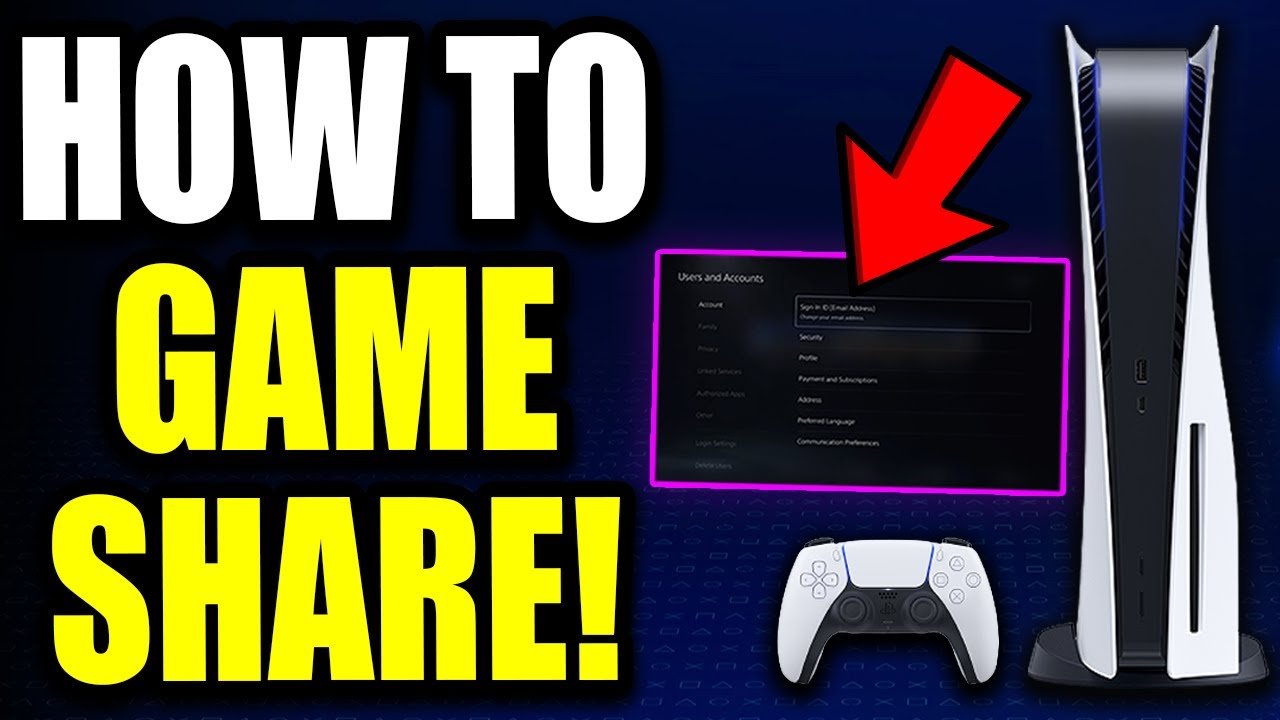
Yes, you can game share Madden 24, depending on your console’s sharing capabilities and settings.
Want to play Madden 24 with friends without buying multiple copies? Many players wonder, can you game share Madden 24? It’s a valid question since sharing games saves money and lets you enjoy titles together.
The good news is, it is usually possible to share your digital games, including Madden 24, across different accounts on the same console or via designated family settings on specific platforms. This process generally involves setting up a primary console or account designation.
However, make sure you check the specific terms of service for your console and your EA account to ensure you understand any limitations and stay within the rules for game sharing.

Can You Game Share Madden 24? Exploring the Possibilities
So, you’re hyped for Madden 24 and want to play with your friends or family? That’s awesome! But maybe you’re wondering if you can share the game instead of everyone buying a copy. The big question is, “Can you game share Madden 24?” The short answer is: yes, you usually can, but it depends on a few things. Let’s dive into the details so you know exactly what to expect.
How Game Sharing Works
Game sharing is like letting a friend borrow your video game, but it’s all done digitally. Instead of handing over a disc, you’re basically giving them access to the digital version you bought. The way this works is different on each platform (like PlayStation or Xbox), so let’s look at those individually.
Game Sharing on PlayStation
PlayStation lets you share your games using a feature called “Console Sharing and Offline Play.” Here’s how it generally works:
- Primary Console: You pick one PlayStation console as your “Primary” console. This is where all your digital games can be played by anyone else who has an account on that console. It’s like having a digital library that everyone in your house can access.
- Your Account: Your PlayStation account needs to be logged in on that Primary console, for others to play your games, even when you’re not playing.
- Secondary Consoles: You can log into your PlayStation account on other consoles, but here you will be the only person who can play your games that you purchased. If you want to play, you have to be signed in on that console.
- Restrictions: It is important to know that you can’t play the same game at the same time with someone sharing on two different consoles. For example, If your friend is playing on his console with your game-share, you won’t be able to play until he or she is done.
- Digital Games only: This game-share method, using primary console only applies to digital games, so physical copies of the games cannot be shared.
Setting up Console Sharing: You go into your console’s settings (usually under “Users and Accounts” and then “Other”) and activate console sharing. Remember that once you have activated one console as a primary console, you cannot use the feature on another PlayStation console unless you turn it off on the primary console.
For Madden 24 specifically: This means if your friend or family member logs into your ‘primary’ PlayStation console on their own account, they should be able to play Madden 24 that you have purchased digitally, without needing their own copy. It’s important to check that the friend or family is on a separate account from yours, otherwise you will be sharing your data rather than just the games.
Game Sharing on Xbox
Xbox has a similar feature, but it’s called “Home Xbox.” It works very much like PlayStation’s system, with a primary console where games can be played by anyone, and other consoles where you need to be logged in.
- Home Xbox: You assign one of your Xbox consoles as your “Home Xbox.” Any digital game you buy from your account can be played by anyone signed in to the “home Xbox” console.
- Your Account: Just like on PlayStation, you need to be signed in for other consoles to play games you own digitally, if it’s not your “home Xbox”.
- Restrictions: Similar to PlayStation, you can only share a digital game when you are not playing it at the same time on a second console.
- Digital Games only: This game-share method using “Home Xbox” applies only to digital games, so physical game copies cannot be shared.
Setting up Home Xbox: You go into your Xbox settings (usually under “Personalization” and then “My Home Xbox”) and activate the “Home Xbox” feature. Once you assign the primary home xbox, you will need to turn off the home Xbox for previous Xbox, if you change it.
For Madden 24 specifically: So, if you set your Xbox as someone else’s home Xbox, they should be able to download and play Madden 24 with their own account. This is an excellent way to let others play your copy of the game without buying another one.
Things to Remember When Game Sharing
Game sharing can be awesome, but it is important to know what you should pay attention to before setting it up. Here’s a few things to keep in mind:
Account Safety and Security
Don’t share your login info with anyone you don’t completely trust. When you are logged into your console, you might have access to your payment details, and it is vital to keep that private and secure.
Internet Connection
You’ll need to be connected to the internet to access digital game licences and download digital games for game sharing, and this is very important for any game sharing features.
Game Availability
Game sharing might not work for every game, since some developers have their own rules about how their games can be used.
Playing Simultaneously
Remember, most of the time, you can’t both play the same game on different consoles at the same time when you are sharing with another account on the second console. The main account will need to either stop playing or be on the primary/home console.
Advantages of Game Sharing Madden 24
Game sharing can bring some awesome benefits, especially if you’re looking to save some money and share with people.
- Save Money: The biggest perk is definitely saving money. Instead of everyone buying their own copy, you can buy one and share with others. This is great for families or close friends that like to game together.
- Try Before You Buy: Game sharing can be a really useful way for others to try a game before they spend their own money on it. if your friends aren’t sure if they will like Madden 24, this will give them the opportunity to play it first, before purchasing it on their own.
- Play Together: Game sharing is also a really great way for friends or family to play together, without the need to spend so much money on gaming. If you want to play together but only one of you has the game, then game sharing lets everyone join the fun.
- Simple and Easy: Game sharing is easy to set up on both Xbox and PlayStation. It doesn’t take long, and will often help save money and allow more people to join in the fun.
Potential Drawbacks to Consider
While game sharing has many great advantages, you need to know about the potential issues that could come up, before starting to use the feature.
- Primary/Home Switch Limit: If you keep switching your primary/home consoles, there could be restrictions on how many times you change it, with Xbox sometimes having a limit. This could make the game sharing more complicated.
- Game Access Limitation: Keep in mind you can only play your games at the same time on the primary or the home console, meaning if someone else is playing a shared game, you will not be able to play it on another console at the same time.
- Account Privacy: Sharing access to your digital game library means someone else might see other games you own. This isn’t a privacy problem, since your personal data will always remain secure, but some people might not want other people to see what games they own.
- Dependence on the Original Account: If your friend’s or family member’s console is not the primary console, or the home xbox console, they would be unable to play the shared digital games if you are offline, or if you change your password, since they are dependent on you account to have the licences.
Madden 24 and Game Sharing Specifics
Now, let’s talk specifically about Madden 24. The good news is that Madden 24 works with the game sharing features on both PlayStation and Xbox. However, it’s important to know that this will only work if you are sharing the digital copy of the game, and not a physical disc copy.
- Digital Download: The most important thing is that you have to have bought a digital copy of Madden 24, since game sharing does not work for physical disc copies of games.
- Console Settings: Check the primary/home xbox console is set properly, to be able to allow the users to play the game with their own account.
- Account Permissions: Be sure that the user is using a separate account from your own, to be able to play with game sharing feature, and also keep your own account secure.
Real-World Examples of Game Sharing Madden 24
Here are some real examples to make it clear how game sharing Madden 24 might look in your life.
- Family Fun: Imagine you buy Madden 24 digitally on your PlayStation. You set your console in the living room as your Primary console. Your kids can now play the game on their own accounts without you having to buy another copy.
- Roommate Gaming: If you have a roommate with an Xbox, they can use Madden 24 you bought by making their console your Home Xbox. Now you can both play the game without paying twice.
- Friends Play: You’re having a get-together with some buddies, and they want to try Madden 24. If they all have consoles, one of them can set it as the home console and your game will then be available to everyone on that console. This means you could have more friends playing the game, without the need to purchase more copies.
Checking if Game Sharing is Enabled
It is useful to be able to know how to check if the game sharing feature is turned on, on your console, and how to fix it if there is an issue.
- PlayStation: Go to Settings > Users and Accounts > Other > Console Sharing and Offline Play. There, you can see if it is enabled and change the settings.
- Xbox: Go to Settings > Personalization > My Home Xbox. You will see if your current console is set to be your Home Xbox, and you can also change it from there.
Troubleshooting Common Game Sharing Issues
Sometimes things don’t go exactly as planned. Here are some common issues that can happen with game sharing, and how to fix them.
- Game Locked: If the game has a lock symbol on it, make sure you set up the correct console as the primary/home console, and ensure you have internet access. If that doesn’t work, you may have to log into the account that owns the game.
- Not Downloading: If the game is not downloading, check your internet connection. If this is ok, then try logging out and logging back in, or restarting your console.
- Account Issues: Make sure you are using a different account to share the game with, rather than your own, so that you don’t have a data conflict.
- Console Restrictions: If your console has restrictions on it, it may be stopping your game-share feature from working. Check your console setting or consult the owner of the console, to change or alter these restrictions.
Game sharing Madden 24 is definitely something you can do, and it will save you money, and allow more people to get in the game. By understanding how it works on each platform (PlayStation and Xbox), and being aware of the restrictions, you can get the most out of your game. Be sure to keep your account safe, and ensure you have internet access to help set the game sharing feature up. Hopefully, you now have a more clearer understanding of how you can share the joy of Madden 24, without the need to buy more than one copy.
Madden 24: How to Add Cross-Platform Friends Tutorial! (PS5 & Xbox Series X/S)
Final Thoughts
Yes, you can game share Madden 24 on compatible consoles. Sharing allows another player on a different console to access and play your digital copy. It is a simple method to share your game without needing multiple purchases.
However, you must consider the specific platform’s sharing rules. The process may involve primary and secondary console designations. Remember these restrictions before starting game sharing, to ensure seamless gameplay for both players.
Ultimately, can you game share Madden 24? The answer is a definite yes, if done correctly. Remember that platform-specific limitations apply, so familiarize yourself with these settings before you start sharing.

