
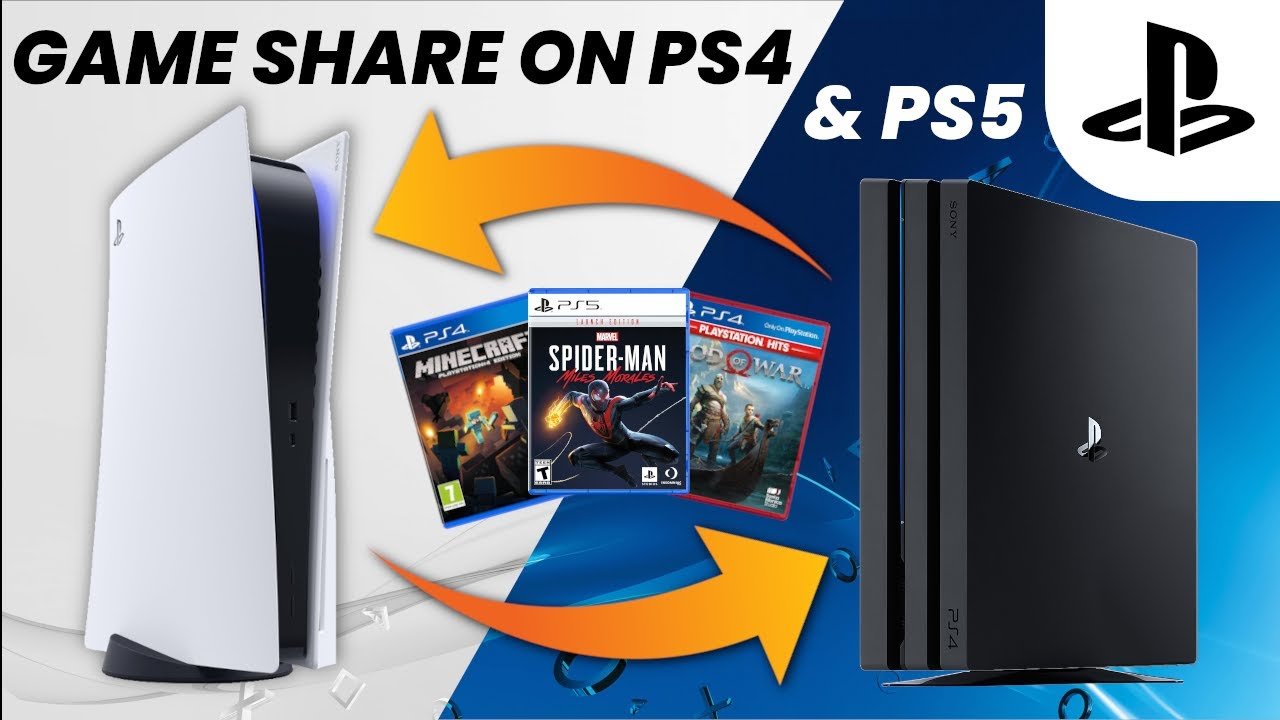
Yes, you can game share MW3 on PlayStation and Xbox consoles using their respective console’s sharing features.
So, you’re itching to dive into Modern Warfare 3 but want to share the cost, or play it with a buddy? The big question on everyone’s mind is: can you game share MW3? This is a common question, given that many console gamers want to play together without double-dipping on game purchases.
Luckily, console platforms have features that allow you to share games with family or friends, making it easier for everyone to get in on the action. It means you can enjoy MW3 without buying multiple copies.

Can You Game Share MW3? Diving Deep into the Possibilities
So, you and your friend both want to play Modern Warfare 3 (MW3), but maybe you don’t want to buy it twice? That’s where game sharing comes in! It’s like sharing your toys, but in the digital world. Let’s take a close look at if and how you can game share MW3.
Understanding Game Sharing: The Basics
Game sharing, at its core, is about letting someone else use a digital copy of a game you own. Instead of physically swapping discs, you’re giving another person access to your downloaded game. This can save money and make it easier to play with friends and family. But it’s not always straightforward. Different platforms (like PlayStation, Xbox, and PC) have their own rules and ways of doing things.
How Game Sharing Typically Works
Normally, game sharing happens through the account system of your gaming console or platform. You might need to designate a “home” console or set up a family sharing system. This tells the platform, “Hey, this person can use my games too!”
- Console Specifics: On consoles, the sharing feature is commonly called “home console” or “game sharing”. You often have a primary account and a secondary account involved.
- Digital Purchases: Game sharing usually only works with digital games that you buy and download from the platform’s store, not physical game discs.
- Account Logins: To share a game, the person who doesn’t own the game usually needs to sign in with the account that does, at least initially.
Can You Game Share MW3 on PlayStation?
The PlayStation family of consoles (PS4 and PS5) allows game sharing through a feature called “Console Sharing and Offline Play.” This feature is intended to allow multiple users on one home console to play the games owned by the main account on the console. This means, with a bit of setup, you can share your MW3 copy.
Setting up Console Sharing on PlayStation
Here’s how it generally works on PlayStation:
- Primary Console: The account that owns MW3 needs to set the other person’s console as their “primary console.”
- Activate: To do this, on the other person’s console, the account owner needs to log into PlayStation Network (PSN). Then, the account owner goes to Settings -> Account Management -> Activate as Your Primary PS4 (or PS5) -> Activate.
- Game Access: Now, the other person on that “primary” console can access and play MW3 with their account, even when the account owner is not logged in.
- Online Play: Both players need their own PlayStation Network account to play online, but only one player needs to own the actual game itself, this helps you to save money on buying one more copy of the game.
Things to Keep in Mind with PlayStation Game Sharing
- Only one primary: An account can only have one primary PS4 or PS5 at a time.
- Swapping Primary Consoles: If you want to switch to a different primary console you need to deactivate the primary settings on the previous console.
- Limitations: Game sharing will work only with digitally purchased games, not with physical disks.
Can You Game Share MW3 on Xbox?
Xbox consoles (Xbox One and Xbox Series X/S) also support game sharing, using a feature called “Home Xbox.” The process is similar to PlayStation’s console sharing system, but with its own set of rules.
Setting up Home Xbox
Here’s how game sharing on Xbox typically functions:
- Designate Home Xbox: The account that owns MW3 needs to set the other person’s Xbox as their “Home Xbox.”
- Sign In: This means the account owner must log in on the other person’s console. Go to Settings -> General -> Personalization -> My Home Xbox and select “Make this my home Xbox”.
- Access Granted: After setting the other console as “Home Xbox,” anyone using that console can play MW3 and other games owned by the account.
- Online Play Requirement: Just like on PlayStation, each player needs their own Xbox Live account, but only one person needs to buy MW3 itself.
Important Considerations for Xbox Game Sharing
- Limited Home Xbox Changes: There are restrictions on how many times you can change your “Home Xbox” within a specific timeframe.
- Digital Only: Game sharing works with digitally downloaded games, not physical disks.
- Account Security: You need to trust the person you are sharing your games with, as they will need access to your account on their console to set up game sharing.
Game Sharing on PC? It’s a Bit Different
Game sharing on PC isn’t as direct as it is on consoles. The major digital game stores like Steam, Battle.net, and Epic Games Store each handle game sharing differently. They often have ‘family sharing’ options, but they come with limitations, making sharing a bit of a challenge.
Steam Family Sharing
Steam, a very popular platform, has its own Family Sharing feature. Here’s how it works:
- Authorization: You have to authorize specific computers to access your game library.
- Simultaneous Play Issues: Only one person can play a specific game at a time. If the game owner starts playing, the other person gets kicked out. So you both cannot play at same time.
- Game Restrictions: Not all games are eligible for family sharing, it depends on the game developer if they enable this feature or not.
Battle.net and Other PC Game Stores
Platforms like Battle.net (where MW3 may be purchased) and Epic Games Store don’t have the same kind of comprehensive family-sharing systems as consoles do.
- Limited Sharing: Usually, you can’t share a game directly in the way that console sharing allows. You can’t provide someone access to your games that you purchased on your account.
- Workarounds: There might be some workarounds, but they’re often against the platform’s terms of service. It is advisable to not use any workarounds to avoid account ban.
- Individual Purchases: This often means that each person who wants to play MW3 on PC needs to buy their copy.
Why Game Sharing Is Great (When It Works)
When done correctly, game sharing can be very useful. It offers multiple benefits:
- Saves Money: You and a friend can split the cost of one game instead of buying two.
- Easy to Play Together: It makes playing with people in your household much easier without needing multiple copies.
- Convenient Access: If you have multiple consoles in your home, you can access your digital library from different devices.
Potential Problems and Things to Consider
Game sharing is not always smooth sailing. There are some pitfalls that players need to be aware of:
Limitations on Simultaneous Play
- Conflicting Sessions: On most platforms, if the account owner starts playing a game that is being shared, the other player is going to be kicked out.
- No Simultaneous Play on Shared Accounts: In other words both players cannot play the game at the same time using the same account.
Account Security Risks
- Sharing Credentials: To setup sharing, you might need to share your login information with someone else. This introduces a security risk.
- Trust Issues: You need to trust the person you are sharing with, as they will have some access to your account.
Platform Limitations
- Digital-Only: Game sharing almost always only works with games you bought and downloaded, not physical disc-based games.
- Restrictions on Changes: Consoles may have limitations on how often you can switch your “home” console or “primary console”.
- Varying Policies: Game sharing policies can differ depending on the platform and can also change with updates.
Specific Considerations for MW3 Game Sharing
Now that we’ve covered general game sharing concepts, let’s talk more specifically about Modern Warfare 3:
- Online Requirement: MW3 is an online multiplayer focused game. Each player on any platform requires their own online subscription, like PlayStation Plus or Xbox Live Gold, to play online.
- Game Version Matters: If you buy a special version of MW3 that comes with extra in-game content, this content is usually tied to the account that purchased it, and not always available to people you are sharing with.
- Crossplay is good: The game features crossplay, which means gamers on different consoles and PCs can play together. But game sharing is limited to the same platform (like PS5 with PS5) not across different platforms (like PS5 with Xbox).
Ethical Game Sharing
It’s important to remember that game sharing is not meant for people outside your immediate household. Usually, the game sharing features of consoles are primarily for families who live at the same place. If you’re giving access to a friend who lives far away, it might be against the terms of service.
Before you decide to game share, check your console’s specific terms and conditions. It’s also crucial that you and the person you’re sharing with understand the rules. This way you can stay out of trouble. If everyone is on the same page with the rules, it will be much more beneficial for everyone.
In short, while you generally can game share MW3, the exact method and limitations depend heavily on which platform you’re using. Consoles have pretty straightforward methods, while PC game sharing is more tricky. Always be aware of the rules and security implications, and enjoy your gaming with friends responsibly!
MW3 PS4/PS5: How to Gameshare Full Tutorial! How to Play Multiplayer, Campaign, & Zombies Free!
Final Thoughts
In short, the ability to game share MW3 depends entirely on your platform’s policies. Console users might face restrictions that limit sharing compared to PC platforms, which have more flexibility. Always check official sources for specific details for your system.
So, can you game share mw3? the answer varies. Carefully reviewing the fine print is key to understanding sharing options and any restrictions involved. This ensures you enjoy the game as intended.

