
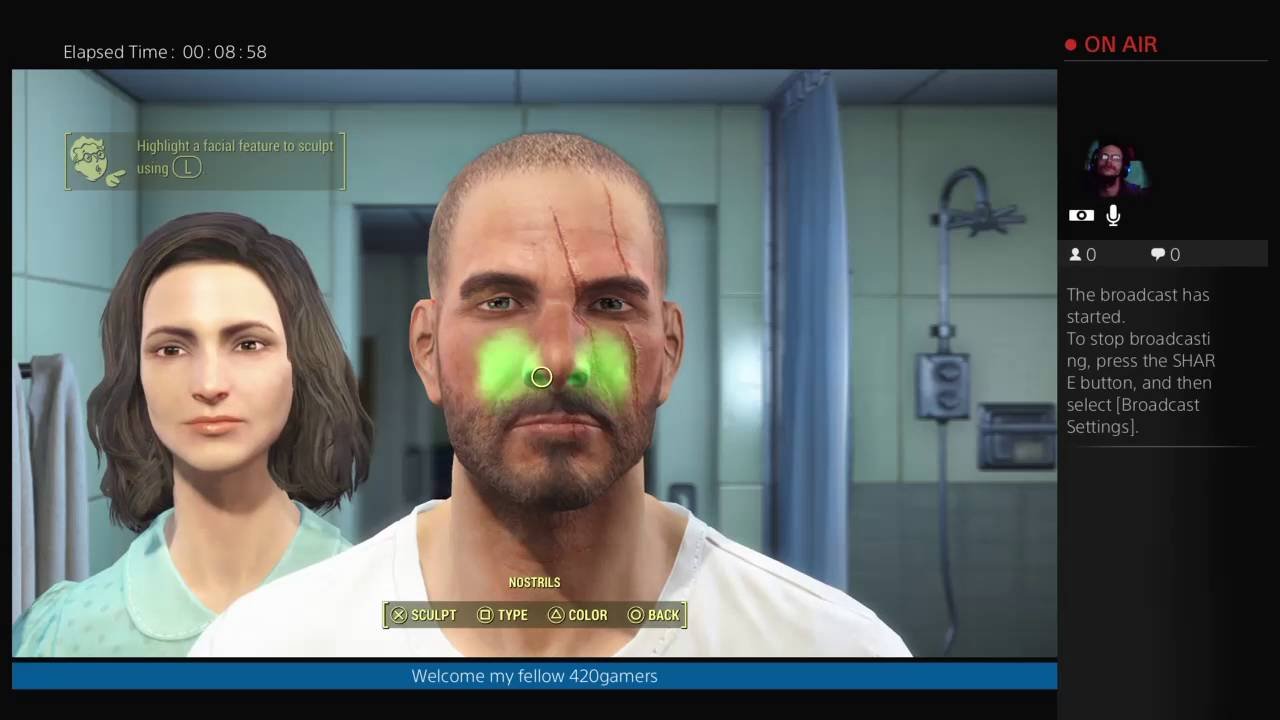
Yes, you can have multiple games in Fallout 4 by creating separate save files and character profiles.
Ever wondered if you could juggle multiple Wasteland wanderers? The question, “can you have multiple games in Fallout 4,” is quite common among players. It’s understandable, given the huge scope and replayability of the game. You might want to explore different character builds or make contrasting choices.
Thankfully, Fallout 4 allows you to experience the game in multiple ways. Each time you start a new game, the game creates a separate save file. You can easily load a different character and continue their story. This means you can have many parallel adventures happening simultaneously.

Can You Have Multiple Games in Fallout 4?
Okay, so you’re hooked on Fallout 4, right? You’ve probably explored the Commonwealth, built settlements, and maybe even sided with one of the factions. But what if you want to start over, try a different build, or make completely different choices without losing all your progress? That’s where the question of multiple games in Fallout 4 comes in. Let’s dive deep into how you can manage more than one Fallout 4 adventure.
Understanding Fallout 4’s Save System
First things first, let’s talk about how Fallout 4 keeps track of your games. The game uses a save system. Think of each save like a bookmark in a book. It remembers exactly where you were, what you did, and all the changes you made in the game world. Fallout 4 lets you have several of these “bookmarks” – meaning you can have multiple playthroughs happening at the same time. The game supports different types of saves: quick saves, auto saves, and manual saves.
Quick Saves
Quick saves are super handy. They’re like a temporary bookmark. You can make one really fast, usually with a single button press on your controller or keyboard. They’re great for when you’re trying something risky or just want to save your progress quickly without interrupting the flow of the game. However, quick saves are temporary. Usually, the game will overwrite your previous quick save when you make a new one. So you shouldn’t rely only on quicksaves for multiple playthroughs.
Auto Saves
Auto saves happen automatically. The game creates these saves at specific points, like when you enter a new area or finish a big quest. These are good to have as a backup, but they can sometimes overwrite each other so don’t rely on just autosaves. The frequency of auto saves might vary depending on your game settings.
Manual Saves
Manual saves are the best way to manage multiple Fallout 4 games. When you manually save, you get to choose a name for the save and create a new one each time. This means you can keep each of your playthroughs in their own separate save file. So, let’s say you want one game where you’re a noble hero and another where you’re a sneaky villain – you can use manual saves to keep them separate.
Starting New Games and Managing Save Files
Now that you know about the save types, let’s get down to the nuts and bolts of having multiple games. The great thing is, starting a new game in Fallout 4 doesn’t erase any of your other saves. When you start a fresh adventure, Fallout 4 creates a whole new save file for it, so you don’t need to worry about accidentally overwriting another game. Let me guide you through how to do it.
How to Start a New Game
Starting a new Fallout 4 game is straightforward. From the main menu, you simply select “New.” The game will then begin the intro sequence where you make your character. After that, you will officially be on your second game. Remember that each time you start a new game, it gets a new set of save files. So, it will never interfere with previous games.
Managing Multiple Save Files
The key to keeping things organized when you’ve got several playthroughs going is managing your save files. You can access these when you load a game. When you want to load a game, don’t just press the “Continue” option. This option will continue with your last save file and not the save files you want to choose. When you choose the “Load” option, it brings up a list of all of your save files. Here, you can see the names you gave each save. When using manual saves, make sure to create distinctive names for each save so you know which save belongs to each of your characters.
Here are a few pointers on naming your saves effectively:
- Character Name: Use your character’s name to keep saves tied to a particular character. For example, “Sole Survivor Hero” or “Sole Survivor Villain.”
- Build Type: Mention the kind of character you are playing. Something like “Stealth Sniper,” “Power Armor Tank,” or “Charismatic Leader.”
- Playthrough Goal: If you have a specific objective for a playthrough, include it. For example, “Institute Playthrough” or “Minutemen Ending.”
- Date: Include the date, especially if you make a lot of saves for the same character. For example “Hero Save 02/02/2024.”
Platform-Specific Considerations for Multiple Games
The way you handle multiple saves is mostly the same no matter what platform you’re playing on. However, there are a few small differences to keep in mind.
PC
On PC, Fallout 4 saves are stored as files on your computer. The default save location can be found in a folder on your documents directory. This makes it easier to find your save files if you need to move them or make backups. Because the saves are on the system, you also have the flexibility to make a backup, copy and store them somewhere safe, or even share them with other people. This is helpful if you need to backup your data or move to a new computer.
Consoles (PlayStation and Xbox)
On consoles like the PlayStation and Xbox, the save files are stored on the system’s internal storage or cloud storage if you have Playstation Plus or Xbox Game Pass. The save management system on consoles works much like the one on PC – you have access to all your manual save files.
You can often download your saves from the cloud to play on a different console. However, you don’t have direct access to the raw save files like you do on PC. The saving and loading process remains consistent with manual and auto saves, so there is nothing that changes in that regard.
Strategies for Enjoying Multiple Playthroughs
So, you now know how to start more than one Fallout 4 game. You’re not just stuck in the same story. This opens up a lot of fun options. Here are some ideas on how to make the most of it:
Experimenting with Different Builds
Fallout 4 offers a very versatile character creation system, and you can tailor your character to play very differently. You can have one character focused on being a charismatic leader who can talk their way out of most situations, and another who is a pure combat machine, using heavy weapons to devastate the enemies. Here are some build types you can try out:
- The Charismatic Leader: Maximize your Charisma and speech skills, focusing on diplomacy and persuasion.
- The Stealth Sniper: Use stealth and long-range weapons, moving unseen through the shadows.
- The Power Armor Tank: Focus on strength, endurance, and high damage weapons, using power armor to tank through all damage.
- The Science Specialist: Build up your Intelligence, use science skills to make weapon upgrades, and use the environment to deal damage.
- The Melee Master: Focus on using melee weapons, combining strength and speed to strike enemies down.
Exploring Different Faction Choices
Fallout 4 has multiple factions you can side with, each with its own distinct storyline. Each faction offers unique quests, dialogue options, rewards, and moral questions. This makes it fun to see the game through their eyes. You can create different characters that align with each faction and experience the story from their point of view. Here’s a quick rundown of factions:
- The Minutemen: Focus on helping settlers and building up the Commonwealth. Their gameplay emphasizes rebuilding the world.
- The Railroad: Focused on the freedom of synths, which are androids. Their gameplay emphasizes stealth and saving oppressed synths.
- The Brotherhood of Steel: A technologically advanced group focused on eradicating threats from the world. Their gameplay emphasizes combat and high-tech gear.
- The Institute: A secretive group of scientists working on cutting-edge technology. Their gameplay emphasizes the use of synths and scientific endeavors.
Trying Different Playstyles
You don’t need to stick to just one way of playing. Maybe your first playthrough was all about building settlements. Your second playthrough could be about exploration. Or maybe the first time you focused on all the main questlines. The second playthrough can focus on side quests instead. Each time, you can have a new goal for your game.
Here are some ideas on playstyles you can try:
- Settlement Building: Dedicate your game to creating elaborate and functional settlements.
- Exploration Focus: Aim to explore every nook and cranny of the game map, finding hidden locations and loot.
- No Fast Travel Challenge: Try playing through the game without using fast travel, experiencing the world on foot.
- Roleplaying: Create a detailed backstory for your character and make in-game choices based on that character’s motivations.
- Minimalist Challenge: See how far you can get with the most basic weapons and armor.
The Use of Mods
Mods are changes to the game created by players that you can add to enhance your experience. If you are playing on PC, the modding community has made countless changes you can use to create a completely new experience. For example, there are many weapon mods that add new guns, making the game feel more diverse. There are also mods that change the graphics and gameplay systems, making the game feel like a new title entirely. If you wish to have a unique experience for each new playthrough, mods are a great way to go.
Common Questions About Multiple Games
You may have a few more questions about handling multiple games. Let’s tackle a couple common ones. Remember, this section is not a complete FAQ. Those can be found elsewhere in the article.
Will Multiple Games Affect Performance?
Having multiple save files does not affect your performance in the game, or your system. The size of the saves is not large enough to impact performance negatively. Each save file is stored separately, so they don’t interfere with one another. The only time you may notice performance issues is during the loading process, and this is common among all types of games with large maps.
Can I Share Save Files Between Different Platforms?
Generally, you cannot directly share save files between different platforms (e.g., PC to PlayStation or Xbox, and vice-versa). However, there are sometimes ways to move a save file from one PC to another. It’s not an official game feature, so you might need to search online to see the latest methods.
Can I Delete Save Files?
Yes, you can delete save files you no longer need. The method is different based on whether you are on a console or PC. On consoles, you select a save file and click on delete. On PC, you need to go to the save file location and manually delete the save files in the file explorer.
So, can you have multiple games in Fallout 4? Absolutely! With a good understanding of the save system, you can have countless adventures in the Commonwealth. Each one can be a unique story with different choices and characters. The key is to use those manual saves effectively. Enjoy all the different experiences Fallout 4 has to offer!
How to create multiple save files on fallout 4 and skyrim
Final Thoughts
Yes, you can have multiple games in Fallout 4. The game lets you maintain several separate save files, allowing distinct playthroughs with different characters. Each save represents a unique game.
This means you can experience various storylines, build different settlements, and make alternate choices in each game. Your progress in one save does not affect any of the other saves. It’s easy to switch between different games, and you can have as many games as storage permits.
Therefore, the answer to ‘can you have multiple games in fallout 4’ is a definite yes.

