
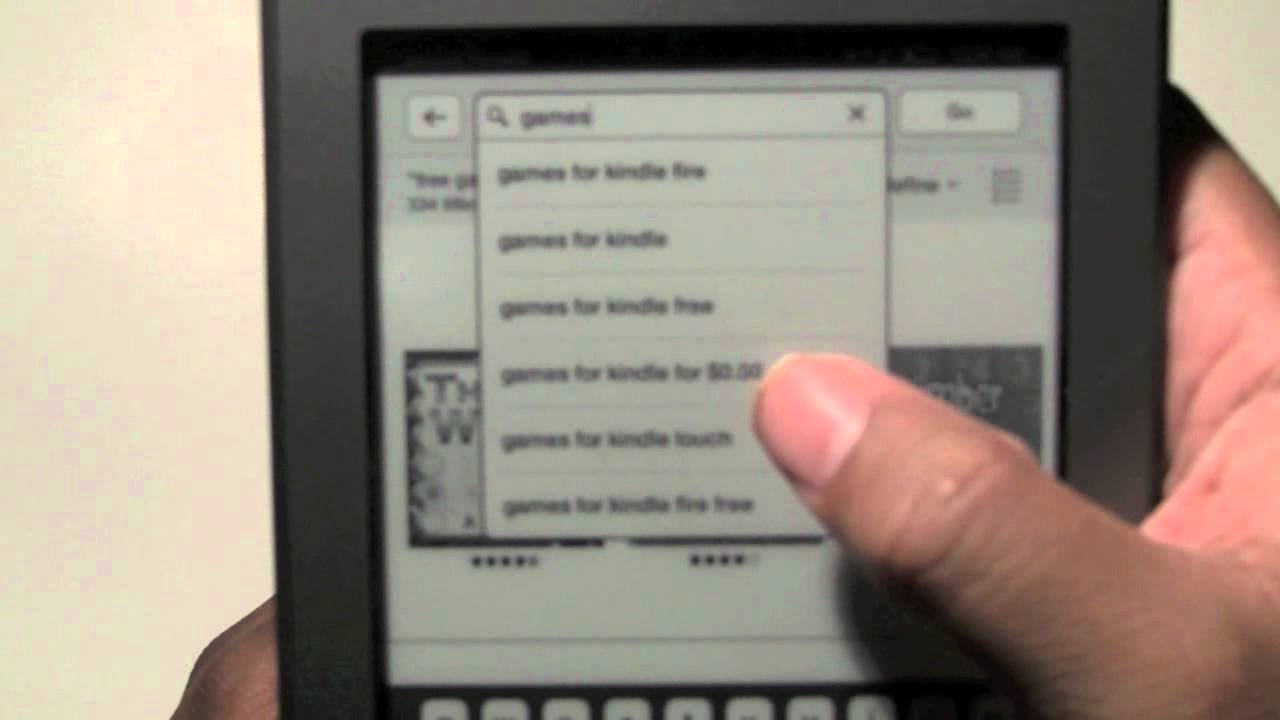
Yes, you can play games on Kindle, although the selection is limited compared to dedicated gaming devices.
Ever wondered if you could squeeze in a quick game on your Kindle? Well, the answer might surprise you. Many people ask, “can you play games on Kindle?”, and it’s a valid question. These devices are primarily known for reading, but they also offer some gaming options.
While you won’t find the latest AAA titles, there are various simple games and puzzles available for download through the Amazon App Store. So, if you fancy a bit of casual gaming on your e-reader, you certainly have some choices.

Can You Play Games on Kindle? Exploring Gaming on Your E-Reader
So, you’ve got a Kindle, that super cool device for reading books. But you’re wondering, can it do more? Can you actually play games on your Kindle? The simple answer is, yes! But it’s not quite like playing on a dedicated gaming console or a smartphone. Let’s dig in and explore the world of Kindle gaming.
Understanding Kindle Devices and Their Capabilities
Before we jump into the games themselves, it’s important to know what kind of Kindle we’re talking about. Not all Kindles are created equal. There are two main types of Kindles: e-readers and Fire tablets. Knowing the difference is key to understanding what kind of gaming experience you can expect.
Kindle E-Readers: Focus on Reading
The classic Kindle e-readers, like the basic Kindle, Kindle Paperwhite, and Kindle Oasis, are designed primarily for reading. They use e-ink screens which are super easy on the eyes and great for long reading sessions. These screens aren’t made for fast-paced action or bright, colorful graphics. Because of this, the gaming options are limited on these devices. Typically, you’ll find simple, text-based games or basic puzzles. Think classic board games or word puzzles.
- E-ink screen: Great for reading, not ideal for fast-moving games.
- Limited Processing Power: Not designed for complex game calculations.
- Black and White or Grayscale Displays: No vibrant colors.
- Focus: Primarily for reading e-books.
Kindle Fire Tablets: More Versatile
Kindle Fire tablets, such as the Fire HD 8, Fire HD 10, and Fire Kids Edition tablets, are more like a traditional tablet. They have color LCD screens and more powerful processors, which means they can handle a wider variety of apps, including games. These are much closer to playing games on a regular Android tablet. These tablets run a modified version of Android called Fire OS, giving you access to the Amazon Appstore and all the games that can be found there.
- Color LCD Screen: Allows for colorful and detailed graphics.
- Better Processing Power: Can handle more demanding games.
- Amazon Appstore: Access to many game apps.
- More versatile: Can be used for browsing, watching videos, and playing games.
What Types of Games Can You Play on a Kindle?
Now that you know the difference between Kindle e-readers and Fire tablets, let’s talk about the games. The type of games you can play depends entirely on the Kindle you have.
Games on Kindle E-Readers
As we said earlier, Kindles with e-ink screens have limited gaming options. The main reason is the screen technology. E-ink is slow and best suited for displaying text and static images. Fast-paced games will look blurry and not very fun. Here are the typical games you’ll find on an e-reader Kindle:
- Simple Puzzles: These include games like Sudoku, word searches, and crosswords. These games work well because they don’t require fast screen changes.
- Text-Based Games: Some developers have made choose-your-own-adventure style games where you read passages and make choices that affect the story.
- Classic Board Games: Simple versions of games like chess, checkers, and backgammon might also be available.
These games are generally pretty basic and don’t have lots of fancy graphics. But they can be a fun way to take a break from reading.
Games on Kindle Fire Tablets
Kindle Fire tablets are where the real game action is. Since they have color screens and decent processing power, you can play many games that you would find on a regular tablet. Here’s a breakdown of some popular game types available:
- Casual Games: These are games that are easy to learn and play, and usually don’t require a lot of time or focus. Examples include Candy Crush Saga, Angry Birds, and simple puzzle games.
- Strategy Games: These games involve planning and critical thinking. You might find turn-based strategy games, tower defense games, or simulation games.
- Action Games: Though not as sophisticated as console games, you can find some basic action games. These include platformers, shooters, or racing games.
- RPG (Role Playing Games): You can find some light RPGs where you explore, interact with characters, and fight monsters.
- Educational Games: There are many games designed to help with learning, such as math, reading, or science games for kids.
- Board and Card Games: Digital versions of games like Monopoly, Clue, and card games like poker and solitaire are common.
Many of these games are available through the Amazon Appstore. This is where you’ll want to browse and download new games.
How to Find and Download Games on Your Kindle
So, now that you’re eager to start playing, let’s talk about getting games onto your Kindle.
Finding Games on Kindle E-Readers
If you have a basic e-reader, the way you find games is a little different from tablets. Some games may be pre-installed, or they may be available through the Kindle Store on the device. Here’s what to do:
- Check Pre-Installed Games: See if your Kindle already has some basic games like a simple version of chess, or solitaire.
- Browse the Kindle Store: Look for games in the Kindle store. The game selection is limited on e-ink Kindles.
- Look for Text-Based Games: Search for ‘interactive fiction’ or text-based games. These tend to be the most common games on e-readers.
Finding Games on Kindle Fire Tablets
On a Kindle Fire tablet, finding games is much easier, because they run on Fire OS, which is based on Android. The main way to find games is through the Amazon Appstore.
- Open the Amazon Appstore: Look for the app store icon on your Kindle Fire tablet. It usually looks like a shopping bag or a cart.
- Search for Games: Use the search bar to find specific games or browse through the different game categories.
- Install Games: Once you find a game you like, tap the “Get” or “Install” button. The game will download and install onto your device.
Remember, you need an Amazon account to access the Amazon Appstore.
Game Controls on Kindle
How you control a game depends on the type of game you’re playing and on the Kindle device itself:
- E-reader Controls: On e-readers, you’ll mostly use the touch screen for simple taps and selections, as well as page turning buttons in some instances.
- Tablet Controls: On Fire tablets, you’ll use touch screen controls, which include swiping, tapping, and sometimes virtual buttons on the screen. Some games support external controllers via Bluetooth.
Game Performance and Expectations on Kindle
It’s good to have reasonable expectations when gaming on a Kindle. The performance isn’t going to be the same as on a dedicated gaming device or a high-end smartphone.
Performance on E-readers
Remember that e-readers are primarily designed for reading. Therefore, the focus isn’t on performance. The processing speed on an e-reader is very minimal, which means only simple games work efficiently. Don’t expect high frame rates or complex graphics, because e-readers aren’t designed for these demands.
The games are not always super smooth, and you may see delays or flickering in the e-ink display during game play.
Performance on Fire Tablets
Kindle Fire tablets have more power than e-readers, so they can handle more complex games. You’ll get smooth gameplay for simple games, but some very complex 3D games might experience some lagging or loading times. If you compare the graphics of an action or a racing game on a Fire Tablet to the graphics on a high-end Android Tablet or a phone, they are likely to be not as detailed and smooth.
The overall gaming experience on a Kindle Fire will be better than on an e-reader. But it’s not the best option for gaming compared to other tablets or consoles.
Are Kindle Games Free?
It’s a great question to ask, and the answer is… it depends!
Many games in the Amazon Appstore are free to download and play. However, these may have in-app purchases. You might see ads, or you might be prompted to buy virtual items, like game coins, power-ups, or even new levels or areas.
Some games are paid. You have to buy them before you can play them. These generally don’t have ads or in-app purchases, and that’s what makes them a preference for many gamers.
In short, you’ll find a mix of free and paid games on the Amazon Appstore. Pay attention to game descriptions before installing, in order to know which model they use.
Parental Controls and Gaming
If you have kids who are using the Kindle, you’ll definitely want to know about parental controls. Both e-readers and Fire tablets have ways to manage what your kids can do, including playing games.
Parental Controls on Kindle E-readers
On a basic e-reader, parental controls are pretty limited. You can restrict access to the web browser and the store, but there are no options to control what your kids play in terms of the simple games.
Parental Controls on Kindle Fire Tablets
Kindle Fire tablets offer more complete parental controls. You can restrict access to the Amazon Appstore, control app usage, set time limits, filter content, and restrict in-app purchases. This lets you control what your kids can download and for how long they can play. To set them up:
- Access Settings: Open the Settings app on your Fire tablet.
- Go to Parental Controls: Look for the “Parental Controls” section.
- Configure Settings: Set up a password and adjust the controls based on your preferences.
With these controls, you can make sure your kids have a safe and appropriate gaming experience.
Tips for a Better Gaming Experience on Kindle
Here are some tips to make your gaming experience better on your Kindle, regardless of which model you have:
- Keep Your Device Updated: Make sure that your Kindle’s software is updated. This will often give performance benefits, which will improve the gaming experience.
- Close Unnecessary Apps: On a Fire tablet, closing apps that you’re not using can help speed up your games.
- Adjust Screen Brightness: If you’re on a Fire Tablet, you can adjust your screen brightness to be more comfortable for extended gameplay.
- Be Aware of Battery Life: If you are gaming for long time periods, you might want to keep your device plugged in or have a power bank with you.
- Manage Storage: Delete games you are no longer playing to free up space for new games.
The Future of Gaming on Kindle
While Kindle e-readers will always primarily be about reading, Fire tablets are becoming increasingly capable. As technology improves, it’s likely that we’ll see even better games and game experiences on Fire tablets. Perhaps in the future, e-ink technology will be able to display games with smoother graphics and less lag. Maybe we’ll see even better integration with external gaming controllers.
For now, if you’re a casual gamer and have a Kindle Fire tablet, you have access to a wide array of enjoyable options. Just make sure you understand the device you are using. And if you own an e-reader, you can still enjoy some basic and fun games, too.
So, can you play games on Kindle? Absolutely! The gaming experience varies depending on whether you have a Kindle e-reader or a Fire tablet. While the e-readers offer a limited selection of simple games, the Fire tablets can handle a variety of casual, action, and strategy games through the Amazon Appstore. It’s important to keep your expectations realistic, as the Kindle is not primarily designed as a gaming device, but it can still provide many hours of fun and enjoyment. Just make sure to choose games that fit your device’s capabilities and remember to have fun!
Play all games on kindle tablet with google play #shorts
Final Thoughts
Yes, you can play games on kindle. The available games are simple, typically puzzles or basic word games. These are not graphically demanding titles.
You won’t find intense action games. Kindle devices focus primarily on reading books. The gaming experience is different from dedicated game consoles.
Therefore, while ‘can you play games on kindle’ the answer is yes, keep expectations realistic. It is a casual gaming option.

