
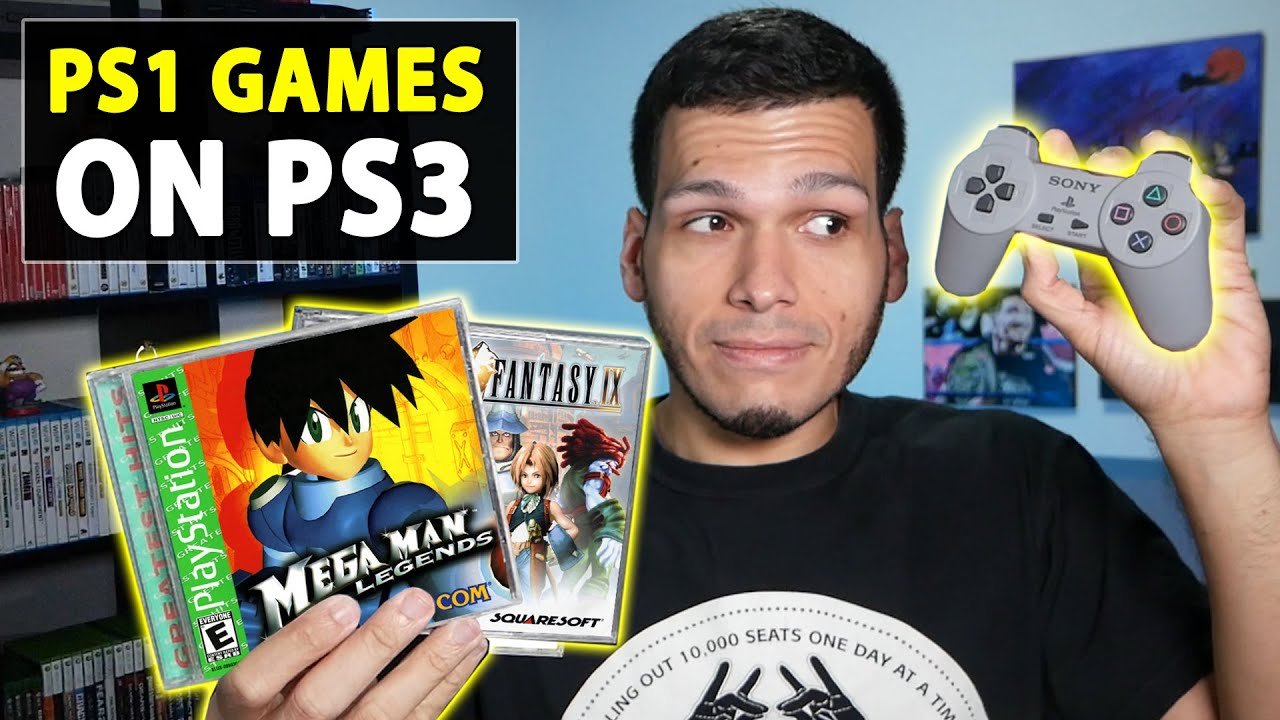
Yes, you can play most PlayStation 1 games on any PlayStation 3 console.
Ever wondered if you could revisit your classic PS1 games on your PlayStation 3? It’s a common question for many retro gamers. The good news is that ‘can you play ps1 games on ps3’ is a question with a generally positive answer.
Most PS3 consoles, regardless of their specific model, feature backwards compatibility with PlayStation 1 discs. This means you can dust off those old discs and enjoy them. It’s a great way to experience nostalgia.

Can You Play PS1 Games on PS3? Exploring the World of Retro Gaming on Modern Hardware
So, you’ve got a PlayStation 3 and a bunch of awesome old PlayStation 1 games collecting dust. You’re probably wondering, “Can I actually play these PS1 classics on my PS3?” That’s a really good question, and the answer is a bit more interesting than a simple yes or no. Let’s dive into the details and explore exactly how you can enjoy those retro gems on your PS3, what works, what might not, and how to get the best experience.
The PS3’s Backwards Compatibility: A Mixed Bag
The PlayStation 3 had a pretty interesting history with backwards compatibility, meaning its ability to play games from older PlayStation consoles. It’s not a straightforward picture. When the PS3 first came out, some models could indeed play PlayStation 2 games and PlayStation 1 games. These were the early “fat” models of the PS3, sometimes called the “launch” models. They had special hardware inside that made this possible. Think of it like having a tiny PS2 and a tiny PS1 living inside your PS3!
Original “Fat” PS3 Models: The Golden Era of Backwards Compatibility
Specifically, the 20GB and 60GB models of the original, bulky PS3 were able to play PS2 and PS1 games through dedicated hardware emulation. This means those older games ran almost exactly as they did on the original consoles. These early models are highly sought after by retro game collectors now because they offer the most complete PlayStation backwards compatibility.
- 20GB PS3 Model: Played both PS2 and PS1 games.
- 60GB PS3 Model: Played both PS2 and PS1 games.
However, this great feature didn’t last on all PS3 models. As the PlayStation 3 evolved, Sony decided to remove the dedicated hardware that allowed for PS2 game playback to reduce the cost of making the PS3. They focused on other things like improved processing power and Blu-ray disc capabilities. But the good news is: all PS3 models can still play PlayStation 1 games. This is true for every single PS3, including the slim and super slim versions.
How the PS3 Plays PS1 Games: Emulation Magic
When the PS3 plays PS1 games, it doesn’t use the exact same hardware as the original PlayStation. Instead, it uses something called software emulation. Think of it like this: the PS3’s brain, which is its processor, learns to pretend it’s a PS1. It reads the PS1 game code and makes it run on the PS3 system. This isn’t as precise as having dedicated hardware, but it does a surprisingly good job.
Understanding Software Emulation
Software emulation can be a little complicated but, in simple terms, your PS3 is running a program that translates the game instructions from the PS1 so the PS3’s processor can understand them. Here are some points to understand this process:
- Translation: The PS3 needs a program that can “translate” the PS1 code into something that the PS3’s processor can understand and execute.
- Performance: While emulation is excellent on the PS3, sometimes, in very few games, you might experience minor differences or even tiny slowdowns.
- Compatibility: Generally, the emulation works with nearly all PS1 games that were released, which means you don’t have to worry much about most games not working
Getting Your PS1 Games Running on Your PS3
Now, let’s get down to the practical steps on how to actually play those PS1 games on your PS3. It’s very easy! You don’t need to download anything special. All the magic is already inside your PS3.
Using Physical PS1 Game Discs
The most basic way to play PS1 games on your PS3 is by using the original game discs. Here’s how:
- Turn on your PS3: Make sure your console is powered on and ready to go.
- Insert the PS1 Game Disc: Gently place the PS1 game disc into the disc tray of your PS3.
- Wait for the Game to Appear: The PS3 will usually recognize the disc automatically. You should see the game’s icon appear on the XMB (XrossMediaBar), which is the main menu of the PS3.
- Start the Game: Select the game icon and press the X button on your controller to start playing.
That’s all there is to it! Your PS3 will handle the rest, and you can enjoy your classic PS1 game.
Digital PS1 Games from the PlayStation Store
Another great option to play PS1 games on your PS3 is through the PlayStation Store. Many classic PS1 games are available for digital download. If you didn’t keep your old game discs, this is the perfect way to replay those classics. Here’s how to access them:
- Go to the PlayStation Store: On the XMB menu of your PS3, navigate to the PlayStation Network icon and select the PlayStation Store.
- Search for PS1 Games: Once inside the store, use the search bar and type in the name of the PS1 game you want to play, or browse the classic games section.
- Purchase and Download: Find your desired game, purchase it (if it’s not free), and download it to your PS3 hard drive.
- Start the Game: After the download finishes, you will find the game in your games menu. Simply select it to start playing.
Purchasing games from the PSN store can be a convenient way to enjoy your favorite PS1 titles without needing the original physical disc. Plus, some of these digital releases have added features like trophy support that weren’t available on the original PS1 release.
Enhancing Your PS1 Experience on PS3
While the PS3 does a great job of playing PS1 games, there are a few things you can do to make your gaming experience even better. Here are some tips:
Controller Options
You can use the standard PS3 controller to play PS1 games. However, if you are an old-school purist, you might like a different approach.
- PS3 Controller: The standard PS3 controller works perfectly for PS1 games. You can use the d-pad or the analog sticks, depending on what the game uses.
- PS1 Controllers with Adapters: You can actually use your original PS1 controllers! You’ll need to buy an adapter that converts the PS1 controller’s connection into a USB that your PS3 can recognize. This is great if you prefer the feel of a PS1 controller.
Display Settings and Image Quality
Older games may look a little blurry on modern TVs. Here are a few things you can try to improve the visuals:
- PS3 Display Settings: Check your PS3’s display settings and make sure it is set to the correct resolution for your TV. Try different settings to see what looks best. You can access this in the “Display Settings” menu under “Settings” on your PS3.
- TV Settings: Adjust your TV’s picture settings. Some TVs have specific game modes that may help. Experiment with sharpness and other picture enhancements on your TV.
Virtual Memory Cards
PS1 games need memory cards to save progress. On the PS3, these are virtual. You don’t need to have the physical memory card that PS1 required. The PS3 creates save files on its hard drive which act as memory cards. Each PS1 game can create its own save file. This makes things very convenient.
Addressing Common Issues with PS1 Games on PS3
While most PS1 games work flawlessly on the PS3, you might encounter a few issues. Let’s look at some of the most common ones and what you can do to resolve them.
Game Freezing or Crashing
Sometimes, a PS1 game might freeze or crash on your PS3. Here are a few things to check:
- Disc Condition: If you’re using a disc, check it for scratches or damage. A damaged disc may cause issues.
- PS3 Firmware: Ensure your PS3’s firmware is up to date. Older firmware versions might have bugs that affect PS1 game playback.
- Game Compatibility: While rare, a few games may have compatibility issues. If your game always crashes at a specific point, this may be a compatibility issue.
Sound Problems
Sometimes the sound in a PS1 game might not play correctly on the PS3. Here are solutions:
- PS3 Audio Settings: Make sure your PS3 audio settings are properly set up. You can try using different settings like stereo or surround sound.
- Headphones/Speakers: Try using headphones to make sure that the sound problem is not with your speakers. Also try different speaker systems, if possible, to find the possible issue.
Troubleshooting Disc Read Errors
The most annoying issue is when your PS3 won’t read the game disc. If that occurs you should check the following
- Clean the Disc: Gently wipe the disc with a soft, clean cloth. Avoid using harsh cleaners.
- PS3 Lens Cleaning: Sometimes, the PS3’s disc reading laser might be dirty. Cleaning it can solve the issue. You can purchase special PS3 disc cleaning kits.
- Try Another Game Disc: If possible try another game. If this disc works then the issue is not with PS3, rather with the problematic disc.
Are All PS1 Games Compatible?
Generally, most PS1 games work on the PS3. However, a tiny number of games might have issues. These compatibility problems are very rare. Usually, you don’t have to worry about your favourite game not working.
Games That May Have Issues
While most games run well, some games might show minor glitches. This may happen due to different technical reasons and is not easy to predict which game will have issues. Games that have compatibility issues or glitches are:
- Some very old, early release games that don’t fully conform to later PS1 hardware standards
- Game discs that are heavily scratched or damaged
The Benefits of Playing PS1 Games on PS3
Playing PS1 games on your PS3 comes with a bunch of benefits that make it a convenient way to enjoy retro gaming:
- Convenience: You don’t need to dig out your old PS1 or worry about it breaking down. Your PS3 does all the work.
- Digital Library: The PlayStation Store provides a good selection of digital PS1 games, which is convenient if you do not have physical copies.
- Improved Visuals: Although not perfect, the PS3 can upscale older PS1 games. Which in general make them look better on modern screens than PS1 console.
- Save System: You don’t have to worry about those old memory cards. PS3 uses virtual memory cards to make things easier.
- Controller Options: You can choose between the standard PS3 controller or use an adapter for original PS1 controllers.
A Great Way to Relive Gaming History
The PS3 provides an excellent way to play your favorite PS1 games. It keeps the joy of retro gaming alive. If you have a PS3, it can be your gateway to experience classic PS1 games again, or even for the first time. Remember, you’re not just playing a game; you’re experiencing a slice of gaming history. Enjoy every moment!
So, grab your controller, pop in those old PS1 discs or head to the PlayStation Store. The world of retro gaming awaits on your PS3!
How to Play PS1 Games on PS3 – ALL Playstation 3 Consoles Play PS1 Games!! – PlayerJuan
Final Thoughts
Yes, you can play most PS1 games on a PS3. The console has backwards compatibility for physical PS1 discs. Simply insert the game and play.
However, this is only for original discs. Emulation is built in. You don’t need any additional software.
So, the answer to “can you play ps1 games on ps3” is definitively yes, offering great access to classic titles. You must ensure you have the disc format for game you want.

