
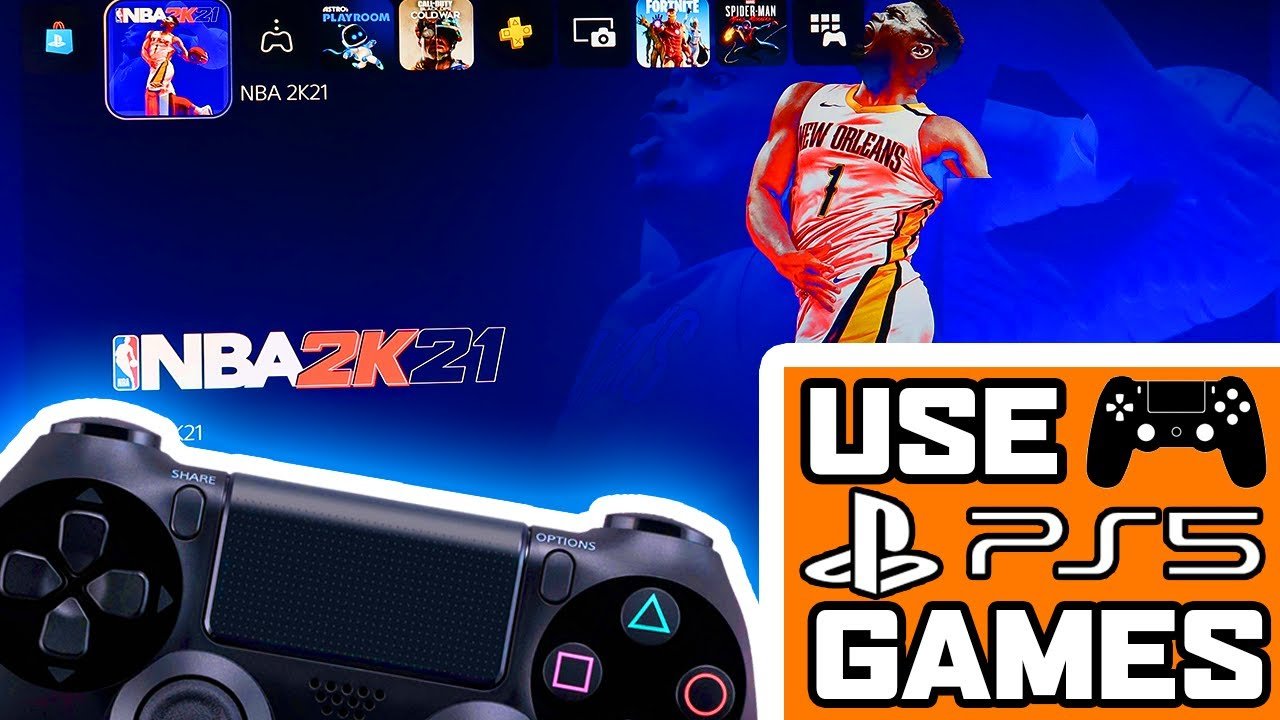
Unfortunately, you cannot directly play PS5 games with a PS4 controller.
Ever wondered about controller compatibility across PlayStation generations? Many gamers find themselves pondering the question, “can you play PS5 games with a PS4 controller?” It’s a reasonable query, especially if you have a perfectly good DualShock 4 on hand.
This limitation exists because PS5 games are built for the DualSense controller, taking advantage of its unique features. While a PS4 controller works with some PS4 games on the PS5, that compatibility sadly doesn’t extend to the next-gen titles.

Can You Play PS5 Games With a PS4 Controller?
The question of whether you can use your trusty old PlayStation 4 controller on the brand-new PlayStation 5 is a common one, and it’s totally understandable. You’ve likely gotten comfortable with the feel of the DualShock 4, and maybe you’ve even got a few of them laying around. So, can you just grab your PS4 controller and jump into some PS5 action? The short answer is: it’s a bit complicated. Let’s explore all the details so you know exactly what to expect.
The Basics: Compatibility Limitations
Sony designed the PlayStation 5 with a new controller, the DualSense, which boasts some really cool features like haptic feedback and adaptive triggers. These features add a whole new level of immersion to your games. Because of this big change, the PS5 and PS4 controllers aren’t totally compatible when it comes to playing PS5 specific games. This means that the general rule is you cannot use a PS4 DualShock controller to play most PlayStation 5 games.
This limitation is mostly about the new features in the DualSense. PS5 games are often designed to use these advanced functions, and the older PS4 controller simply cannot replicate them. Imagine trying to play a racing game where the trigger gets harder to press as you hit the gas; that’s an adaptive trigger and the DualShock 4 controller can’t do that.
Playing PS4 Games on Your PS5 With a PS4 Controller
Okay, so you can’t use your PS4 controller for PS5 games, but here’s where the story takes a turn. If you are playing a PS4 game on your PS5 console, you can absolutely use your DualShock 4 controller! This is great news if you have a bunch of awesome PS4 games you want to play on your new console. The PS5 is fully backward compatible, allowing you to play many games from the previous generation and thankfully, you can use the old controller with them.
How to Connect Your PS4 Controller to a PS5 for PS4 Games
Connecting your PS4 controller to your PS5 for PS4 games is easy. Here’s how you can do it:
- Turn on your PS5.
- Make sure your DualShock 4 is charged.
- Plug your DualShock 4 into your PS5 using a USB cable.
- Your PS5 should recognize the controller and you will see the controller light up.
- You can now unplug the controller and connect it wirelessly using the PS button.
- Once connected, select your PS4 game from your game library and start playing!
That’s all there is to it. Now you can use your existing PS4 controllers to enjoy your library of PS4 games on your PS5.
The DualSense Advantage for PS5 Games
So, why does the PS5 insist on the DualSense controller for its games? It’s all about the new features that were built into this controller. The DualSense controller is not just a refresh of the DualShock 4, it’s a completely different way to experience games. Let’s look at some key aspects:
- Haptic Feedback: This technology provides very precise and detailed vibrations. Instead of just a generic rumble, you can feel things like the crunch of sand under your character’s feet or the gentle rain pattering on a rooftop. It is more nuanced and it adds a lot more depth to game feel.
- Adaptive Triggers: The L2 and R2 triggers can change in resistance depending on what’s happening in the game. Imagine pulling back a bow and arrow – the trigger would get harder to press as you get closer to full draw. This feature brings another layer of realistic feedback, and it can make gameplay more immersive.
- Built-in Microphone: The DualSense has a built-in microphone for voice chat without needing a headset. This is super handy for quick conversations with your friends.
- Improved Speakers: The speakers in the controller are a lot clearer, and game designers can use this to create more directional and detailed audio effects that come from the controller itself. For example, you might hear the click of your character’s boots on a metal floor directly through the controller.
These features are integrated into many PS5 games to provide a richer and more engaging experience, and this is why PS4 controllers will not work with these games, as they do not possess this technology. For you to enjoy your PS5 games the way they are intended, you’ll need to embrace the DualSense controller.
Special Cases and Workarounds for PS5 Games
While playing PS5 games with a PS4 controller is generally a no-go, there are a few exceptions and workarounds to be aware of.
Playing PS5 Games Using Remote Play
Remote play lets you stream your PS5 game to another device, such as a phone, tablet, or computer. If you use Remote Play on one of those devices, you can sometimes use the DualShock 4 controller to play PS5 games through the remote play app. This usually requires the PS4 controller to be connected to the remote device. However, you will not get all the special features like haptic feedback and adaptive triggers using this method, because they are not supported. Here are some situations you can use remote play with DualShock 4:
- Playing on PC: If you are using the PS Remote Play app on your computer you can connect the DualShock 4 to your PC and use it with your PS5.
- Playing on phone: The same is true for your phone or tablet. Connect your PS4 controller using Bluetooth to your phone or tablet then start the remote play app.
Keep in mind, remote play may sometimes lag depending on your internet connection and also will not provide full experience of the features that the DualSense controller offer, but it is a nice alternative to get your games going with PS4 controller if you are away from your ps5.
Third-Party Adapters
There are some third-party adapters available that claim to allow you to use a PS4 controller on your PS5. However, these adapters can be a hit or miss. While some may work well, others may introduce input lag or not work at all with certain games. Also, they are not officially supported by Sony. Using them might cause problems or some game features may be missing or not functional. Before you buy an adapter, make sure to check the reviews from other users to see if they are dependable.
Accessibility Controllers
The PlayStation also has accessibility controllers, like the Access controller, which has been designed to meet the needs of players with disabilities. These controllers may sometimes function in specific ways to allow for gameplay, but are not a standard replacement for PS5’s DualSense controller.
Why Sony Limits PS4 Controller Use with PS5 Games
It’s important to consider why Sony made this decision. By limiting PS4 controller use to PS4 games on the PS5, they are encouraging developers to utilize the new features of the DualSense controller. This helps create more unique and immersive gaming experiences. If everyone used older controllers, it would probably slow down the use of new technologies in PS5 games.
Think of it like this: Imagine you’re building a new house, but all you have are the tools you used for your old house. You could get the job done, but it might not be as efficient or as cool as if you used the newer, better tools that are available. In the same way, PS5 games need the advanced features of the DualSense controller to work to their full potential.
The Future of PS5 Controllers
The DualSense is just the beginning. As technology advances, we can expect to see even more ways that controllers enhance our gameplay. Perhaps future controllers will feature even more sophisticated haptic feedback, or even integrate virtual reality and augmented reality elements. For now, embracing the DualSense controller is the best way to enjoy all that the PS5 has to offer, but always be on the lookout for more advanced things in future.
While it might be a bit disappointing that you can’t use your PS4 controller for all your PS5 games, hopefully this guide has cleared things up. The new DualSense controller definitely brings some game changing features. You will get used to it. In the end, the PS5 is still an amazing console with so much to offer.
How to play ps5 games with a PS4 controller
Final Thoughts
You cannot play PS5 games with a PS4 controller. Sony designed the DualSense controller specifically for PlayStation 5 titles. It uses unique features that the older DualShock 4 lacks.
This hardware difference prevents backward compatibility for PS5 games. The DualSense controller is a must for playing them. While PS4 games work on PS5 with a DualShock 4, the reverse isn’t true.
So, the answer is definitive: you cannot play ps5 games with a ps4 controller.

