
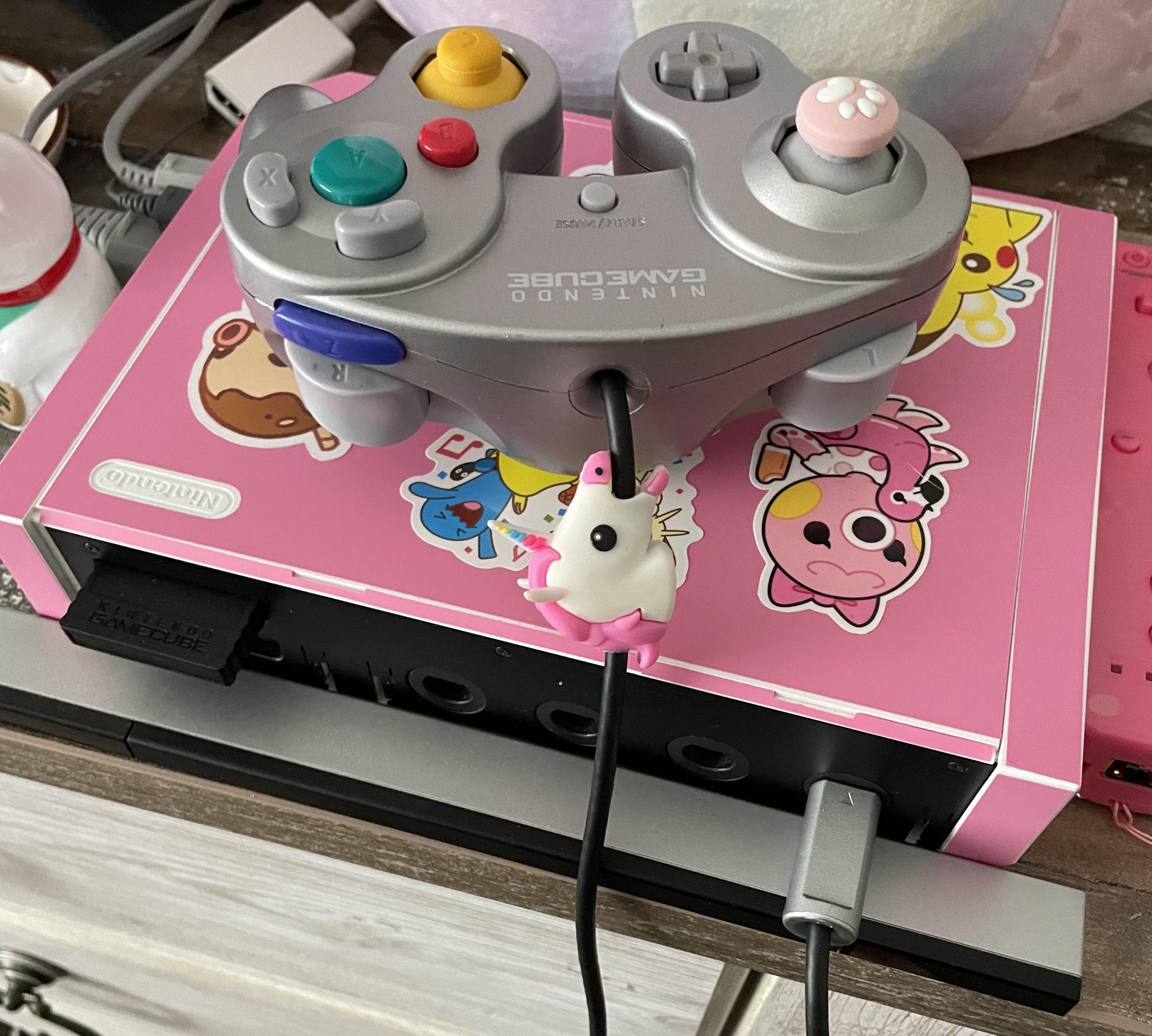
No, Wii games do not work on GameCube consoles.
Ever wondered if your Wii games would play on your old GameCube? It’s a common question many gamers have, especially when revisiting older consoles. It’s easy to get them mixed up since both are from Nintendo.
The GameCube and Wii use different disc formats. GameCube uses smaller mini-DVDs, while the Wii uses standard-sized DVDs. Therefore, a Wii disc simply won’t fit or be recognized by the GameCube hardware.

Do Wii Games Work on Gamecube? A Deep Dive
The simple answer, and you might already know this, is no. Wii games will not play on a Gamecube. It’s like trying to fit a square peg into a round hole. These are two different consoles, made by the same company (Nintendo), but designed with different technology. But why? Let’s really dig in and see what makes these two systems different and why backward compatibility doesn’t always work the way we hope it would.
Understanding the Hardware Differences
The Gamecube, which came out first, was a little power-house. It used mini-DVDs, and had its own unique controller setup. It had a lot of great games, like Super Smash Bros. Melee and Metroid Prime. Think of it like a cool car from a few years back, it could do a lot, but it was built a certain way.
The Wii, on the other hand, was a big leap forward. It used standard-sized DVDs, had motion controls and a completely different controller. This system was designed to be used with a pointer, and even now is well known for its ability to play with motion. The Wii also had more powerful processing. It was like that same car got a major upgrade, a different engine, a new body, and more bells and whistles. This core difference in hardware is the primary reason why Wii games won’t play on the Gamecube. They are just built in a very different way, and the technology isn’t interchangeable.
Storage Media and Disc Compatibility
A key difference is the type of discs each system uses. The Gamecube used mini-DVDs, which were smaller than regular DVDs. Wii games came on standard DVDs. This difference isn’t just about size; the formats are different as well. A Gamecube’s disc drive simply isn’t able to read the information on a regular DVD. It’s like trying to play a Blu-ray disc in a standard DVD player – it just won’t work. This physical difference is one of the major hurdles that prevent Gamecube consoles from playing Wii games. Here’s a table for an easy look:
| Feature | Gamecube | Wii |
|---|---|---|
| Disc Type | Mini DVD | Standard DVD |
| Disc Size | 8 cm | 12 cm |
| Primary Controller | Gamecube Controller | Wii Remote (and Nunchuck) |
| Output Display | Standard Definition | Standard and High Definition |
The Processor and Graphics Processing Unit
The core processing power of the two consoles is also very different. The Wii had a faster processor and a more powerful graphics chip than the Gamecube. Think of it like this, if a game is like a complex recipe, the Wii had a bigger kitchen with more powerful tools. The Gamecube’s kitchen, while awesome for its time, simply wasn’t set up to handle the kinds of games the Wii could produce. When you load a Wii game, the Gamecube processor doesn’t have the instructions, the speed, or the graphics hardware to make the game work properly.
Why Nintendo Didn’t Design for Forward Compatibility
Forward compatibility means that a newer console can play games from an older console. While the Wii was built to play Gamecube games (more on this later), the Gamecube was not built to play Wii games. Why is this the case? Well, there are a few reasons. One reason was to keep costs down, when Nintendo was developing the Gamecube. The Gamecube was primarily focused on providing the latest technology of the time, and making sure those game ran perfectly. Adding in the ability to play future games, at that time, would have significantly added to the complexity, the cost, and potentially slowed down the console performance. This is very common when a new console is being developed. Another reason, Nintendo had a vision for the Wii that required a different technology and the use of motion controls. They wanted to move forward and give gamers a new experience. The Wii was revolutionary at the time and its hardware reflected that leap.
The Wii’s Backward Compatibility
Now, here’s a fun twist. The Wii could play Gamecube games. This is called backward compatibility. The first version of the Wii had ports for Gamecube controllers and memory cards, and was able to play all the Gamecube games that were available. This was awesome for people who loved Gamecube games and gave a chance for Wii owners to check out some of the games that had released on the Gamecube a few years prior. This was a way for people to still play some classic games on their newer console. Nintendo was very aware of their fans and wanted to give them options. However, later versions of the Wii, like the Wii Mini, did not have this capability and were not able to play Gamecube games. When they designed the Wii Mini, they were focused on lowering the manufacturing costs, and removing the extra ports that were used for Gamecube games was one of those cost saving measures. Let’s look at why this happened.
Emulation Versus Direct Hardware
When the Wii plays Gamecube games, it is not “emulating” them in the same way that software sometimes emulates old systems on your computer. Instead, the Wii had actual, physical hardware inside it that was very similar to a Gamecube. It is because of this that the Wii was able to play Gamecube games. It is the same processor, memory and graphics chip from the Gamecube. This hardware was built into the Wii when it was manufactured, which allowed for seamless playback of Gamecube games. The Wii used this physical hardware to run those games natively, which meant that Gamecube games ran just like they would on a normal Gamecube. The Gamecube, however, was not built to play Wii games. There is no compatibility hardware built into the Gamecube, and it also cannot emulate it effectively. The processors and the hardware are just too different to allow them to cross play. So, even if you try a Wii disc in your Gamecube, it’s not going to work at all. The Gamecube’s internal setup simply isn’t designed for Wii games.
Exploring Workarounds
Now, given that the Gamecube can’t play Wii games, let’s talk about alternatives. There are things you can do to enjoy those great Wii games if you have a Gamecube. These solutions require different equipment and will not let you play the Wii game on a Gamecube.
Using a Wii Console
The simplest way to play a Wii game is, of course, to use a Wii console. The original Wii models (the white console) play both Wii games and most of your Gamecube games. This is the most direct and easiest solution. If you want to play Wii games, you’ll need a Wii console. If you’ve got one in the attic, dust it off and play those old games.
The Nintendo Wii U
The Wii U, which is the system that followed the Wii, is also a way to play Wii games. The Wii U was also backwards compatible. While not every Wii game is available on the Wii U virtual console, the Wii U is able to play Wii disc games, meaning that if you have a game from your Wii collection, you can play it on the Wii U. The Wii U was also able to play most of the games from the original Wii. This gives you another avenue to play those games from the Wii. It is worth noting that the Wii U was not backwards compatible with Gamecube games, though.
Modern Emulation
Another option is to use emulators on your PC or other devices. Emulators are special software programs that mimic the workings of a console. There are Wii emulators out there that can play Wii games, and there are Gamecube emulators that can play Gamecube games. This can be a fun way to play these games, however there are some things to note. First, you will need to source the games from your collection or online, and this can sometimes cause security and legality problems. Second, sometimes not all the games will work perfectly, and some of them might run slow. And third, getting these emulators set up on your computer or other devices may be difficult. But, if you have a knack for technology and want to explore this method, it’s definitely worth a look. However, this is not the most practical or easiest solution if all you are looking to do is play some of your old games.
Looking Back: Legacy of the Consoles
The Gamecube and the Wii hold a special place in gaming history. The Gamecube was known for its unique design and great first-party games like Mario Kart Double Dash and Legend of Zelda: Wind Waker. The Wii, with its motion controls, brought gaming to a lot of new people and introduced the world to games like Wii Sports and Super Mario Galaxy. They’re both important systems, but they are just fundamentally different. Understanding why one can’t play the other is not only interesting, but a small lesson in hardware design. The inability to play Wii games on Gamecube comes down to their fundamental differences, but those differences are what make each of the consoles so unique and special. The Gamecube was designed with its time in mind, and the Wii was designed to push forward. If you have a Gamecube and want to play Wii games, your best bet is to find a Wii or Wii U system, and you can get back to gaming those fantastic games.
Can You Play GameCube Games on the Wii?
Final Thoughts
GameCube consoles do not play Wii games. The two systems use different disc formats. Wii games are specifically designed for the Wii hardware.
You cannot simply insert a Wii game disc into a GameCube and expect it to work. Therefore, the answer to ‘do wii games work on gamecube’ is a definite no.

