
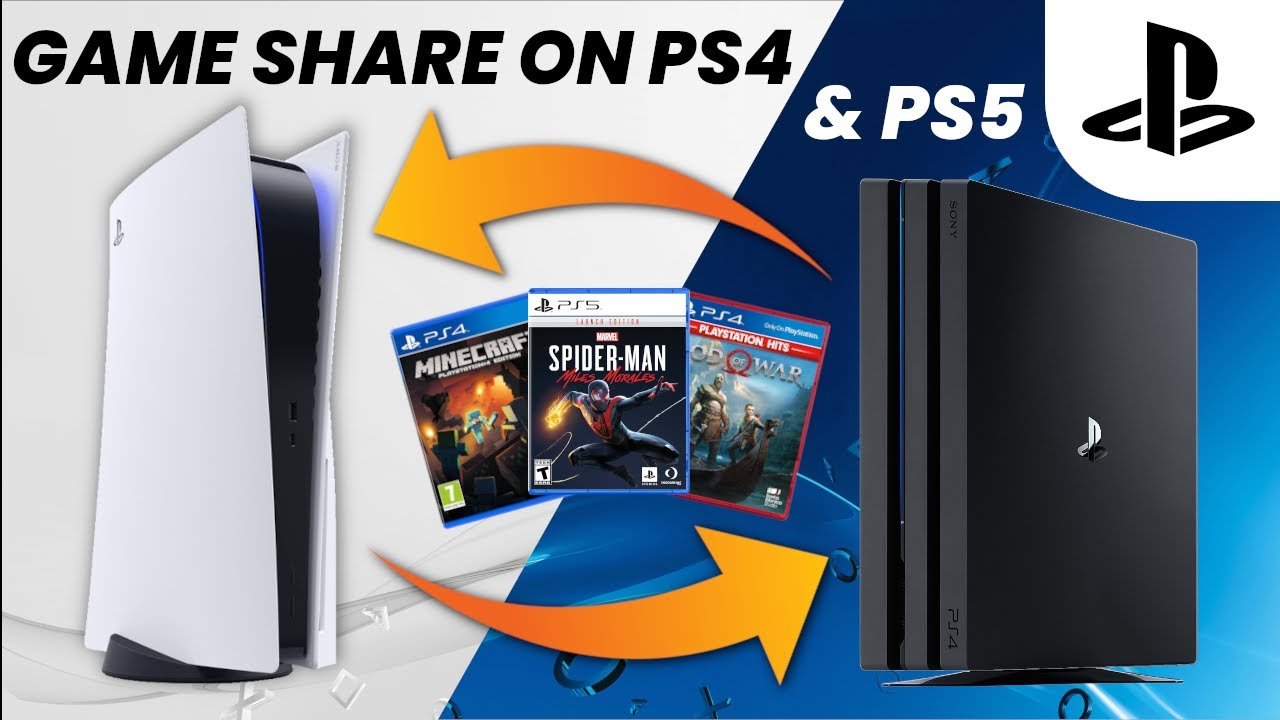
No, you do not need PS Plus to game share on PlayStation consoles.
Thinking of sharing your digital game library with a friend or family member? The question always pops up: do you need PS Plus to game share? It’s a common query for PlayStation gamers looking to make the most of their purchases. The great news is you can absolutely share games without a PS Plus subscription.
Game sharing on PlayStation focuses on sharing access to your game licenses, not the online multiplayer functionality usually requiring a subscription. Therefore, while PS Plus provides many benefits, it is not needed to share games with someone else.

Do You Need PS Plus to Game Share?
Okay, so you’re wanting to share your awesome PlayStation games with a friend or family member, right? Maybe you have a sibling who’s been eyeing your copy of that new adventure game, or perhaps you want to let a buddy try out a racing game before they buy it. Game sharing can be super handy! But here’s the big question that’s probably on your mind: does this cool feature need PlayStation Plus? Let’s jump right in and figure this out together.
Understanding Game Sharing on PlayStation
Before we dig into the nitty-gritty of PS Plus, let’s first make sure we all understand what game sharing on PlayStation actually means. It’s not like handing over a disc (remember those?), it’s a digital process. Basically, you’re allowing someone else to play the games you own from your PlayStation account, on their own console. This means they get to enjoy your digital library, without needing your physical disc or having to buy the game again. How neat is that?
How Game Sharing Works
The system used by PlayStation for game sharing is actually called ‘Console Sharing and Offline Play’. Essentially, it’s linked to your PlayStation Network (PSN) account and the specific console you have set up as your ‘primary’ console. When you use your primary console, other players can enjoy games from your account even if you are not logged in to that console, or if they don’t have a copy of the game. If someone signs into their own PlayStation Network account on a primary console, and you have set that console as your primary, they can play your digitally bought games while logged into their account.
- Primary Console: This is the special PlayStation that you set up to share your games with others. Only one console can be your primary console at a time.
- Secondary Console: This is any other PlayStation console where you log in with your PSN account to play your digital games.
- Account Login: You’ll need to log into your PSN account on both consoles for game sharing to work.
The Role of PlayStation Plus (PS Plus)
Now, where does PlayStation Plus fit into all of this? PlayStation Plus is Sony’s subscription service that gives you access to certain features and benefits, such as online multiplayer, monthly free games, and exclusive discounts. Think of it like a pass that opens extra doors on your PlayStation. While having PS Plus has many benefits, let’s focus on what it means for game sharing.
PS Plus and Online Multiplayer
A big part of PS Plus is the ability to play online multiplayer games. If you and your game-sharing partner want to play the same game together online, you’ll both need an active PS Plus subscription for each account. This means, game sharing only allows the other person to access your games, it does not allow them to have all your PS plus access as well.
Do You Absolutely Need PS Plus to Share Games?
The short answer is: No, you do not need PlayStation Plus to game share. You can share your digital game library with another account and console without an active PS Plus subscription. That is good news, right? However, the big however here is – although you can share your games, if you and your game sharing buddy want to play the same game at the same time, online, you will both need PS Plus.
Playing Single-Player Games
If you’re just interested in playing the single-player parts of a game, or games that don’t have multiplayer features, then you can freely share the game and both play the single player part on different consoles at different times, as long as the game is downloaded on both primary and secondary consoles through the account which has bought the game.
Playing Multiplayer Games
Things change a little when we talk about online multiplayer. Game sharing allows other people to play your games using their account on your primary console. However, to go online together, each account needs its own PlayStation Plus. If you do not have PS Plus, you will not be able to play online multiplayer. So while your friend or family member can access the games you own through game sharing, they will need to be their own subscription for online play. Let’s break it down:
- Game Sharing without PS Plus: You can share access to your games with another console, and they can play single-player content.
- Game Sharing with PS Plus: You and your game-sharing partner will both need an active PlayStation Plus subscription if you want to play online multiplayer together on your respective accounts.
Setting up Game Sharing: A Step-by-Step Guide
Now that you understand how game sharing works with and without PS Plus, let’s go through how to set it up on your PlayStation. Don’t worry, it’s a straightforward process.
Step 1: Activate Primary Console
First, you will need to make sure the console where you are game-sharing is set up as a primary console. You can do this by following the below instructions on your PlayStation console:
- Go to Settings.
- Select Account Management.
- Click on Activate as Your Primary PS4/PS5.
- Select Activate.
Remember, only one console can be activated as primary, so you need to make sure you have chosen correctly. You might have to deactivate another console if you have previously set another console as your primary. If you are deactivating a console, make sure you have logged into it with the account which owns the games, so that they can be accessed on that console.
Step 2: Log in to the Secondary Console
Next, your friend or family member must log in with your account on the other console which has not been setup as primary. Once logged in, you can download the games that you wish to share on that console. It’s important to not set up this console as your primary. You can now log out of your account on that second console, and your friend or family member can log in to their own account.
Step 3: Start Playing!
Once you have completed the steps above, all you or your friend or family member needs to do now is to start playing! As long as the game is downloaded on both primary and secondary consoles through your account, you can both play the single player game whenever you want. Just remember that online multiplayer is not available without both accounts having PlayStation Plus.
Game Sharing Limitations
While game sharing is a great feature, it’s good to know its limitations to avoid any surprises.
One Primary Console at a Time
As mentioned before, only one console can be set as your primary console. This means you can only share your games with one other console at a time.
Simultaneous Play Restrictions
When using a primary console, your friend or family member can play the games which they can access from your account on their account, while you use your own account to play on any other console. However, you cannot use the same account to play the game at the same time on different consoles. If the same account which owns the games is used to login to the PlayStation console, the other console logged in with that account will not be able to play any games.
DLC and Add-ons
Any downloadable content (DLC) and add-ons you’ve purchased for games are also shared through this system. This is great because you don’t need to buy extra add ons twice.
Key Differences between PS Plus and Game Sharing
It’s easy to get PS Plus and game sharing mixed up, but they’re different things. Let’s clarify the main differences:
| Feature | PlayStation Plus | Game Sharing |
|---|---|---|
| Primary Function | Subscription service providing online multiplayer, free games, discounts, etc. | Allows sharing of your digital game library on multiple consoles. |
| Cost | Requires payment for subscription access | No added cost beyond owning the game. |
| Online Multiplayer | Needed for online play | Does not provide online play, if you or your game sharing buddy wants to play together online you both require PlayStation Plus. |
| Game Ownership | Provides access to monthly free games as part of the subscription. | Shares access to games you already own, does not provide you with any free games. |
Common Misconceptions About Game Sharing and PS Plus
There are a few misunderstandings floating around about game sharing and PS Plus. Let’s clear some of them up.
Misconception 1: Sharing PS Plus Benefits
One common confusion is that game sharing will also share the PlayStation Plus benefits. This isn’t the case. While game sharing allows another person access to your digital games, it does not give access to your PS Plus benefits such as monthly free games, online multiplayer, exclusive discounts and game streaming. If another account wants to use these features, they will require their own PS Plus subscription.
Misconception 2: Game Sharing is Limited to Same Household
While game sharing is commonly used between family members in the same household, the location does not matter, it just requires the console to be set up as a primary console, and the account which owns the game to be logged into the secondary console.
Misconception 3: Only One Person Can Play a Shared Game at a Time
This is not totally true. If you are both playing single player game, you can play simultaneously on separate accounts on the primary and secondary consoles. But, if both of you are trying to play a multiplayer game together online, you will both require a PlayStation Plus subscription.
Tips for Successful Game Sharing
To make sure your game sharing experience is smooth and fun, here are a few extra tips:
- Communicate with Your Partner: Make sure you discuss the games you are planning to play, especially if it is a single player game, and decide if you will play at the same time or different times.
- Keep Your Account Secure: Don’t share your password with anyone you don’t fully trust and set up a strong password to keep your account safe.
- Check Console Settings: Make sure you’ve correctly activated the primary console and that you are logged into your account in the secondary console, in order to download the games.
- Be Mindful of Game Saves: If you are switching between accounts on the same console, be mindful of saved games to avoid any issues.
By understanding how game sharing and PlayStation Plus work, you can make the most of your PlayStation experience, sharing your favorite games with others without any confusion! Happy gaming!
How to Share Playstation Plus on PS5! PS5 Share PS Plus Games & More with All Users (Easy Guide!)
Final Thoughts
You must have an active PS Plus subscription to utilize the game share feature on PlayStation consoles. Both the primary account holder and the sharing account need a subscription for shared access. Game sharing benefits from the online functionality of PS Plus.
Therefore, the answer to ‘do you need ps plus to game share’ is a definite yes. Without it, you will not be able to access the shared games. Remember that a must have subscription is essential for this feature.

