
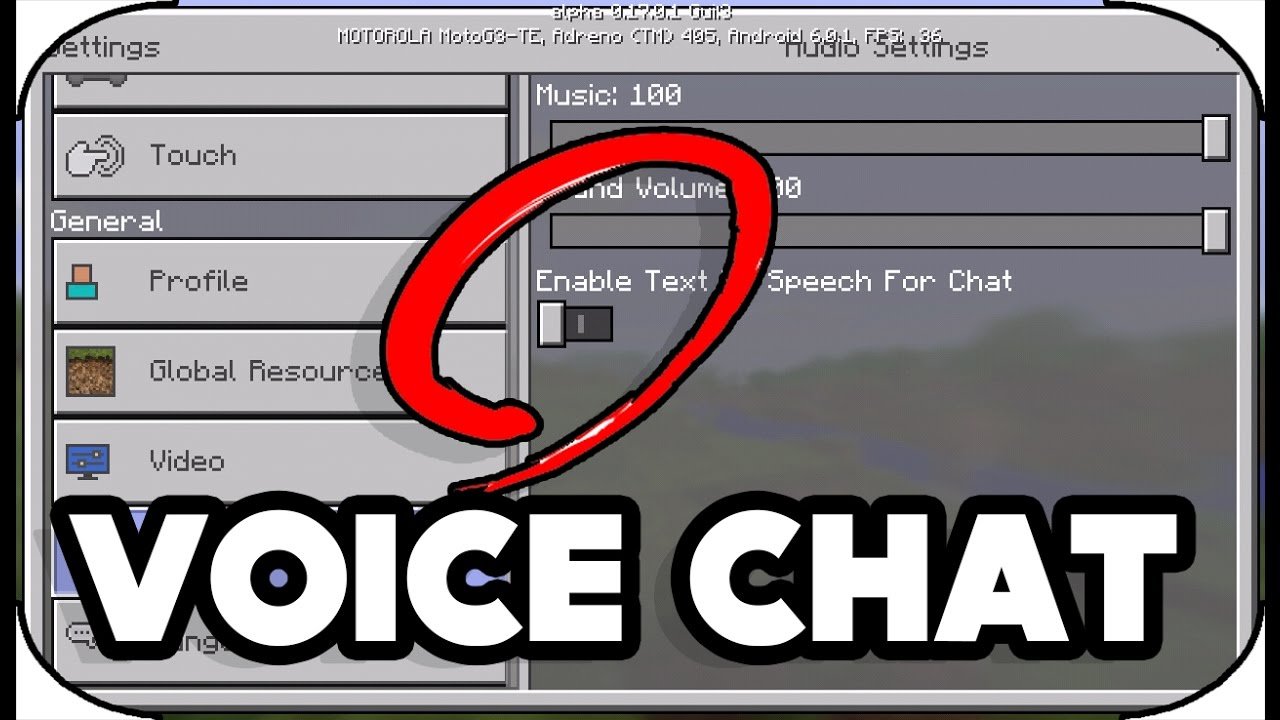
No, Minecraft does not have built-in in-game voice chat.
Ever wondered if you could just chat with your fellow miners while exploring those pixelated caves? It’s a common question: does minecraft have in game voice chat? Many new players especially ask about this feature when they first join.
While the game itself doesn’t offer this functionality directly, there are many ways you can connect with friends. You will need to use third-party options instead. This can improve your experience greatly while playing with friends.

Does Minecraft Have In-Game Voice Chat?
So, you’re diving into the blocky world of Minecraft and wondering if you can chat with your friends using your voice directly in the game. That’s a great question! The answer isn’t as straightforward as a simple yes or no. While Minecraft itself doesn’t have built-in voice chat for the Java Edition, there are many ways to talk with your friends while you play. Let’s dig a little deeper and explore all the different ways you can communicate while building amazing worlds.
Minecraft Java Edition and Voice Chat
The Java Edition of Minecraft, the one most people think of when they hear “Minecraft,” doesn’t come with voice chat built into the game. This means that if you want to chat with your friends while playing on a Java server, you need to use other methods, such as third-party programs or mods. The developers of Minecraft have kept the game free from a native voice feature because it gives players the freedom to choose what works best for them and their server. This choice allows for customization of voice quality, different features, and the ability to add the system to server administration if needed.
Why No Native Voice Chat in Java Edition?
You might be thinking, “Why doesn’t Minecraft just include voice chat?” It’s a valid point! There are several reasons why Mojang, the company that makes Minecraft, has chosen not to add this feature natively:
- Flexibility: By not including a system, players are free to use whatever they like. This gives them options such as Discord, TeamSpeak, or various Minecraft mods, as we’ll see shortly, and allow them to choose what gives them the best sound quality and features.
- Server Control: Server owners have their way of managing how players interact on their servers. By adding their own chosen system for voice chat, they can moderate the conversations, mute annoying players, or disable it altogether.
- User Preference: Some people prefer not to use voice chat, and having it built into the game would force it onto those players. Not everyone is comfortable talking while they play, or they might have background noise that might not be suitable for the chat. Giving options means everyone can do what they like best.
- Resource Usage: Adding voice chat requires processing power from your computer, as well as having stable internet. Not all players have good internet or computers, so having voice built in might be detrimental to some. Keeping it separate means those that need the resources don’t have to use them if they don’t want to.
Exploring Options for Voice Chat on Minecraft Java Edition
So, since Minecraft Java Edition doesn’t have built-in voice chat, what can you do? Don’t worry, there are plenty of excellent options!
External Voice Chat Programs
The most popular methods involve using external programs designed for voice communication. These programs run alongside Minecraft, allowing you to speak to your friends while you’re all playing together.
- Discord: Discord is very popular within the gaming community for text and voice chat. It’s free, has great voice quality, and allows you to create private servers just for your friends. Plus, you can share screens while gaming. It’s incredibly user-friendly and is favored because it has many features to moderate voice chat, such as muting, deafening, and limiting voice activity.
- TeamSpeak: TeamSpeak is another option with excellent voice quality and is generally used by more serious gamers, often with dedicated servers, as it is very stable. It does involve a bit of setup, but some players prefer its customizability. It’s also great because you can create dedicated channels, manage users, and control everything that goes on within your private server.
- Mumble: Mumble is also very common in the Minecraft community and is a free, open-source voice chat program that works well while playing. It is known for being light on resources and very reliable with low latency (delay in transmission) which is vital for gaming.
These programs are a safe bet because they don’t modify the game. All you have to do is run them in the background and speak. You might need to learn about some settings to make sure your microphone is working as it should, but it’s generally very simple.
Minecraft Voice Chat Mods
Another way to get voice chat in Minecraft Java Edition is by using mods. Mods are additions to the game that can do all kinds of things, including enable voice chat directly in the game. These are very popular since it doesn’t require a second application to work.
- Simple Voice Chat Mod: This mod is super easy to set up and allows you to talk to players in your Minecraft world if they also have the mod. When installed on both player and server side, you just have to press a key, and you will be able to talk to other players who are near you. This creates a more realistic feel of speaking to players you are in proximity to.
- Plasmo Voice Mod: This is another voice mod that is very simple to use. It’s also very lightweight and can be installed quickly on most computers without taking up many resources. It offers simple controls, letting you easily mute or deafen players in a world, as well as offering proximity chat like the other mod.
- Vivox: Vivox is an add-on used to help servers. It is not a mod, and it requires you to have a server to use. It has the ability to do position based sound, meaning that the closer the other players are to you in the game, the louder you hear them. This increases the immersion and makes the gaming experience much more realistic.
Important Note About Mods: It is very important that when adding mods that you do so safely by always getting them from reputable sources. You should also check that the mods are compatible with the current version of the game you are playing and understand the mod before you add it. Always make sure you check that they are safe before adding them to your game.
Minecraft Bedrock Edition and Voice Chat
Unlike the Java edition, the Bedrock Edition of Minecraft, which is found on mobile devices, consoles, and Windows 10/11, actually does have voice chat built in. This means that if you play with your friends on these platforms, you can use the integrated voice chat without using external apps or additional mods. This is one of the big differences between the two versions of Minecraft.
How to Use Voice Chat in Bedrock Edition
Using voice chat in Bedrock is very easy, and it only requires a couple steps.
- In-Game Settings: You need to go into the game’s settings, navigate to “Audio,” and then find the options for voice chat. You have several settings to adjust here. You can change the voice chat mode to “Push-to-Talk,” which means you have to press a key to talk, or “Voice Activated,” which means your microphone is on anytime your computer detects sound. You also have the option to select what microphone you wish to use with the game and to mute yourself if needed.
- Inviting Friends: When playing on a multiplayer server or world, your voice chat is automatically available once you are in the game. If your friends also have voice chat enabled, you can start talking to them without further setup.
- Privacy Settings: In the console settings, you might have to allow the microphone to be used by the game. Always check this, as it might be preventing you from being heard. There are also various privacy settings on all consoles that might prevent you from talking if you have not set them correctly.
It’s worth checking your privacy settings if your chat is not working correctly. There may be a setting that stops you from talking, or prevents you from hearing others.
Comparing Java and Bedrock Voice Chat
Let’s put the two versions head-to-head and see the differences when it comes to voice chat features:
| Feature | Minecraft Java Edition | Minecraft Bedrock Edition |
|---|---|---|
| Built-in Voice Chat | No | Yes |
| External Programs Needed | Yes (Discord, TeamSpeak, etc.) | No |
| Minecraft Mods Needed | Yes, for voice chat directly in game | No |
| Setup | More setup required | Simple and easy |
| Platform Availability | PC, Mac, Linux | Consoles, Mobile, Windows 10/11 |
As you can see, each version has its own approach to voice chat. Java gives the control to the players by not having it built in, and Bedrock offers voice chat directly inside the game, which makes it a simple solution to get started. Which is right for you simply depends on what you prefer.
Tips for Clear Voice Chat
Regardless of the method you choose, here are some tips to make sure you get the best experience when using voice chat:
- Good Microphone: A good microphone is super important for good quality in voice chat. A bad microphone might make you sound echoey or staticy, which can be very annoying to others. If you have a lot of background noise, or your microphone is picking up static, you might consider upgrading it to a better quality microphone.
- Headphones: When using speakers, your microphone might pick up your voice coming through the speakers, causing an echo. To avoid this, use headphones or a headset with a microphone.
- Internet Connection: A stable internet connection is a must for a smooth chat. If your internet is unstable, your sound might break up, or it may not work at all. Try to be connected to your router via cable, as WiFi signals can be unstable.
- Push-to-Talk: If you have a lot of background noise, consider using Push-to-Talk so that your microphone will only activate when you push a button. This prevents others from having to listen to all the sounds around you.
- Adjust Settings: Make sure to go through the settings to make sure the right microphone is selected, the right volume and sensitivity is set, and that you have the right keys bound if you are using Push-to-Talk. It can take a little bit to dial in the settings, but once you have, it will sound a lot better for everyone.
By taking care to set up the right equipment and choosing the right options in your voice software, your conversations will be clear and easy to hear.
So, while Minecraft Java Edition might not have voice chat built right in, it’s definitely something you can easily achieve with a bit of setting up. Both versions of Minecraft allow for communication while playing online. For Java edition, you have to take the initiative to set it up, while Bedrock is all set from the start! Choose what’s right for you, and have fun talking with your friends!
This mod adds Voice Chat to Minecraft!
Final Thoughts
Minecraft does not include built-in voice chat. Players must use external platforms. Discord, for example, remains a popular choice for in-game communication.
Therefore, the answer to ‘does minecraft have in game voice chat’ is no. You must use alternative methods for chatting while playing. Enjoy your multiplayer experience.

