
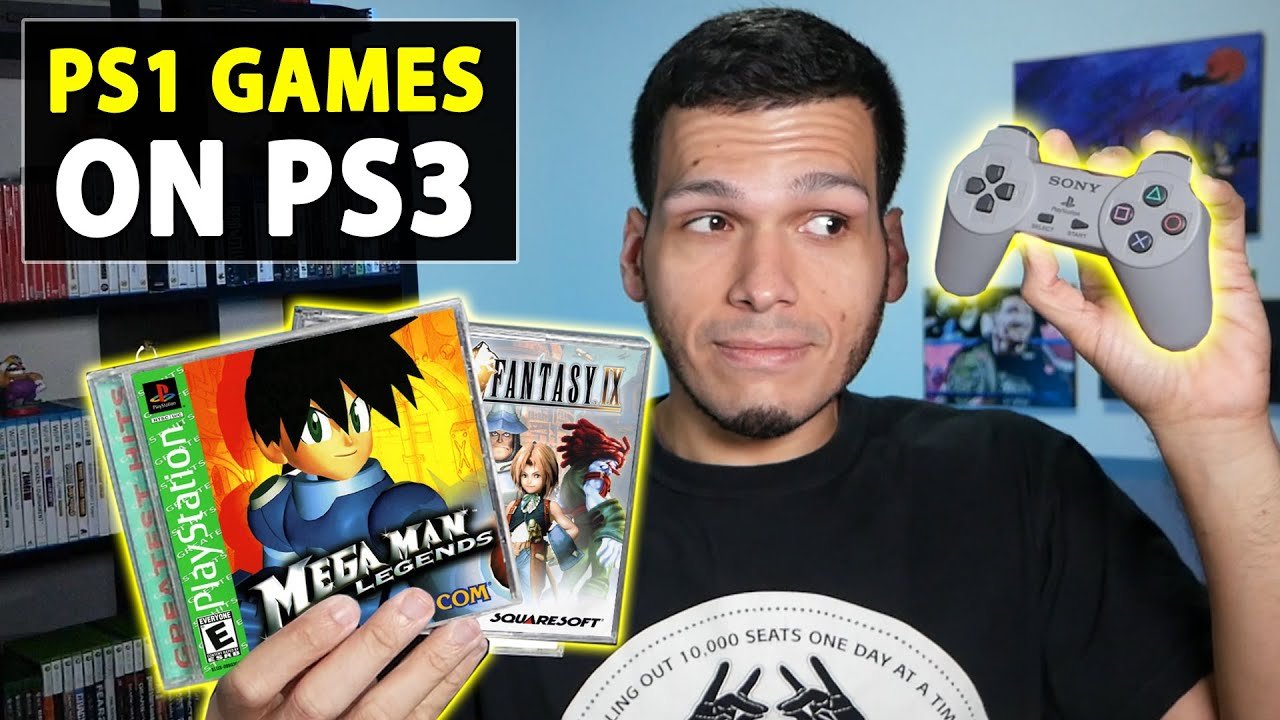
Yes, the PlayStation 3 can play most PlayStation 1 games.
Many gamers have wondered, does ps3 play ps1 games? The good news is, for the most part, it does. The PS3’s hardware includes the ability to run the older PlayStation 1 discs.
This feature makes it a very convenient option for people wanting to revisit their classic games. You won’t need to keep multiple consoles around to enjoy your favorite titles from the PS1 era.

Does PS3 Play PS1 Games?
The PlayStation 3 (PS3) was a super cool game console that came out a while ago. Many people who had the original PlayStation (PS1) wondered if their old games would still work on the new system. The answer is a bit complicated, but let’s break it down so it’s easy to understand. We’ll look at different PS3 models, how they handle PS1 games, and what you might need to know if you want to play your retro favorites on your PS3.
The Tale of Different PS3 Models and Their Compatibility
Not all PS3 consoles are created equal when it comes to playing PS1 games. There were different versions released over the years, and they don’t all have the same abilities. Here’s a look at the main differences:
The Original Fat PS3 Models
These were the first PS3 consoles ever made, and they are the ones that are most likely to play your old PS1 games. These models are often called “fat” PS3s because of their large, bulky design. The models that play PS1 games are:
- 20GB Model (CECHBxx)
- 60GB Model (CECHAxx)
- 80GB Model (CECHExx, some regions)
These early models have a special feature called “hardware-based backwards compatibility.” This means that they have the actual hardware components inside them that were used in the original PlayStation. Because of this, they can play PS1 games just like the original console could. It’s like having a mini PS1 inside your PS3!
However, there is a catch. Not all fat models have this feature. Some later fat models, like some of the 80GB versions, removed the special hardware. This is important to remember when you are looking at a PS3 to buy for playing PS1 games. The model numbers will often tell you what version the console is.
Slim and Super Slim PS3 Models
The later PS3 models, called the “slim” and “super slim,” are a different story. These consoles don’t have the same special hardware as the earlier models.
- Slim PS3 (CECH-2000, CECH-2100, CECH-2500, CECH-3000 Series): These PS3s were smaller and lighter than the original fat models. They did away with the hardware that enabled PS1 games and instead relied on software. This is called “software emulation.”
- Super Slim PS3 (CECH-4000 Series): This is the thinnest PS3 model. It also relies on software emulation.
So, what exactly is software emulation? Well, instead of having special hardware that acts like a PS1, these consoles use a software program that pretends to be a PS1. This program translates the game’s code so that the PS3 can understand and play it. Emulation is how all modern PlayStation consoles play older games that have been made available through the PlayStation Network, although the PS3 also uses emulation for physical PS1 discs.
Important Note: While slim and super slim PS3s can play many PS1 games, they do not have perfect compatibility. Some games might not work correctly, or might have glitches or bugs. Also, the visual and audio experience might be different from playing on an original PlayStation or on a fat PS3 with hardware compatibility.
How to Tell if Your PS3 Plays PS1 Games
Figuring out if your PS3 plays PS1 games doesn’t need to be a guessing game. Here’s a simple way to check:
- Check your Model Number: Look for the model number on the back or bottom of your PS3. It should start with “CECH.” Then, compare it to the list above. If you see CECHAxx, CECHBxx, or some CECHExx models, then your PS3 has hardware compatibility. If the numbers start with CECH-2000 or higher (like CECH-3000, CECH-4000), your PS3 uses software emulation.
- Check the System Menu: On any PS3, insert your PS1 disc. if your PS3 can use the disc, it will show it on the menu. If your PS3 recognizes the disc, then it is compatible with it, this feature applies to any ps1 game.
Knowing your PS3’s model number is the most important step in determining if it has hardware or software-based compatibility. For best results, look up your exact model number on the web for specific details.
Software Emulation vs. Hardware Compatibility
You might be wondering why some PS3s have special hardware and others rely on software. Let’s look at the differences more closely.
Hardware-Based Compatibility: The Real Deal
- What it is: The PS3 consoles with this type of compatibility literally had components inside them that were from the original PS1. It’s like having a piece of the original PlayStation built right into the PS3, which helped to translate the PS1 games code much faster and more accurately.
- How it works: The PS3 reads the PS1 game disc like it would on a real PS1. The hardware on the PS3 performs the work of running the old PS1 game. This process usually results in better performance and more accurate game play.
- Advantages: Better overall accuracy, higher compatibility (fewer bugs), better visuals, and usually a better overall experience for PS1 games.
- Disadvantages: Costly to manufacture due to added hardware, bigger console size, higher price when it was new.
Software Emulation: Good Enough, But Not Perfect
- What it is: As explained before, emulation is a special program that makes the PS3 act like a PS1. The PS3 is actually tricked into believing that it is a PS1.
- How it works: The PS3 reads the PS1 game disc and the emulation program translates the game’s code to work on the PS3.
- Advantages: More affordable to manufacture, enables PS1 games on slimmer models, smaller and less expensive consoles.
- Disadvantages: Lower compatibility, potential glitches and errors, potentially less accurate visuals and sound, performance issues with some games.
So, while software emulation is good for making PS1 games available on more consoles, the older PS3 models with hardware compatibility generally provide a more authentic and better experience for playing your old PS1 games.
Tips for Playing PS1 Games on Your PS3
If you are ready to dive into some retro gaming on your PS3, here are a few helpful tips to make the experience better.
PS1 Game Discs
Make sure your PS1 game discs are in good condition. Scratches, smudges, and cracks can make games not play correctly. Clean your discs carefully with a soft, lint-free cloth before you insert them into your PS3. If you are using a slim or super slim, use a disc cleaner to make sure the system can properly read the discs.
PS3 System Software
Keep your PS3 system software up to date. Sony released updates that improved backward compatibility on some systems. While you will never get perfect compatibility with a software emulation system, updating your PS3 system software can greatly improve your gameplay and help make your PS1 games run smoother, and fix game errors or glitches.
Using PS1 Memory Cards
Unlike the PS2, which used PS2 memory cards, the PS3, only allows you to save PS1 games on a virtual PS1 memory card saved on the PS3’s hard drive. Each game will have its own virtual memory card. You don’t have to worry about finding your old PS1 memory cards!
PS3 Controller
The PS3 controller works very well with PS1 games. The main controls are practically the same between the systems, so you should have no problem playing the game. Some games might require you to use other buttons that were not normally on the PS1 controller.
Display Settings
You might want to experiment with your display settings on your TV and PS3. Some PS1 games were made for older screens. Changing the settings might improve the visual experience.
Emulation Issues
If you use a slim or super slim PS3 and encounter glitches, it’s important to accept that some games might not be perfect because of software emulation. Keep a list of games that don’t work well so you know which ones to avoid.
List of Games With Known Issues
It’s helpful to be aware that some PS1 games do not run well on PS3 consoles. While this list is not complete, it may help you identify known problems with your game.
| Game | Common Issues on PS3 (Software Emulation) |
|---|---|
| Final Fantasy VII | Audio glitches and slow-downs in certain areas, especially when there’s a lot of activity. |
| Metal Gear Solid | Occasional crashing and freezing on specific scenes. |
| Castlevania: Symphony of the Night | Visual glitches with scaling and transparency effects. |
| Resident Evil 2 | Audio might be distorted in some scenes. |
| Silent Hill | Occasional freezes when the radio is used, or problems with certain sound effects. |
| Crash Bandicoot | Timing issues and minor glitches, though these tend to be rare. |
| Tekken 3 | Slow down in intense fight scenes. |
| Gran Turismo 2 | Graphical glitches such as track distortion. |
It is important to remember that these issues are not present in the original fat PS3 models with hardware backward compatibility. In addition, this list is not fully inclusive, and other games could have problems as well. If you are a major fan of older games, a fat PS3 is the perfect option to play PS1 games.
Why Sony Made These Changes
Why would Sony create different PS3 models with different compatibility features? The answer comes down to cost and technology.
- Cost Reduction: By removing the special hardware that made PS1 games work on the original PS3 models, Sony could produce the new models for a lot less money. This made the PS3 more affordable for more people.
- Focus on the PS3’s games: As time went on, there were more and more PS3 games. Sony wanted to put its attention and money into making these games better instead of maintaining hardware that played older titles.
- Size and Design: The hardware made the original PS3s big and bulky. The later models were smaller, lighter, and easier to produce.
While some gamers prefer the original PS3 due to its full compatibility, other people may prefer the slim and super slim designs of the newer models. Each model has different ups and downs. In the end, it comes down to what the player values the most.
In summary, while the PS3 can play many PS1 games, not all models offer the same level of compatibility. The original fat models, with their hardware-based compatibility, generally provide the best experience. The slim and super slim models, though, can still let you enjoy a large number of classic PS1 games. Knowing the model of your PS3 and how it works with PS1 games will help you experience the best of both worlds. So, dust off your old PS1 games and see what adventures await!
How to Play PS1 Games on PS3 – ALL Playstation 3 Consoles Play PS1 Games!! – PlayerJuan
Final Thoughts
Yes, the majority of PlayStation 3 consoles can play PS1 games. This backwards compatibility is a great feature. You can enjoy your old classics on your PS3.
However, not every PS3 model can play all PS1 games. Some early models were fully backwards compatible. Later ones removed the capability. So, does ps3 play ps1 games? The answer mostly remains yes.
It’s important to check your specific PS3 model. This will help you know if it supports PS1 discs. Some PS3 users might need digital downloads.

