
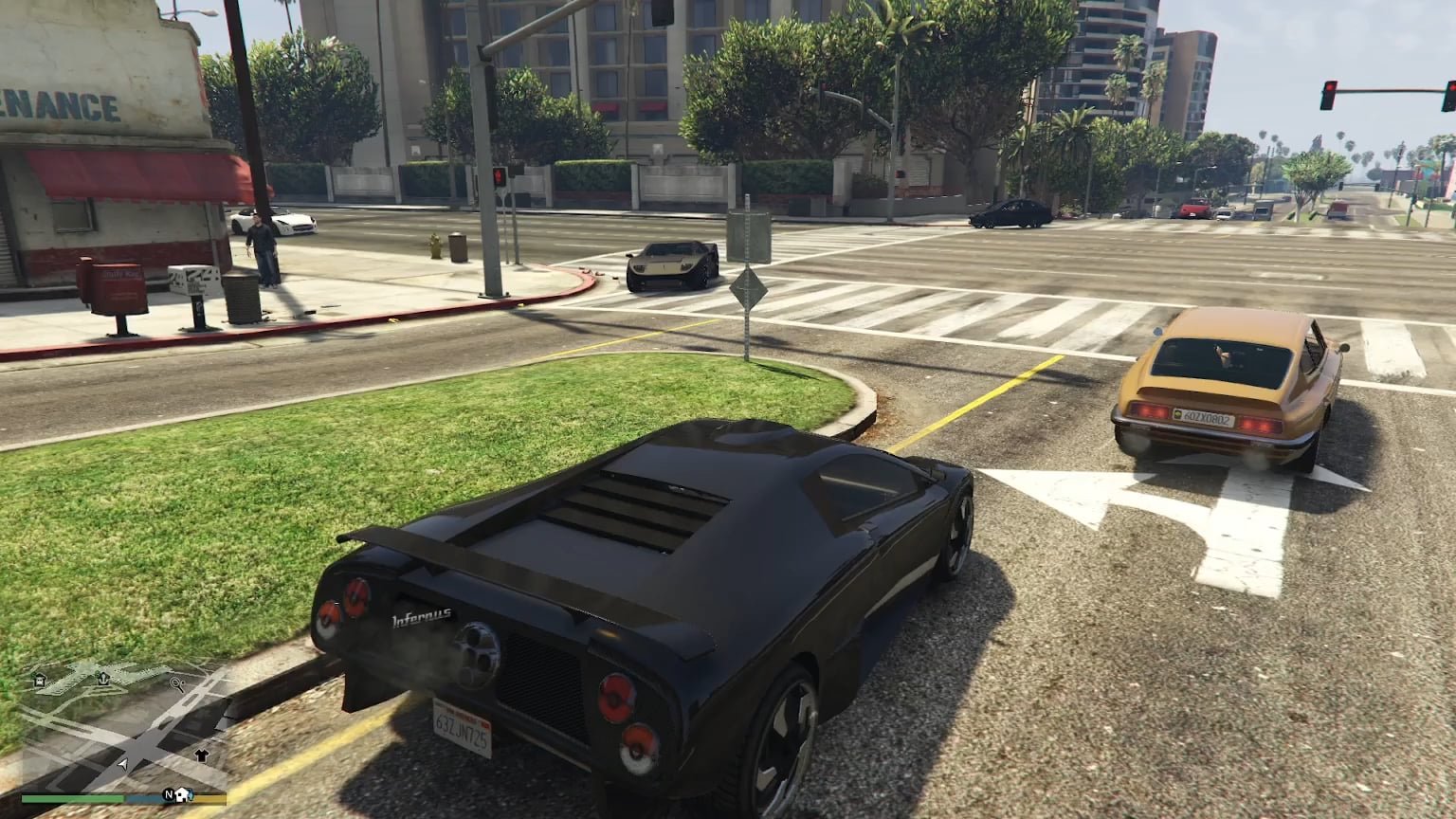
GTA 5 online lag issues often stem from internet connection problems, server overload, or outdated hardware.
Frustration mounts when your smooth getaway turns into a choppy slideshow. You’re not alone if you experience gta 5 online lag issues; many players face this challenge. These frustrating hiccups can ruin even the most meticulously planned heist.
Poor internet speed is a very common culprit, but sometimes it’s also the game servers themselves. Older hardware struggles with the demands of the game. Let’s explore some ways you can potentially improve your gameplay.

GTA 5 Online Lag Issues: Why It Happens and How to Fix It
Lag in GTA 5 Online can be super frustrating. You’re trying to pull off an awesome heist, race your souped-up car, or just hang out with your friends, and suddenly everything starts moving like it’s underwater. Your character might teleport, your car might stutter, and you might even get disconnected entirely. It’s like the game is playing a slideshow instead of a smooth video. So, what’s going on? Let’s dive into why you might be experiencing lag in GTA 5 Online and what you can do to make things smoother.
Understanding the Causes of Lag
Before we start fixing things, it’s good to know what causes lag in the first place. Think of your internet connection like a highway. Sometimes the highway is clear, and cars (your game data) can move quickly. Other times, the highway gets crowded, and things slow down. Here are the most common reasons you might be experiencing lag:
Your Internet Connection
Your internet connection is a big factor. If your internet is slow, it’s like trying to drive a race car on a dirt road.
Slow Internet Speed: If your internet package isn’t very fast, it’ll have trouble keeping up with the demands of GTA 5 Online. Games like this need a lot of data to move back and forth quickly.
High Ping: Ping is like the time it takes for a message to travel from your computer to the game server and back. A high ping means that message takes a long time, causing lag. You want a low ping for a smooth gaming experience.
Wi-Fi Issues: Wi-Fi is convenient, but it can be less reliable than a wired connection. Walls, furniture, and other devices can interfere with your Wi-Fi signal, slowing things down.
The Game Server
Sometimes, the problem isn’t on your end. GTA 5 Online relies on servers to keep everyone playing together. If these servers are having trouble, everyone in the game will feel the lag.
Server Overload: When many people are playing at the same time, the servers can get overloaded, leading to lag for everyone. It’s like a huge traffic jam on the internet highway.
Server Problems: Sometimes the servers themselves have issues. This could be a technical problem, a software bug, or something else entirely. These problems are temporary and usually get fixed pretty quickly.
Your Computer or Console
The device you are using to play the game can also cause lag if it’s struggling to keep up.
Old Hardware: If your computer or console is old, it might not have the power to run GTA 5 Online smoothly. The game needs a powerful processor, a good graphics card, and enough memory to run well.
Overheating: If your device is getting too hot, it can slow down to protect itself. This can cause the game to lag and even crash.
Background Programs: Running too many programs at the same time as the game can take up resources and slow things down. It’s like having too many people trying to use the same computer all at once.
Outdated Drivers: Your graphics card needs the latest drivers (software) to run games properly. Outdated drivers can cause performance issues, including lag.
Other Players
Sometimes the problem is with other players and their connections.
Poor Player Connections: If another player has a bad connection, they can cause problems for everyone else in the session. It’s like having a slow car holding up traffic on the highway.
Troubleshooting Lag Issues: Things You Can Try
Now that you know what causes lag, let’s talk about what you can do to fix it. It’s like a detective trying to solve a mystery!
Improving Your Internet Connection
Here are ways to help your internet be the best it can be:
Use a Wired Connection: A wired connection (Ethernet cable) is much more reliable than Wi-Fi. Plug your computer or console directly into your router for the best connection.
Restart Your Router: Sometimes your router just needs a little break. Turn it off, wait a minute, and then turn it back on. It’s like giving your router a little nap.
Upgrade Your Internet Package: If your internet is slow, you might need to upgrade to a faster plan. This is like getting a bigger highway for your internet data.
Check Your Ping: You can use online tools or speed tests to check your ping. You want your ping to be as low as possible (ideally under 50ms).
Move Closer to Your Router: If you have to use Wi-Fi, move closer to your router to get a stronger signal.
Avoid Other Devices: When you’re playing GTA 5 Online, try to avoid having other devices using your internet at the same time. Things like watching videos, downloading large files, or streaming music can all slow down your internet speed. This helps your game get the resources it needs.
Addressing Game Server Issues
There isn’t much you can do about server issues, but here are some tips:
Check Server Status: Rockstar, the company that made GTA 5, usually posts updates about server problems on their website or social media. Keep an eye out for these posts to know if the issue is on their end.
Play During Off-Peak Hours: Playing the game at times when fewer people are online (like late at night or early in the morning) can sometimes reduce lag.
Wait it Out: Server issues are usually temporary. If you know the problem is not on your end, sometimes the best thing you can do is wait it out. They often get fixed quickly.
Optimizing Your Computer or Console
Make sure your device is playing well with the game!
Close Background Programs: Close any programs you’re not using while playing GTA 5 Online. This frees up resources for the game.
Update Your Drivers: Make sure your graphics card has the newest drivers installed. You can usually find these on the website of the company that made your graphics card (like Nvidia or AMD).
Lower Graphics Settings: If your device is having trouble running the game, try turning down the graphics settings. This will make the game look less detailed but should also help it run smoother. Experiment with different settings to see what works best for you.
Clean Your Device: Make sure your computer or console is free from dust and debris. This will help it stay cool and perform better.
Upgrade Your Hardware: If you have an old computer or console, you might need to upgrade to something newer. This will help the game run smoother, especially as the game gets updates.
Ensure Proper Ventilation: Make sure your device has good airflow. Avoid placing it in enclosed spaces where it might overheat.
Dealing with Other Players
Unfortunately, you can’t fix other players’ connections, but there are a few things you can do:
Change Sessions: If you are in a session with a lot of lag, try changing to a new session. This might place you with players who have better connections.
Avoid Large Sessions: Sometimes large sessions can be more prone to lag because there are more people to keep track of. Try smaller sessions to see if the lag improves.
Specific Scenarios and Solutions
Let’s look at some specific types of lag and how to address them:
Character Teleporting
If your character is suddenly moving to different places on the map or moving awkwardly it can be one of the most frustrating lag issues.
Check Your Ping: This is often caused by high ping. Try the internet connection tips above.
Server Issues: Server problems can also cause this issue. Check server status updates.
Restart the Game: Sometimes simply restarting the game or your device might fix the problem.
Car Stuttering
Your car moves in short jumps and skips across the map.
Graphics Settings: Try lowering graphics settings to see if this smooths out the car’s movement.
Background Programs: Close any unwanted programs that may be taking up resources.
Hardware Issues: Older hardware can struggle to process the game’s graphics and physics. This may mean you need an upgrade for better performance.
Game Freezing
The game might freeze completely for a few seconds or longer and then resume.
Overheating: Check that your computer or console is not overheating.
Memory Issues: Make sure your device has enough memory to run the game. Try closing other memory intensive applications or upgrading your device’s memory if possible.
Graphics Drivers: Outdated graphics drivers are a frequent cause of freezing problems. Update to the latest version.
Disconnections
You get kicked out of the game completely.
Check Your Internet Connection: This is often the cause of disconnections. Make sure your internet is working properly.
Firewall Issues: Sometimes your firewall can block the game from connecting to the server. Make sure the game is allowed through your firewall settings.
Server Outages: Check server updates to see if it’s a general issue.
The Importance of Ongoing Maintenance
Fixing lag is not just a one-time thing. It’s like taking care of your car. You need to do regular maintenance to keep things running smoothly.
Regularly Update Drivers: Keep your graphics card drivers updated for optimal game performance.
Keep Your System Clean: Dust your computer or console regularly to prevent overheating.
Monitor Your Internet: Keep an eye on your internet speed and ping to spot any issues early.
Dealing with lag in GTA 5 Online can be a real pain. But by understanding what causes lag and taking steps to fix it, you can get back to enjoying the game. Remember, it’s often a combination of different things causing the problem. Be patient, try different solutions, and don’t give up! A smoother gaming experience is possible with a little detective work and effort.
It is important to remember that the online world is complex, and sometimes, even after trying all these steps, you might still experience occasional lag. That’s just the nature of online gaming. However, by following these tips, you’ll greatly reduce the amount of lag you encounter and have a much more enjoyable time in Los Santos. So go ahead, get back into the game and enjoy the ride!
17 GTA Online Settings You Need to Change NOW! (Console & PC Optimization)
Final Thoughts
To summarize, persistent GTA 5 Online lag issues frustrate many players. These problems often stem from server congestion or individual connection problems. Troubleshooting your own network is key for better performance.
Fixing GTA 5 Online lag issues involves checking your internet speed and reducing background processes. Improving your gaming experience is definitely possible with these adjustments.

