
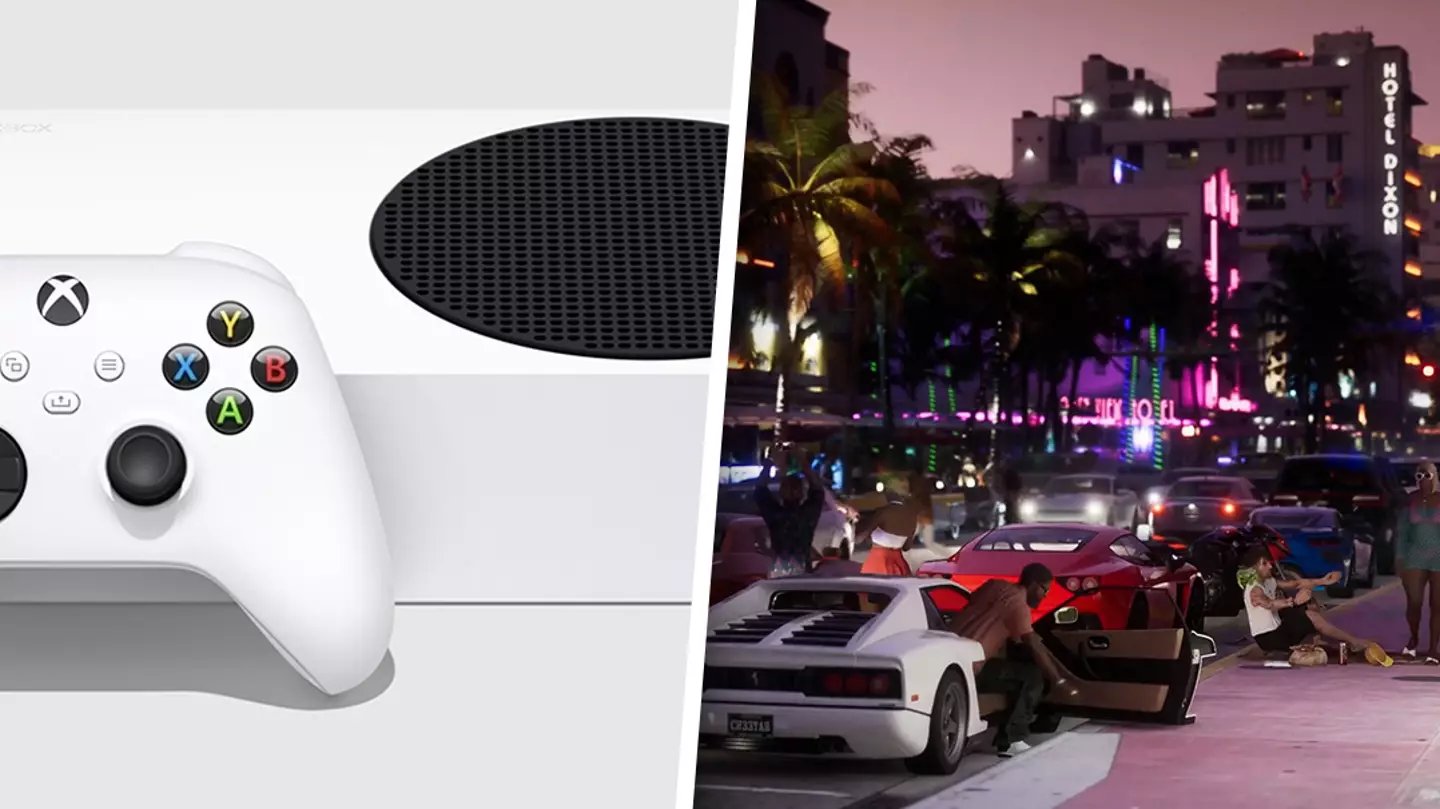
GTA 6 game performance will depend heavily on your PC hardware, targeting smooth gameplay at a desired resolution and graphics setting.
The gaming world buzzes with anticipation for GTA 6, and a primary concern revolves around GTA 6 Game Performance. Everyone is asking, “Will my system even run it?”. We all want to enjoy seamless gameplay when the title finally arrives.
This is a legitimate question, because the game will push graphics to new levels. Different hardware setups will have varied results. Getting the most from your experience will require some thought and planning.

GTA 6 Game Performance
Alright, gamers! Let’s talk about something that’s probably on everyone’s mind: how well will GTA 6 actually run? We’ve all been burned before by games that look amazing in trailers but then chug along like a rusty old car on our own computers or consoles. It’s not just about pretty graphics; it’s about how smoothly the game plays, how responsive the controls are, and whether you can enjoy the vast open world without constant stutters and slowdowns. So, let’s dive deep into what we know, what we can expect, and what you should probably be thinking about to make sure you’re ready for GTA 6.
The Hardware Puzzle: Consoles vs. PC
The first big piece of the puzzle is figuring out which platform you’ll be playing on. Consoles like the PlayStation 5 and Xbox Series X have the advantage of consistent hardware, which means developers can optimize the game to run well on a specific set of parts. They know exactly what processor and graphics card each console uses, allowing them to fine-tune the game for that hardware. This often results in a smoother experience straight out of the box. PC gaming, on the other hand, is a different beast. It’s a wild west of different components, meaning that getting great performance on every PC setup can be a real challenge. PC gamers have far more flexibility in terms of graphics options and resolutions, but it also means that not every computer will run the game equally well.
Console Performance Expectations
For the PlayStation 5 and Xbox Series X, we anticipate that Rockstar Games will target a smooth 60 frames per second (fps) at a 4K resolution. It’s possible, though, that the game may also offer a “performance mode” that prioritizes a higher frame rate over the best visual fidelity. This could mean the game might run at 60 fps with dynamic resolution scaling, or even a lower resolution than 4K, during some demanding scenes, to keep the gameplay smooth. Another factor to consider is how well the game loads, and how efficiently it streams data in the open world. The speed of the SSDs in these consoles should reduce load times, making for a seamless experience when driving, flying, or running around the map.
PC Requirements and Considerations
For PC players, the big question is always, “Will my computer be able to run it?” Rockstar Games will release the official minimum and recommended system requirements closer to the game’s release. But here’s what we can gather so far based on other games with similar visual fidelity:
- Minimum Requirements: These are the specs you’ll need just to get the game running at low settings and a playable frame rate, probably around 30 fps at 1080p resolution. This may involve something like a mid-range CPU from a few generations ago, 16 GB of RAM, and an older generation graphics card. Don’t expect the game to look its best with this setup.
- Recommended Requirements: These requirements are what you’ll need to aim for a great experience at 60 fps and 1080p or even 1440p resolution. This will likely involve a fairly recent CPU, at least 16 GB of RAM, and a high-mid-range modern graphics card.
- Ideal Requirements: If you want to push for the highest graphics settings, 4K resolution, and 60+ fps, be ready for high end hardware. This means one of the newest CPUs, at least 32 GB of RAM, and the latest generation high-end graphics card. If you’re playing at 4k resolution, you should also think about having a monitor that supports that resolution.
It’s worth noting that these are all just estimates. It’s important to wait for the official system specs from Rockstar Games before making any big hardware purchases. It’s also likely that the graphics options will be very customizable, allowing you to fine-tune the game to run better on your specific setup. If you need to improve your computer to play GTA 6, think about upgrading the graphics card first. After that, focus on the CPU, then RAM, and finally your storage. Getting a good fast SSD for game storage is always helpful for reducing load times. Keep in mind that you also need a proper power supply to support a new graphics card.
Understanding Frame Rates and Resolution
Two of the most important terms in game performance are frame rates and resolution. Let’s explain what these mean and why they matter.
Frame Rate (FPS)
Frame rate is measured in frames per second (fps). This is how many still images your computer or console displays each second. The higher the frame rate, the smoother the motion appears on screen. A frame rate of 30 fps is generally considered playable, but it can feel somewhat choppy. Most gamers agree that 60 fps is the sweet spot for smoother, more responsive gameplay. Anything above 60 fps can feel even better, especially in fast-paced games like GTA 6. However, it’s worth keeping in mind that higher frame rates also demand more processing power from your PC or console. So, pushing for the highest frame rate, might mean sacrificing some graphical quality.
Resolution
Resolution refers to the number of pixels that make up the image on your screen, such as 1080p (1920×1080), 1440p (2560×1440), or 4K (3840×2160). Higher resolutions mean more detail in the image, making everything look sharper and clearer. However, just like with frame rates, higher resolutions mean that your system has to work harder. This is why the same game may run smoothly at 1080p, but could start stuttering at 4k.
Graphics Settings and Their Impact
GTA 6 will almost certainly feature a wide range of graphics settings that allow you to customize how the game looks and performs. These settings include options like texture quality, shadows, reflection quality, draw distance, and anti-aliasing. Turning these settings up to the max can make the game look stunning, but will also demand more from your system.
Common Graphics Settings
- Texture Quality: This controls how detailed the surfaces of objects and characters in the game are. Higher texture quality means crisper and more detailed visuals, but also requires more video memory (VRAM).
- Shadow Quality: Shadows can add a lot of depth and realism to a game. However, high-quality shadows can be very demanding on your hardware. Lowering the quality of shadows can significantly improve performance.
- Reflection Quality: Reflections are often used to create the illusion of shiny surfaces and realistic environments. The higher the reflection quality, the more realistic they look, but the more processing power they require.
- Draw Distance: This setting determines how far you can see into the distance. A longer draw distance means you can see more of the world at once, which can look amazing, but it also means that your system needs to render more objects.
- Anti-Aliasing: This setting smooths out jagged edges on objects, making them look smoother. There are several different types of anti-aliasing available, each with different performance costs.
When setting up graphics options, it’s good to start with the recommended settings and then try adjusting them one by one until you find the best balance between visuals and performance. Generally, if you’re struggling for performance, reducing the shadow and reflection quality has the biggest positive impact. If your system has enough video memory, you may be able to run high textures even with lower settings in other areas.
Anticipating Potential Performance Issues
No matter how well-optimized a game is, there’s always a chance you may run into some performance hiccups. Here are some potential issues that may affect your gameplay and how to deal with them:
Stuttering
Stuttering happens when the game skips frames, causing the motion to appear choppy and uneven. This can be caused by several things, including: your CPU or GPU being overwhelmed, slow storage access, or even outdated drivers. Try restarting the game first. If that doesn’t help, try turning down some graphics settings. Make sure that you have the latest drivers for your graphics card, since new drivers often have game-specific performance optimizations.
Frame Rate Drops
Frame rate drops happen when the frame rate suddenly dips below the normal average. This can be caused by demanding scenes or effects. If you see your frame rate dropping frequently, try adjusting your graphics settings, and make sure your computer’s cooling system works correctly. Overheating of the computer components can negatively impact the performance.
Input Lag
Input lag is the delay between when you press a button and when the action occurs in the game. This can be caused by a slow monitor, a slow response time from your mouse or keyboard, or by vsync. You can try disabling vsync in the graphics settings. If you’re using a TV as a monitor, make sure it’s in game mode.
Optimizing Your System for GTA 6
Before the game’s release, there are some steps you can take to make sure your system is ready:
Keep Drivers Updated
Always keep your graphics card drivers updated. New drivers often come with game-specific performance improvements that can make a big difference. Also, make sure your operating system is up to date.
Monitor System Temperatures
Use monitoring software to track your CPU and GPU temperatures while playing games. Overheating can negatively impact your computer performance. If your components are getting too hot, consider upgrading your cooling system.
Close Unnecessary Applications
Before starting the game, close any unnecessary programs running in the background. This will free up RAM and processing power for the game, giving it more resources to use, and helping the overall performance.
Check Your Game Settings
Once you are in the game, start by setting the graphics settings to medium and then experiment with turning them up one by one to find the best performance for your PC. Look at the built in benchmark tool in the game to track your performance while you adjust the graphics. Always test graphics in different scenarios in the game, as some scenarios will be more demanding than others.
The Importance of Game Optimization
It’s not just up to gamers to make sure they have high-performance hardware. It’s also crucial for the game developers to optimize the game so that it runs well on a wide range of systems. A well-optimized game will make effective use of all available hardware and will not just rely on extremely powerful components to achieve good performance. In an open world environment like GTA, game optimization becomes very important. The game engine has to be able to render a huge amount of detail at a consistent frame rate. This is a challenging task. A poorly optimized game may not be able to properly stream textures and assets, and might suffer from problems like texture pop in and stuttering. Let’s hope that Rockstar Games spends enough time optimizing the game so that the performance matches the graphical fidelity of the game.
GTA 6’s performance is something that the entire gaming community is very excited about. We’re hoping for a smooth experience on both consoles and PC. It will be essential to know the official system specs, and adjust the game settings accordingly. By understanding the factors that impact performance, and taking proper steps to prepare your hardware, you will be ready to enjoy the world of GTA 6 when it releases. Ultimately, the experience we have with the game relies not only on the hardware we use, but also on how well optimized the game is when it comes out. Hopefully the game will have as much effort put into the performance as the visuals.
GTA 6 No 60 FPS On PS5 PRO ?!
Final Thoughts
In short, expectations around GTA 6 Game Performance are incredibly high. Players anticipate a visually stunning and smooth gameplay experience on various platforms. Optimizations will be vital for a positive reception.
Performance concerns are definitely valid, given the scale of previous Rockstar titles. We will see how Rockstar manages the technical aspects. It’s important to have reasonable expectations for the final product.

