
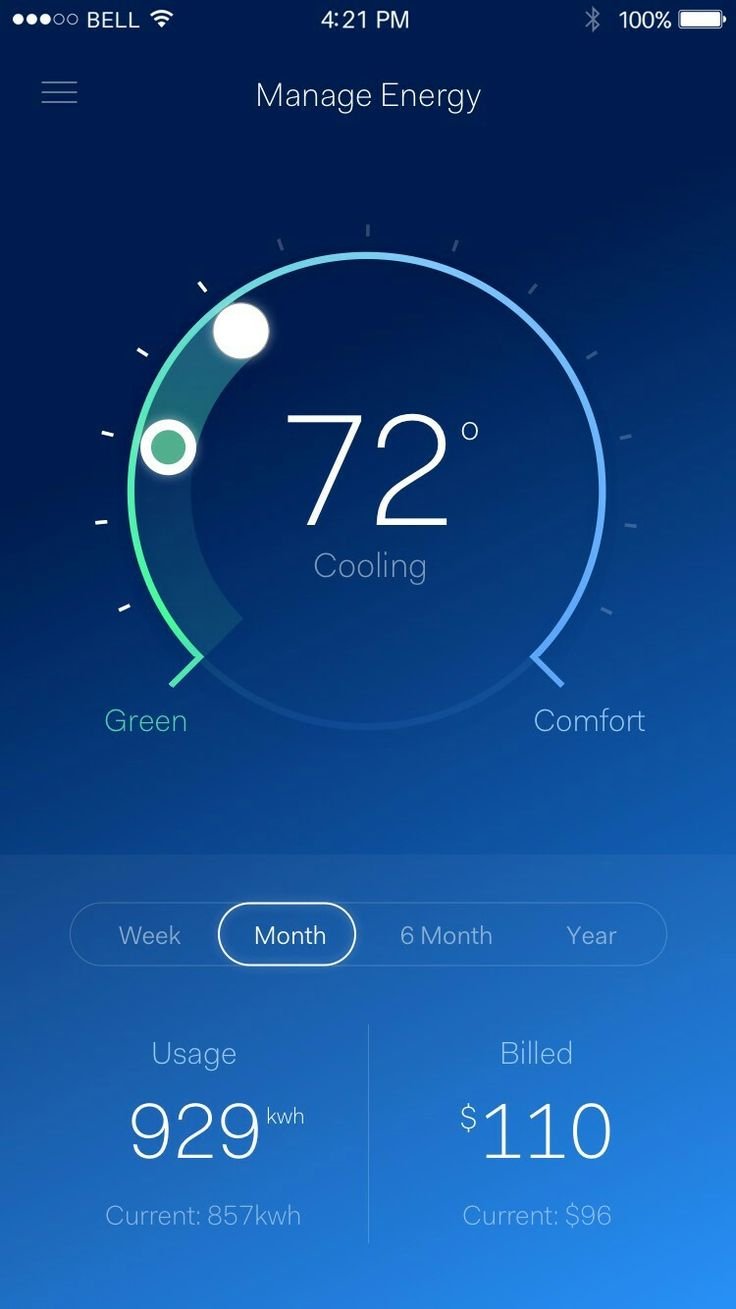
The GTA 6 User Interface Design will likely offer a modern, intuitive experience, balancing accessibility with the game’s complex systems and features.
Anticipation for GTA 6 is at fever pitch, and alongside the gameplay reveals, everyone’s also keen to see how the in-game experience is going to feel. A crucial aspect of this is the GTA 6 User Interface Design, which will bridge the gap between player intent and the game world. We expect a design that feels both contemporary and easy to navigate, but also capable of presenting a lot of information effectively.
This interface needs to handle everything from navigating the open world map and managing a vast inventory to controlling vehicles, weapons, and numerous character stats. The user interface will be critical to a smooth and engaging playing experience.

GTA 6 User Interface Design
Alright, let’s dive deep into something super important for any game: the user interface, or UI for short! When we think about the next Grand Theft Auto game, GTA 6, the UI is more than just menus and maps. It’s how we actually interact with the crazy world Rockstar Games is building. It’s the window to the game, showing us everything we need to know, from our health to our wanted level. So, let’s get into all the cool details about what we might see and how it might work in GTA 6. This isn’t just about pretty pictures; it’s about making sure playing the game is fun and easy.
The Basics: What Makes a Good UI?
Before we talk specifically about GTA 6, let’s think about what makes a good UI in general. It’s not just about looking cool; it’s about being useful and helping us play the game better. Here are a few things that are important:
- Easy to Understand: We shouldn’t have to spend ages figuring out what each symbol or button does. The information should be clear and simple.
- Quick to Use: Nobody wants to be stuck in menus for too long. The UI should be fast and responsive, allowing us to quickly do things like swap weapons or check the map.
- Relevant Information: The UI should only show us what we need to know at that moment. Too much clutter can be distracting, but not enough info is also bad.
- Fits the Game’s Style: The UI needs to look like it belongs in the game world. It should match the overall vibe and feel of GTA 6.
Heads-Up Display (HUD): Our Constant Companion
The HUD, or heads-up display, is what we see on the screen while we’re playing. It’s super important because it gives us crucial info without us having to pause the game. For GTA 6, we can imagine this including a few key elements:
Health and Armor
Just like in previous GTA games, we’ll need to keep an eye on our health and armor. A clear display showing how much damage we can take is very important. Perhaps we’ll see a health bar that changes color as we get hurt, or maybe a shield symbol for our armor. The information should be visible at all times, but not too big that it blocks the view of what’s going on.
Minimap and Navigation
The minimap is our best friend in GTA. It helps us navigate the large world and find our way to the next objective. In GTA 6, we can expect a minimap that is both clear and easy to read, with markers for important places like stores, missions, and safe houses. Maybe we’ll even see the navigation updated with a more intuitive system, guiding us better on the roads. It needs to show a good amount of detail but not be cluttered with useless things that we don’t need. There could be different options for map size and how much detail is shown, allowing us to customize it to our liking.
Weapon Selection
Being able to quickly switch weapons is vital in GTA. The UI for this needs to be simple and intuitive. We may see a weapon wheel, similar to what we’ve seen in other games, allowing us to select a weapon by moving the selection indicator to the weapon we want. Or maybe they come up with something new and easier to use. The UI should be easy to use even in the heat of a firefight.
Wanted Level
The classic stars that indicate how wanted we are by the police will probably remain in GTA 6. The stars are easy to understand and everyone recognizes them. The UI must clearly show our wanted level so we know when to lay low or when to go all in.
Other Important Info
Along with all the main items, the HUD could also show other info like our current cash, the time, and maybe even our character’s mood. It could also feature prompts for interacting with things in the world. For instance, a prompt when we get close to a car that can be stolen, or when we get close to a door we can interact with. It is important that these prompts are unobtrusive, meaning that they appear when we need them and don’t take up too much space when we don’t.
The Pause Menu: Our Central Hub
The pause menu is where we go to manage our game. It’s more than just a way to take a break; it’s where we access a lot of important features. Here’s what we might see in GTA 6’s pause menu:
Game Options
The game options section needs to be clear and easy to navigate, so we can change the game settings. This area needs to let us adjust things like graphic settings, sound volume, control schemes, and accessibility options. Clear labels and simple layouts are key so we can find what we need quickly. For instance, there could be clear slider bars for sound volume, and dropdown menus for different language options.
Map and Navigation
The full map is usually accessed from the pause menu. This needs to be large, detailed, and easy to navigate. Markers for missions, stores, and other points of interest should be easy to spot and distinguish from each other. We might even see filters that we can apply to see only certain types of locations. It should be easy to zoom in and out, and move around, without any hiccups or delays.
Character Stats
This section would let us track our characters progress and see how they’re developing. We might see things like their strength, stamina, shooting ability, and driving skill. We may even be able to see how well we are doing in different missions and activities. This section would be a good way to see how we’re progressing in the game and see what skills need work. The stats need to be presented in a clear and engaging way, maybe even with progress bars and color coding.
Inventory and Items
The inventory section is where we manage all of our items. It must show us what weapons, health items, and other useful things we have. It should be easy to browse and use items, without having to struggle with menus that are too complicated or hard to use. This section would also show us things like clothing and accessories that our character is currently using.
Missions and Progress
The pause menu is also a great place to track our missions and quests. The game needs to show us what we’ve accomplished and what we still need to do. It should have a clear structure that makes it easy for us to see all of our active, completed, and failed missions. We should be able to see the overall story progression and any side missions that we are working on, with a clear indication of what we must do to continue. Being able to quickly jump to our current objective is very crucial.
Social Features
If GTA 6 has online elements, the pause menu is also the place where we will find things like friends list, social settings and in-game groups. It is crucial that we can add friends, message them, and invite them to play with us, from the pause menu. We will need a clear and simple interface to manage all the social features.
In-Game Menus and Interactions
Apart from the HUD and pause menu, there are many other types of UI elements that we encounter while playing the game. These are important for helping us interact with the world in a way that is seamless and logical.
Store and Shop Menus
When we go to buy new clothes, weapons, or food, we need shop menus that are simple and easy to use. These menus should show us all available items, their prices, and a brief description. Being able to sort items by category and compare them with each other would be very useful. It is critical that the menus are responsive, not slowing down the game while we are using them.
Vehicle Customization
Customizing cars is a big part of GTA. The UI for this needs to be user-friendly, letting us change paint colors, add spoilers, upgrade parts, and more. A clear visual of the car while we customize it is extremely important, so we know what changes we are making. It needs to be intuitive to navigate and visually appealing.
Interaction Prompts
When we walk up to a door or a car, the game needs to show us what button to press to interact with it. These prompts need to be small and unobtrusive, but clear enough to see. They should appear when we need them and vanish when we don’t, without being distracting. The prompts also need to be context sensitive, showing us the correct prompts for each action. We may have one button to enter a car, and another to take cover behind a wall.
Mini-Game UIs
If GTA 6 features mini-games like darts or tennis, it will need specific UI for these. These UIs must be simple and help us play the games without any confusion. It may need to show us scores, times, or other information, while we play. The interfaces for mini-games need to be appropriate for the game they are used for.
Accessibility: Making the Game Playable for Everyone
It’s crucial that games are fun for everyone, and accessibility features in the UI are vital for that. GTA 6 needs to include options to help players with different needs:
Adjustable Text Size
The text in the game needs to be easy to read. We need an option to make the text bigger or smaller, so we can comfortably read things in the menus. It can be difficult to read menus and prompts if the text size is too small. It’s also useful to be able to change the color and contrast of the text, so it can be seen on different backgrounds.
Color Blindness Options
People who are color blind need to be able to see important information. The game should have settings that allow players to adjust colors to see them more clearly. These options need to be easy to find and use, so anyone can access them.
Controller Mapping
Being able to customize the controls is extremely useful. The game needs to let us change which buttons are used for different actions. This makes the game easier to control and play for everyone. It’s extremely helpful to have several pre-set control schemes and the option to customize each button individually.
Audio Cues
For players who have vision limitations, audio cues can be very useful. The UI needs to have options for more audio feedback. This allows players to navigate the menu with sound. Audio cues can also help to indicate when something is happening in the game. This might include sounds for enemy activity, or completing objectives.
The Future of GTA UI Design
As games continue to evolve, so does the UI design. For GTA 6, Rockstar has a lot of opportunity to innovate. We might see more integrated UIs, where the information appears as part of the game world. We also might see more UI elements that adapt to how the player is playing. For example, the HUD might only display the most essential information, and not be too cluttered, when we are not in combat. The trend in modern user interface design has been going towards simplification and user-friendliness. These are the principles that the UI in GTA 6 will likely follow. The idea is to provide players with the information and tools that they need, without overwhelming them or slowing them down.
In conclusion, the user interface design for GTA 6 will play a very crucial role in the game’s success. A well-designed UI makes the game easy and fun to play and allows us to fully immerse ourselves in the amazing world that Rockstar creates. It’s more than just a collection of menus and maps; it’s how we interact with everything. And that’s why the design of the UI is just as important as the game’s graphics or storyline.
How will the Graphical Interface of GTA 6 be?
Final Thoughts
GTA 6 User Interface Design holds key for player experience. The interface must be intuitive and easy to navigate, allowing for seamless interaction with the game world. A well-designed UI prevents frustration, improving the flow of gameplay.
Clear menus and effective in-game information displays are essential. Players need simple access to important data, like maps, objectives, and character stats. A clean interface minimizes distractions, so they can engage fully in the action.
Ultimately, the success of GTA 6 UI hinges on its ability to be user-friendly. The game design should enhance enjoyment and not hinder player progress. They will remember the UI design if it’s done exceptionally well.

