
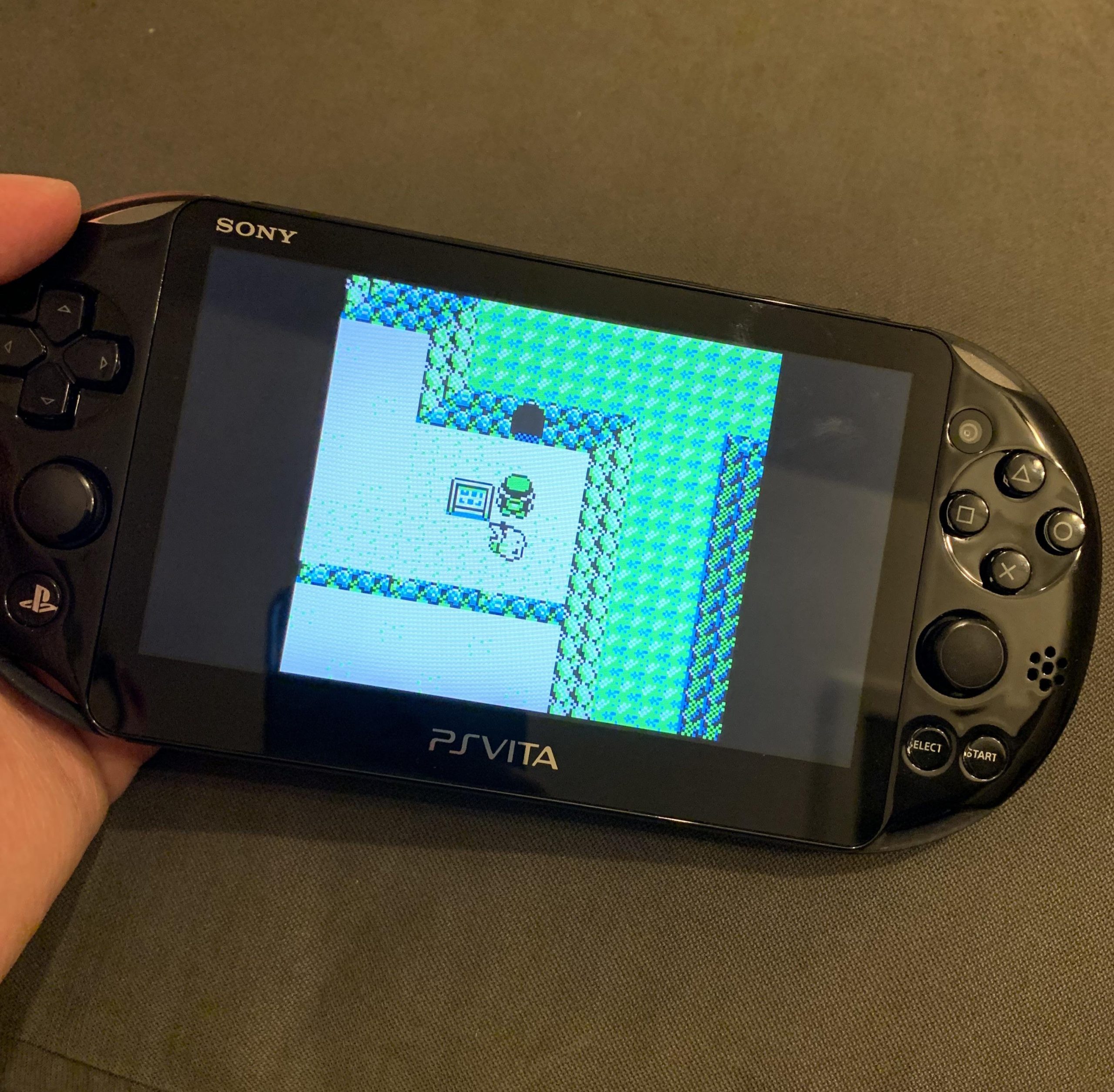
Vita game roms typically range from a few hundred megabytes to around 4 gigabytes, depending on the game’s complexity and content.
Ever wondered how much space those digital Vita games actually take up? It’s a common question for anyone diving into the world of Vita emulation or digital game preservation. Understanding how big are vita game roms is crucial for managing storage space.
Game file sizes vary dramatically. Some smaller, simpler titles might be less than 1 GB. More ambitious, graphically rich adventures can easily reach the 3 or 4 GB mark. This range impacts where you’ll store these games.

How Big Are Vita Game ROMs?
Alright, let’s dive into the world of PlayStation Vita game files, often called ROMs! You might be wondering just how much space these digital games take up on your computer or memory card. Well, the answer isn’t always straightforward, because it depends on a few things. But don’t worry, we’ll break it all down in a way that’s super easy to understand. Think of it like figuring out how much space your toys take up in your room – some are small, like action figures, and others are big, like a giant stuffed bear!
Factors Affecting Vita Game ROM Size
Just like toy sizes, many factors influence how big a Vita game ROM will be. Here are the most important ones:
Game Complexity
Some games are like simple puzzles, while others are sprawling adventures with lots of things happening at once. Complex games need more data for all the characters, levels, and sounds. Therefore, a game with tons of detailed graphics, many characters, and lengthy story will usually have a bigger file size than a game that is smaller and simple. Think of Uncharted: Golden Abyss compared to Super Stardust Delta. Uncharted has huge levels, tons of detailed character models, and lots of voice acting, all of which take up space. Super Stardust is a fun game, but it’s smaller and simpler, meaning its files are much smaller.
The Use of Graphics and Textures
High-quality textures and models make games look fantastic, but they also take up space. Games with highly detailed backgrounds and realistic character models will have larger files. The amount of detail that goes into each object, character, and background affects the overall game size. Think about a picture; a high-resolution photo takes up more space than a low-resolution one. Game textures are similar.
Sound and Music Quality
High-quality sound effects and musical scores make games sound amazing, but again, this comes at a cost. These audio files are also part of the game’s overall file size, and the higher the quality, the more space the sounds take up. Games with voice acting need extra space for the dialogue. Think of having an awesome soundtrack on a CD; the better the recording quality, the more space it uses.
Language Packs
Many games support different languages. Each of these language packs needs to be included in the game file. Games with many language options might have a slightly larger size. The extra text and voice acting for each language add to the total size of the game. This is like having a book translated into several languages; each version will take up some space.
Additional Data
Some games include extra things like downloadable content (DLC), patches, or even movie cutscenes. These additional files contribute to a game’s overall size. Sometimes, game developers release updates to fix bugs or add features, and this can increase the size of the file.
Typical ROM Sizes for Vita Games
Now that we know what makes ROM sizes different, let’s look at the general sizes you can expect:
Generally, the sizes of Vita games can vary quite a lot. A typical range is anywhere between 500 MB to 4 GB. However, some very large and detailed games like Killzone: Mercenary can even reach 5 GB or more. Think about this like packing snacks for school: some days, you might just bring a small apple (a 500 MB game), while on other days you bring a full sandwich, some crackers, and a drink (a 4GB to 5GB game). It depends on how much “stuff” is inside!
To better illustrate this, here is a table of some common Vita game ROM sizes:
| Game Title | Approximate ROM Size |
|---|---|
| Uncharted: Golden Abyss | 3.5 GB |
| Persona 4 Golden | 2.8 GB |
| Gravity Rush | 1.6 GB |
| LittleBigPlanet PS Vita | 1.3 GB |
| Rayman Origins | 700 MB |
| Super Stardust Delta | 250 MB |
| Tearaway | 2 GB |
| Killzone: Mercenary | 4.7GB |
| Assassin’s Creed III: Liberation | 3.3GB |
| Mortal Kombat | 3GB |
| Need for Speed: Most Wanted | 2GB |
This table shows you that the sizes vary a lot! As you can see, a game like Super Stardust Delta is quite small, while Uncharted: Golden Abyss takes up much more space.
Comparing Vita ROM Sizes to Other Platforms
Let’s put these Vita ROM sizes in perspective by comparing them to other platforms. This will help you get an even clearer picture of how much space Vita games use.
Compared to PlayStation Portable (PSP)
PSP games are generally much smaller than Vita games. On average, PSP games range from a few hundred megabytes to around 1.8 GB. This is because the PSP had less powerful hardware, which could not support higher resolution textures and large game worlds. Vita games benefit from better hardware and can have larger files as a result. Think of PSP games as being like small, picture books, while Vita games are like large, graphic novels.
Compared to PlayStation 3 (PS3)
PS3 games are significantly larger than Vita games. They can often range from 5GB all the way up to 30GB, depending on the game. PS3 games are designed for a home console and can include much higher quality graphics, longer cutscenes, and more data overall. This is like comparing a small house (Vita) to a huge mansion (PS3).
Compared to Modern Consoles (PS4/PS5)
Modern console games like those for the PS4 and PS5 are considerably bigger than Vita games. Often, they can be anywhere from 30GB to over 100GB. Modern games feature incredible graphics, complex game worlds, extensive soundtracks, and a wealth of additional content that can make their files extremely large. It is a big difference from the portable PS Vita games, which makes them much larger.
Here’s a summary to make things clearer:
PSP: Smaller, usually under 2GB.
PS Vita: Moderate, usually between 500MB and 5GB.
PS3: Large, often between 5GB and 30GB.
PS4/PS5: Very large, often between 30GB and 100GB+
Managing Your Vita ROMs
So, what do you do once you know how big these games are? Managing your Vita ROMs efficiently is key if you want to enjoy many games without running out of space on your device or computer. Here are some good ways to do it:
Using Memory Cards Effectively
The PlayStation Vita has a special memory card that is a bit unique. It’s proprietary, meaning you can only buy Vita memory cards made by Sony. It comes in different sizes, and the price can be high. Plan your game library ahead by figuring out how much space you’ll need before buying a card. If you want many games, consider a larger card from the start. Try to keep games you enjoy often and uninstall games you no longer play. This can free up valuable storage space.
Archiving Your ROMs
When you are not playing a particular game, store its ROM file safely on your computer or an external hard drive. This can help prevent your Vita card from getting filled up. Think of it like putting your toys into a box in the attic when you are not playing with them. You can easily get them out when you want to play them again.
Using File Compression
Some file archiving software can compress your game ROMs, making them smaller. However, note that you will need to decompress them before you can use them on your Vita. This will need a bit more knowledge and experience, but it can free up storage space. Compressed files are like clothes that have been folded neatly; they take up less space!
Regularly Cleaning Up Your Files
Go through your ROM files and delete any duplicates or old game files you no longer want. This keeps your storage space organized and prevents waste. Think of this as a regular clean-up of your room – throw out anything you don’t need anymore.
Using a Cataloging Tool
Consider using a tool to help keep track of your ROM files, such as a spreadsheet or a dedicated ROM manager. This will help you organize your games and see exactly how much space each one is taking up. This is like having a list of all your books in your house – you always know what you have and where it is.
The Impact of ROM Size on Performance
The size of a ROM file doesn’t necessarily affect how well a game runs. Game performance is more dependent on the design and how well it’s coded. A small game can run perfectly smoothly, while a larger game can have performance problems if it’s not optimized well. If you’re not sure how large a game is going to be, look up some reviews online for the best information.
What Makes a Game Run Well?
The way a game uses the Vita’s processor and memory is what most affects performance. Games that are efficiently coded will run smoothly even with large ROMs. Some games are designed to work with the Vita hardware in a special way, giving them an edge. Game size only matters when it comes to the storage requirements, not how well it plays.
Possible Performance Issues with Large Games
If you have an older device or a full memory card, you might see that some larger games take longer to load. Also, running many games at once can slow down performance. Just like when you have too many toys out at the same time, the Vita can get a little overwhelmed!
Important Considerations about ROMs
While we’ve been talking about game sizes, it’s important to note that there are some legal issues surrounding game ROMs.
Legality of Game ROMs
The act of downloading and sharing game ROMs from games that you do not own is not legal. You should only use game ROMs if you have a physical copy of the game. The content of game ROMs is the property of the game developers and publishers. You should treat these game files with respect and only get them in a legal way.
Ethical Concerns
Game developers put a lot of time and effort into making games. If people download games without paying for them, it hurts these developers. When you buy a game, you’re helping the people who made it. It’s important to respect their work.
Finding More Information
If you want to learn more about a specific game and its file size, here are some ways to find that info:
Online Forums: Check out gaming forums and message boards where people often discuss specific game ROM sizes.
Fan Websites: Many fan websites are dedicated to the PS Vita and will often have information about various game ROMs.
Online Game Databases: Some websites keep track of game sizes, making it easy to look up specific titles.
Video Game Review Sites: Check out reviews or previews on different sites; they often include details about game size.
Understanding how big Vita game ROMs are is a big step toward managing your game library and enjoying the system fully. Each game is like its own little world with lots of things inside, and those things take up space. By knowing what affects ROM sizes, you can make sure you have enough storage space to play the games you love. Remember to manage your files efficiently, look for information on games you are curious about, and, above all, enjoy gaming!
Play ALL Ps Vita Games + Much More with PKGj #psvita #psp #emulation
Final Thoughts
Vita game ROMs vary considerably. File sizes depend on game complexity and data. Generally, sizes range from a few hundred megabytes to several gigabytes.
How big are vita game roms? Smaller, simpler titles will be on the smaller end, while graphically advanced or data rich games occupy more space. You must consider this when managing storage.

