
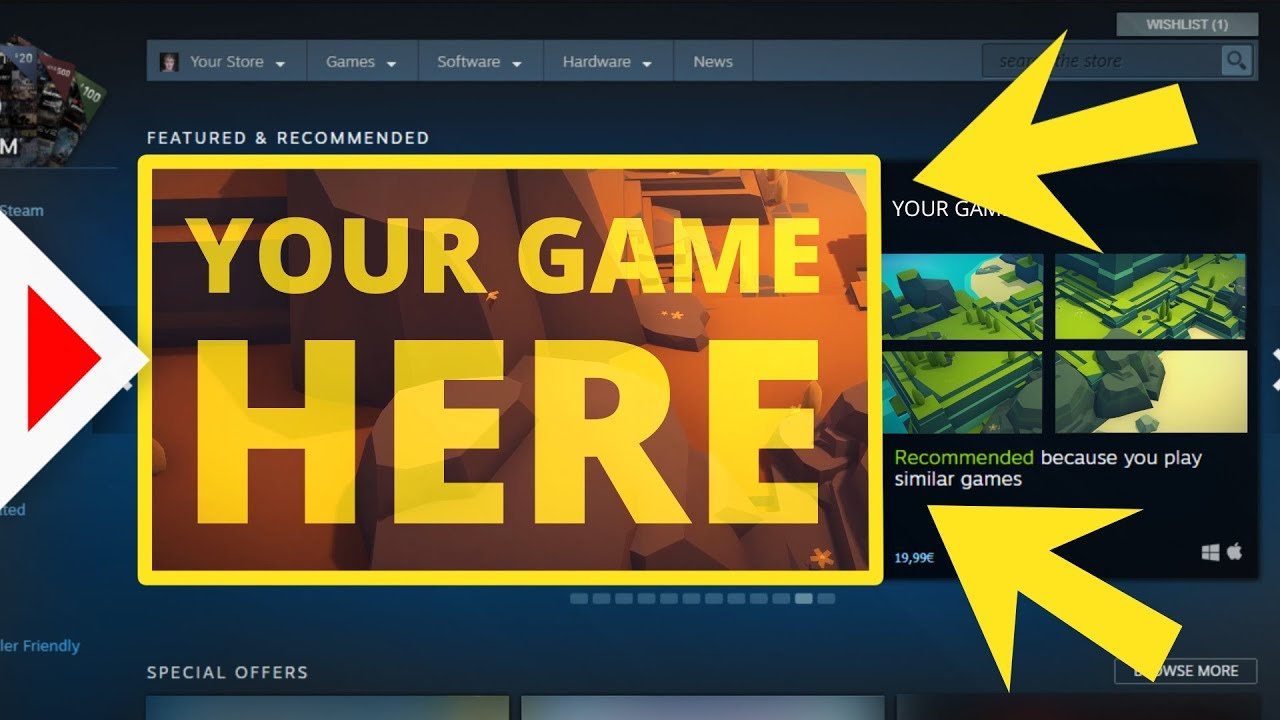
To sell a game on Steam, you must first create a Steamworks account, pay a fee, prepare your game build, complete store page information, and then submit it for review.
So, you’ve poured your heart and soul into creating an amazing game, and now you’re wondering, how do you sell a game on Steam? It might seem like a complicated process, but it’s actually quite straightforward with a few key steps. Let’s explore the process required to get your game ready for gamers to enjoy.
You need to set up your developer account, ensuring that all required tax information and banking details are filled. This is a necessary part before getting your creation ready for publishing on the platform. We’ll go through these steps in more detail.

How Do You Sell a Game on Steam?
So, you’ve made a game! That’s awesome! Now you’re probably wondering, “How do I get it onto Steam so people can play it?” Selling your game on Steam is a big step, and it can seem a little complicated at first. But don’t worry, it’s totally doable! This guide will walk you through all the important parts of selling your game on Steam, step by step. We will break it down into easy-to-understand pieces, so you can confidently bring your amazing game to the world. We’ll talk about everything from setting up your Steamworks account to pricing your game right.
Getting Started with Steamworks
First things first, you need a Steamworks account. Steamworks is the tool that developers use to put their games on Steam. Think of it as your backstage pass to the Steam world. Here’s how to get it:
Setting Up Your Steamworks Account
Setting up a Steamworks account is like signing up for any other online service, but it has a few unique steps:
- Go to the Steamworks Website: Head to the official Steamworks website. You’ll need a regular Steam account to begin.
- Fill Out the Application: You’ll need to provide information about yourself or your company, your game, and banking details. Don’t worry, it’s all kept safe and private.
- Pay the Fee: There is a small fee (usually around $100) to set up your Steamworks account. This fee helps ensure that real game developers, not just anyone, are publishing on the platform.
- Wait for Approval: After submitting your application and paying the fee, Steam will review it. This usually doesn’t take too long. You will get an email when your account is approved.
Once your Steamworks account is set up, you’re ready to start getting your game ready for Steam.
Preparing Your Game for Steam
Before you just upload your game, you need to make sure everything is ready. This is like making sure your room is clean before having a party; you want everything to look its best!
Creating Your Game’s Store Page
The store page is where people will first see your game. It’s like the cover of your book; it needs to catch people’s eye! Here are the important parts:
Game Title and Description
Pick a catchy title! Write a description that explains what your game is all about. What makes it fun? What can players expect? Use exciting words, but make sure you explain things clearly. Think of it like a movie trailer description that wants to get people excited to watch the movie.
Screenshots and Videos
Pictures and videos are super important. They show people what your game looks like! Choose screenshots and videos that show off the best parts of your game. Show gameplay, cool characters, and amazing levels. Think of it as showcasing your game’s best outfits and dance moves.
Game Trailer
A good trailer is a must-have. It needs to be exciting and fast-paced. Show the best parts of your game to convince players that it’s worth their time and money. You can even use a catchy song for better results.
System Requirements
Tell people what kind of computer they need to play your game. This includes things like the operating system (Windows, Mac, Linux), processor, RAM, and graphics card. Don’t worry, you don’t need to be super tech-savvy to do this, just be sure to test your game on different computers to figure out the lowest settings that it will run on and put these on the requirements list.
Tags
Tags are words that help people find your game. For example, if it’s a puzzle game, tag it “puzzle” or “strategy”. Use tags that accurately describe the game. Choosing the right tags can really help more people find your game. Think of them as keywords that search engines use to show your content.
Building Your Game’s App
Before uploading, you’ll need to create your game’s “app” using the Steamworks tools. This involves setting up the game files, including:
Uploading Game Builds
This is where you actually upload the files that make your game run. You will upload different builds for Windows, Mac, and Linux if your game supports them. You will need to learn to use the Steamworks SDK or tools to do this properly. Think of it like a building you make with all the needed material, like bricks, steel, and more.
Setting Up Achievements and Trading Cards
Achievements and trading cards are like little rewards for playing your game. Achievements give players challenges to complete, and trading cards are little collectibles they can earn and trade with friends. These both provide replay value for the game.
Integrating Steam APIs
Steam has special tools (APIs) that you can use in your game. For example, Steam APIs can let players find their friends playing your game and even use the Steam overlay. This isn’t necessary, but can help in making your game more polished.
Pricing Your Game
Figuring out the right price for your game is a key step. You want to make it affordable for players while also making sure you get paid fairly for all your work.
Researching Competitor Prices
Look at other games similar to yours. What prices are they using? This will give you an idea of what price range is fair and competitive. It’s like checking how much other lemonade stands are selling their lemonade for.
Considering Your Game’s Value
Think about how long it takes to play your game. Is it a big, long adventure or a short, fun experience? Also, consider the quality of your game’s graphics, sound, and overall design. A bigger, more polished game can be priced higher than a simple game.
Choosing a Price Point
You can use the following tips while selecting the price:
- Start Lower: Sometimes starting with a lower price can encourage more people to buy your game, and you can always raise the price later.
- Regular Price and Sales: You can set a regular price and then offer discounts during Steam sales. This can create a rush of sales when your game is discounted.
- Regional Pricing: Steam allows you to set different prices for different countries. This is a good practice as what may be affordable in one country might not be affordable in another.
Launching Your Game
Finally, the big day is here: launching your game on Steam!
Setting a Release Date
Choose a release date that gives you time to finish everything and to promote your game. Don’t just pick a random date. If you have a major holiday nearby, like Christmas or New Year, it would be beneficial to release before that, so it gets noticed more.
Marketing Your Game
Before launch, you will want to make sure as many people as possible know about your game. Here are some ways you can do this:
Social Media
Share your game on social media. Show pictures, videos, and give updates. Use social media channels like X (Twitter), Facebook, Instagram and others that are suitable for your game.
Press Outreach
Send out emails to websites that review games. This will get them interested in reviewing your game and help get the word out to their readers.
Community Engagement
Join game development communities. Talk with other gamers. Share your game, answer questions, and be active in the community. This gives you feedback on your game and also creates a personal connection with your player base.
Dealing with Feedback and Updates
After your game is launched, you need to listen to what players are saying. Feedback is really important!
Reading Reviews
Pay attention to the reviews and forum posts. This will help you identify bugs and learn what people like and dislike about your game. Respond to feedback and try to incorporate changes. This shows that you care about your players.
Creating Patches and Updates
Fix any bugs that are reported, add new features, and improve things that players complain about. Make sure to send these updates so your players keep playing and remain engaged. This also shows that you are supporting your game over the long run.
Additional Tips for Success
Selling a game on Steam takes work. Here are some more tips that you may find useful:
Build a Community
A community of people who love your game is super valuable. Having a Discord server or an active forum will create a space for players to interact and share their enjoyment of your game.
Consider Bundles and DLC
You can sell your game in bundles with other games or create downloadable content (DLC) to add more things to your game later on. Bundles will also allow your game to reach a wider audience.
Be Patient
It takes time to build a successful game. Keep improving your game, keep marketing, and don’t give up! Your game will gain a following over time if it’s good and worth it.
Selling your game on Steam is a marathon, not a sprint. You will need to keep working at it, but with dedication and passion, you can reach your goal of publishing your game on Steam for all to enjoy.
How to Refund Games on Steam 2024 – Refund a Steam Game
Final Thoughts
To sell a game on Steam, you first need to pay a fee and set up a Steamworks partner account. The process involves submitting your game build, store page materials, and pricing details. You must complete all necessary tax and legal paperwork.
After approval, you can launch your store page. Marketing becomes essential for a successful sale. How do you sell a game on steam? It requires consistent updates and community engagement.

