
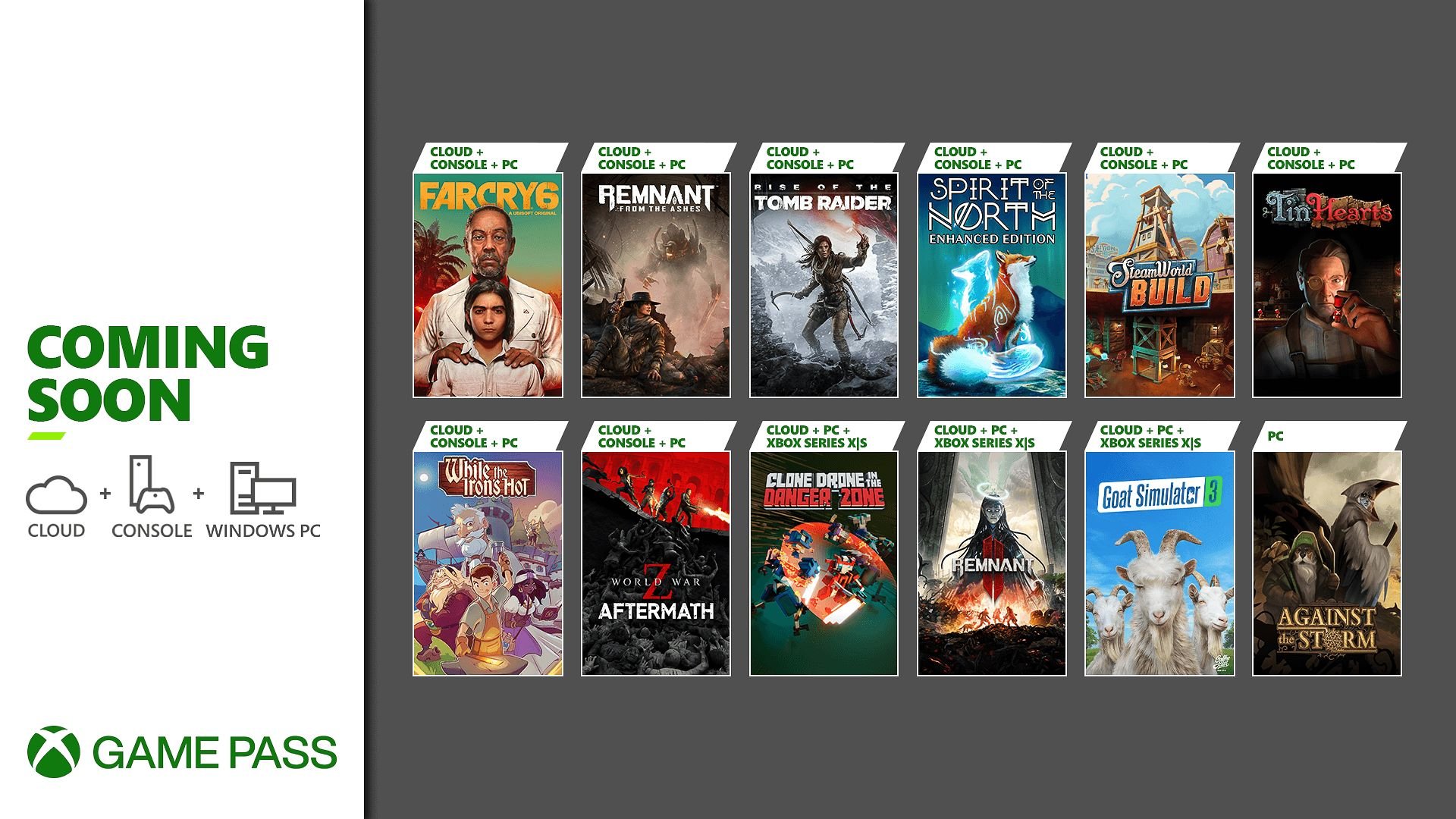
Games on Game Pass typically stay for several months, but their availability varies; some may leave after a few months while others remain for a year or longer.
Ever wondered about the lifespan of your favorite titles on Xbox Game Pass? It’s a common question, and many players find themselves asking “how long are games on game pass” before committing to a playthrough. This subscription service offers a rotating library, meaning games appear and disappear.
Understanding the rotation helps you prioritize what to play. It’s good to keep an eye on the ‘leaving soon’ section so you can enjoy titles before they are removed.

How Long Are Games on Game Pass?
Okay, let’s talk about something really important for all you gamers out there: how long games stay on Xbox Game Pass. It’s like a giant library of video games, and just like books in a library, they don’t stay forever. Some games are there for a long time, while others leave after a bit. This can be a little tricky, so we are going to break it all down. We’ll look at the different types of games, how long you can expect them to hang around, and some cool things to keep in mind so you don’t miss out on playing your favorites.
Understanding Game Pass Rotation
Game Pass works a little bit like a rotating shelf. Microsoft adds new games all the time, which is super exciting! But, to make room for these new arrivals, some older games need to leave. This is what we call “game rotation.” Think of it like a library that gets new books every month, but needs to take some older ones off the shelf to fit the new ones. The exact timing for this rotation can vary, and there are a few things that affect how long a game stays available.
First-Party vs. Third-Party Games
One of the main things to know is the difference between “first-party” and “third-party” games. First-party games are made by Microsoft or a company that Microsoft owns (like Bethesda or Xbox Game Studios). These games usually stick around on Game Pass for quite a long time. In fact, they are often there permanently! On the other hand, third-party games are made by other companies that don’t belong to Microsoft. These games are on Game Pass for shorter amounts of time, which is often determined by a contract or agreement between Microsoft and the game’s publisher. This agreement usually lasts anywhere from a few months to a year or two. Think of it as a loan agreement to borrow the game. When the agreement ends, the game usually needs to go back. Let’s break this down further:
- First-Party Games: Games made by Microsoft or its owned studios; often permanent additions to the Game Pass library.
- Third-Party Games: Games from publishers not owned by Microsoft; availability typically ranges from a few months to a year or two.
Factors Affecting Game Length
Besides whether a game is first or third party, a couple of other things can affect how long a game stays on Game Pass:
- Popularity of the Game: If a game is extremely popular and many people play it, Microsoft might keep it on Game Pass longer. Think of it as a really popular book at the library, the librarian might keep it around because everyone wants to read it.
- Contract Agreements: As we mentioned before, the length of time third party games are available is usually decided when a contract between Microsoft and the game publisher is made. These agreements vary greatly and can determine if a game is available for just a few months or much longer.
- Promotional Deals: Sometimes, a game comes to Game Pass as part of a special promotion. These deals might have shorter terms, meaning the game won’t be available as long as others.
- Game Updates and DLC: If a game is going to get a lot of new updates or downloadable content (DLC), it could stay on Game Pass longer, so players can have the complete experience.
Typical Game Pass Timelines
While we can’t say exactly how long every game will stay on Game Pass, there are some general patterns we can look at to get an idea of what to expect.
First-Party Titles: The Long Haul
For first-party games, you can expect them to be on Game Pass for the long term. Usually, they will remain on the service from launch day onward. So, when a big new game like Halo or Starfield comes out, you know it will likely stay on Game Pass as part of its permanent library. This is a big reason why so many gamers love Game Pass—they know they’ll have access to these Microsoft-made games for a long time without worrying about them disappearing.
Third-Party Titles: A Mix
Third-party titles are a different story. These games will typically be available for a period, and then may leave the Game Pass library. Let’s look at the usual timeframes:
- Short-Term Stays (3-6 months): Some third-party games might only be on Game Pass for a few months. These are often smaller, indie games or titles with shorter contracts.
- Mid-Term Stays (6-12 months): A lot of third-party games fit into this window. These could be a little bigger, older, or more popular indie games and big-budget titles, but they don’t have the long-term deals.
- Longer Stays (12+ months): Occasionally, we see third-party games that stay available for a year or even two years. These tend to be very popular games, or ones where Microsoft has worked out a longer agreement with the publisher.
It’s important to pay attention to announcements and news about games leaving Game Pass, so you don’t miss out on your favorite titles!
How to Stay Updated About Games Leaving Game Pass
It can be sad when a game you really enjoy leaves Game Pass. Luckily, Microsoft gives us a few different ways to stay updated about which games are going and which are coming. This helps you plan your gaming time so you don’t have to rush to finish a game at the last minute.
The Game Pass App and Console Notifications
The best way to know when games are leaving is to check the Xbox Game Pass app on your phone or directly on your Xbox console. Microsoft sends notifications that will often warn you a game is leaving soon. These will give you a heads up so you have time to finish playing. These notifications usually pop up a couple weeks before the game is removed from the library, giving you a small grace period.
- Xbox Console: Check the “Leaving Soon” section in the Game Pass menu.
- Game Pass Mobile App: Find this same “Leaving Soon” section on the app.
- Xbox Notifications: Keep an eye on the notifications in your Xbox console or app.
Official Xbox News Channels
Microsoft is really good about keeping everyone in the loop. They have lots of official news channels that provide all sorts of details about Game Pass. You can find these updates here:
- Xbox Wire: This is the official Xbox blog where they post announcements about games leaving and coming to Game Pass.
- Social Media: Follow Xbox on Twitter, Facebook, and other social media channels. They often tweet about Game Pass changes there.
Gaming News Websites and YouTubers
Besides the official Xbox channels, tons of gaming websites, blogs, and YouTubers cover Game Pass news. They are great at catching these updates and explaining them in a way that’s easy to understand. Here are some of them:
- IGN, GameSpot, PC Gamer: These are some of the biggest gaming websites. They are really good at posting all the news about Game Pass.
- Gaming YouTubers: Many YouTubers make videos about gaming news, including what is new or leaving Game Pass. Find some YouTubers you enjoy so you can stay in the know.
What Happens When a Game Leaves Game Pass?
Now, let’s talk about what happens to the game that you are playing, when it eventually leaves the library. Knowing what to expect when a game is removed can really help you prepare and avoid losing game progress and more.
Game Access
The most important thing to note is that once a game leaves Game Pass, you will no longer be able to play it through the service. This means that if you want to keep playing, you will have to purchase the game. Think of it as returning the library book, but you can always buy a copy of your own if you want to keep reading it.
Game Saves
Don’t worry about your hard work! Your game saves are safe, even when a game leaves Game Pass. These saves are stored in the cloud on your Xbox account. So, if you decide to buy the game after it has left the service, you can start playing where you left off. This is a really handy feature, and it prevents you from losing all your progress.
Buying Games That Have Left Game Pass
You might find that you really loved a game that you played on Game Pass, and now it’s leaving the service. If you want to keep playing, you don’t have to start again from scratch; instead you can purchase the digital copy of the game on the Xbox store. Sometimes, Microsoft will even offer a discount on games that have been part of Game Pass. This is a good way to build up your collection.
Tips for Getting the Most Out of Game Pass
Now, let’s get to some tips on how to really make the most of your Game Pass subscription. You want to make sure you are getting the most enjoyment and that you are also spending your time in the best possible way.
Create a “To Play” List
One of the best things you can do is to make a “to play” list of all the games you want to play on Game Pass. Go through all of the games on the service, and put the ones you want to play into a list on your phone or in a notebook. This will help you remember which games you wanted to check out.
Prioritize Games Leaving Soon
Once you see that a game is leaving soon, you can prioritize it in your play list. This way, you can avoid missing out on a game you really wanted to play, and you will make the most of your time while the game is still on the service.
Take Advantage of New Additions
Make sure to also take a look at the games that are newly added to the Game Pass service. Microsoft adds all kinds of games all the time, including some major, big titles that are worth playing. You might find your next favorite game amongst those new additions.
Consider Buying Games You Love
When a game you enjoy on Game Pass is leaving, consider buying it if you really enjoyed it. This way, you can keep playing whenever you want to. Sometimes you will even find that these games are on sale, so it is a great chance to build up your game library.
Be Aware of Game Size
Some games are very large, and can take up a lot of space on your system. If you plan to play multiple games, you should check how big the game is and make sure you have enough space on your device. This can help you get the most out of the service and your device.
Game Pass: A Constant Evolution
Game Pass is always changing and growing, with new games being added and some games leaving. This is all part of the process, and it’s part of what makes Game Pass so exciting. You get to experience a large and changing library of games. Knowing what to expect will make it a better experience for you. So, keep an eye on the news, check out the Game Pass app regularly, and most importantly, have fun playing all the awesome games available! There is always something new to play and experience. Game Pass can be a fantastic way to explore different types of games, genres, and more. It is a great experience for people of all ages.
By understanding how long games typically stay, and how to stay updated, you can make the most of your subscription and get endless hours of fun playing some of the best games out there.
Where Are All Your Xbox Game Pass Ultimate Games?
Final Thoughts
Game availability on Game Pass varies; some titles stay for many months, while others leave after a shorter time. Microsoft adds and removes games frequently, keeping the catalog fresh. Check the Game Pass app for current availability.
The specific answer to ‘how long are games on game pass’ is not fixed, it depends on licensing deals. You should check for each title you want to play. Plan your game time accordingly so that you get time to play the titles.
So, if you are wondering about the game availability period, keep this variability in mind. Always consult the Game Pass section to plan your playtime.

