
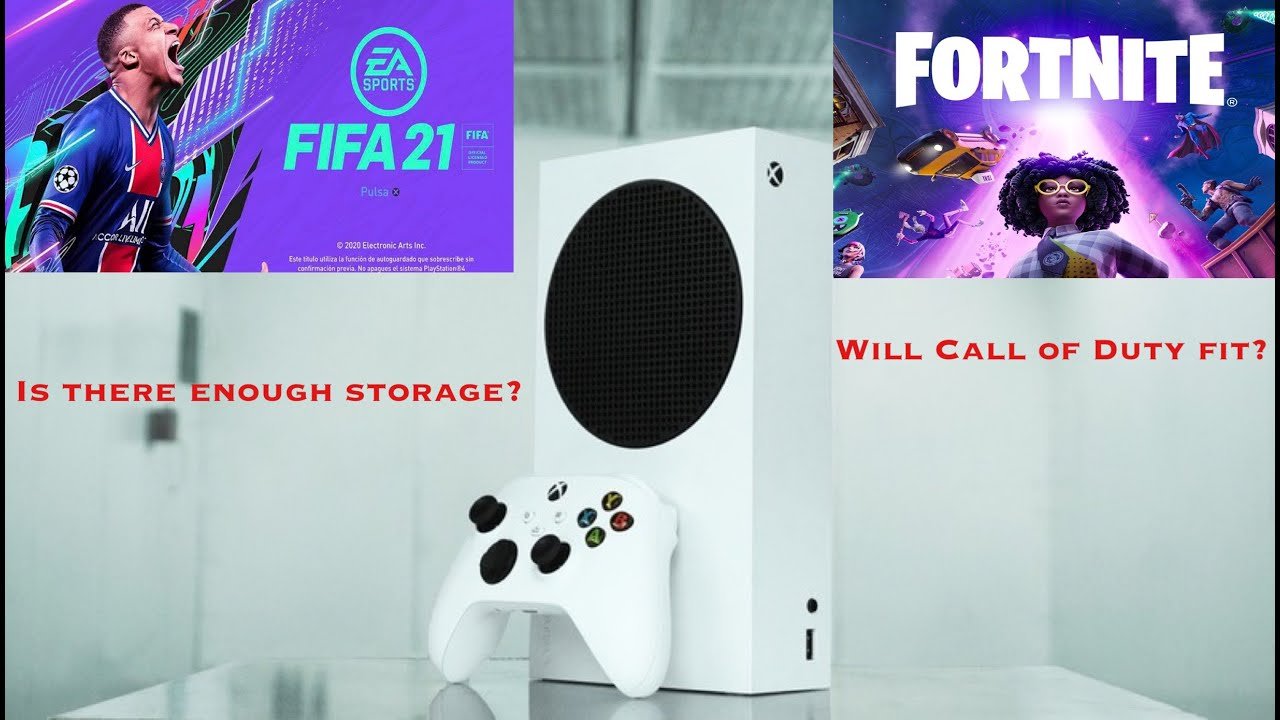
Approximately 5-20 games can fit on an Xbox Series S, depending on game size.
So, you’re eyeing that sleek Xbox Series S, but a big question looms: how many games fit on Xbox Series S? The console’s internal storage of 512 GB, while speedy, fills up quickly with modern titles. It’s important to understand that not all games are created equal in terms of storage space.
Some indie gems will take up very little space, while a few big AAA games can easily eat up 50-100 GB each. This means that the number of games you can install varies quite a lot. Managing your games and using external storage is key for this console.

How Many Games Fit on Xbox Series S?
Okay, so you’ve got your shiny new Xbox Series S, and you’re itching to load it up with games. But then that little question pops into your head: how many games can this thing actually hold? It’s a very good question, and the answer isn’t as simple as a single number. Let’s break down everything you need to know about storage space on the Xbox Series S and how many games you can expect to install.
Understanding the Xbox Series S Storage
The Xbox Series S comes with a 512GB Solid State Drive (SSD). Now, before you get too excited, it’s important to know that not all 512GB is available for games. A chunk of that space is used by the system itself for its operating system and other necessary files. The amount available for your games and apps is usually about 364GB. This is something that everyone needs to keep in mind when they are planning on buying the console.
Why Isn’t All the Storage Space Usable?
Think of it like a house. You have the whole house (512GB), but some rooms are already occupied (the operating system). You can’t store your toys and games in those rooms. Those rooms are important for the house to run properly. So, that 364GB is like the space in the house where you get to keep all your awesome games. System files are needed for the Xbox Series S to function, and they take up a portion of the total storage.
Game Sizes: A Big Factor
The size of games can vary quite a lot. Some games are small, and some games are huge. An indie game can be just a few gigabytes in size while a big AAA game can be 50GB, 100GB, or even more. This is a crucial thing to know when you are trying to estimate how many games you can fit on your Xbox Series S.
Examples of Game Sizes
Let’s take a look at how some popular games can vary in size:
- A small indie game might be around 5GB to 10GB.
- A mid-sized game could be 20GB to 40GB.
- A big AAA game can be 60GB to over 100GB!
- Games that have received multiple updates and DLC expansions are often larger.
How This Impacts Your Storage
So, a small game might take up only a small portion of your 364GB, but a big AAA game will take up a much larger chunk. This means you might be able to fit lots of smaller games, but only a handful of the huge, blockbuster titles.
Estimating the Number of Games
It’s tough to say exactly how many games you can fit. But we can make some educated guesses. Let’s explore the different scenarios to get a clearer picture.
Scenario 1: All Small Games
If you mainly play small indie games that are about 10GB each, you could potentially fit a lot of games on your Xbox Series S:
364GB available / 10GB per game = about 36 games
Scenario 2: Mixture of Small, Medium and Large Games
If you play a mix of small indie games, medium sized games, and larger AAA titles, you’ll find you’ll get a different number of games.
Let’s say you have:
- 5 small games at 10GB each = 50 GB
- 5 medium games at 30GB each = 150 GB
- 2 large games at 80 GB each = 160 GB
In this scenario, we see that a mix of small, medium, and large size games quickly uses up the storage space.
50GB + 150GB + 160GB = 360 GB, which is nearly all available space. This example is a realistic snapshot of how quickly space fills up.
Scenario 3: Mostly Large AAA Games
If you are into big AAA titles that are 80GB or 100GB each, then you’ll find you will get a lot less games on your drive. You are likely to fill the hard drive with just a few titles.
364GB available / 80GB per game = about 4-5 games
364GB available / 100GB per game = about 3-4 games
As you can see, with these large size games you won’t be able to install many on your system before you start needing to manage your storage.
Managing Your Xbox Series S Storage
Okay, so you may not be able to fit every game you own on the internal drive. That’s okay! There are ways to manage this and make sure you have room for the games you want to play right now.
Uninstalling Games
You don’t have to keep every single game installed all the time. It’s easy to uninstall games you’re not playing, and you can always re-download them later if you want to play them again. This helps free up space on your internal drive. Just think of it as tidying your shelves. If you haven’t touched a toy for a while, you put it back in the box to make room for new stuff.
External Storage Options
One of the best things about the Xbox Series S is that you can use external storage options to expand the amount of space you have available. While you cannot play Xbox Series X/S optimized games directly from an external drive, it is still very useful. Here’s what you can do:
- USB Hard Drive or SSD: You can plug in a USB hard drive or SSD to store your games. You can move games that you’re not actively playing to your external drive, and when you need to play them, you can move them back to the internal drive. This helps free up space on your internal drive for the games you are playing. You can play Xbox One, and older, games from an external drive. However, to play games that are optimised for the Xbox Series X/S consoles, these have to be run from the internal drive. This is usually the best option because they are much more affordable.
- Expansion Cards: Xbox makes special external drives called expansion cards that plug directly into your console. These expansion cards are fast, and you can play Xbox Series X/S games directly from them. Expansion cards are great if you want fast loading, but they are much more expensive than traditional USB drives.
How External Storage Helps
Using external storage is like having a bigger toy box. You can store all your games on the external drive and pick and choose which games you want to put on your internal storage and play. This gives you lots of flexibility and means that you never have to worry about running out of storage space.
Tips for Maximizing Your Storage
Here are some tips to help you get the most out of your Xbox Series S storage:
Regularly Check Your Storage Space
Make sure that you regularly check how much storage you have left. This allows you to see when space is running low and when you might need to transfer or remove some games.
Uninstall Games You’re Not Playing
This is a simple one. If you’re not playing a game, uninstall it! You can always re-download it later. This helps keep your system neat and tidy.
Use External Storage Wisely
Use an external hard drive for the games you’re not actively playing to save space on your internal drive. Make sure that you move any optimized games to the internal drive when you want to play them.
Don’t Forget Game Pass
If you have Xbox Game Pass, you have access to lots of games. Remember that once a game leaves Game Pass, it may not be on the system to play, so you don’t need to keep it installed if you’re not actively playing it. You can also download and uninstall games with ease from the Game Pass library.
Storage Space and Game Updates
It’s not just the initial game size you need to keep in mind. Games often receive updates, and these updates can take up extra space on your storage drive. Sometimes, the updates are small, and sometimes, they are large. This is something that is very common, and it’s something you need to plan for.
How Updates Affect Storage
Game updates can make the game size increase, so you will need to consider this when working out if you have enough space to keep a game installed on the internal drive. This means that if you have an 80GB game installed, after several updates it may turn out to be a 90GB game.
The Future of Xbox Series S Storage
As games continue to become more complex, they’re also likely to grow in size. Therefore it’s good to stay on top of your storage management. You may find you need to invest in external storage, and this will be a very worthwhile investment to improve your game library options.
Managing storage on your Xbox Series S doesn’t need to be stressful. By being smart about how you use the space and utilizing external storage options, you can make sure that you never miss out on playing the games you love!
How Many Games Fit on an Xbox Series S?
Final Thoughts
The number of games you can install on your Xbox Series S depends heavily on the game sizes. A 512GB console has less usable storage. After system files, you will find the actual space significantly smaller.
Digital games range from small indie titles to massive AAA experiences. This variation impacts storage space quickly. Therefore, how many games fit on xbox series s changes for each user.
Ultimately, expect anywhere from 5 to 15 games, maybe more with smaller titles. It is best practice to manage game installations actively to accommodate new additions.

