
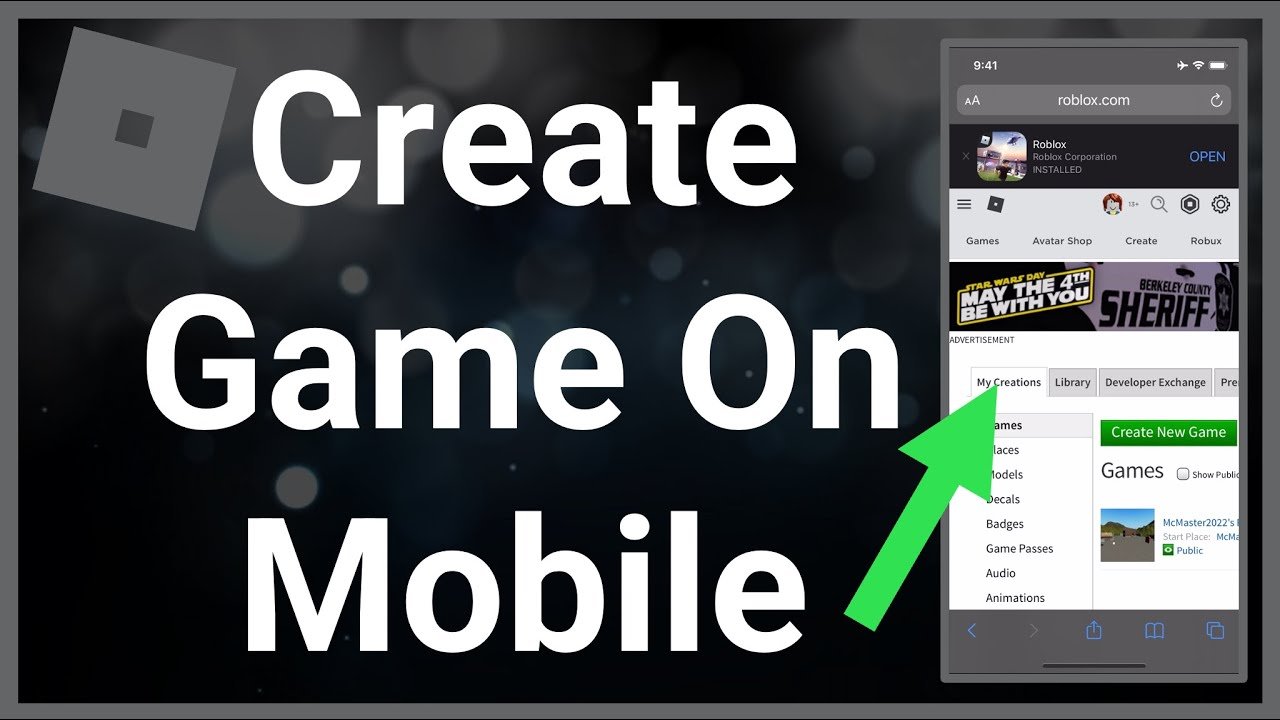
Creating a game on Roblox mobile isn’t directly possible. You need Roblox Studio on a computer to build and develop games.
Ever dreamt of designing your own world within Roblox? It’s an exciting prospect, isn’t it? Many players often wonder how to create a game on Roblox mobile. The truth is, the actual building and scripting require the full power of a computer.
While you can’t use your phone to construct game environments, you can still play, test, and interact with games on your mobile device. The mobile app is for engaging, but the actual creation needs the computer version.

How to Create a Game on Roblox Mobile
So, you want to make your very own Roblox game, but you only have your phone or tablet? Guess what? It’s totally doable! While you can’t use Roblox Studio, the main tool for creating games on a computer, directly on a mobile device, there are still ways to get your creative ideas into the Roblox world. You can’t build massive worlds or code complex features directly on mobile, but you can use your mobile device to plan, gather resources, and manage many essential aspects of game creation. Let’s dive into how to achieve this.
Understanding the Limitations of Roblox Mobile
Before getting too excited, it’s essential to understand that creating games on mobile isn’t the same as using a computer. The biggest hurdle is the lack of Roblox Studio on mobile devices. Roblox Studio, which runs on Windows and macOS, is the powerful program where most of the actual game building and scripting happen. So, mobile game creation is more about planning, management, and finding workarounds. You can’t create a game from scratch solely on your phone, but you can play a vital role in development.
Here’s a breakdown of what you can’t do on mobile:
- Directly build 3D environments using built-in tools.
- Write and edit complex game code using Lua scripts.
- Import custom models or assets into Roblox Studio
- Test and debug your game in a live environment.
What You Can Do on Roblox Mobile
Even with these limitations, your phone or tablet is still a powerful tool. You can use it for several important steps in the game development process:
- Brainstorming and Planning: Your mobile device is perfect for sketching out ideas, jotting down game concepts, and planning out your game’s features.
- Asset Research: You can search the Roblox marketplace for models, sounds, and other assets that you can use in your game. You can favorite them, saving them for later use on a computer.
- Managing Your Roblox Group: If you plan to work with a team, you can use the mobile app to communicate with them and organize development tasks through group messaging.
- Monitoring Game Performance: You can use the Roblox app to check how your game is doing. You can see how many people are playing, and you can read reviews and feedback from players.
- Testing other games: Playing other games provides you with a ton of inspiration and you can see what works and what doesn’t work for you.
Step-by-Step Guide to Mobile-Assisted Game Creation
Here’s a step-by-step guide to creating a game, utilizing your mobile device in the process:
Step 1: Idea Generation and Game Planning
The first thing you need is a cool game idea! Use your mobile device’s notepad app or a physical notebook to write down your thoughts. Ask yourself these questions:
- What kind of game do I want to make? (Adventure, puzzle, simulator, etc.)
- What will the gameplay be like?
- What will be the goal of the game?
- Who is my target audience? (Younger kids, teens, etc.)
- What unique features will make my game fun and interesting?
Don’t worry if your initial ideas are a bit rough. The planning process involves a lot of refining. Think about adding story elements, characters, and maybe even a basic map. You can use drawing apps to sketch out simple maps or characters.
Step 2: Asset Gathering Using Mobile
Now that you have a solid idea, it’s time to think about the assets you’ll need. Assets are the building blocks of your game, such as models, sounds, and images. Here’s how to use your mobile device to find resources:
- Open the Roblox app and tap the “Discover” tab.
- Use the search bar to find what you need. For example, search for “trees,” “houses,” or “sound effects.”
- When you find an asset you like, tap the “heart” icon to add it to your “Favorites.”
- You can create folders within your Favorites to organize your assets, making it easier to find them when you are on a computer using Studio.
Remember to pay close attention to the quality of the assets you are saving. Look for assets that have good ratings and positive feedback from other Roblox developers. Also, consider using assets that are free or low-cost. You do not want to start spending a ton of robux as a beginner.
Also, you can use your phone’s camera or other apps to create your own simple images or sounds. For instance, take pictures that inspire your game design. You can use a sound recording app to record custom sound effects, which you can later edit on a computer. These can all be a valuable part of making your game unique.
Step 3: Setting Up your Roblox Game on a Computer
This is where you will need access to a computer with Roblox Studio installed. If you don’t have one, see if a friend, a family member, or your school library can give you some computer time. Once you have that set up, here’s the next steps:
- Open Roblox Studio on your computer and log into your account.
- Click on “New” and select the basic template that works best for your game, like the “Baseplate” or “Flat Terrain” template.
- Go to the “View” tab and then click on “Toolbox” in the top menu.
- In the toolbox, click on the “Inventory” tab, and then click on “My Assets”. Then you will find all of your favorite models that you have found on your phone. Now you can place them into your game.
Step 4: Building Your Game Environment on a Computer
Now that you have your base setup in Roblox Studio and your favorited assets, let’s start building. This process involves placing your assets and terrain in the game world to create your vision. Here’s how to get started:
- Placing Models: Drag and drop models from your Toolbox into the game world. Use the move, scale, and rotate tools to arrange them in a way that makes sense.
- Using Terrain: If you plan to have natural features like mountains or valleys, use the terrain editor. You can raise, lower, smooth, and texture the landscape to your liking.
- Adding Lights: The lighting can have a big effect on the mood of your game. Add lights to make the environment bright and welcoming or dark and spooky.
- Building Structures: Use basic shapes to construct the foundation of buildings or any other structures your game needs.
Don’t worry if things don’t look perfect at first! Game development is a process, and you’ll improve with practice. You can always go back and make changes later.
Step 5: Basic Scripting (If Possible) on Computer
While you can’t do any scripting on mobile, it’s important to learn some basics on your computer. Scripting makes your game interactive, which is very important for an engaging gaming experience. Here’s a very basic overview of coding on Roblox Studio:
- Understanding Lua: Roblox uses a coding language called Lua. It’s what makes things like doors open, players move faster, and points get added.
- Basic Scripting: Don’t worry too much about complicated code to start. Begin with simple actions, like making a button that teleports a player to a new area.
- YouTube Tutorials: YouTube can be a great tool for learning scripting. There are tons of videos that break down complex code into simple, easy-to-understand parts.
- Practice: Practice makes perfect. As you go along, you will learn more and get better at it.
If you are new to coding, start small and gradually add more complex code as you get comfortable with it. You can find plenty of tutorials online to help you along the way.
Step 6: Testing and Feedback
After building and basic scripting, you’ll need to test your game and get feedback. You can do some basic testing by yourself, but it is much more helpful to get feedback from others. Here’s how you can do it:
- Testing on Roblox Studio: The easiest way to test your game is on Studio. In the top menu, look for the “Play” button and click it. This starts a live session of your game, and you can see if things are working right.
- Sharing your game: Once you are confident that your game is playable, share it with friends, classmates, or family and see what they think. This can be a great way to see if they like the game.
- Collect Feedback: The more feedback you get, the more you can improve your game. So, be open to suggestions on how to improve your game.
Remember, getting feedback is an important part of game creation. The more suggestions you get, the better your game can be! Don’t be afraid of negative feedback. Try to see it as a chance to learn and grow.
Step 7: Iteration and Refinement
Game development is a process of continual change. You have to constantly look at what you have built and see how you can make it better. This can be in the form of adding a completely new feature, or making the current features just a little bit better. This process is called iteration and refinement, and here’s how to do it:
- Analyze Feedback: Take a look at all the feedback you received and see what needs the most amount of work.
- Prioritize Changes: Not all feedback is equal. Some feedback may be very important, and you need to address that first. Other feedback may be nice to have, but it isn’t vital.
- Implement Changes: Start making the changes that you feel are the most important. Test to make sure all the changes that you have made are working.
- Repeat: Continue this process as many times as needed. You will see big improvements over time.
Game development is an ongoing process, so do not expect it to be perfect on the first try. As you get more and more into the development process, you will learn to refine your game, which will lead to more engagement from the users.
Working with a Team Remotely
If you have a team working on the game, it’s important that you are able to keep in touch. Roblox mobile is very good at facilitating this.
- Group Messaging: If you are in a Roblox group with your team, use the group chat to discuss project related items.
- Team Communication: It’s important to be able to communicate what you are doing and what your goals are. It’s important for your teammates to know what you are thinking, and for you to know what they are thinking. This open communication is critical for game creation.
- Setting Goals and Tasks: Clearly define what needs to be done by each team member and set deadlines. Keep the team on track and make sure that everyone knows what their role is.
Monetizing Your Game on Roblox
Once you have a completed game, you can try to monetize it. Here are some ways you can do that:
- Game Passes: You can create game passes, and players can purchase them to unlock additional game features.
- Developer Products: You can create developer products that players can purchase to give them in-game currency, or a cosmetic, such as clothing.
- Premium Payouts: If you have a lot of users, you may get some revenue from premium payouts, which Roblox gives out based on how much premium players use your game.
It is important to note that building a good game is just as important, or maybe even more important than trying to monetize it, as the best monetization comes from a good quality product that users actually want to spend money on.
Tips for Success
Here are some important tips to keep in mind on your game creation journey:
- Start Simple: Don’t try to make a super-complicated game right away. Start with simple ideas, and learn as you go along.
- Be Patient: Building a game takes time and effort. Don’t give up if things don’t look great on the first try.
- Learn Continuously: There is always more to learn about game creation. There are many free resources online that you can use to become a better developer.
- Engage with the Community: Talk with other developers and learn from their experiences.
Creating a Roblox game on mobile is not about direct development, but about planning, gathering resources, and being a good team member. While you can’t do all the heavy lifting from your phone or tablet, your mobile device can be an essential tool in the process. Use your mobile to explore, ideate, and then work with your computer to build and test your creation. You will learn how to create good quality games this way, and as you get better and better, you can start to make more and more complicated games.
How To MAKE a ROBLOX GAME on MOBILE…
Final Thoughts
Creating games on Roblox Mobile requires using a web browser. You can’t directly build within the app. Navigate to the Roblox website and access the Creator Dashboard.
From there, you can start building your game using Studio on a computer. You will not be able to build directly using mobile. This approach allows you to create complex games.
Therefore, the method on how to create a game on roblox mobile actually involves utilizing the platform’s web-based tools. Remember, a computer is a must to build your roblox game initially, the mobile app is not intended for this purpose.

