
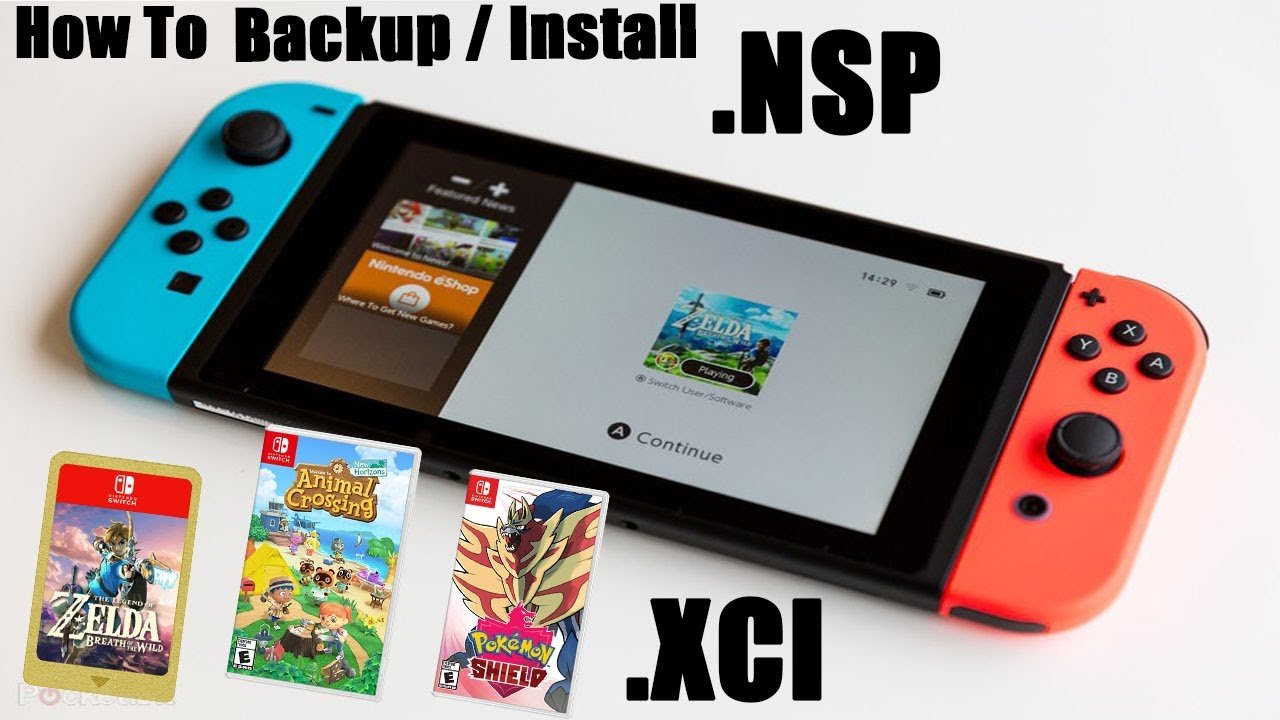
Dumping Switch games from a cartridge requires a modified Nintendo Switch console with custom firmware and specific homebrew applications.
Want to back up your favorite Nintendo Switch games? Many gamers explore options for how to dump switch games from cartridge to safeguard their physical collection. This process involves modifying your console to run custom software.
It is essential to understand that this procedure carries risks, including potentially voiding your console warranty. Always proceed with caution and research the necessary steps thoroughly before you start the process.
We will outline the general steps needed, which also require specific technical knowledge. Remember, this involves using tools that are not officially supported by Nintendo.

How to Dump Switch Games from Cartridge
So, you’re curious about dumping your Nintendo Switch games from their cartridges, huh? It might sound a little complicated, but it’s actually a cool process that lets you back up your games and play them in different ways. Think of it like making a digital copy of your favorite book so you can read it on your tablet, as well as having the physical book on your shelf! This process isn’t something Nintendo officially supports, so it requires a little bit of extra effort and some specific tools. This main body will guide you through it all, explaining everything step-by-step.
Why Dump Your Switch Games?
Before we jump into the “how,” let’s talk about the “why.” Why would someone want to make a digital copy of their game when they already have the physical cartridge? There are several good reasons:
- Backups: Just like backing up your computer files, dumping your games creates a safeguard. If your game cartridge gets lost, damaged, or stops working, you have a digital copy ready to go.
- Playing on Emulators: Some folks like to play their Switch games on their computers using emulators. Dumping the games lets them do just that. Emulators can sometimes even make games look better with increased resolution or allow for mods.
- Preservation: Game cartridges don’t last forever. Making a digital copy helps ensure your favorite games are around for years to come. Think of it as a personal game archive!
- Convenience: Having your games digitally means no more switching out cartridges every time you want to play a different game. It’s like having all your games on one device.
Remember, it’s important to use these backups responsibly and legally. Dumping a game you own is generally acceptable, but sharing these digital copies with others who don’t own the game is not.
What You’ll Need to Get Started
Dumping Switch games from a cartridge isn’t quite as easy as copying a file on your computer. You’ll need some special tools and software. Here’s a breakdown of what you need:
A Modded Nintendo Switch
This is the most important piece. A standard, unmodded Switch can’t dump games. You’ll need a Switch that has been modified to run custom firmware (CFW). Custom firmware is software that replaces the original operating system of your Switch. Think of it like installing a new kind of operating system on a computer. It allows you to run homebrew applications, including the tools we need for dumping.
Important Note: Modding your Switch comes with a risk of potentially “bricking” it, meaning it stops working. It also can void your warranty. Carefully research modding and follow instructions precisely. There are many detailed guides available online.
A microSD Card
You will require a microSD card with enough storage space to hold the games you want to dump. A 128GB card is generally enough for several games, but larger capacities (256GB, 512GB, or 1TB) might be better if you plan on dumping a lot of games. Make sure the card is formatted in FAT32 or exFAT (usually exFAT is preferable for larger file sizes).
A Computer
You will require a computer (Windows, macOS, or Linux will do). This is where you will transfer your dumped game files to. It should be able to read your microSD card. Some computers have built in card readers, or you may need an external card reader.
Homebrew Software
Specific homebrew software is needed to dump the games. These applications are installed on your modded Switch. We will detail this below.
Specific Dumping Software
Several homebrew applications are available for dumping Switch games. The most common ones include:
- NXDumpTool: This is a very popular and fairly straightforward option. It dumps games directly to your SD card. It’s relatively easy to use.
- Checkpoint: Checkpoint is mainly used for save data management, it can also be used to dump games. Some users might find its interface useful.
- Goldleaf: This is another versatile homebrew application that, along with other functions, supports game dumping.
We will focus primarily on using NXDumpTool because of its ease of use and popularity, but the process is generally similar across different dumpers.
Preparing Your Modded Switch
Before you can dump any games, you need to ensure your modded Switch is ready to go. Here’s what you need to do:
Installing Custom Firmware
This is the trickiest part, and the process varies slightly depending on the type of Switch you have (older, unpatched models are easier to modify). If your switch is not modified, you must research and follow a modding guide specifically designed for your Switch model and firmware version. It generally involves injecting a payload to launch custom firmware and install custom applications. Please be careful, as incorrectly installing cfw can damage your console. This guide assumes you have correctly installed cfw.
Getting Homebrew Software
Once your Switch is modded, you need to get the specific homebrew applications for game dumping onto your console. Here’s how you would do it:
- Download the software: Head over to a trusted source like GitHub or GBAtemp and download the .nro files for the dumping software you want to use (in our case, NXDumpTool).
- Prepare your SD card: Connect your Switch’s microSD card to your computer.
- Copy the files: Copy the downloaded .nro files to the “switch” folder on your microSD card. If this folder does not exist, you can create it. For example, the path would look something like “sdcard:/switch/nxdumptool.nro”.
- Eject your card: Safely eject your microSD card from your computer.
Launching Homebrew on Your Switch
With the homebrew files on your microSD card, you are ready to launch the dumping software on your console. Here is how you would do this:
- Insert the SD card: Insert the microSD card back into your Switch.
- Boot into CFW: Power on your Switch and boot into your custom firmware. This usually involves holding down a specific button combination while starting the console. The method varies by custom firmware.
- Launch Homebrew Menu: Once you are in custom firmware, you will need to launch the homebrew menu, where all your installed homebrew applications are available. The method to get to the homebrew menu will differ based on your custom firmware.
- Select the game dumping software: In the homebrew menu, find and select the dumping application you downloaded (e.g., NXDumpTool).
Dumping Your Switch Games – Step-by-Step
Now that you’ve prepped everything, it’s time to start dumping those games! Here’s how to do it using NXDumpTool:
- Insert the game cartridge: Make sure the game cartridge you want to dump is inserted into your Switch.
- Open NXDumpTool: Launch NXDumpTool from the Homebrew menu, as explained previously.
- Select the dump option: Once the program is running, you will see a user interface with a number of options. There will be an option to dump your game cartridge. In NXDumpTool, it is typically called “Dump Gamecart”. Select this.
- Choose a dump location: The program will ask you where you want to save the dumped game file. Usually, the default location on your SD card is fine. You can usually configure the name of the outputted file too.
- Start the dumping process: Confirm your selections and initiate the dumping. This process can take some time, depending on the size of the game, anywhere from a few minutes to over an hour. Be patient and don’t interrupt the process.
- Wait for completion: NXDumpTool will display progress on screen. Once the dumping process is finished, you will get a confirmation message.
- Exit the app: Once completed, exit back to the Homebrew menu and then power down your system.
- Transfer to your computer: Take out your microSD card and connect it to your computer. Locate the dumped game files (usually with a .nsp or .xci extension) and copy them to your computer.
Once the transfer is complete, you have successfully dumped your game cartridge! Congratulations!
Different Dump Formats: NSP and XCI
When you dump a game, it usually comes out in one of two file formats: NSP or XCI. These file types are like different types of containers for the same game data. Here’s a quick look at the difference:
NSP (Nintendo Submission Package)
This is a format that is very similar to the actual digital download games from the Nintendo eShop. It’s more compressed and easier to install on your console. Think of it like a zipped file.
XCI (Switch Cartridge Image)
This format is a more direct copy of the game cartridge. XCI is like a raw copy of the data, and is easier for emulators to handle.
Which format you choose depends on your use case. Generally, NSP is preferred for installation on the Switch itself, while XCI is often preferred for use with emulators. You do not usually get a choice when dumping via nxdumptool, but will get a choice if you use other dumpers like checkpoint.
Tips for Successful Game Dumping
Dumping games might sound straightforward, but here are a few tips to ensure you have a smooth process:
- Use a High-Quality microSD Card: A slow or unreliable microSD card can lead to errors or longer dumping times. Invest in a reputable brand.
- Make Sure Your Switch is Charged: The dumping process can take some time, so make sure your Switch is fully charged or plugged into a power source.
- Don’t Interrupt the Process: Avoid turning off your Switch or taking out the SD card while dumping a game, as this can corrupt the files.
- Check the Dumped Files: Once you transfer the files to your computer, check the file size and ensure it is similar to the typical game size for that title. If the file size is very small, it may have been dumped incorrectly and will need to be dumped again.
- Keep Your Software Up to Date: Make sure you’re running the latest version of your custom firmware and homebrew applications. This can resolve various problems and add new features.
- Find Helpful Resources: There are lots of online forums and guides for Switch modding, and game dumping. If you encounter any problems, searching these communities can help you find solutions.
Remember that dumping games is a somewhat advanced procedure, it might take some practice to get comfortable. Don’t be afraid to try again if something goes wrong the first time.
Dumping Switch games from a cartridge allows for safe backups, playing on emulators and easier game management. It provides an additional layer of security to your physical media. While it requires a modded console and a few specialized tools, the process is very useful for gamers who want to preserve their collections. Keep in mind that you should only dump games you own legally and avoid distributing copyrighted game files to others, as doing so is unlawful.
Dump Nintendo Switch Games and Play them on The Computer [Yuzu or Ryujinx] Tutorial [2023]
Final Thoughts
You need a modded Nintendo Switch and specific software to dump games. Ensure you have the necessary setup for this process. It involves using a homebrew application.
The software allows you to create digital backups from your physical game cartridges. This requires you to insert the game and follow the steps provided by the tool. You can transfer the data to your console’s storage.
Therefore, to reiterate, how to dump switch games from cartridge requires specialized software and a modded console. This will create digital backups of your physical games. It is key to understand this process before starting.

