
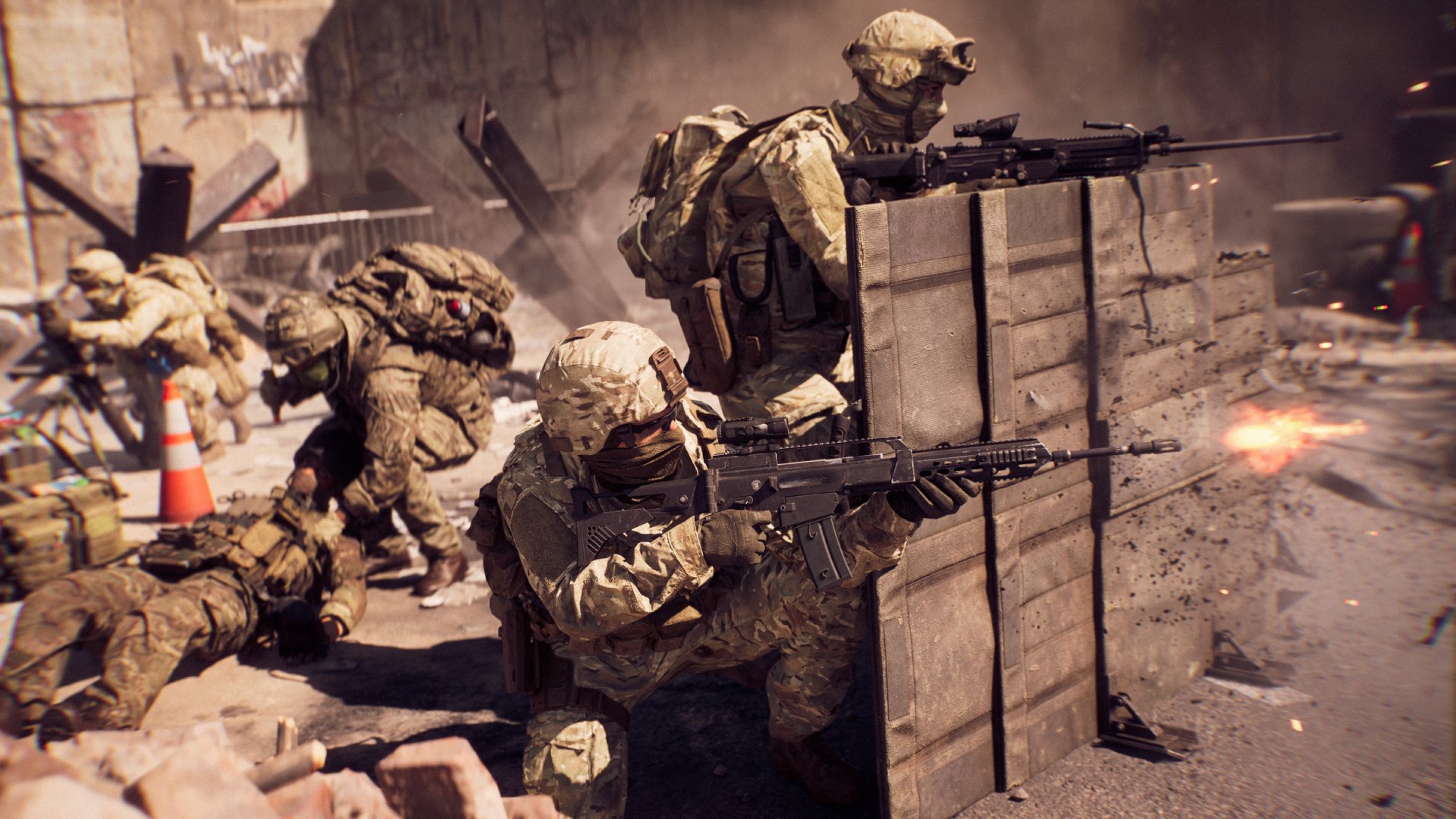
To find the best community maps in Battlefield 6 Portal, utilize the in-game server browser filters, sort by player count and rating, and explore maps highlighted by the community.
Ever wished you could jump into Battlefield 6 Portal and instantly find those hidden gems, the community maps that everyone’s raving about? Finding those experiences can feel like searching for a needle in a haystack.
But don’t worry! You can easily learn how to find the best community maps in Battlefield 6 Portal with a few tips. The process will guide you towards the most enjoyable and popular creations.

How to Find the Best Community Maps in Battlefield 6 Portal
Battlefield 2042’s Portal mode is a game-changer. It allows players to craft custom experiences.
Finding the best community-created content can be overwhelming.
Navigating the Battlefield Portal Browser
The key to discovering amazing maps is mastering the Portal browser. Let’s explore how to use it effectively.
Filtering by Game Modes: Start by selecting your preferred game mode. Team Deathmatch, Conquest, and Rush are popular choices.
Filtering by Era: Next, specify the Battlefield era you want to play in. You can choose maps from 1942, Bad Company 2, Battlefield 3, and 2042.
Filtering by Map: You may want to stick with maps that you love. Use the map filter to narrow down the available options.
Using Advanced Search Filters
Beyond basic filters, Portal offers advanced search capabilities. These can significantly refine your search.
Filtering by Player Count: Look for servers with a player count that suits your play style. Do you prefer smaller, more intimate matches, or large-scale battles?
Filtering by Ruleset: Rulesets can drastically alter the gameplay experience. Search for servers with specific weapon restrictions, vehicle limits, or class limitations.
Filtering by Server Region: Minimize latency by filtering for servers in your region. A low ping is crucial for a smooth gaming experience.
Understanding Portal Map Descriptions
Before joining a server, carefully read the map description. This provides valuable information about the map’s features and rules.
Map Creator Information: Many creators include their names or online handles. This can help you find other maps they’ve made.
Ruleset Details: The description should outline any custom rulesets in place. Be sure you understand these rules before joining.
Special Features: Descriptions often highlight special features of the map. This could include unique objectives, custom vehicles, or unusual weapon loadouts.
Leveraging Community Recommendations
Don’t underestimate the power of community recommendations. Other players can point you towards hidden gems.
Battlefield Forums: Visit Battlefield forums and subreddits to find map recommendations. Ask other players for their favorite Portal experiences.
Streaming Platforms: Watch streamers and content creators playing Battlefield Portal. They often showcase interesting and unique maps.
Social Media: Follow Battlefield-related accounts on social media. They frequently share community-created content.
Identifying Quality Community Maps
Not all community maps are created equal. Learn to identify the hallmarks of a well-designed map.
Balanced Gameplay: A good map should offer a fair and balanced experience for both teams. There shouldn’t be any overwhelming advantages for one side.
Creative Use of Assets: Look for maps that use Battlefield assets in creative and innovative ways. This could include clever use of terrain, buildings, or vehicles.
Engaging Objectives: The objectives should be clear and engaging, encouraging players to work together. Avoid maps with confusing or poorly designed objectives.
Visual Appeal: A visually appealing map is more enjoyable to play on. Look for maps with detailed environments and a distinct atmosphere.
Understanding Custom Rulesets
Custom rulesets are a defining feature of Battlefield Portal. Knowing how to interpret them is essential.
Weapon Restrictions: Some rulesets restrict the use of certain weapons. This can create unique gameplay scenarios.
Vehicle Limitations: Vehicle limitations can significantly impact gameplay. Servers might limit the number of vehicles or restrict them to specific classes.
Class Restrictions: Class restrictions force players to adapt their play styles. Some servers might limit the number of players who can choose a particular class.
Health and Damage Modifications: Health and damage modifications can drastically alter the pace of combat. Some servers might increase health, while others might increase damage output.
Exploring Popular Map Archetypes
Certain map archetypes are consistently popular within the Battlefield Portal community. Familiarize yourself with these.
Gun Game Maps: Gun Game maps offer a fast-paced and chaotic experience. Players progress through a series of weapons as they score kills.
Infected Maps: Infected maps pit survivors against hordes of infected players. These maps are often tense and suspenseful.
Team Deathmatch Arenas: Team Deathmatch arenas provide a focused and intense combat experience. These maps are typically smaller and more confined.
Large-Scale Conquest Maps: Large-scale Conquest maps offer a traditional Battlefield experience. They feature multiple objectives and plenty of vehicles.
Experimenting with Different Portal Experiences
Don’t be afraid to experiment with different Portal experiences. You might discover something unexpected.
Hardcore Servers: Hardcore servers offer a more realistic and challenging experience. They typically feature reduced health, friendly fire, and limited HUD elements.
No-Rules Servers: No-rules servers offer complete freedom. Anything goes on these servers, leading to unpredictable and often hilarious gameplay.
Custom Game Modes: Many creators develop unique game modes within Portal. These modes often feature unusual objectives and innovative gameplay mechanics.
How to Spot a Well-Made Map: A Checklist
Use this checklist to quickly evaluate the quality of a community map. This will save you time and frustration.
- Clear Objectives: Are the objectives clearly defined and easy to understand?
- Balanced Gameplay: Does the map offer a fair experience for both teams?
- Strategic Depth: Does the map offer opportunities for strategic play and tactical maneuvers?
- Good Performance: Does the map run smoothly and without lag?
- Innovative Design: Does the map use Battlefield assets in creative and interesting ways?
- Active Community: Does the map have an active and engaged community?
- Detailed Description: Does the map description provide sufficient information about the map’s features and rules?
Analyzing Player Feedback and Reviews
Pay attention to player feedback and reviews when choosing a map. This can provide valuable insights into the map’s quality.
In-Game Chat: Observe the in-game chat for player comments about the map. Players often share their opinions and experiences.
Community Forums: Check community forums for discussions about specific maps. Players often post detailed reviews and feedback.
Social Media: Monitor social media for mentions of community maps. Players frequently share their experiences on platforms like Twitter and Reddit.
Understanding the Portal Builder’s Limitations
The Portal builder has certain limitations. Being aware of these can help you appreciate the ingenuity of map creators.
Limited Asset Selection: Creators are limited to the assets available within the Portal builder. This can restrict their ability to create truly unique environments.
Performance Constraints: Complex maps can suffer from performance issues. Creators must optimize their maps to ensure smooth gameplay.
Scripting Limitations: The Portal builder’s scripting capabilities are limited. This can make it challenging to implement complex gameplay mechanics.
Tips for Finding Hidden Gems
Discovering truly exceptional maps often requires some digging. Here are some tips for finding hidden gems.
Sort by “New”: Regularly browse the “New” section of the Portal browser. This will expose you to recently created maps that haven’t yet gained widespread attention.
Search for Obscure Keywords: Experiment with different keywords when searching for maps. You might uncover hidden gems that are poorly labeled or described.
Follow Emerging Creators: Identify promising map creators and follow their work. They might be on the verge of creating something truly special.
How to Report Problematic Maps
If you encounter a map that violates the game’s terms of service or is otherwise problematic, report it. This helps maintain a positive community.
In-Game Reporting System: Use the in-game reporting system to flag inappropriate maps. Provide as much detail as possible about the issue.
Community Forums: Report problematic maps on community forums. This can help raise awareness and encourage other players to avoid the map.
Direct Contact: If possible, contact the map creator directly. Politely explain your concerns and offer constructive feedback.
The Future of Community Maps in Battlefield Portal
The future of community maps in Battlefield Portal is bright. Expect to see even more innovative and creative content in the years to come.
Expanded Asset Libraries: Future updates might introduce new assets to the Portal builder. This would allow creators to craft even more diverse and detailed maps.
Improved Scripting Capabilities: Enhanced scripting capabilities would empower creators to implement more complex gameplay mechanics.
Greater Community Integration: Deeper integration with community platforms would make it easier to discover and share maps.
Understanding Server Settings and Their Impact
Server settings can greatly influence your experience. Knowing how to identify these is essential.
Ticket Count: A higher ticket count often leads to longer matches. This can be desirable for those who prefer a more drawn-out battle.
Respawn Time: A shorter respawn time means you’ll get back into the action faster. This can be beneficial for fast-paced game modes.
Friendly Fire: Friendly fire can add a layer of realism and challenge. However, it can also lead to frustration if players are not careful.
HUD Options: Some servers disable or limit HUD elements. This can create a more immersive and challenging experience.
Common Pitfalls to Avoid When Searching
Be aware of these common pitfalls when searching for the best community maps. Avoiding them will save you time.
Joining Empty Servers: Check the player count before joining a server. An empty server is unlikely to provide a satisfying experience.
Ignoring Map Descriptions: Always read the map description before joining. This will prevent you from being surprised by unexpected rulesets.
Sticking to Popular Maps Only: Don’t be afraid to explore less popular maps. You might discover a hidden gem that suits your play style.
How to Give Constructive Feedback to Map Creators
Providing constructive feedback is a valuable way to support the community. Be respectful and specific.
Focus on Specific Issues: Instead of making general criticisms, focus on specific issues that you encountered. Explain what you didn’t like and why.
Offer Suggestions for Improvement: Provide suggestions for how the map could be improved. Be creative and offer practical solutions.
Be Respectful and Polite: Always be respectful and polite when providing feedback. Remember that the creator put a lot of effort into their map.
Advanced Search Techniques for Specific Experiences
Fine-tune your search with advanced techniques for finding precisely what you’re looking for.
Combine Multiple Filters: Use multiple filters in combination to narrow down your search. For example, you could search for Team Deathmatch maps from Battlefield 3 with a player count of 16-24.
Use Specific Keywords: Use specific keywords to target maps with particular themes or features. For example, you could search for “zombie survival” or “WWII recreation.”
Experiment with Different Sort Orders: Experiment with different sort orders, such as “Most Popular” or “Recently Updated,” to discover new maps.
Battlefield 6 Maps, Modes & Portal
Final Thoughts
To find the best community maps in Battlefield 6 Portal, utilize the in-game server browser. Sort by player count to quickly identify popular and active experiences. Check the map descriptions and tags for relevant keywords.
Pay attention to community feedback. Player reviews and comments often highlight hidden gems and well-designed maps. Don’t forget to experiment and try different modes to find your favorite creations.
Ultimately, the best method on how to find the best community maps in Battlefield 6 Portal relies on actively participating and exploring the player-created content. The server browser must be your primary tool. Your personal preferences will guide you to the most enjoyable experiences.

