
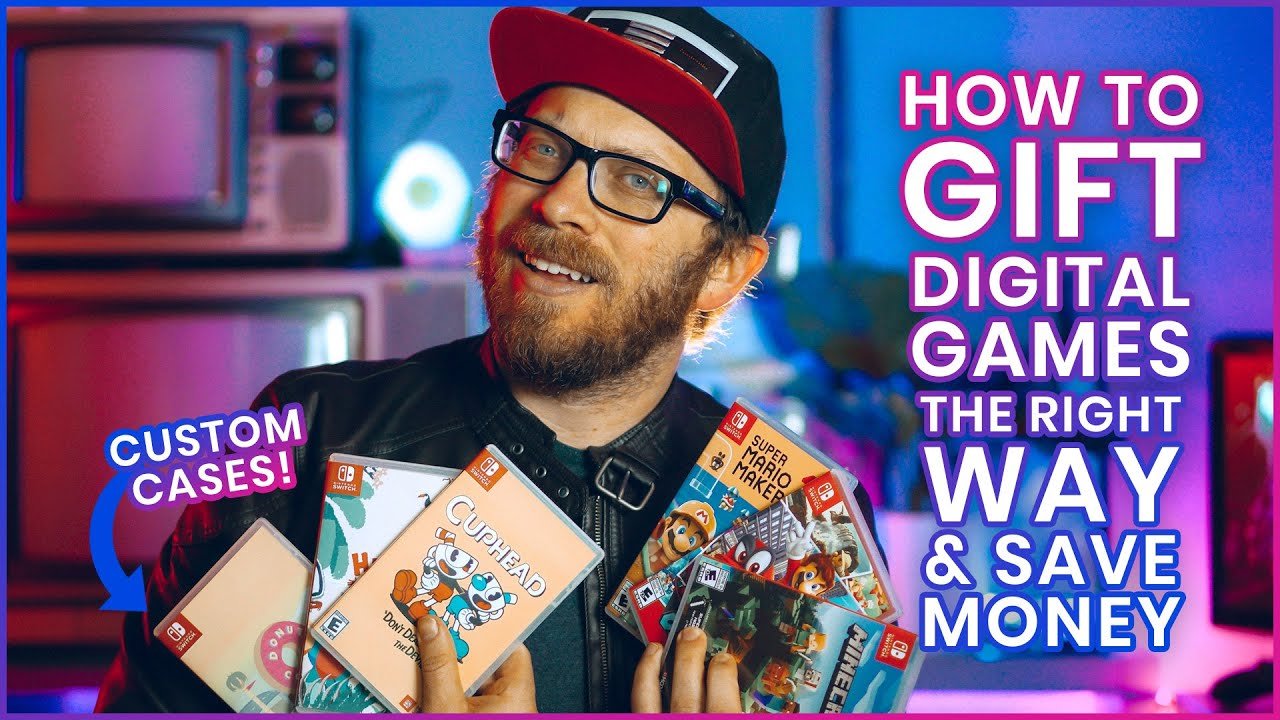
Unfortunately, Nintendo does not directly allow gifting digital Switch games. You can purchase a Nintendo eShop gift card for the recipient to use.
Want to surprise a friend with a new game for their Nintendo Switch? Figuring out how to gift digital switch games can be a little tricky. Nintendo’s eShop doesn’t have a direct gifting option like some other platforms.
Instead, you have a couple of workarounds. The most common method involves purchasing a Nintendo eShop gift card. This way, they can choose exactly which game they want.
The process is quite simple and ensures they get a gift they’ll really enjoy. We’ll explore the steps in detail, making it easy to send some digital gaming joy!

How to Gift Digital Switch Games
Giving the gift of a video game is awesome, especially for someone who loves their Nintendo Switch! But instead of a physical game cartridge, sometimes a digital download is the way to go. It’s instant, convenient, and there’s no chance of losing the game card. However, gifting digital Switch games isn’t quite as straightforward as handing someone a wrapped box. Don’t worry, it’s still pretty easy once you know the steps. Let’s dive into all the ways you can give the joy of digital games to your friends and family.
Understanding Digital Switch Game Gifting
Before we get into the “how,” let’s talk about the “what.” When you gift a digital game, you’re not actually giving away a physical item. Instead, you’re giving a code that can be used to download a game from the Nintendo eShop. Think of it like a special key that unlocks a game for the person you’re giving it to. These codes are usually 16 characters long and can be redeemed on any Nintendo Switch console.
Why Choose Digital Games as a Gift?
There are many good reasons to choose digital games over physical ones:
- Convenience: No need to go to a store! You can buy and send a game code from your computer or phone.
- Instant Delivery: The recipient can start playing right away. No waiting for shipping.
- No Physical Clutter: Great for people who prefer not to have lots of game cases around.
- Great for Last-Minute Gifts: Perfect if you forgot about a birthday or holiday and need a gift quickly.
- Environmentally Friendly: Less packaging and transportation means a smaller carbon footprint.
Methods for Gifting Digital Nintendo Switch Games
Now for the important part: how to actually give a digital game! There are a few ways to go about it. Let’s explore each one:
Using the Nintendo eShop on Your Switch Console
One of the easiest methods is using the eShop on your own Switch. This method works best if you are physically with the person you are gifting the game to or if you can access their Nintendo account directly. Here’s how:
- Turn on your Nintendo Switch: Make sure you have a stable internet connection.
- Open the Nintendo eShop: Look for the orange shopping bag icon on the home screen.
- Find the game you want to gift: Use the search bar or browse the eShop to find the perfect game.
- Select the game: Once you’ve found the game, click on it.
- Click “Purchase”: On the game’s page, you’ll see a “Purchase” button. Click it.
- Choose “Gift”: You’ll see two options: “Purchase for Myself” and “Gift.” Choose “Gift.”
- Enter the recipient’s email address: You will be asked to type in the email address of the person you are gifting the game to. Make sure you type it correctly. The game code will be sent there.
- Finalize the purchase: Follow the onscreen instructions to complete the purchase with your preferred payment method.
- Recipient receives code: The person you are gifting will receive an email with a download code that they can use on their Nintendo Switch console.
Important Note: Be aware that some games might not be available to gift this way in some regions. This limitation is due to licensing agreements and may vary from region to region. Also double-check the email address before sending! This is super important, if you make a typo, you may not be able to send the game to correct recipient.
Purchasing a Digital Download Code from Retailers
Another way to give a digital Switch game is to buy a download code from a store that sells them. This is a good option if you want to give the game code in a card or in a physical format. Many stores both online and in-person, sell these codes.
- Find a Retailer: Go to popular stores like Amazon, Best Buy, or GameStop and search for Nintendo eShop download codes or specific game titles.
- Select the Game: Choose the digital game you wish to gift.
- Add to Cart & Checkout: Add the chosen game to your online cart and go through the checkout process.
- Receive the code: After purchasing, you’ll get the digital download code via email or on a physical receipt depending on where you bought it.
- Gift the Code: Now you can present this code to the lucky recipient, either by writing it in a card, sending it digitally, or simply telling them the code.
Pro-Tip: When you give the code, tell the person that the code needs to be redeemed at the Nintendo eShop on their console. Also tell them that they should enter the code carefully. Remind them that codes are case-sensitive and that if they are having trouble, they can double-check the code.
Utilizing the Nintendo Website
Nintendo’s official website can also be a place where you buy codes and give them as gifts. Here’s a walkthrough:
- Go to Nintendo.com: Visit the official Nintendo website using a computer or your phone.
- Sign in or create an account: If you don’t already have one, create a Nintendo account or log into the Nintendo account you use for the eShop.
- Go to the Nintendo eShop section: Click on the eShop option, usually at the top of the page or in the main menu.
- Browse for a game: Find the game you want to gift using the search box or by browsing through the categories.
- Select Purchase: On the game’s page, click the “Purchase” button.
- Choose the “Gift” option: Similar to purchasing through the console, select “Gift” rather than “Purchase for Myself.”
- Enter the recipient’s email address: You’ll be asked for the email of the person you’re sending the gift to.
- Finalize payment: Continue through the checkout process and pay for the game.
- Recipient receives code: The person you gave the gift to will receive an email with a code and instructions to redeem the game.
Reminder: Again, make sure that you double-check the email address before sending. A typo may send the email to the wrong person. Also, some games might not be available for gifting in all areas, so you have to keep that in mind.
Buying a Nintendo eShop Gift Card
If you are not sure what game to gift, then you can also give a Nintendo eShop gift card. This way the person can select a game that they want to play themselves. Here’s how you give this gift:
- Purchase Gift Card: You can purchase eShop gift cards at most major stores that sell video game products. This includes online stores as well as physical stores. These cards come in various amounts.
- Present the Card: Give the physical gift card to the recipient. Or, if you purchased it online, send them the digital gift card code.
- Recipient Redeems: The person can redeem the amount on the gift card at the eShop and purchase their own game.
Important: Note that eShop gift cards are not the same as a game code. They add funds to the person’s Nintendo eShop account, allowing them to choose whatever games or digital content they like. Be careful and pay attention to not send the digital cards to the wrong email as these are like cash and can be spent quickly.
Redeeming a Digital Nintendo Switch Game Code
Okay, now let’s switch gears and talk about how to use the digital game code you just received. It’s quite easy, but here’s a simple walkthrough:
- Turn on the Switch: Start up your Nintendo Switch console and ensure it’s connected to the internet.
- Go to Nintendo eShop: On the Switch home screen, find and select the orange shopping bag icon to go to the eShop.
- Select the “Redeem Code” option: In the eShop, look for the “Enter Code” button on the left-hand menu. It’s usually near the bottom. Click on this option.
- Enter the code: Carefully type in the 16-digit download code. Remember, these codes are case-sensitive, so type them exactly as they appear.
- Select “Redeem”: Click the “Redeem” option.
- Download the game: The game will now start downloading to your Nintendo Switch. You can see the progress on your console’s home screen.
- Enjoy your game: Once the download is complete, you can start playing your new game.
Tip: If you run into any issues with redeeming the code, ensure you’ve entered it correctly and check that the game is available in your region. Also, ensure your internet connection is stable to prevent any errors during download.
Tips for Successful Digital Game Gifting
Here are some additional tips to make your digital game gifting experience go smoothly:
- Double Check the Region: Make sure the game you are gifting is compatible with the recipient’s region. Games are often region-locked, and if you buy a game from a different region, it might not work on their system.
- Check for Deals: Sometimes, digital games have sales. Keep an eye out for deals in the eShop or at online retailers to save some money.
- Personalize the Gift: Don’t just send a code. Write a nice card or a message to make the gift extra special.
- Consider the Recipient’s Preferences: Think about what type of games the person usually enjoys before selecting the game.
- Keep Proof of Purchase: Save your receipt or email confirmation as proof of purchase. This can be useful in case there are any issues with the code or with the purchase.
- Communicate the Gift: Let the person know you’re sending them a gift. That way, they will know to check their email or to expect a gift and this will help avoid confusion.
- Give Codes Promptly: Once you get the code, don’t wait too long to send it. Codes may have expiration dates and you want the recipient to be able to use it as soon as possible.
Troubleshooting Common Issues
While gifting digital games is usually easy, sometimes things don’t go as planned. Here are some common issues and ways to fix them:
- Code Not Working: If the code isn’t working, make sure it was entered correctly and check the region compatibility. You might also want to try to copy the code and paste it again. Double check that you are redeeming the code in the correct region. Also, if the code is already used, contact the retailer you bought it from for help.
- Email Not Received: If the recipient didn’t receive the gift email, double-check that the correct email was used. The email might have gone into spam, so check spam folders. Also, if you still can’t find it, you might have to contact the place where you bought the gift from.
- Payment Issues: If your purchase didn’t go through, verify that your payment information is correct and that you have enough funds in your account. Sometimes the Nintendo servers might be temporarily down, so wait a while and try again. Also make sure that the Nintendo eShop is available in your country.
- Account Issues: Make sure the recipient has a Nintendo Account setup and that it is linked to their switch. If there are issues with accounts, consult the official Nintendo support for guidance.
Gifting digital Nintendo Switch games is a wonderful way to share your love for video games. With several ways to give these presents and easy ways to redeem them, you’re all set to make someone’s day! Remember, taking the time to choose a game or gift card that the recipient will enjoy will go a long way in making this a special gift.
How to Gift Games on Nintendo Switch
Final Thoughts
Gifting digital Nintendo Switch games involves purchasing a download code from retailers. You can then send the code to your intended recipient for them to redeem. The easiest way to send the gift is via email or messaging apps.
Remember to double check you have the correct game before purchase. This ensures you do not send the wrong title. How to gift digital switch games effectively means checking region compatibility too. This process makes giving virtual gifts on Nintendo Switch simple.

