
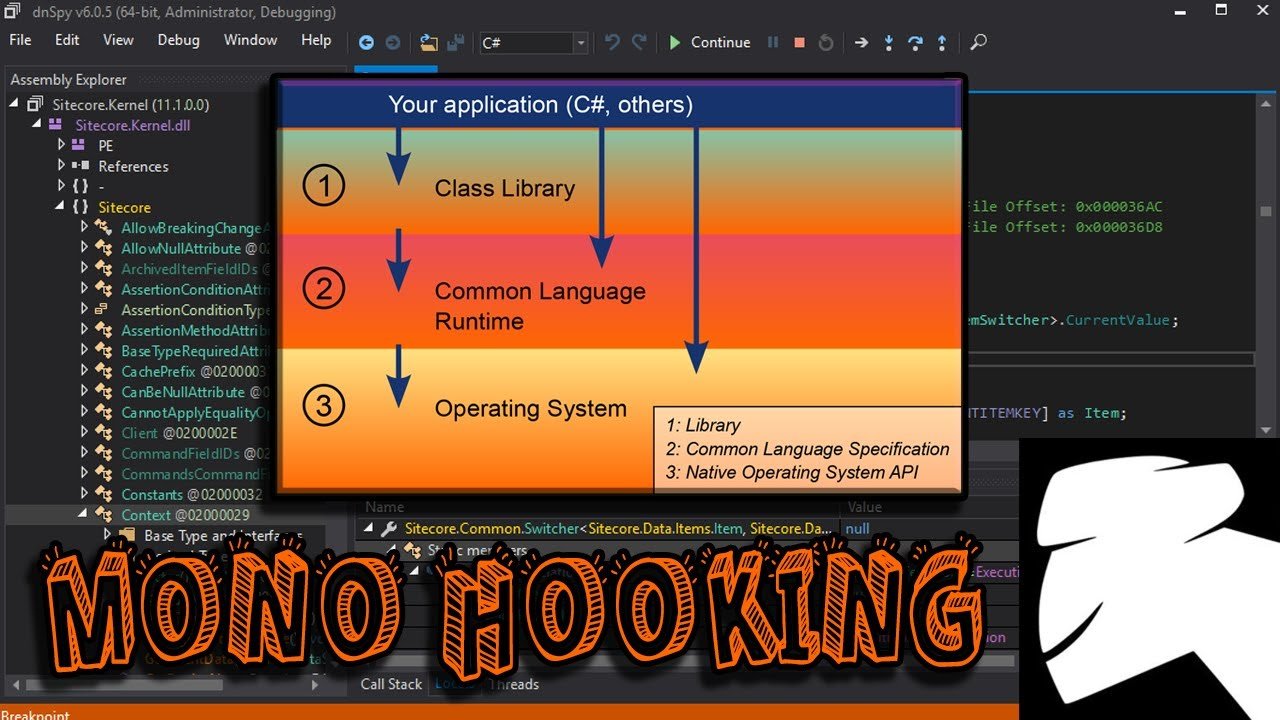
Hacking Unity games often involves using tools to modify game memory, altering variables and behaviors that are controlled by the game engine.
Ever wondered how players get those crazy advantages in your favorite Unity game? It is not always skill or luck, sometimes players manipulate the game. Understanding how to hack Unity games requires delving into the technical aspects of game development and how data is processed. This knowledge can give you a unique perspective.
Modifying game values and behaviours using external tools is how some players gain an edge. This can range from simple things like infinite health or more complicated modifications. It’s not necessarily a simple process, but it is often possible.

How to Hack Unity Games: A Beginner’s Guide
So, you’re curious about how people make changes to Unity games, sometimes called “hacking” or “modding”? It’s a fascinating world, and while it might sound super complicated, we can break it down into simpler parts. Think of it like taking apart a toy car to see how it works, and then putting it back together with some tweaks.
Understanding Unity Games and Their Structure
Before we get into the “how,” let’s understand what Unity games are made of. Unity is a popular game engine, a kind of software that developers use to create games. It’s like a big box of LEGOs with lots of different types of blocks – graphics, sounds, code, and more – that developers put together. Unity games usually come with files that contain all the game’s content, scripts, and settings. When you play, your computer runs through all of these files to display the game on your screen. This means there’s lots of information that we could potentially change!
Game Assets and the Asset Bundles
Imagine all the cool stuff you see in a game: the characters, the items, the backgrounds. These are called assets. Unity stores assets in a special way, often grouped into things called “asset bundles”. These bundles are like folders that group all the parts for a certain level or character. They help make the game load faster. If you can find and change these asset bundles, you can alter the appearance and even the behavior of game elements.
Game Code: C# Scripts
The real heart of a Unity game is its code, most often written in a language called C#. It’s what makes everything move, jump, and react. Think of it like the instructions for the characters. These instructions are often compiled, which means that it is difficult, but not impossible to read. The code is usually compiled into “assemblies” which contains all the instructions that make the game tick. Modifying these scripts is usually how people make big changes to games.
Basic Tools for Modding Unity Games
Now that you know what to look for, let’s talk about the tools you need. Think of these as the special screwdrivers and wrenches for our game-hacking toolbox. Please note that modding or changing game code without permission of the developers could be against their terms of service and could result in your account being banned.
Asset Viewers
First, you’ll need a tool to look inside those asset bundles and files. These tools let you peek at the game’s images, sounds, and 3D models. Examples of these programs are:
- AssetStudio: This is a common and free tool to view and export assets. It is really helpful to look into game’s assets.
- UABE (Unity Asset Bundle Extractor): This tool lets you not only look at assets, but also modify them (with some technical know-how).
Using these, you can see all the different parts of the game. You can extract the images if you want to recolor a character and replace the existing character.
Decompilers
Next, we need to tackle the C# code. Decompilers help turn the compiled code back into a readable form (although it might still look a bit messy!). This is useful to understand the way the game works or how a specific system of the game has been coded. There are tools such as:
- dnSpy: A popular and powerful .NET decompiler, which is essential for examining and changing C# code.
This lets you look inside and see how the instructions are written to control the game and possibly alter them to your liking.
Text Editors
Once you’ve decompiled the code, you’ll need a way to change it! A good text editor is like your digital notepad. Some popular options include:
- Notepad++: A free and versatile editor.
- Visual Studio Code: A more powerful editor used by professional developers, which can be helpful if you are planning to make bigger changes.
You’ll use these editors to tweak the code you extracted and then put back in the game to apply your mods.
The Process of Hacking Unity Games: Step by Step
Alright, now for the main event! Let’s go through the process of making changes to a Unity game. Again, remember to be respectful of the game developers and their intellectual property. Also, understand that some changes can break the game, be cautious and make backup.
Step 1: Finding the Game Files
The first step is locating the game files you want to modify. This can be a bit tricky because the files aren’t always placed in the same spot, but most of the time the game directory can be found in the steam folder or epic games store folders.
Common Locations to Look for Game Files on Windows :
- Steam: The game files can be found in the folder
C:\Program Files (x86)\Steam\steamapps\common\GameName, where “GameName” is the name of your game. - Epic Games Store: The directory of the game in the Epic Games Store is similar to Steam. For example,
C:\Program Files\Epic Games\GameName - Standalone Games (not from Steam/Epic): The game folder is normally where you installed the game at the beginning.
Once you have located the game folder, look for files that end with .assets or .unity3d or similar extension. These files are normally asset bundles and contain all the game content. Also, look for files such as .dll which could contain the compiled code of the game.
Step 2: Extracting Assets
Now, use the asset viewer (like AssetStudio) to open one of the .assets or .unity3d files. The tool will show you a list of all the assets contained within the bundle. You can select any asset and export them for editing.
Step 3: Changing Game Assets
If you exported images, open them in an image editor. Change the colors, add new things, or do whatever you want. Once you’re finished, save the image in the same format.
If you exported sounds, you can use programs such as Audacity to change, tweak or even add new sounds to the game.
If you are planning to change the 3D models, this can be a little more tricky. You have to use a program such as Blender to change the models and then import them back into the game using tools such as UABE (Unity Asset Bundle Extractor).
Step 4: Decompiling Game Code
Open the .dll file in dnSpy. It will then turn the compiled code into something more readable. You can browse through the code and look for interesting variables or functions to change.
Keep in mind that reading C# code can be difficult if you are not familiar with programming.
Step 5: Modifying Game Code
After finding the section of code you want to change, modify it. This is where your understanding of how code works will come in handy. Keep in mind that changes can make the game unplayable.
For example, you could look for a variable that determines how fast a player can run and change its value, making it higher or lower.
Step 6: Recompiling Code
After you have made the changes in dnSpy, you will need to save the changes. dnSpy will generate a new dll file that will include your changes. Make sure that you replace the original dll file with your modified one.
Step 7: Putting it All Back Together
Now it’s time to use tools like UABE to import your modified assets back into the .assets files and replace the original ones. The steps may vary depending on the tool used.
Step 8: Testing Your Changes
Launch the game and see if your changes worked! Sometimes you might see a weird result, or the game might crash. This means you might need to go back and make some changes to make the game work correctly. Make sure to always have a backup of the original files!
Types of Modifications You Can Make
There is many different ways you can change a game. Here are some examples of changes you can make, depending on your skill level and the complexity of the game.
Simple Visual Changes
These are the easiest to do, like recoloring character skins, changing textures, or swapping out models. This will only affect the appearance of the game.
- Changing the color of a player character’s clothing.
- Adding custom images into the game.
- Replacing the environment’s textures.
Gameplay Modifications
These involve changing the game’s logic and mechanics.
- Making characters move faster or jump higher.
- Changing the amount of damage dealt in a game.
- Adjusting the rate at which new items spawn.
Advanced Code Changes
These changes require a deeper understanding of code and how it interacts with the game engine.
- Adding new features to the game.
- Creating completely new maps, game modes, or items.
- Fixing bugs or other issues.
Ethical Considerations
It is very important to be ethical when making modifications to games. Always respect the work that game developers put into their creations. Modding should primarily be for personal use or to enhance your own gameplay experience. Sharing game mods without the developer’s permission may be considered piracy and should be avoided. If you want to share your mods, look for game developers that welcome mods. Modding and hacking games for personal gain or to cheat other players is unethical. Always use your knowledge responsibly.
Learning More
Modding games can seem like a lot at first, but with practice and perseverance, it becomes easier and easier. The world of game modification is constantly evolving, so keeping up to date is important. Make sure to search for forums or groups that discuss modding and make sure to always follow the ethical aspects when modifying games.
This guide is meant to be an introduction to the world of Unity game modification. There is a lot more to explore, and the process of modding and changing games is constantly evolving. If you are interested in modding games, keep learning, practicing, and always be respectful of the game developers’ intellectual property. Remember that with patience, anyone can make changes to games!
HACKING UNITY GAMES (FOR NOOBS)
Final Thoughts
Modifying game files, using cheat engine, or employing memory editors allow you to alter game parameters. These methods help you gain advantages. Remember that manipulating game data might violate terms of service.
Learning how to hack unity games involves understanding its structure. You must explore the game’s assembly code to find editable values. Experiment carefully when you alter these values.
Be aware of the consequences before you try to change any game’s data. This summary addresses how to hack unity games, providing insights for educational purposes.

