
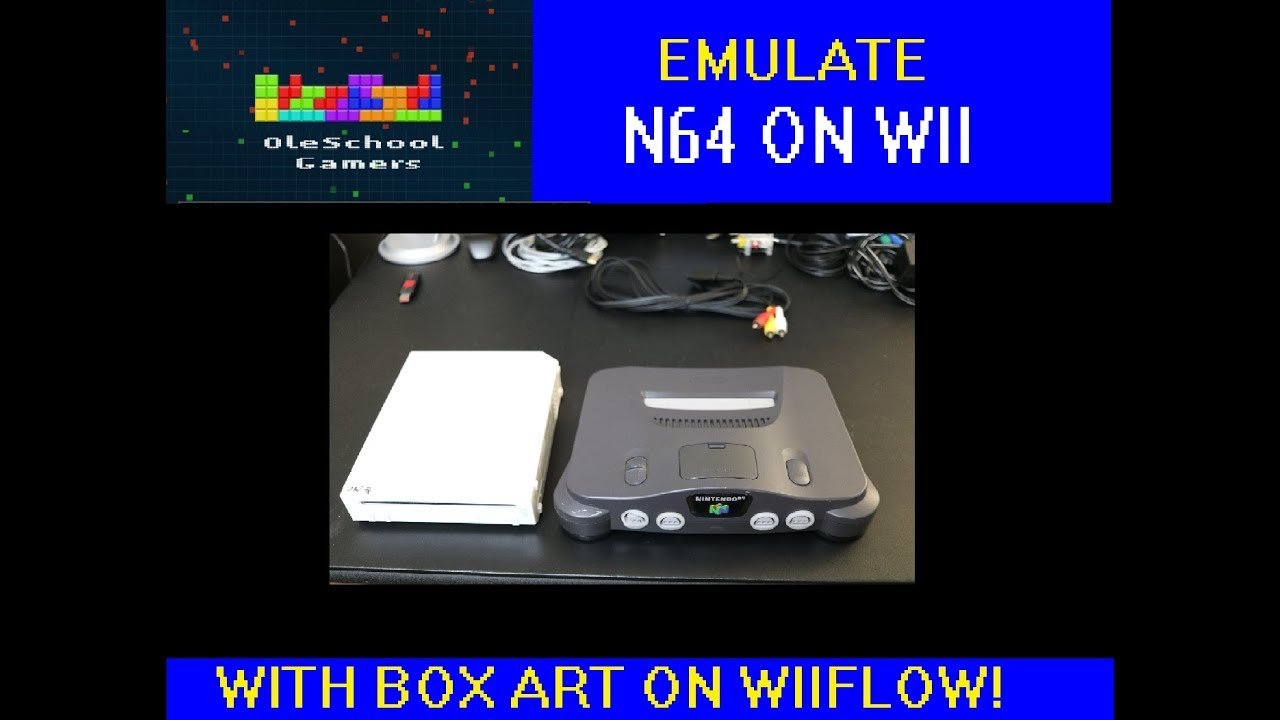
To play N64 games on WiiFlow, you need to install a compatible emulator like Not64 and configure it within WiiFlow, along with placing N64 ROM files on your storage device.
Ever wondered how to play n64 games on wiiflow? It’s a neat way to bring classic Nintendo 64 titles to your Wii. The process involves a little setup, but it’s definitely doable.
You’ll need to add a specific emulator for the N64 games, and then tell WiiFlow where to find those games. It’s a quick way to revisit those old gems. Once set up, navigating the menus to launch your favorite N64 games is easy.

How to Play N64 Games on WiiFlow
So you love those awesome Nintendo 64 games, right? Think about racing around in Mario Kart 64 or exploring the world in The Legend of Zelda: Ocarina of Time. Wouldn’t it be cool if you could play them on your Nintendo Wii using WiiFlow? Well, you can! It might sound a little tricky, but we’re going to walk through it step-by-step, making it super easy for you to get your retro gaming fix. This article is all about how you can play your favorite N64 games right on your Wii using the fantastic WiiFlow homebrew application.
What You’ll Need to Get Started
Before we dive into the fun part, let’s gather what you’ll need. It’s like preparing for a big adventure, you need your tools!
- A Nintendo Wii Console: This is the base for our adventure. It needs to be the console itself, not a Wii U.
- An SD Card (or a USB drive): This is where we’ll store the special programs and the games you want to play. A 2GB or larger SD card works great, or you can use a USB drive.
- A Computer: You’ll need a computer (Windows, Mac, or Linux all work!) to move files onto your SD card or USB drive.
- WiiFlow: This is a special program that lets you run games and other homebrew apps on your Wii. We’ll show you how to get it.
- N64 ROMs: These are the game files for your N64 games. Remember, you should own the original games in order to download a ROM file.
- A Compatible N64 Emulator: The program that lets your Wii understand how to run the N64 games. We’ll use “Not64.”
Preparing Your SD Card or USB Drive
Think of your SD card or USB drive as the toolbox for your Wii gaming adventure. Here’s how to set it up:
Formatting Your Drive
First, you need to make sure your SD card or USB drive is formatted correctly. Your Wii likes it formatted as FAT32. Here’s how to do it:
- Put your SD card or USB drive into your computer.
- Open “My Computer” (on Windows) or “Finder” (on a Mac).
- Right-click on your SD card or USB drive and choose “Format”.
- In the format window, make sure “File System” is set to “FAT32”.
- Click “Start” or “Format,” and wait for it to finish.
Creating Necessary Folders
Now we need to create a few folders on your SD card or USB drive to help keep things organized. These folders will store WiiFlow and other important files.
On your newly formatted drive create these folders :
- apps: This is where you’ll put all the homebrew applications.
- wiiflow: This folder keeps the configuration and cover files for your WiiFlow.
- roms: Create another folder inside of the “wiiflow” folder, name it “roms” . Then inside the “roms” folder create a folder called “n64”. This is where your N64 ROMs will go.
Downloading WiiFlow and the Required Files
Now it’s time to get the software we need! We’ll start with WiiFlow, the main program, and then we’ll get the N64 emulator, Not64.
Getting WiiFlow
WiiFlow is the main program that runs everything so it’s very important we have this correctly.
- Go to a reputable website to download the latest version of WiiFlow. Use your preferred search engine to find the latest version.
- Once you’ve found the download, extract the ZIP or RAR file. This should be done on the computer.
- Inside the extracted folder, you will find a folder called “apps”. Place this “apps” folder into the root directory of your SD card or USB.
Getting the Not64 Emulator
Not64 is the application that will help us play Nintendo 64 games on our Wii. It does this by emulating the N64’s system, making the games playable. Let’s download it and add it to our SD Card.
- Use your preferred search engine to find and download the latest version of Not64. Make sure you are downloading the correct file for running with WiiFlow.
- Extract the file you downloaded. Inside the extracted folder, you will find a folder called “apps”. Place this “apps” folder into the root directory of your SD card or USB, just like we did with the WiiFlow app.
Adding Your N64 Game ROMs
Now that we have all of the software, it is time to place your N64 game files into the correct folder on your SD Card or USB. Remember you should own the game you are using a ROM for.
- Go to where you have the N64 game files you want to play on your Wii.
- Copy your N64 game files over to the ‘n64’ folder, that is inside of the ‘roms’ folder, that is inside of the ‘wiiflow’ folder on your SD card or USB drive. (SD:/wiiflow/roms/n64)
- Make sure that the file extensions are correct. N64 Roms will have a .n64, .z64, or .v64 extension.
Setting Up WiiFlow on Your Wii
Okay, it’s time to plug our SD card or USB drive into our Wii and start the setup. This is where we bring everything together, and it’s exciting!
Installing the Homebrew Channel
If you haven’t already, your Wii needs the Homebrew Channel to run WiiFlow. The Homebrew Channel is like a special portal that lets us use all the cool homebrew programs. If you already have the Homebrew Channel installed you can skip this part. Here is how you get it :
- Search online for the “Letterbomb” method for Wii homebrew. It is safe and easy to use for getting the Homebrew Channel.
- You will need your Wii’s MAC address and the letterbomb files to complete this process, so make sure you get all the files from a trusted site.
- Once you get the needed files, follow the provided instruction.
- Once the process is completed, your Wii will now have the Homebrew Channel on it.
Launching WiiFlow
Now that the Homebrew Channel is installed, you can use it to get into WiiFlow.
- Insert your SD card or USB drive into your Wii.
- Turn on your Wii and go to the Homebrew Channel.
- You should see WiiFlow listed. Select it using the Wii remote and let it load.
- WiiFlow will now load up and show you the main menu. It might take a little while the first time.
Configuring WiiFlow
When you first load WiiFlow you may not be able to see your N64 games. We need to tell WiiFlow where to look for them! Follow these steps:
- In WiiFlow you will see a bar at the top of the screen with different icons. Use the Wii Remote to move the cursor over the gear icon. Click it.
- This opens the settings menu for WiiFlow. Select the “Emulators” section.
- Now you should see a screen with a list of different emulator types. Select “Nintendo 64”.
- There will be several different settings we can change. Make sure the “Emulator Path” is set to “apps/not64/boot.dol”.
- Also, make sure “Rom Path” is set to “wiiflow/roms/n64”.
- Once everything is set, click “Save”, then exit back to the WiiFlow main menu.
Playing Your N64 Games
We’ve done it! Now, for the best part – playing your Nintendo 64 games. You should see them displayed on the main WiiFlow screen.
Use the Wii Remote to select the game you want to play, then press “A”. The game should start up in a few seconds. Have fun!
Troubleshooting
Sometimes, things may not work the first time. Here are a few common issues and how to fix them:
- Game Doesn’t Load: Double-check that your ROMs are in the right folder (“wiiflow/roms/n64”) and have the correct file extension. Make sure the Emulator Path is correct in the settings.
- Game Is Slow or Glitchy: Some games are more demanding than others. Try closing other applications running in the background, or using a different USB drive. You can also try different settings in Not64.
- WiiFlow Won’t Load: Make sure your SD card or USB drive is formatted as FAT32. Check that you put the “apps” folder into the root of your drive and the necessary files.
If you still have issues after all of the troubleshooting, be sure to check out online forums. Many people may have encountered the same issue and have already found solutions.
And there you have it! Playing N64 games on your Wii using WiiFlow is not that hard. It just takes a few steps and a bit of patience. Have fun playing all of those classic games!
How to setup and play N64 games on Wii with WiiFlow boxcovers!!
Final Thoughts
To summarize, you need a compatible emulator, N64 ROMs, and Wiiflow installed on your Wii. Place the ROMs in the correct folder your emulator uses. Then, launch Wiiflow and select the N64 emulator from the menu.
This process enables you to play classic N64 games directly on your Wii. It is really straightforward. Wiiflow makes it relatively simple how to play n64 games on wiiflow. Just remember, you must acquire ROMs legally.

