
To reset most DS games, you simply turn off the console and then turn it back on.
Ever found yourself wanting a fresh start in a beloved DS game? Maybe you made some poor choices early on or just desire a replay. It’s a common query, and knowing exactly how to reset ds games is crucial for many players.
The good news is the process is usually quite simple. You don’t have to fumble through complicated menus or worry about losing your cartridge. Lets dive deeper.

How to Reset DS Games: A Complete Guide
Getting a fresh start in a Nintendo DS game can feel like a brand-new adventure. Whether you’re trying to fix a mistake, want to replay a favorite game, or are passing it on to someone new, knowing how to reset your DS game is important. Unlike newer game consoles, the Nintendo DS doesn’t always have a simple “reset” button right on the menu. But don’t worry! There are a few ways to get your game back to square one. This guide walks you through the different methods you can use to reset your DS games. We will cover everything from soft resets to deleting saved data, making sure you know how to start your game over with ease.
Understanding Different Types of Resets
Before diving into the how-to, it’s good to know there are different kinds of resets for your DS games. We’re mainly talking about two types: soft resets and full resets (deleting save data). Each serves a different purpose, and understanding the differences helps you decide which one is right for your situation.
What is a Soft Reset?
A soft reset is like a quick “restart” for your game. It sends you back to the main menu or the title screen of the game, without deleting any of your progress. This is useful when you just want to try a level again, go back to a previous area, or if the game is acting up. It’s kind of like hitting the pause button and then selecting “start over,” only it uses specific button combinations to do it quicker. This method doesn’t erase any saved data, making it safe to use whenever you need a quick restart. You can think of it as a temporary pause and restart, just for your game session.
What is a Full Reset? (Deleting Save Data)
A full reset, on the other hand, is more serious. This reset erases your entire game progress. This means all your saved items, scores, and progress will be gone, and you’ll start from the very beginning. This kind of reset is needed when you want a complete restart or when you’re giving the game to someone else. It’s like wiping the slate clean and starting from scratch. Be absolutely sure you want to do this before you proceed, because once you’ve deleted save data, it’s usually impossible to get it back.
Performing a Soft Reset on Your DS Game
Now that you understand the differences, let’s talk about how to actually do these resets. Here’s how to perform a soft reset on your DS:
Simultaneously Press Specific Buttons: While you’re in the game, press and hold the L button, the R button, the Start button, and the Select button all at the same time.
Observe the Screen: If you’ve pressed the buttons correctly, the game should quickly return to the main menu or title screen. This means you’ve successfully performed a soft reset.
Start Playing Again: Now, you can select “New Game” or “Continue” from the game’s main menu to start playing again. Remember that your save data is still there, so if you choose “Continue,” you will resume from the last saved point.
This method works for most DS games, but some games might have a slightly different combination. If this one doesn’t work, check your game’s manual or look online for specific instructions.
How to Delete Save Data (Full Reset) on Your DS Game
Performing a full reset, which deletes all your save data, is a little more involved than a soft reset. The method varies depending on the game, but it usually involves a specific button combination when the game is starting up or navigating to an option in the settings, within the game itself.
Method 1: Button Combination at Game Startup
Many DS games use a specific button combination to access a delete save data screen right when you start the game:
1. Turn Off Your DS: Make sure your Nintendo DS is completely powered off.
2. Insert the Game Cartridge: Put the DS game cartridge into the DS system.
3. Power On Your DS: Turn your DS back on.
4. Watch the Game’s Title Screen: Pay close attention to the screen that shows the game’s title or logo.
5. Press the Designated Buttons: Look for a specific button combination as the game starts, this can vary depending on game, commonly it’s something like pressing A + B + X + Y together or L + R + Select + A, so you need to make sure you know the combination before pressing buttons. Some games might show prompts on-screen, indicating which button combo to press. You might have to press these buttons at a specific time, so be ready.
6. Confirm Deletion: After pressing these buttons, a menu should appear on screen that gives you the option to delete your saved data. Make sure you read everything carefully and select the correct option. If you select yes, then it will go on and fully delete your save data.
7. Restart Your Game: Once the save data deletion is complete, the game will restart. This time, you’ll be starting the game from scratch.
This method is the most common way to reset DS games, but some games may use different buttons, or might not include the option to delete all your save data within the game itself.
Method 2: Deleting Data within the Game’s Menu
Some DS games allow you to delete save data via an options menu in the game. Here’s how to approach this method:
1. Start the Game: Turn on your DS and start the game like you normally would.
2. Navigate to the Main Menu: From within the game, navigate to the main menu. You may have to start the game and get past the intro screen, depending on game itself.
3. Find the Options or Settings Menu: Look for a menu item that says “Options,” “Settings,” or something similar. This menu is usually represented by an icon, such as a gear or a wrench.
4. Look for a Save Option: Inside the options menu, search for a section related to game saves or storage. This might say something like “Save Data,” “Memory,” or “Storage Management.”
5. Select Delete/Erase Save Data: There should be an option to delete your save data. Carefully select the option to delete it.
6. Confirm Deletion: The game will ask you to confirm that you want to erase your save data. Make sure you read the warning messages carefully because this can’t be reversed. After confirming you want to delete, the game will wipe all saved data.
7. Start a New Game: After you have deleted all save data, the game should restart and allow you to start the game as if it was brand new.
This method is less common than the button method, but it’s good to check the game’s settings if the button method isn’t working. Again, the exact steps may vary slightly from game to game, so check the game’s instructions or look online for specific details.
Specific Game Reset Examples
To help you better understand how to reset DS games, here are examples for some popular Nintendo DS titles:
Pokemon Games
Many Pokemon games, like Pokemon Diamond, Pearl, Platinum, HeartGold, SoulSilver, Black, White, Black 2, and White 2, use a combination of buttons at startup.
Button Combination: Usually, you will need to press and hold Up on the D-pad, B and X buttons, simultaneously, when the game logo shows on the screen. If it’s done right, a menu should appear on screen asking you if you want to delete save data.
Confirmation: You will have to confirm the deletion and you can start the game over again.
Animal Crossing: Wild World
Button Combination: For Animal Crossing: Wild World, you have to press and hold A, B, X, Y, L, and R when the game is starting up (at the Nintendo logo screen), and then a screen will appear asking you to delete save data.
Confirmation: Confirm the deletion, and the game will restart.
Mario Kart DS
Button Combination: Mario Kart DS also uses a button combination to delete saved data. Press and hold L, R, A, and B, when the game starts, and a screen will appear asking if you would like to delete the save data, select yes to delete.
Confirmation: Now the game will delete all your data and when you start it up, you can start a new save file.
The Legend of Zelda: Phantom Hourglass/Spirit Tracks
Button Combination: For these Zelda titles, the process is similar. Hold the L, R, and Start buttons while the game is booting up. This will allow you to delete save data and start the game fresh.
Confirmation: After pressing the buttons, you’ll be presented with a prompt, confirming your choice.
These are just a few examples, and it shows you that it is always a good idea to look up the specific reset procedure if the commonly used combinations don’t work.
Troubleshooting Reset Issues
Sometimes, resetting a DS game isn’t straightforward, and you might run into issues. Here are some tips to help you with common problems:
Incorrect Button Combination: The most common issue is pressing the wrong buttons or not pressing them at the right time during game startup. Double-check the specific combination for your game from the internet or consult the game manual.
Timing Issues: You might not press the buttons at the correct time. Some games require you to hold the buttons right before the game’s title screen appears. Try multiple times to get the timing right.
Game Specific Issues: Some games have special procedures. It’s always best to search for information specific to the game you are having trouble with, if the typical button combinations are not working.
Cartridge Issues: If the game is still not resetting, remove the cartridge and clean it carefully. Use a dry cloth or a cotton swab to remove any dust or dirt from the game’s connectors.
System Issues: If none of the above works, try resetting a different game on your Nintendo DS. If other games work, it suggests there might be an issue with the cartridge of the game you’re trying to reset. If multiple games don’t reset, it might be an issue with the DS itself. In that case, you should consult Nintendo support.
Tips for Safe Game Resets
To make sure you have a smooth and trouble-free experience with resetting your DS games, consider the following tips:
Always Double-Check: Before deleting your save data, make sure you absolutely want to do so. Deleted data is usually gone for good. If you’re unsure, try a soft reset first, or back up save data using homebrew applications (if you know how).
Consult Game Manuals or Online Resources: If you’re having trouble, check the game’s manual. It will often contain instructions for resetting the game. Online resources, forums, and communities can also be a great place to find specific instructions.
Clean Your Cartridges: Keep your game cartridges clean and free from dust or dirt. This can help prevent issues with game loading and resetting.
Be Mindful of Homebrew Applications: If you’re using a modified or homebrewed Nintendo DS system, some reset methods or specific homebrew apps may interfere with how games behave. Check with your specific homebrew community to make sure that these tools won’t hinder you.
Use an Appropriate Method: Use a soft reset for general issues where you don’t want to lose any progress. Use a full reset only when it is necessary, and you wish to delete all data. This way, you don’t accidentally delete your hard earned save data.
In short, resetting a DS game is often simple, but knowing how to properly perform both soft and full resets ensures a better gaming experience. Whether you’re starting fresh or fixing a glitch, now you should have all the tools you need to get your DS games back to square one.
Remember to always be careful when deleting saved data, because it can’t be easily recovered. And if you encounter any issues, the best source of help is the manual of the game you are trying to reset, or search online for information specific to that game. The methods and tips discussed in this guide will help you handle most reset scenarios, allowing you to fully enjoy the fun and nostalgia of your Nintendo DS.
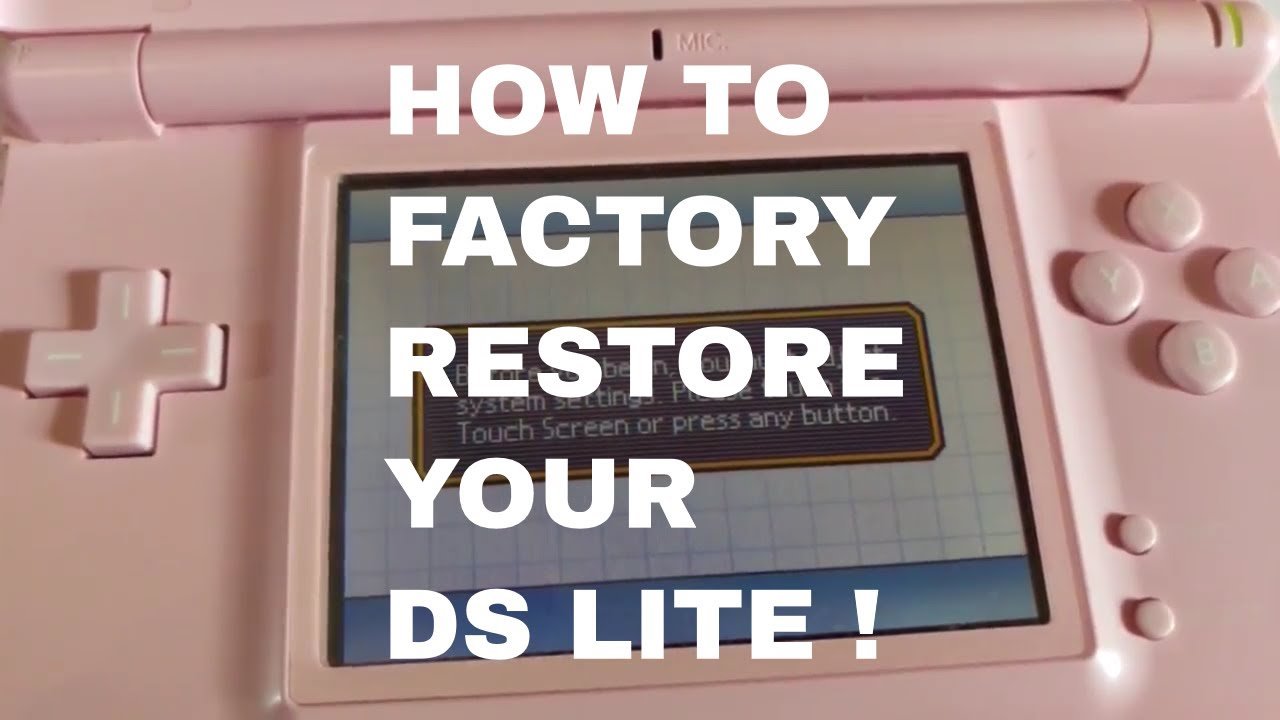
Factory Reset Nintendo DS lite Tutorial. #nintendo #ds #reset #shorts
Final Thoughts
Resetting a DS game usually involves a specific button combination. Typically, holding A, B, Start, and Select simultaneously will do the trick. If this method doesn’t work, power cycling the device might be necessary.
Sometimes, games feature an in-game reset option within the menu itself. This allows for a soft reset, taking you back to the title screen. Always check the game’s manual for specific instructions, though.
Therefore, knowing how to reset ds games is essential for restarting adventures. The button combination or in-game menu will often provide a way to reset a ds game quickly. Remember to explore these options when starting over.

