
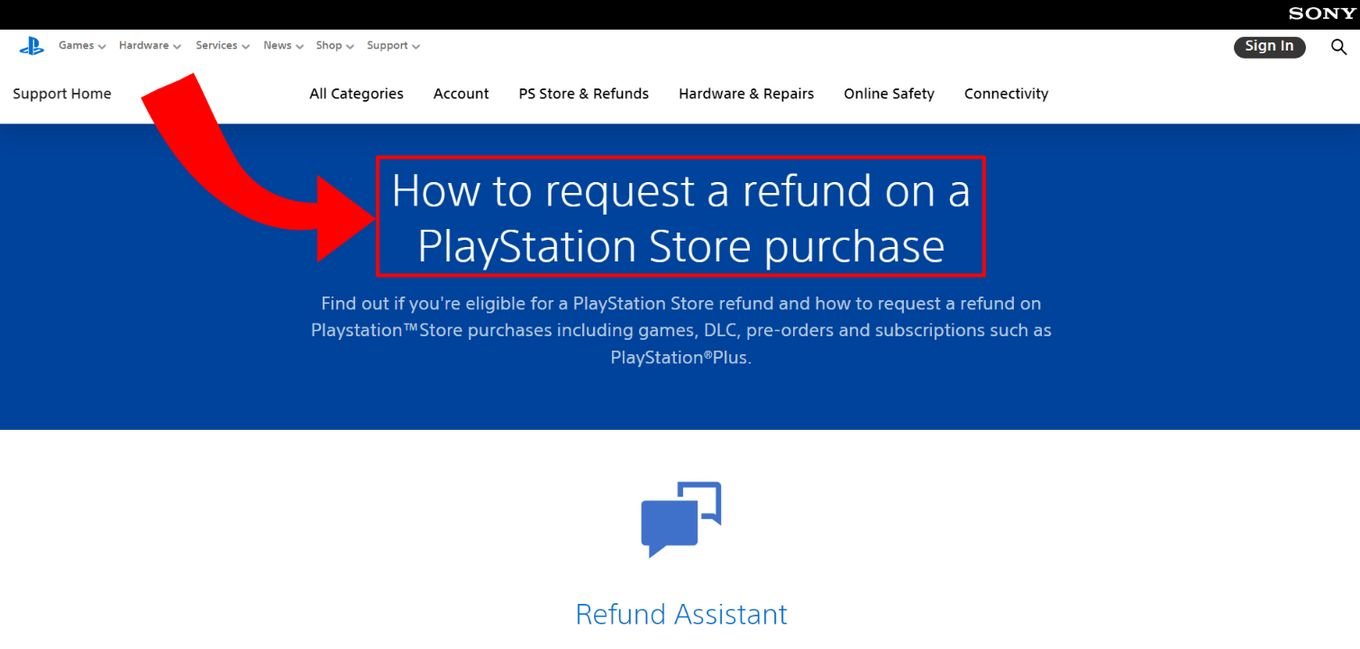
Returning a PS5 game typically involves contacting the retailer from where you purchased it and adhering to their specific return policy.
So, you’ve bought a new PS5 game, and it’s just not for you. It happens! We’ve all been there, whether the game didn’t live up to the hype, or you’ve just finished it quickly. Knowing how to return a ps5 game can save you some money, and that’s what we’ll discuss.
The return process usually depends on where you bought the game. Each retailer has its own return policies, so familiarity is key. You might need the original packaging and receipt, and sometimes there are time limits. We’ll break down the common steps.

How to Return a PS5 Game
So, you bought a new PS5 game, maybe you were super excited for it, but now it’s just not working out. Maybe it’s too hard, maybe it’s not what you expected, or maybe you just finished it really fast! Whatever the reason, you might be thinking about returning it. Don’t worry, it happens to everyone. Returning a video game can seem tricky, but it’s actually quite simple if you know the right steps. This guide will walk you through everything you need to know to return your PS5 game successfully.
Understanding Return Policies
Before you even think about packing up that game, it’s super important to know the rules. Each store (and sometimes even online marketplaces) has its own set of rules about returns. These are called return policies. They tell you things like:
- How long you have to return the game: Some stores give you 14 days, some give you 30, and some might have different rules entirely.
- Whether the game has to be unopened: Usually, if the game is opened, it’s harder to return, but not always impossible.
- What kind of refund you’ll get: Sometimes you can get your money back, sometimes you get store credit (like a gift card), and sometimes it’s an exchange for a different game.
- If you need the receipt: Almost always, you’ll need your proof of purchase, which is usually a receipt or online order confirmation.
It’s best to check the specific policy of the store where you bought the game. You can usually find this on their website or by asking an employee at the store. Don’t assume all stores have the same return rules because they don’t!
Where Did You Buy It?
Where you bought the game makes a big difference in how you return it. Here are a few common places and what you might expect:
Retail Stores (Like Walmart, Best Buy, Target)
Big retail stores usually have pretty standard return policies. Often, you’ll need to bring the game back in its original packaging (if possible), along with your receipt, to the customer service desk. If the game is unopened, it’s generally easier to return. If you opened the game, they might give you a return, store credit or not accept the return. If they do accept an opened game, it might only be for store credit. Each store has its own process for verifying returns, so make sure you have all you need ready when you go. This includes receipts and packaging.
- Walmart: Generally accepts unopened games for a full refund or exchange within 30 days of purchase with the original receipt or online order confirmation. Opened games might be accepted for an exchange of the same game if the disc is defective.
- Best Buy: Typically allows returns of new, unopened games within 15 days of purchase with proof of purchase. Opened software, such as video games, are only eligible for exchange if defective.
- Target: Generally accepts returns of new, unopened games within 90 days of purchase with original receipt. They usually give you a full refund with the original payment method. Opened games are often only eligible for exchange for an identical title if defective.
Online Marketplaces (Like Amazon, eBay)
Returning games bought online can be a bit different. These online stores usually have their own return portal. You’ll probably need to go to the “Your Orders” section of the website, find the game, and start the return process there. They might ask you to print a shipping label. The original packaging is usually needed, so make sure you keep everything. Again, whether the game was opened impacts whether the return is approved or not. They will likely ship out a return label and allow you to mail it back. You usually need to ship it back before a certain date.
- Amazon: Offers a generally good return window, usually 30 days, for new, unopened items. The process often involves requesting a return through their website, printing a shipping label, and sending the game back. If the game is opened, returns are usually only for defective games.
- eBay: Returns on eBay depend on the seller’s specific policies. Make sure you check before you buy. Some sellers will accept returns if you contact them. Others will not. If a return is accepted you’ll usually need to contact the seller through the website to start the return. If the game you received is not as described in the listing, you have some buyer protection policies to help you return your game.
Game-Specific Retailers (Like GameStop)
GameStop, as a specialist in video games, also has its own policy. Generally, it’s beneficial to check that specific policy on their website. They often have a strict process in place for the return of new and used games. GameStop typically has a limited timeframe (sometimes just a few days) to return a game. They might accept returns of new, unopened games with a receipt. Used games can have different return rules.
Preparing Your PS5 Game for Return
Okay, you’ve checked the return policy and you’re ready to go. Here’s how to get your game ready for its journey back to the store.
Keeping the Packaging
The first thing you need to do is ensure you keep the packaging. That is an absolute must if you intend on returning the game.
- Original Box: Do you still have the box that the game came in? Make sure it isn’t torn or damaged if possible. It should look as new as possible.
- Game Disc/Cartridge: Put the game disc back in its case carefully. Make sure it’s secure so it doesn’t move around and get scratched. For any game on a cartridge (like a physical game bought for the PS5), make sure it is also placed back into its secure plastic casing.
- Manuals and Inserts: Include any instruction books or extra papers that came with the game. If you don’t have them, it might make the return harder.
Finding Your Receipt
Your receipt is super important. Most stores won’t accept a return without it. If you can’t find your physical paper receipt, look through your emails if you bought the game online, or through the app or website if you bought it in-store using an account. Often, stores will allow you to print a copy of the receipt.
- Physical Receipt: If you have it, keep it somewhere safe with your game.
- Digital Receipt: If you bought the game online or through an app, print out the confirmation or have it ready on your phone.
The Return Process Step-by-Step
Now it’s time to return the game. Here’s what to do:
Returning to a Physical Store
- Gather Everything: Get your game in its original packaging, your receipt, and your ID.
- Go to Customer Service: Head to the customer service desk at the store. It’s usually near the front or back of the store.
- Tell Them Why: When it’s your turn, tell the store employee you’d like to return a game. They might ask why, be honest!
- Follow Their Instructions: The employee will tell you what to do next. They might check the game, scan the receipt, and process the return.
- Get Your Refund/Store Credit: If your return is approved, you’ll get your money back or a store credit. If it’s a refund back to a credit card, it can sometimes take a few days for the money to show up in your account.
Returning Online
- Go to Your Orders: Log in to the website where you bought the game. Find the “Your Orders” or “Purchase History” section.
- Find the Game: Click on the specific game you want to return.
- Start the Return: Follow the on-screen instructions to start the return process. You might need to choose a reason for returning the game.
- Get a Shipping Label: The website will probably give you a shipping label to print.
- Pack Up the Game: Carefully pack the game back in the box. Use the label the website gives you and attach it to the package.
- Ship It Back: Take the package to a postal service (like USPS, UPS, or FedEx) and send it back to the store.
- Wait for Refund: It might take a week or so for the store to get the package. After they check it, they will process your refund or give you store credit.
Dealing With Opened Games
Returning opened games can be a bit more complicated. Here are a few things to keep in mind:
Why It’s Harder
Stores usually prefer to sell games as new, in their original, unopened condition. Once a game is opened, they can’t sell it as new anymore. This is why they usually have different rules for opened games, such as only allowing for an exchange of a defective product.
Possible Scenarios
- Defective Game: If the game doesn’t work properly, you can usually return it for the same game. The store might check to make sure it’s actually defective.
- Exchange Only: Some stores will let you exchange an opened game for another copy of the exact same game if there’s a problem with it.
- Store Credit: You might get store credit for the game instead of a full refund.
- No Returns: Unfortunately, some stores simply won’t accept opened games unless there’s a fault with the actual disc or cartridge.
Troubleshooting Common Issues
Sometimes things don’t go perfectly. Here’s what to do if you run into problems:
Lost Receipt
If you lost your receipt, it can make it a little harder to return your game, but not impossible. Here are a few tips:
- Check your email: Search your emails for a receipt or confirmation if you purchased online.
- Look for the transaction on a website or app: Look through your account on the website or app if you bought it in a physical store using an account.
- Call the store: Explain the situation to the store. Some stores can look up your purchase if you used a credit card or gave your phone number at the checkout, but this might not always work.
Damaged Packaging
If the packaging of your game is damaged, try to fix it if possible using tape. If that does not work, it might be harder to return. You can try to return it anyways, but the store might refuse the return if the packaging is damaged, especially if it is a physical retail store. If it’s an online store, they are more likely to accept it if the game is in its original packaging.
Store Refuses Return
If the store refuses your return, be polite and ask them why. They might explain that you are outside the return window, or that your game cannot be returned as it is open. If you don’t agree with the reason they provide you, ask to speak to a manager and explain the situation. If it is a defective game you bought, or if you have a valid reason for returning it, they might be able to help you.
Tips for a Smoother Return
Here are some tips to help the return process go more smoothly:
- Don’t Wait: Try to return the game as soon as you decide you don’t want it. The sooner you do it, the better.
- Be Polite: Always be polite and respectful when talking to store employees. They’re more likely to help you if you’re nice.
- Read Policies Carefully: Before buying any game, read the store’s return policy so you’re aware of what to expect.
- Keep Everything: Keep all receipts, packaging, and manuals organized so you have everything you need.
- Contact Support: If you’re still unsure, call or email the store’s customer service before starting the process. They can answer specific questions.
Returning a PS5 game doesn’t have to be a headache. By understanding the return policies, preparing your game correctly, and following the steps, you can make the process go smoothly and get your money back or find a game you enjoy more.
How to request a refund for a PS5 game?
Final Thoughts
To return a PS5 game, you must first check the store’s return policy. Usually, unopened games are eligible for a full refund. However, opened games might only qualify for an exchange.
Ensure you have your original receipt and packaging. Also, keep in mind the return timeframe; most stores have a limit. Knowing ‘how to return a PS5 game’ before purchase can save future headaches.

