
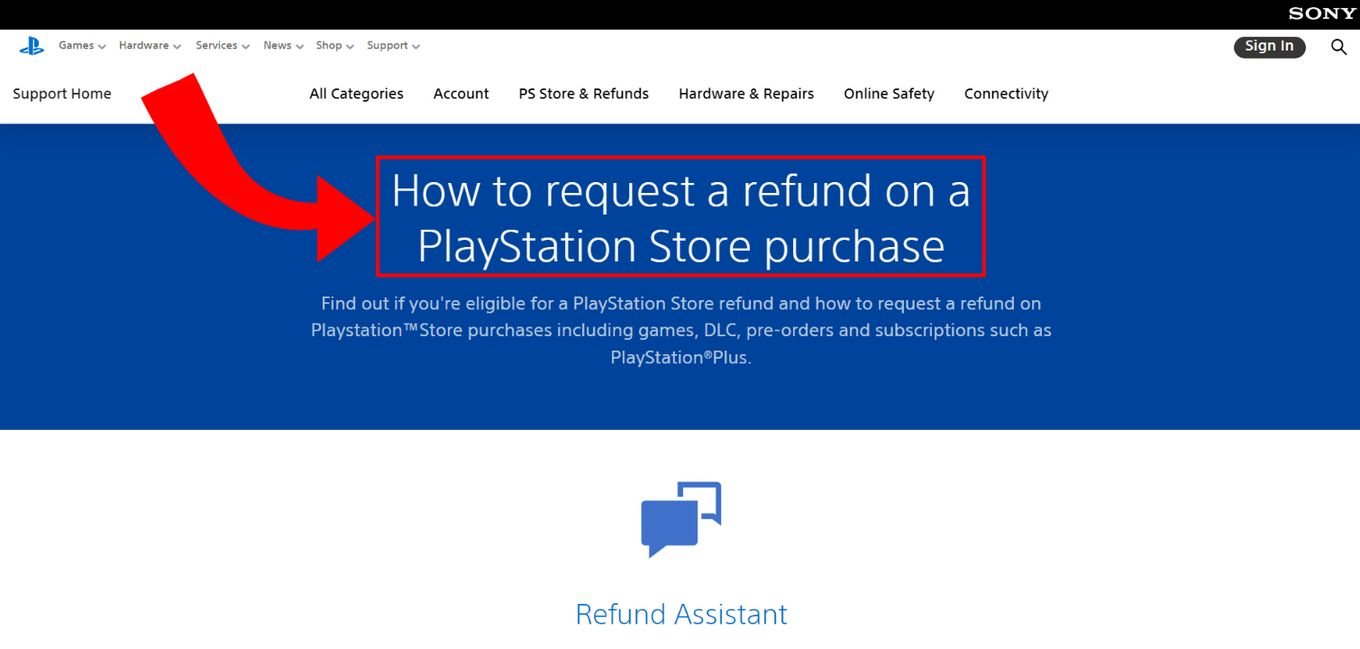
Unfortunately, you cannot directly return a digital game on your PS5 after you’ve purchased and downloaded it. Refunds depend on Sony’s specific policies and are typically only granted in very limited circumstances.
Ever felt that pang of regret after buying a game you ended up disliking? It’s a common scenario, and many players wonder how to return game on PS5 when they are not happy with their purchase. Unlike physical copies, digital games have a different process and guidelines around refunds, and there are key things you need to know.
The PlayStation Store’s refund policy is actually quite strict, making returns a bit of a hurdle. Generally, you will only receive a refund for a game if you haven’t downloaded or started playing it. It is important to know your rights as a consumer with digital products.

How to Return a Game on PS5: A Simple Guide
So, you got a new game for your PlayStation 5, but it’s not quite what you expected? Maybe it’s too hard, maybe it’s not as fun as you thought, or maybe you simply changed your mind. That’s okay! Returning a game can seem a little tricky, but don’t worry, we’ll walk through it step-by-step. This guide is for both digital downloads and physical discs, so whatever type of game you have, we’ve got you covered.
Understanding the Return Policies for PS5 Games
Before you try to return a game, it’s super important to know the rules. These rules, called “return policies,” are set by the store where you bought the game. Each place, like a big store or the PlayStation Store, can have its own set of rules. Let’s take a look at some of the key things you need to understand about these policies.
Return Windows
Almost every store gives you a certain amount of time to return an item, including a game. This time is called the “return window.” It might be 14 days, 30 days, or even a bit longer. The return window usually starts from the day you purchased the game. Make sure you know this time, so you don’t miss your chance to return the game. If you try to return it outside of the window, the store might not take it back.
Condition of the Game
When you return a game, the store usually wants it to be in good condition. For a physical disc, this means the case should be undamaged, and the disc should not have scratches. If you are returning a digital game, you might not get a return unless there is something wrong with the game, like it doesn’t work properly. For physical games, make sure everything you got with the game, like manuals, is also returned.
Proof of Purchase
No matter where you bought your game, you’ll need proof that you bought it there. This could be your store receipt, or a confirmation email for digital downloads. Keep this safe as you will need it when you return the game. Without it, the store might not accept your return.
Types of Games and Return Policies
Whether you purchased a physical disc or downloaded a game directly to your PlayStation 5, return policies will be different. Here’s a breakdown:
- Physical Games: These are discs that come in a case. You can usually return them if they’re in good condition, within the return window, and you have your receipt.
- Digital Games: These are games you download to your PS5 from the PlayStation Store. Returning them can be trickier. Typically, you can only return them if there’s a technical issue or if the game is defective. Sometimes, you can return a game if you haven’t started playing it, but it depends on the policy.
Returning Physical PS5 Games Purchased from Retail Stores
Did you buy a game at a store like Best Buy, Target, or a local game shop? If so, returning it is often pretty straightforward. Here’s how to do it:
Step 1: Check the Return Policy
First, check the return policy of the store where you bought the game. You can usually find it on the store’s website or on your receipt. Make sure you are still within the return window, and the game meets the condition requirements.
Step 2: Gather Your Items
Find the game case, the game disc, and any manuals or other things that came with the game. You also need your receipt, or proof of purchase.
Step 3: Go to the Store
Head to the store where you purchased the game. Most stores have a dedicated customer service desk. Bring your game and receipt to this desk.
Step 4: Talk to a Store Associate
Explain to the associate that you would like to return the game. They will likely inspect the game to ensure it’s in good condition. They will then process your return. You will receive your money back in the same way you paid for the game or sometimes store credit if it is in store policy.
Step 5: Confirm Your Return
Once the return is done, make sure you get a return receipt. You will need it if there are any problems later.
Returning Digital PS5 Games from the PlayStation Store
Returning a digital game from the PlayStation Store is a little different than returning a physical copy. The rules are tighter, but it can be done in certain circumstances. Here is the process for returning a digital PS5 game purchased from the PlayStation Store:
Step 1: Understand the Sony PlayStation Store Refund Policy
The PlayStation Store has its own rules about refunds. Generally, you can only get a refund for digital games if there’s a problem with the game itself, like it’s defective or not working correctly. Sony also might give you a refund if you have purchased it by mistake and haven’t started to download or stream the game. You need to make sure that you haven’t started downloading or playing the game to be eligible for a refund. You can find their full refund policy on the official PlayStation website.
Step 2: Contact PlayStation Support
You can request a refund by contacting PlayStation Support. You can do this through their website or using their customer service chat or phone line. Be ready to explain why you are asking for a refund. You’ll need to give them your PlayStation Network ID (PSN ID), as well as information about the game you are trying to return.
Step 3: Prepare the Required Information
When you contact support, you’ll probably need to provide:
- Your PlayStation Network ID (PSN ID)
- The name of the game you want to return.
- The date you bought the game.
- The reason you’re requesting a refund.
Step 4: Await PlayStation Support’s Decision
After you make your request, PlayStation Support will review it. This can take a few days. They will let you know if your refund request is accepted or not, usually by email.
Step 5: Receive Your Refund
If your refund is approved, the money will be returned to the payment method you used when you bought the game. The time it takes to receive your money can vary depending on your bank or payment provider. It might take a few days to appear in your account.
Specific Situations When Returning a PS5 Game
Let’s look at some special situations you might come across when trying to return your PS5 game.
Returning Opened Physical Games
Many stores let you return physical games even if they’re opened, as long as they are in good condition and within the return window. However, some stores might charge a small fee or only provide store credit for an opened game. Always check the specific return policy of the store.
Returning a Gifted Game
If you received a PS5 game as a gift and want to return it, the process can be a little different. You’ll likely need the receipt or the original purchase information from the person who gifted it to you. Some stores might offer store credit instead of a cash refund to the person returning the gift. Check with the store for their specific policy on returning gifted items.
Returning a Game Purchased Online
If you bought a physical game online, check the retailer’s website for their return instructions. You’ll probably need to pack the game back up and mail it back, often to the distribution center where it came from. Ensure that you have your return label and all the original packaging to help the return process. Check if the return shipping is free or if you will have to pay for it.
Returning a Defective Game
If your PS5 game is defective and isn’t working properly, both physical and digital games should be returnable or exchangeable. You’ll want to contact the store where you purchased the game or PlayStation Support right away and let them know that the game isn’t working correctly. They will then let you know their required steps to help you.
Tips to Ensure a Smooth Return Process
To make your game return as smooth as possible, here are some helpful tips:
- Keep your receipts. Make sure you keep all receipts, both digital and physical, in a safe place. You need them for any returns.
- Don’t wait to return. Return the game as soon as possible if you’re not satisfied with it. Don’t wait till the last day as you might miss the return window.
- Keep the game in good condition. Make sure the physical game case and disc are undamaged. This will help your return process.
- Understand the store’s policy. Read the store’s refund rules before making your purchase. Check out the return policy beforehand to understand its requirements and restrictions.
Common Mistakes to Avoid
Here are some common mistakes that people make when trying to return a PS5 game, that you can avoid:
- Missing the return window. You should know your return window to make sure you return your game on time.
- Returning a damaged game. If a game is damaged, stores may refuse to take the return. Keep your game safe to avoid any issues.
- Not having proof of purchase. You need a receipt to prove you bought the game. Without it, the store may not accept your return.
- Not understanding the store’s return policy. Take some time to read the policy so that you know what is expected of you.
Returning a PS5 game might seem a little challenging, but knowing the steps and rules can make the whole process very smooth and easy. You should always check the specific policies of the store where you bought the game. By following the steps and tips explained in this guide, you will have no issues returning your game and getting your money back.
How to request a refund for a PS5 game?
Final Thoughts
Returning a PS5 game involves checking the retailer’s specific policy. Digital purchases from the PlayStation Store usually cannot be refunded unless there are exceptional circumstances. Physical copies often have a return window if the game is unopened.
Always keep your proof of purchase; this is essential for any return. Contact the seller directly, whether it is a physical shop or an online platform. Understanding ‘how to return game on ps5’ requires reviewing their terms.

