
Selling a game on Steam requires creating a developer account, paying a fee, and then using Steamworks to prepare your game build and store page.
So, you have finished developing your game and now thinking about how to sale game on Steam? It’s a common question for indie developers. The process might seem overwhelming initially, but we will guide you through the steps.
Getting your game onto Steam involves a few key stages. From setting up your account to finally publishing, the whole process requires careful planning. We’ll break down each of these for you.

How to Sale Game on Steam
So, you’ve poured your heart and soul into creating a fantastic game, and now you’re ready to share it with the world! Steam, the biggest online game store for computers, is the perfect place to sell your creation. But how exactly do you get your game from your computer to the Steam store? It might seem a little scary, but don’t worry! This guide will walk you through all the steps, making it easy to understand how to put your game up for sale on Steam. Let’s get started!
Understanding Steam Direct
Before we dive into the details, it’s important to understand what Steam Direct is. Think of it as the gateway to selling your game on Steam. Before Steam Direct, getting your game onto Steam was a little more complicated. But now, any game developer can publish their game directly to Steam through this system. Here’s the main thing to remember:
- Steam Direct Fee: To publish your game, you have to pay a fee. This fee, currently set at $100 per game, helps Steam manage the publishing process. This fee is not refundable.
- No Middleman: Steam Direct lets you, the developer, control the publishing process. You work directly with Steam.
- Steamworks: This is a set of tools and services Steam provides that helps you get your game ready for sale on Steam. It includes a variety of things such as multiplayer integration, achievements, leaderboards and more.
Preparing Your Game
Before you even think about putting your game on Steam, it needs to be in great shape! Think of it like baking a cake – you have to have all the ingredients right before you can put it in the oven. Here’s what you need to do:
Polishing Your Game
Your game needs to be as bug-free and enjoyable as possible. Imagine if someone bought your game and it kept crashing or had lots of mistakes! They wouldn’t be very happy. So, make sure to:
- Test, test, test: Play your game a lot, and have your friends or family try it out too. Look for anything that isn’t working correctly.
- Fix bugs: If you find errors or things that aren’t working the right way, fix them.
- Improve gameplay: Make sure your game is fun and exciting. Is it challenging enough? Is it too hard or too easy?
Creating Awesome Assets
Assets are like the pictures and words that people see when they find your game on Steam. They are essential to make your game look interesting! This includes things like:
- Game Trailer: A short video of your game is a must. It shows people what your game is like and gets them excited to play it. Keep it interesting and not too long.
- Game Screenshots: Include lots of pictures of your game that show different aspects, levels and fun moments.
- Game Description: Use clear and simple language to explain what your game is about, who it is for and what makes it fun. Use keywords that people might use when searching for games like yours.
- Capsule Images: These are the small pictures that represent your game on the Steam store. You will need several different sizes for different parts of the Steam store.
- Store Page Design: How your store page looks is also vital, so take time to design something that is neat and easy to look at.
Game Build
A “game build” is a copy of your game that people can play. You need to create a good working build that you will upload to Steam. This build needs to be:
- Complete: It needs to include everything people need to play your game.
- Easy to Install: Make it simple for people to set up and start playing your game.
- Compatible: Your game needs to work well on different types of computers, for example, Windows, macOS or Linux.
Setting Up Your Steamworks Account
Now that your game is all ready to go, you need to start working with Steam. The first step is to set up a Steamworks account. Here’s how you do that:
- Go to the Steamworks Website: Open your web browser and go to the official Steamworks website.
- Create an Account: If you don’t already have an account, you will need to make one. You may need to sign in with your regular Steam account.
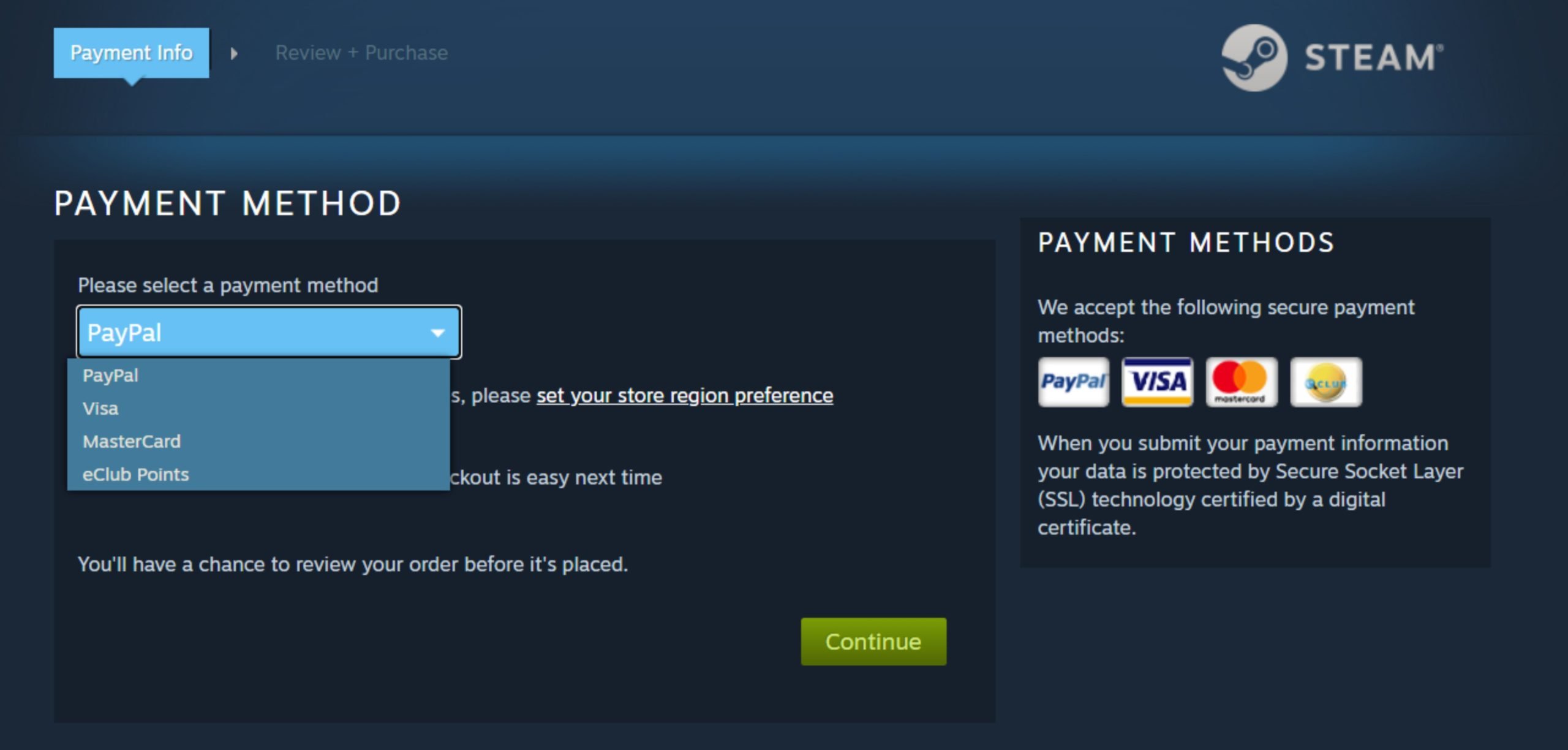
- Pay the Steam Direct Fee: Remember that $100 fee? You need to pay it during the setup process. You can use a credit card, or PayPal, or another payment option that Steam provides.
- Fill Out Your Company Information: You need to provide Steam with information about your game company or if you are a solo developer and you are selling your game as an individual, you would need to provide information about yourself. This is important for legal reasons.
- Agree to the Terms: Steam will have some legal agreements for you to read and agree to. Take your time and review them carefully.
Creating Your Steam Store Page
Now comes the fun part – making your game’s page on the Steam store! This is how people will see your game, so it’s very important to make it look awesome.
Uploading Your Game Build
Here’s how you do that:
- Using Steamworks: Inside Steamworks, you will find instructions on how to upload your game build. You will have to download an uploading tool from Steam called the Steamworks SDK and use it to upload your game build.
- Following Instructions: You must follow the instructions carefully. If you make a mistake, your game won’t work on Steam. You may need to go back and fix errors if any occur.
- Testing: Once the build is uploaded, you can try it yourself to make sure everything works okay before you release it to the world.
Designing Your Store Page
Your store page is your game’s shop window. Make it inviting! Here’s what you need to focus on:
- Adding Your Game Assets: Put your game trailer, screenshots, and capsule images onto your store page. Make sure they are eye-catching.
- Writing a Great Description: Clearly describe what your game is about, why people should play it, and its main features. Make sure your description is easy to read and understand.
- Choosing Your Tags: Tags are like keywords. They help people find your game when they search on Steam. Think about what kind of game you have and choose appropriate tags. For example, if your game is a puzzle game, use tags such as “puzzle”, “logic”, or “brain-teaser”.
- Setting the Price: Decide how much you want to charge for your game. Look at similar games to see what prices are reasonable. Be sure to think about the cost to develop the game when you price it.
Setting Launch Options
Before your game can go live, you need to set the launch options. This includes choosing your release date and deciding what kind of launch to have. Here are some considerations:
- Choosing a Launch Date: Pick a date that is not too far into the future and does not clash with any major game releases. Keep in mind Steam needs time to review your game.
- Early Access: You can release your game in “early access.” This means people can buy and play your game while you are still developing it. This is a good way to get feedback and funding for your game.
- Full Release: You can also have a full release when your game is done. This may take a little longer, but it can be the best option if you want to have a more polished version of your game for its first release.
- Store Page Visibility: In this part, you should also configure how you want people to find your game when it is released. Steam gives you many options to work with.
Review Process
After you create your store page, Steam will review it. This is to make sure everything looks good and that your game meets Steam’s rules.
What Steam Checks
During the review process, Steam mainly checks things such as:
- Your Game’s Functionality: Steam wants to make sure your game actually works before it sells it to people.
- Accuracy of Your Store Page: They want to make sure your game page matches the product you are offering. The game screenshots should show what the game is like.
- Compliance with Steam’s Rules: They want to make sure your game does not contain anything inappropriate or break any rules.
How Long It Takes
The review process might take a few days or even a couple of weeks. It’s important to be patient. While you’re waiting, you can use this time to prepare for the launch of your game.
Making Changes
If Steam finds any problems with your game, they will let you know. You will have to fix the issues and resubmit your game. If everything is okay, Steam will let you know you’re all set to launch!
Launching Your Game
This is it – the moment you’ve been waiting for! Your game is ready to go live on Steam!
Preparing for Launch
Before you officially launch, there are a few more things you should do:
- Setting Up Your Marketing: Before your game is launched, tell people about it! Use social media like X, or Facebook, or post on internet forums. Tell your friends and family and anyone you know who may be interested. Make sure people know your game is coming out!
- Creating a Community: Set up a forum or place where people can talk about your game. This will allow you to connect with your players and get feedback.
- Adding a Discount: Sometimes it’s a good idea to give a discount for the first week. This may encourage more people to buy your game.
Going Live
When you are happy with your setup, you can press the launch button! This will make your game available on the Steam store.
After Launch
The journey is not over once the game is on sale on Steam. You need to continue to be present and work hard for your game.
- Engaging With the Community: Be active in your game’s forum and answer player questions. This makes your players feel listened to and valued.
- Updating Your Game: Release updates with new content, bug fixes, and other improvements. This shows people you care about your game.
- Monitoring Sales and Feedback: Keep an eye on how well your game is selling. Use feedback from players to keep improving your game.
Selling your game on Steam is a big journey, but it’s absolutely doable! By following these steps and putting in the hard work, you can get your amazing game in front of millions of players around the world. Remember to stay patient, be persistent, and most importantly, enjoy the process! Your game has the potential to bring lots of joy to many people. Now get out there and make your dream of selling your game on Steam a reality!
How to Sell Your Game on Steam!
Final Thoughts
To summarize, publishing on Steam involves setting up a developer account, preparing your game files, and creating a compelling store page. Then you must navigate Steamworks to handle pricing and launch. Understand the process before you consider how to sale game on steam.
Successfully putting your game on the platform requires careful attention to detail. Marketing efforts will increase your game’s visibility. Following these steps will guide you in selling your game on Steam.

