
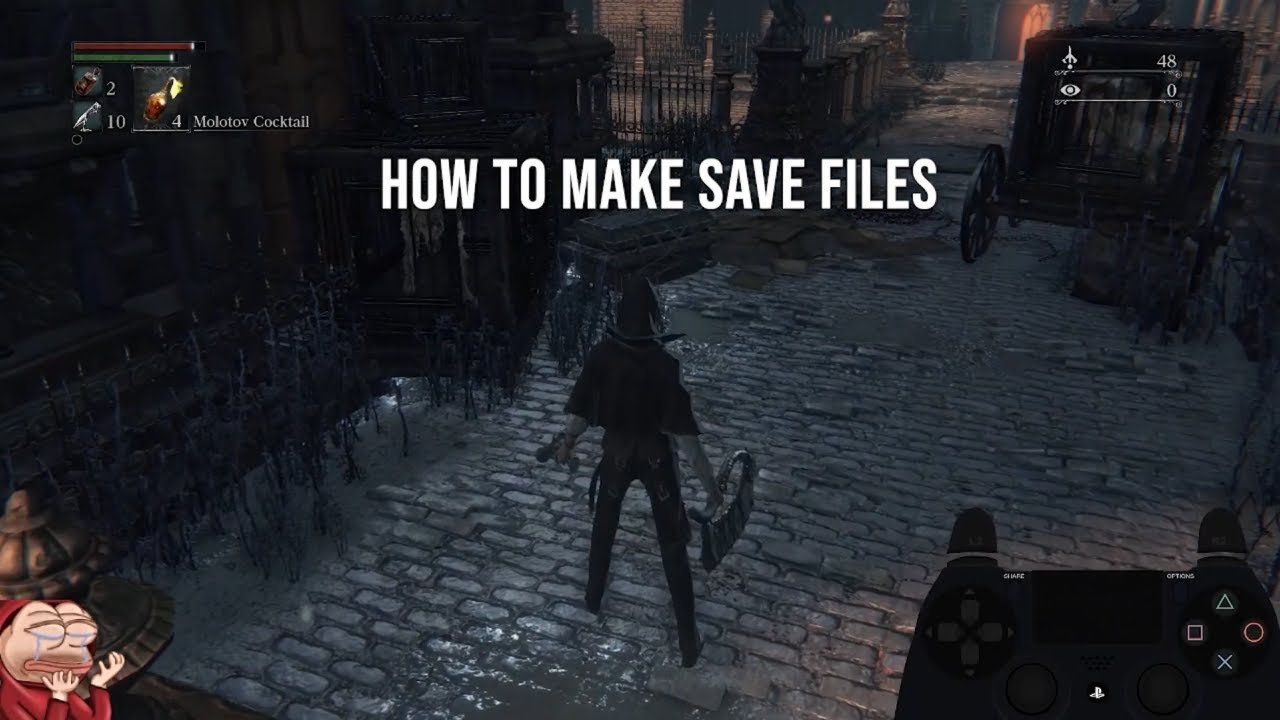
Bloodborne automatically saves your progress after specific actions like using lanterns or entering new areas.
Frustration can quickly mount when you face a challenging boss, and accidentally lose your progress. So, knowing how to save game Bloodborne PS4 is key to a less stressful experience. The game has a specific system for saving; it isn’t manual. This auto save system works at specific points within the game. You’ll find it activates frequently so that you won’t lose hours of playtime due to a sudden death. Keep exploring and activating these checkpoints.

How to Save Game Bloodborne PS4: A Hunter’s Guide
Bloodborne, a fantastic game on the PS4, can be quite challenging, and knowing how to save your progress is super important. Unlike some games with a menu save option, Bloodborne handles saving a bit differently. Let’s jump into how it all works, so you don’t lose precious echoes and progress!
Understanding Bloodborne’s Automatic Save System
Bloodborne uses an automatic save system. This means you don’t manually choose when to save; the game does it for you, and it does it quite often. The game is constantly saving your progress in the background, so that when you turn off your console or if something unexpected happens, your progress will be safe to a point.
How Does the Autosave Actually Work?
The autosave function in Bloodborne happens whenever certain key actions take place in the game. These actions include:
Loading Screens: When transitioning between areas or levels, the game saves. So, when you see that loading screen with the Bloodborne logo, you can be sure the game is making a save in the background.
Activating Lanterns: These special checkpoints act as both fast travel points and automatic save triggers. Whenever you light a new lantern, or touch an existing one, the game saves, making them great spots to visit often.
Entering/Exiting Dream Areas: When you go in and out of the Hunter’s Dream, where you go for upgrades, the game saves the data. It is crucial, since important progress happen here.
After Major Events: Big things that happen in the game, like defeating a boss or picking up a new item, will often prompt an automatic save. This ensures that when you continue to play, you have everything that you have done, safe in the game file.
It’s important to remember this auto save system. As a player, understanding what triggers it can help you feel a bit more secure in that fact that you won’t lose your hard earned progress.
Why You Don’t See a Manual Save Option
You might be used to going into a menu and choosing “save,” but Bloodborne doesn’t offer a manual save function. This is a design choice. The developers wanted the game to be challenging, and that includes the consequence of death.
Without manual saving, you can’t just reload an older save point every time you make a mistake. When you die, you lose your collected echoes (Bloodborne’s form of currency), and respawn at the last lantern. This design encourages you to play carefully and learn from your mistakes instead of having a way out. So the question is, how do you keep your blood echoes safe? There is a way for that, but you have to learn it first.
Keeping Your Blood Echoes Safe: Smart Play Techniques
Because of Bloodborne’s saving system, you always risk losing echoes when you die. However, there are smart strategies you can implement to minimize the losses:
Spend Your Echoes Regularly: The number one tip is simple; go to the Hunter’s Dream and spend your echoes. Go to the shop and buy items, go to the doll to upgrade your character, go to the bath messenger to upgrade your weapon. You should spend every echo, you can even level up. Don’t save them up for a big purchase, as you might be killed before you get to do it. Even if you do not want to level up, buy anything and everything.
Use the Bold Hunter’s Marks Wisely: These special items let you return to the last lantern you visited without losing your echoes. Use them as your emergency escape route if you are near the location you want to go to. They are quite valuable, but they don’t come in bulk, so save the mark for when you are in trouble.
Lure Enemies Carefully: Pull enemies in small numbers. Do not over commit and get yourself surrounded. Don’t just run headfirst into new areas. Take your time, and if you are still new to the game, avoid big groups of enemies. If there is a mob that is too dangerous, it is better to just run away and go back later.
Learn Enemy Patterns: Bloodborne is all about learning from your mistakes. Pay attention to the way each enemy moves and attacks so you do not get caught off guard. As you learn how enemies work, you will die less, thus not losing your blood echoes.
Be Cautious in New Areas: When going to new areas, do not rush in without caution. Make sure to check the area for enemies, you can look at the surroundings too. If you are unsure what you are doing, it is best to take your time and be methodical.
Bank Blood Echoes Before Boss Fights: If you are near a boss, make sure to visit the shop in Hunter’s Dream. You can buy potions that will allow you to survive, so you can make sure you are ready for the fight.
Use Your Environment: Be smart with your environment, for example you can make use of narrow passageways to funnel enemies. You can try to lure your enemies to narrow areas, so you only have to focus on a few at a time. You can make use of stairs too, make enemies climb one at a time to be able to deal with them easier.
Dealing with Game Crashes or Power Outages
Even with the best planning, unexpected things can happen: power outage or sudden game crashes. Here’s how the autosave system helps in those situations:
If a power cut happens: The last thing the game has saved in its memory, is what you get to play when you come back. It usually saves very often, so you don’t have to worry too much about it. If the game is autosaving and a power cut happens, the game might be corrupted. If it does, you might have to uninstall and reinstall the game. This does not usually happen, but it is a possibility.
If a crash happens: If the game crashes, the last save will be the point the game continues when you restart. This means you might lose a few minutes of gameplay and your progress, but nothing too major. When you do come back, you will get a message that you were not playing safely. This is just a message and doesn’t change anything.
Tips for Specific Scenarios
Let’s look at some common scenarios where knowing the save system is important:
Exploring New Areas
When going into uncharted areas: You should explore very carefully, as there are very powerful enemies. If you don’t know the best way to go, try to play very carefully.
Use the environment to your advantage: The areas have pathways for you to take advantage of. Some enemies are too strong or numerous, but the environment allows you to fight them efficiently.
Don’t be scared to run away: It is okay to run away from a fight that you cannot win. Some fights are designed to be really hard, so instead of dying, it is okay to just go and spend your blood echoes somewhere else.
Before a Boss Fight
Spend your blood echoes: Before a boss fight, make sure you do not have any echoes, so when you die, you do not lose anything. This can be frustrating, but it is very important to spend before fighting.
Make sure you are prepared: If you can, visit the shop to buy some items or potions to help you in the fight. Boss fights are extremely hard, so anything that gives you even a slight chance to survive is important.
Use the lantern: Remember to activate the lantern before the boss fight. You will then start from there when you die. If the lantern is far from the boss, look for a shortcut, it might take time, but it is very crucial.
Leveling Up
Don’t Level up too soon: Level up when you think you need to, don’t just do it for the sake of it. There are good and bad spots to level up, so do not over commit your stat points.
Check the stats: When you level up, pay attention to the stat that you are increasing. The most common ones to level up are Health, Stamina, Strength and Skill, so choose wisely depending on your play style.
If you can buy more upgrade items: If you can, buy upgrade items to make your weapon stronger. Weapons usually have an stat that they scale on, so pay attention to that to level up the best stat.
Advanced Tactics to Save Progress Efficiently
As you play more Bloodborne, you can use these advanced techniques to feel more secure about your game progress:
Use Shortcuts: Many areas have shortcuts you can unlock. These are not only helpful for skipping big parts of a level, but also offer a new lantern near the area. Always explore to find any shortcuts you might have missed.
Manage your Inventory: Try to keep your inventory clean. Do not hoard items that you don’t use. Instead, just sell them for echoes or use them. You can see the items you have, so if there is something that you no longer need, sell it or use it.
Use the Hunter’s Dream: Hunter’s Dream is a safe zone for you to keep your progression safe. Always go there to upgrade, buy and sell. When you are not sure about playing, going to the dream is a great way to keep the game safe.
Bloodborne Save System – A Quick Summary
To make it super easy, here’s a quick summary of Bloodborne’s saving system:
Autosave: The game constantly saves automatically.
No manual save: There is no option to manually save the game.
Lanterns are important: Use them often because these act as save points.
Spend echoes wisely: Don’t hold on to echoes too much, spend them in the Hunter’s Dream.
Bold Hunter’s Marks are your escape: Use these to escape dangerous situations.
Plan your adventures: Be careful when exploring, and learn enemy patterns to stay alive for longer.
Bloodborne’s saving system might seem different at first, but once you understand how it works, it becomes a natural part of the game. It encourages you to play carefully, learn from your mistakes, and make every moment count, which is one of the things that makes the game special. So, go ahead, hunter, and venture into the night, knowing that you now fully understand the save system of the game!
How to make/load save files in Bloodborne
Final Thoughts
To save your progress in Bloodborne on PS4, the game uses an autosave feature. It saves automatically when you interact with lanterns. Ensure you activate lanterns frequently to record your gameplay progress.
The game also saves after you exit through the game’s menu. This is another important way to secure your advancement. Knowing how to save game bloodborne ps4 is key.

