
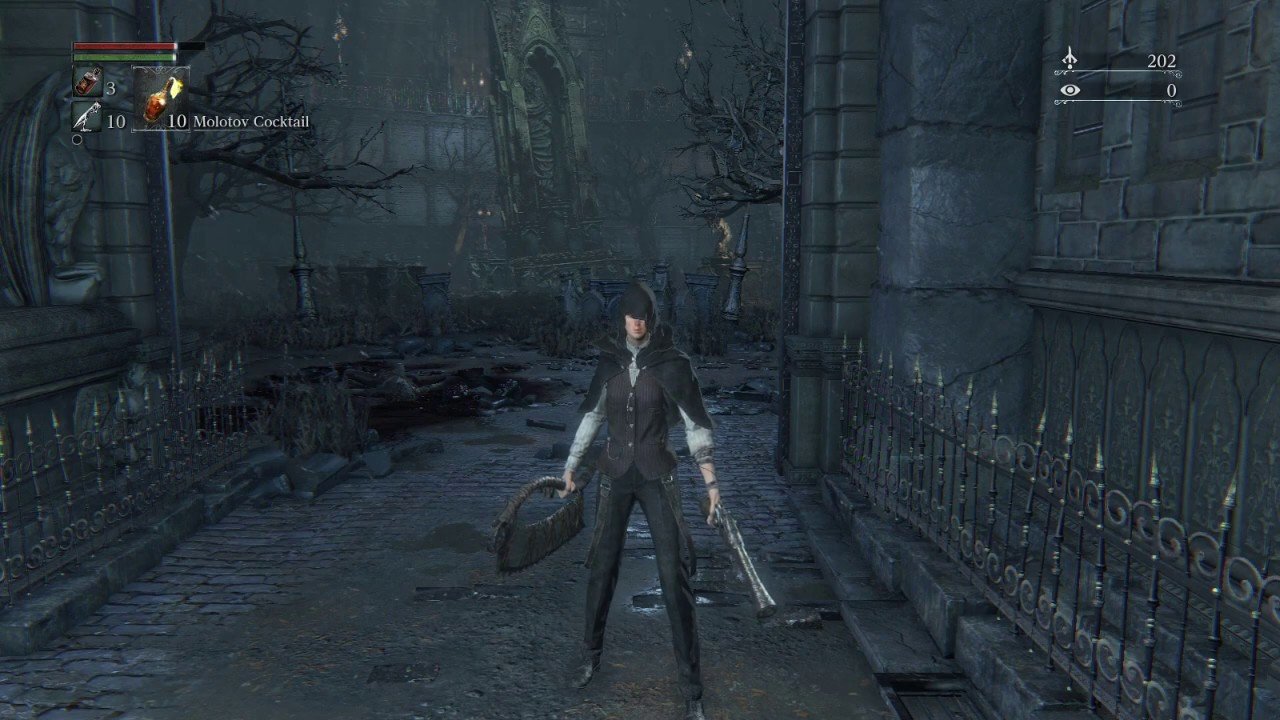
Saving your progress in Bloodborne occurs automatically at lamps when you touch them, and after using a Tombstone.
Stepping into the gothic world of Bloodborne can be thrilling and terrifying. You need to understand the basics, one of which is crucial: how to save the game in Bloodborne. Knowing when the game records your progress gives you peace of mind, especially when facing dangerous creatures.
The game automatically saves when you interact with a lamp, serving as checkpoints throughout Yharnam. Additionally, using a Tombstone triggers an auto save of the game, protecting your hard-earned progress.

How to Save the Game in Bloodborne
Bloodborne, like other Souls games, handles saving in a way that can feel a little different from other games. There isn’t a typical “save game” option in the menu. Instead, the game autosaves frequently as you play. This means you don’t have to worry about manually saving every few minutes. However, it also means you need to understand how the saving system works so you don’t lose progress unexpectedly. Let’s dive in and figure out exactly how Bloodborne keeps track of your adventures in Yharnam.
Understanding Bloodborne’s Autosave System
Bloodborne uses an autosave system. What this means is that the game is continuously saving your progress in the background. There isn’t a button you press or a menu option you pick to record your progress. Every time you make significant progress in the game, the game records your information. This system is great because it saves you from thinking about saving. Think of it as the game taking notes for you as you play.
What Triggers an Autosave?
Many actions cause the game to autosave. Here are some common examples:
- Lighting Lamps: When you light a new lamp, the game will save your progress. These lamps are your checkpoints in the game world.
- Returning to the Hunter’s Dream: Anytime you travel back to the Hunter’s Dream, your progress is automatically saved. The Hunter’s Dream is a safe area where you can level up and buy items.
- Picking up Key Items: If you find an important item, the game will save.
- Defeating Bosses: Beating a tough boss is a big deal, and the game saves when you are victorious.
- Entering New Areas: When you explore new parts of Yharnam, the game will save.
- Significant Item Usage: Using items, especially those related to game progression, usually triggers an autosave.
- Interacting with certain NPCs: Having a conversation with key non-player characters can trigger an autosave.
How Often Does Bloodborne Autosave?
Bloodborne autosaves fairly often. You don’t have to worry about losing a lot of progress if something unexpected happens. The game is constantly checking for changes and recording them. While the game doesn’t have a save icon that pops up on the screen, you can be sure that the game keeps an eye on your adventures. It’s helpful to know, if you are going to close the game, make sure you have performed one of the above actions to ensure the autosave triggers.
Why Bloodborne Doesn’t Have Manual Saves
The developers chose not to include a manual save option for a very specific reason. They wanted to make the game more intense and focused. They encourage you to always push forward, knowing the game is keeping track of your progress. If players could save whenever they wanted, they might feel less of a risk and not as engaged.
The Risk and Reward System
The autosave system is closely tied to Bloodborne’s “risk and reward” design philosophy. When you explore, you might face some challenging enemies, but when you succeed, you progress. When you die, you might have to go back to the last lamp you lit but that creates a sense of tension and accomplishment when you progress. The game encourages you to move forward, learn from your mistakes, and make progress. It’s a different type of save system, but once you understand it, it adds a lot to the overall experience.
Important Notes About Bloodborne’s Saving Mechanics
Even with autosaving being the default way to record your progress, there are a few more things you should know to avoid any potential setbacks. Let’s explore these details further.
Quitting the Game Properly
Even though the game saves often, you need to quit the game properly. Don’t just turn off your console without going through the menu. Here are the steps to properly quit the game:
- Press the Options button: This will bring up the in-game menu.
- Select “Quit Game”: Choose the quit game option. This ensures the game saves your current location.
- Wait for the confirmation: The game will then close and your save will be ready for when you next play.
If you turn off the system without properly quitting the game, it’s not guaranteed the autosave will occur immediately. You might lose some of your recent progress if you don’t follow these steps. Although the loss will be minor as the autosave system works regularly.
Game Crashes or Power Outages
Sometimes things happen that are out of our control. The game might crash, or a power outage might occur. Although the game autosaves, in such unexpected circumstances you might still lose some progress. It is best to not to panic if this happens as the loss will only be a few minutes of gameplay. Always make sure to take frequent breaks and let the game autosave after performing significant gameplay such as using lamps or defeating bosses.
Save Data and Cloud Storage
If you have PlayStation Plus, your Bloodborne save data is automatically uploaded to the cloud. This is great, as it means that you can pick up your game where you left off even if you play it on a different console. In the event your console is damaged or something goes wrong, having your save data on the cloud acts like a backup to your gameplay.
Tips for Managing Your Progress
Now that you know how the save system works, here are some tips to help manage your progress:
Use Lamps as Checkpoints
Lamps act as your checkpoints. Always light new lamps when you come across them in Bloodborne. They also are fast travel points, and you can use them to travel back to the Hunter’s Dream. If you are planning on quitting or taking a break, make sure you reach a lamp to record your location before quitting the game.
Return to the Hunter’s Dream Frequently
The Hunter’s Dream is a safe area. Make a habit of returning there to level up and restock. Every time you visit there, the game will save your progress. This can also be a good way to ensure that the game has recorded your progress before you take a break from playing.
Be Mindful of Your Exploration
When you are exploring new parts of Yharnam, be mindful that your game autosaves when you transition to a new area. Try to reach a lamp or another autosave point before you embark on long journeys so if you have any unexpected issues, you won’t lose too much progress.
Check for Autosave Triggers
Before you quit the game, try to perform an action that causes the game to autosave. Interacting with objects, using items, and killing enemies can trigger the autosave system. Although the system is automatic, it is always good to know when the system triggers.
Common Misconceptions About Saving in Bloodborne
Many new players can find the save system in Bloodborne confusing. Here are a few misconceptions that players often have:
“I Need to Find Save Points”
There is no special save point that you need to find. The autosave system is automatic and the game saves in the background as you play. Lamps are the closest thing to ‘save points’, as these will record your progress and allow you to travel to other parts of the game.
“I Can Manually Save Whenever I Want”
Unfortunately, you can’t manually save your game. Bloodborne relies on its autosave system. Try to understand the triggers of the autosave system, to ensure that you have saved your game when you need to.
“I Need to Worry Constantly About Saving”
Bloodborne’s autosave system is very reliable. You don’t need to worry about saving all the time. As long as you follow the steps to properly quit, your progress is safe. Focus on exploring and having fun in the game!
Why This System Works for Bloodborne
The autosave system in Bloodborne isn’t just an oddity; it’s a very intentional design choice. It works for the game’s tone and play style.
Maintaining Tension
The lack of manual saves keeps the tension high. You know that every decision has consequences, and that death can set you back a bit. This creates a more immersive and engaging experience. It also makes victories feel much more rewarding.
Encouraging Exploration
The autosave system encourages you to explore and discover new parts of Yharnam. Since the game saves regularly, you can be more daring and try out new routes without worrying about losing too much progress. The game wants you to be curious and uncover all the secrets.
A Unique Game Experience
Bloodborne’s save system is a small part of what makes it different. It might take a bit of time to get used to, but ultimately adds to the unique experience that Bloodborne delivers. It’s a key part of the game’s overall design. And by understanding the way the system works, you’ll be more equipped to tackle all the challenges Yharnam will throw your way.
In summary, while Bloodborne may not feature a traditional save menu, its autosave system is effective and well-integrated into the game’s design. Once you understand the rules and how often the game saves, you will be ready to navigate the world of Bloodborne.
Bloodborne Open the Gate Next to the First Lamp Save Point in Central Yharnam
Final Thoughts
Bloodborne saves automatically. The game utilizes an autosave feature which triggers frequently. This occurs upon entering new areas, after important events and even when picking up items.
There isn’t a manual option. Players can not force a save via menu or similar action. The game saves your progress as you play. ‘how to save the game in bloodborne’ is not something you need to worry about, just play on.

