
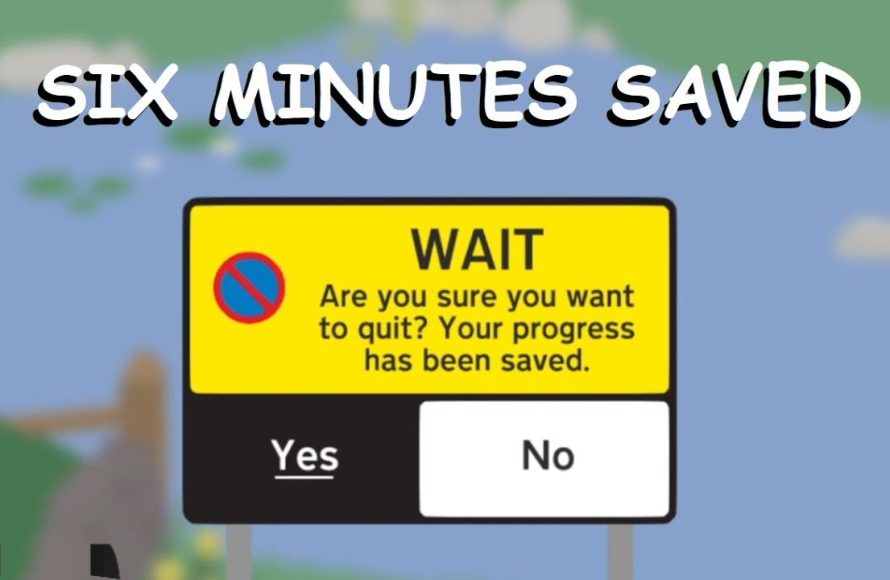
No manual save function exists; the game autosaves progress continuously.
Ever find yourself needing to step away from the chaos you create as a goose? The question of how to save Untitled Goose Game often comes up, and understandably so. It’s a game of pure mischievous fun, and you definitely don’t want to lose your progress mid-honk.
Luckily, you don’t need to worry about hitting any special buttons. The game automatically takes care of saving for you, making the whole experience smooth and seamless. So go ahead, cause all the mayhem you want, the game has your back.

How to Save Untitled Goose Game Progress: A Complete Guide
Okay, so you’ve been having a blast causing mischief as that naughty goose in Untitled Goose Game! You’ve stolen hats, honked at gardeners, and generally made a hilarious mess of things. But what happens when you need to stop playing? How do you make sure all your hard-earned chaos is saved? Don’t worry; we’re here to help you understand the simple yet crucial system for keeping your goose adventures safe.
Understanding Auto-Saving in Untitled Goose Game
The game doesn’t have a big, obvious “save” button. Instead, it cleverly uses something called auto-saving. This means the game is constantly saving your progress as you play. It’s like having a magic friend who writes down everything you do without you having to ask. This is great because you don’t need to remember to save, it just happens!
How Auto-Save Works
Auto-saving works in the background as you do all your goosey deeds. Every time you finish a task from the To-Do list on the left of the screen, the game automatically saves. Think of it like this: every time you cross something off your list, the game takes a little photo of all the progress you’ve made. This photo is saved, and when you go back to play, you’ll pick up right where you left off. So, if you just finished getting the key from the groundskeeper and he hasn’t been able to get it back, that will still be the case when you play again. This system makes sure that all of your naughty actions are stored.
What Gets Saved?
Here is a quick rundown of what the auto-save system remembers:
- The tasks you have completed in the current area.
- The items you have collected or moved around.
- Your general position within the current area.
- If characters (like the shopkeeper) are angry or calm.
It basically keeps track of all the changes you make to the game world, so when you load up the game again, the world looks just the same as when you left it.
Key Points About Saving in Untitled Goose Game
No Manual Saving
Remember that there is no “Save Game” button. The entire saving process happens automatically, so you don’t need to worry about pressing anything special. This is awesome for kids, who might forget to save. It lets you play without worrying that you might lose your progress.
When the Game Saves
You know the game saves after every task you complete. So, if you’re about to stop playing, it’s a good idea to finish a little task on your To-Do list first to make sure your progress is saved. It’s like making sure the ink is dry in your notebook before you put it away. Doing so means when you come back to play, you will be back where you want to be.
Switching Areas
When you move from one area of the game to another, the game will save everything in the current area. For example, if you finished all the to-do list items in the garden, and then you move to the next area, then the game will save all your progress from the garden, and then you can have fun in the new area! So when you come back again, you will continue where you left it before in the next new area.
Common Questions About Saving
What if my game crashes or closes unexpectedly?
Because the game auto-saves so often, you probably won’t lose much progress if the game happens to crash or get closed accidentally. You might just have to redo the last little task you were working on. The game is very good about saving frequently so that if something goes wrong, you are not set back too far.
Can I have multiple save files?
Untitled Goose Game only has one save file per player. This means that you can’t have multiple “goosey” playthroughs running at the same time. The game will remember the last progress you made, every time, regardless of when you played it last.
How do I know if the game is saving?
You won’t see a message saying “saving” or a spinning wheel when the game is auto-saving. It just does it in the background without interrupting your game. It is like having a helpful ninja quietly saving your progress without you knowing.
Best Practices for a Smooth Saving Experience
Finish a Task Before Quitting
Before you stop playing, always try to complete a little task. This will make sure the game saves properly. This way, when you return, you will pick up your game as you would expect. It makes starting your session much more fun, knowing that you are exactly where you left.
Don’t Worry About It
Because the game saves everything automatically, you don’t have to stress about losing your progress. Just focus on being a silly goose and having fun with the game! This design helps you feel calm, knowing that everything you do is being saved for the next time you play.
What Happens if You Turn Off Your Console?
If you are playing on a console (like Nintendo Switch, PlayStation, or Xbox) and turn off the console without quitting the game, the system saves the state where you left it. When you turn it on again, you will resume the game from there. It is like putting your book mark in the game and it will stay like that until you play again.
Troubleshooting Saving Issues
Game Not Saving?
Sometimes, if there is a problem with your game or device, there could be an issue with saving. However, this is rare. If you think the game is not saving, then restart the game. Turning the console or computer completely off and then back on again usually resolves the problem.
Corrupted Save Files?
Corrupted save files are very rare with this game, but sometimes they can happen. This usually results when your device gets turned off unexpectedly during the process of saving the game. If this happens, you may have to start the game from the beginning. However, this is extremely rare and will not be something you have to worry about.
The Joy of Automatic Saving
The automatic saving system in Untitled Goose Game helps make the game fun and easy to play. You don’t have to worry about pressing buttons, and you will not lose much game progress when you need to stop playing. You can focus all your energy on stealing that rake and making sure the farmer has an awful day. It lets you have fun, without having to remember to do something extra.
Why It’s Important
Understanding how saving works in Untitled Goose Game helps ensure that your goosey adventures aren’t lost. It’s like knowing where you put your toys so you can find them again later. By following these tips, you can have fun without worrying about losing any of your game progress.
And that’s it! Saving your game progress in Untitled Goose Game is as simple as it gets. The game does all the work for you automatically in the background. So go on, continue playing, be the chaotic goose you were meant to be, and the game will take care of the rest. Enjoy all the goofy fun!
Did you NOTICE THIS IN Untitled Goose Game?
Final Thoughts
To save your progress in Untitled Goose Game, the game autosaves frequently. You don’t need to do anything special. Your mischievous deeds are automatically recorded.
The game saves after completing objectives or moving between areas. If you exit the game, it will remember your progress. Thus, how to save untitled goose game isn’t a concern; your progress is safe.
Just pick up where you left off whenever you play again. This method ensures your goose exploits are always saved.

