
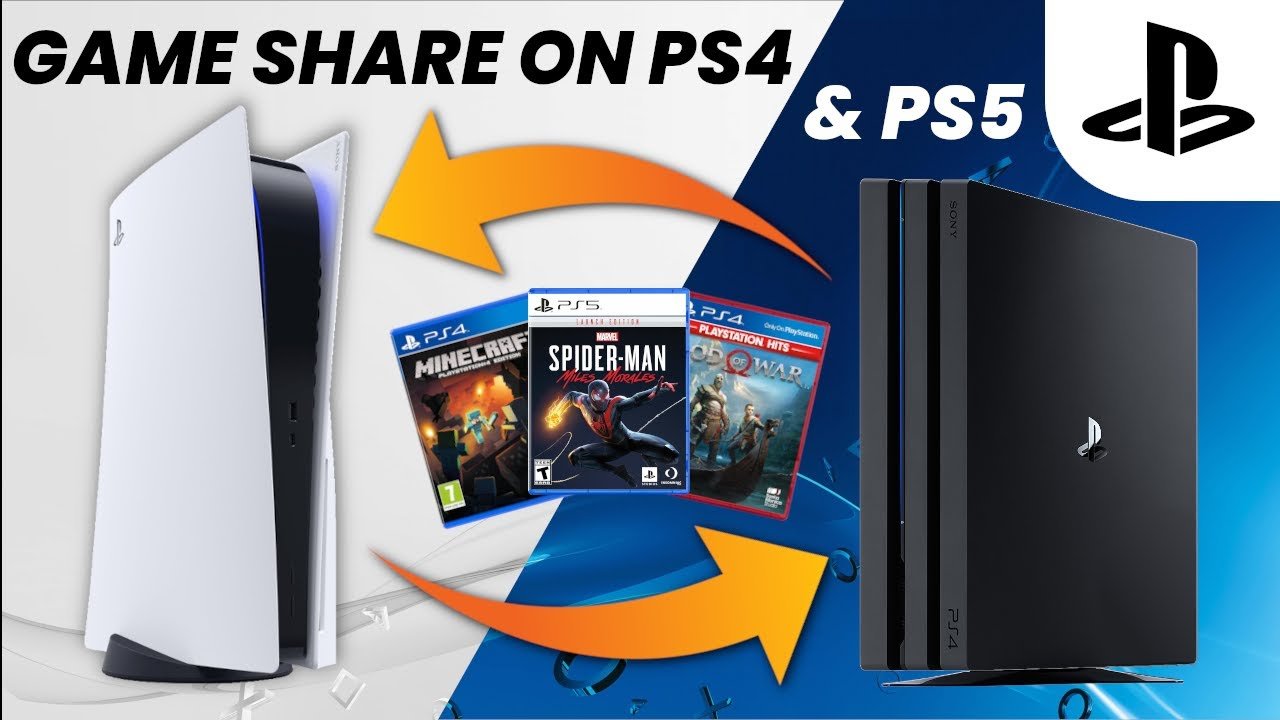
Yes, MW3 game sharing is possible on PlayStation and Xbox consoles via their respective account sharing features, allowing another user to play the game on a separate console.
Curious if you can share the latest Call of Duty with your friends? Many players are asking, “is mw3 game shareable?” Let’s clear up any confusion. Console game sharing has become a popular way for friends and family to enjoy titles together without everyone needing a separate purchase.
Both PlayStation and Xbox offer ways to share your digital game library. These features make it simple for another user to access games on their own console using your account. It’s a convenient process, but remember to understand the limitations of each platform.

Is MW3 Game Shareable? Diving Deep into the World of Game Sharing
Alright gamers, let’s talk about something super important: game sharing! We all love playing the latest games, but sometimes buying them can be a bit much, especially when new titles come out. Many of you are probably wondering, “Can I share my copy of Call of Duty: Modern Warfare III (MW3) with my friends or family?” Well, the answer isn’t a simple yes or no. It depends on a few things, like what platform you’re playing on and how you purchased the game. Let’s explore all the details so you know what’s possible with MW3 game sharing.
Digital vs. Physical Copies: The Key Difference
First, it’s crucial to understand that how you got your copy of MW3 makes a huge difference. There are two main ways to buy games: digitally and physically.
Digital Copies
Digital copies are downloaded directly to your console or computer. Think of buying a game from the PlayStation Store, Xbox Store, or Steam. These copies are linked to your account, which can be tricky when it comes to sharing. The main advantage is convenience: you don’t have to swap discs! However, this convenience can come with limitations regarding sharing.
Physical Copies
Physical copies are the ones that come on a disc. You have a box, insert the disc into your console, and you’re good to go. Traditionally, physical copies were easier to share – you could just give the disc to someone else. But even physical copies have some limitations today. We’ll get into those specifics.
Sharing MW3 on PlayStation Consoles
Let’s begin with the PlayStation family: PlayStation 5 and PlayStation 4. Sony offers some ways to share digital games, but it’s not exactly a free-for-all. Here’s the breakdown:
PlayStation’s Console Sharing and Offline Play
PlayStation has a feature called “Console Sharing and Offline Play.” This feature allows you to share digital games with other accounts on your primary console. Here’s how it works:
- Primary Console: Your primary console is the PlayStation console that is most often used by you and is set up to be your main console. This can be your PS5 or PS4, depending on where you primarily play.
- How to Share: If you have set your friend’s or family member’s PS5 or PS4 as your primary console, then they will be able to play the games from your library. You can also play the same games on your primary console as well.
Important Considerations:
- You can only designate one console as your primary one at a time.
- If you want to share your digital games on another console, you would have to remove your account from the primary console. And vice versa. This can get cumbersome, especially if you play on multiple consoles.
- If you are playing on another console that isn’t set to primary you have to make sure you are connected to the internet. If you lose internet you won’t be able to play the game.
It is important to be very careful about who you share the account details with, as there are many security risks associated with sharing a main account. So make sure you share your account details with your trust family and friends.
Physical Copies on PlayStation
Physical copies of MW3 on PlayStation consoles are more like traditional sharing. You can lend your disc to a friend and they can install and play the game. But there are some things to note here as well:
- One at a Time: Only one person can use the disc at a time. If you want to play while your friend is using the disc, you’ll have to wait for them to finish or get your own copy.
- Disc Required: The disc is always required to play the game, even after it is installed on the console. This means if your friend wants to play, they need to have the disc. If the disc gets lost, scratched, or broken, neither of you can play.
Sharing MW3 on Xbox Consoles
Now, let’s move over to the Xbox family: Xbox Series X/S and Xbox One. Microsoft has its own system for game sharing, known as “Home Xbox”. This is similar to PlayStation’s primary console system but has a few small differences.
Xbox’s Home Xbox Feature
The Home Xbox feature allows digital game sharing on one other console at a time. Here’s how it breaks down:
- Home Xbox: You choose one console to be your “Home Xbox”.
- Sharing: Anyone who uses the Home Xbox can play the games you’ve purchased digitally, even if you’re not signed in. You will be able to play all of your games on any other Xbox while being signed in to your account.
- Limitations: You can change your Home Xbox a limited number of times in a year. You should be very careful while changing and setting your home console, as Microsoft has limitations on changing home xbox.
Important Notes:
- Just like PlayStation, only one console can be set as your Home Xbox at a time.
- When you are using a console that isn’t your home console you need to be connected to the internet to be able to play the games.
- It’s important to only share your account details with trusted people to avoid security issues.
Physical Copies on Xbox
Just like on PlayStation, physical copies of MW3 on Xbox consoles allow for traditional lending. You can lend the disc to your friend and they will be able to install and play it as well. But remember the same things apply:
- One at a Time: Only one person can use the physical disc at a time.
- Disc Required: The physical disc must be in the console to play the game.
Sharing MW3 on PC
PC gaming offers a different landscape for sharing. The most common platforms are Steam, Battle.net and sometimes the Microsoft store. How you share depends on which platform you bought the game from.
Steam’s Family Sharing
Steam has a Family Sharing feature which allows you to share your game library with a limited number of people. Here’s how it works:
- Authorize Accounts: You authorize specific Steam accounts to play your games.
- Limitations: Only one person can play a game from your library at a time. If you start playing a game, the other person gets kicked off. This means you and your friend can’t play MW3 together at the same time through the same Steam account.
- Not all games shareable: Not all games are shareable through Steam Family Sharing. Some games are excluded by the developer or publisher. MW3 may not be eligible for Family Sharing, which is quite common for large multiplayer focused releases like this.
Important Notes:
- You must have Steam Guard security enabled on your account to use Family Sharing.
- The person sharing will lose access to their games library as soon as the account holder starts playing any of the games.
Battle.net
MW3 is released on Battle.net. Battle.net does not offer any kind of sharing program. The games are linked to the specific account they are bought on and that account is the only one which can play the game.
Microsoft Store on PC
Games purchased from the Microsoft store on PC may be eligible for sharing. Here is how it works
- Microsoft Family: You can set up a Microsoft family, and then the games you own will be shared with the other members of your family.
- Limitations: Sharing is limited to the members of the family.
- Game Eligibility: Not all the games in the Microsoft store are eligible for sharing.
What About Account Sharing?
Now, you might be thinking, “Why not just share my account details?” While this seems like a straightforward solution, it can cause major problems. Here’s why you should avoid sharing accounts:
Security Risks
Sharing your account details means giving someone access to your personal information, like credit card details, passwords, and email addresses. This makes you very vulnerable to hackers or people with malicious intentions.
Violation of Terms
Most game platforms (like PlayStation Network, Xbox Network, Steam, and Battle.net) have terms of service that strictly prohibit account sharing. If they detect that your account is being used by multiple people, they might suspend or ban your account, taking away all of your games.
Playtime and Progress Issues
If multiple people are using the same account to play MW3, it can create issues with game saves, progression, and achievements. It can get very confusing and could cause lost progress if more than one person is actively playing on one account at the same time.
So, What’s the Best Way to “Share” MW3?
Given all of the restrictions, what is the most ethical and safe way to “share” MW3? Here are a few ideas:
Playing Together
The best way to enjoy MW3 with your friends is to play together! This way, everyone can have their own account, and progress, without the risks of account sharing. You can team up in multiplayer or work together in campaign missions to maximize the fun!
Sharing Physical Copies (with limitations)
You can always take a physical copy of the game to your friend’s house for them to play, but you should be mindful of the fact that they will be tied to the physical disc.
Use the Platform’s Features Carefully
Use the console’s built-in sharing functions for your digital copy. Remember to treat this as a form of “lending” not as a free for all. Keep the number of primary/home consoles to a minimum.
Consider Bundles and Discounts
Sometimes there are bundle deals that might be a more cost-effective way of buying more than one copy. Check your console’s store for current deals and discounts for the game.
Ultimately, the best way to share the joy of MW3 is to respect each platform’s rules and prioritize account security. This will ensure that you and your friends can all enjoy the game without running into any potential issues.
MW3 PS4/PS5: How to Gameshare Full Tutorial! How to Play Multiplayer, Campaign, & Zombies Free!
Final Thoughts
The ability to share games varies greatly across platforms and with specific titles. Generally, console game sharing involves account settings, while PC game sharing may depend on digital distribution policies. Some games might not allow it, regardless of the method. Therefore, you must research the specific sharing options for MW3.
Ultimately, is mw3 game shareable depends on the platform and its specific game sharing rules. Check official guidelines for definitive answers. Always verify account settings, too.

