
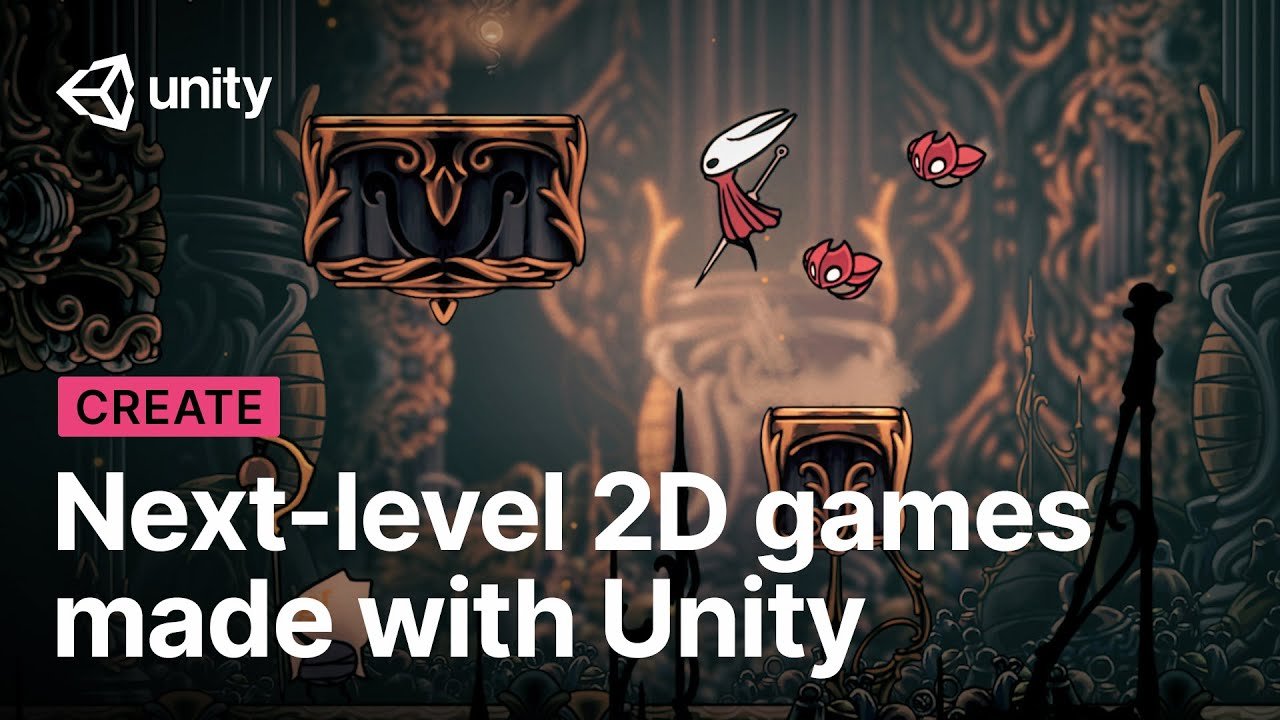
Yes, Unity is good for 2D games because it provides a comprehensive engine with tools and assets specifically designed for 2D development.
Thinking about making a 2D game? You might be wondering, is unity good for 2d games? This is a common question among aspiring and experienced developers alike. Unity offers a user-friendly interface and a vast asset store that can speed up your development process.
Many find Unity’s 2D capabilities excellent for creating various game styles. The engine handles rendering and physics well, which makes developing the core gameplay straightforward. It is a solid choice for bringing your 2D game ideas to life.

Is Unity Good for 2D Games?
Let’s dive deep into the world of game development and specifically explore whether Unity is a good choice for creating 2D games. You might be wondering, with so many game engines out there, why should you consider Unity? Well, it’s a popular pick for a reason, and we’re going to explore all the ins and outs. We’ll check out its strengths, potential downsides, and see if it’s the right fit for your 2D game ideas. Whether you’re a total beginner or have some experience, this guide will help you decide if Unity is your 2D game development partner.
Unity’s 2D Features: What Makes it Stand Out?
Unity isn’t just for fancy 3D games; it actually packs a powerful punch when it comes to 2D development. Let’s look at some features that really make it shine:
User-Friendly Interface
Imagine a toolbox, but instead of wrenches and screwdrivers, you have tools for building games. That’s what Unity’s interface is like. It’s set up in a way that makes sense, with a clear scene view where you build your levels, an inspector panel to change how things look and behave, and a project window to manage all your game assets. The best part? It’s all designed so you can learn quickly and get to building your game without feeling overwhelmed.
Excellent Sprite Handling
Sprites are the heart of any 2D game. Think of them as the individual pictures that make up your characters, objects, and backgrounds. Unity handles sprites incredibly well. You can easily import your sprites, organize them, and even create animations by arranging a sequence of these images. Plus, Unity gives you tools like sprite editors to fine-tune your artwork and make sure everything looks just right.
Physics System
Want your character to jump realistically or for objects to bounce and collide? Unity’s built-in physics engine handles all of that. You don’t have to code complex equations for gravity or momentum; Unity does it for you. It makes adding realistic movements and interactions into your 2D games very simple, which makes your game feel polished and enjoyable.
Animation System
Bringing your characters and objects to life is super important. Unity’s animation system makes this a straightforward process. You can create animations using keyframes, which means you define how something should look at different points in time, and Unity automatically fills in the gaps to create smooth movements. It also allows you to switch between different animations easily, making it easier to create complex character behaviors.
Tilemap System
Many 2D games rely on tilemaps, which are basically grids of small images used to create levels. Think of games like Mario or Metroidvania titles. Unity’s tilemap system makes it easy to create these environments. It lets you paint tiles onto the screen like you’re using a virtual paintbrush, and you can easily create entire maps quickly. Plus, it’s simple to make changes to your levels whenever you need to.
Extensive Asset Store
Imagine having access to a huge library filled with ready-made game elements. That is what Unity’s Asset Store offers. It’s a marketplace where you can find all kinds of things, from character models and backgrounds to sound effects and scripts. You can use these assets to help speed up your development process. If you’re finding that making an awesome character from scratch is too tough, you might find exactly what you need in the Asset Store. There are many free assets too, so you don’t always have to spend money to get cool stuff.
Programming with Unity: C# and Scripting
Unity uses a programming language called C#. It’s a great language for game development and relatively easy to learn, especially if you’re new to coding. Here’s a closer look at how coding in Unity works:
C# Basics
C# is a popular language, and there is tons of help available online if you get stuck. With C#, you can tell your game how to behave, like how a character should move, how to react to player input, and much more. While there is a learning curve to coding, Unity helps you understand how to organize your code, making it easier to write and manage even large game projects.
Scripting Components
In Unity, you don’t code every single game function directly. Instead, you write scripts that attach to game objects. These scripts are called components, and they let you customize the behavior of objects. For example, a character’s script might include things like movement, health, or the ability to shoot. Breaking down the functionality like this makes your code more manageable and allows you to reuse scripts in different parts of your game.
Visual Scripting Option
If the thought of typing out lines of code makes you nervous, don’t worry. Unity also offers a visual scripting tool called Bolt. Instead of writing code, you drag and drop nodes that connect to create game logic. It’s a great way to start learning how coding works, even if you don’t know much about traditional programming languages. It’s also useful for prototyping your game ideas before diving into detailed C# coding.
Is Unity Good for Beginners?
So, is Unity a good choice if you are just starting out? Here’s why it often gets a thumbs up for beginners:
Plenty of Resources
One of the best things about Unity is how much help there is available. There are countless tutorials, articles, videos, and forums that cater to beginners. If you get stuck on something, you can almost certainly find an answer online. The huge community around Unity means there is always someone willing to help. This wealth of resources makes learning Unity much easier, especially if you’re starting from scratch.
Simplified Workflow
Unity focuses on making game development accessible. The way its tools are organized makes the workflow simpler and more intuitive. You can start creating something fun and interesting quickly, without having to deal with confusing setups. This immediate feedback encourages beginners to learn more and keep exploring game development.
Lots of Templates
Unity offers a selection of templates that act as a basic structure for different kinds of games, including 2D games. If you’re just starting out, these templates help you begin a project quickly, and you can then modify the base structure to develop your own games. These templates are a good starting point for experimenting with the system. They can help you familiarize yourself with the different components without having to code everything from the beginning.
Advantages of Using Unity for 2D Games
Let’s recap some of the best reasons for choosing Unity for your 2D game:
- Cross-Platform Compatibility: Unity makes it simple to deploy your 2D games on various platforms like Windows, Mac, iOS, Android, and even web browsers with minimal extra effort. This allows you to reach a wide audience, no matter what device they prefer.
- Large Community: The large community around Unity means there is a wide variety of available solutions, support, and assets. If you get into trouble, there are a huge number of people willing to assist and share resources.
- Constant Updates: Unity is continuously updated, offering improved features, performance enhancements, and bug fixes. This ensures you have access to the latest tools for your game, and means you don’t get left behind by emerging technologies.
- Free for Personal Use: You can start learning Unity and developing your 2D games for free, as long as you meet some usage criteria. The free version offers the same set of tools and functions as the paid version, making it affordable for individuals or teams with a limited budget.
- Asset Store: The availability of both free and paid assets helps speed up the development cycle by giving access to ready-made materials like sprites, animations, and scripts.
Potential Downsides of Using Unity for 2D Games
While Unity is great, it’s important to know some potential downsides too:
Steep Learning Curve for Complex Systems
While the basic functions of Unity are easy to grasp, mastering the more complex systems may require a long-term commitment. Developing advanced game logic or working with complicated integrations may require significant time and effort to learn.
Project File Size
Unity projects can sometimes become quite large, especially for big and complex games. This can lead to slower loading times and can take up a lot of disk space. It’s important to keep your project organized and avoid unnecessary files to keep the project from getting too large.
Performance Considerations
For some very high performance demanding games, you might have to carefully manage the performance to make sure the game runs smoothly, particularly on mobile devices. Optimizing your game in Unity might sometimes take extra care, and you should be aware of the performance requirements for your project.
Overhead
For smaller, simple 2D games, Unity might feel like using a sledgehammer to crack a nut. The whole system may have features that aren’t needed for smaller projects, and this can lead to bigger project sizes and increased requirements for your system.
Other Game Engines for 2D Development
It’s good to be aware of other options available when creating 2D games. While Unity is a popular choice, you can also think about these:
Godot Engine
Godot is an open-source, free engine that is excellent for 2D games and it’s becoming more and more popular. Many love it for its flexibility and node-based scene system. It’s also great for people who like open-source software.
GameMaker Studio 2
GameMaker is designed for 2D games, and is super popular with indie developers. It comes with its own programming language called Game Maker Language (GML), which is designed for ease of use. It’s a very streamlined way to create 2D games quickly.
Phaser
Phaser is an open-source, free JavaScript framework made for building web-based 2D games. If you are more comfortable with web technologies, Phaser could be a great choice for you. It allows you to create cross-platform games that can be played in browsers.
LibGDX
LibGDX is a Java framework for 2D game development. It’s suitable for creating games for multiple platforms and is often chosen for its high performance and scalability. If you are comfortable with Java, this could be a strong option for you.
Making the Right Choice For Your Game
Choosing the right game engine for your project depends on a number of factors. If you’re a beginner, Unity’s accessibility and the vast array of resources available make it an attractive option. If you’re looking to create more complex, high-performance 2D games, you’ll need to put in the work to get the most out of the system. Godot, GameMaker, Phaser, and LibGDX all offer their own unique advantages, and it’s important to do some research on these systems before committing to a particular engine. Try them out to see what feels best to you and matches your project requirements. It’s often a good idea to experiment with multiple different engines before settling on one for your project.
Ultimately, Unity is a solid and capable option for developing 2D games, especially for those who are just starting out. It has a ton of resources and an easy learning curve, which makes game development accessible and enjoyable.
choosing a game engine is easy, actually
Final Thoughts
Ultimately, Unity provides many tools and assets beneficial for developing 2D games. Its user-friendly interface allows both beginners and experienced developers to create games effectively. Unity supports various platforms, which makes publishing games easy.
So, is unity good for 2d games? The answer is yes. Developers can build impressive 2D games with Unity. Its features and community support makes it a top pick for 2D game development.

