
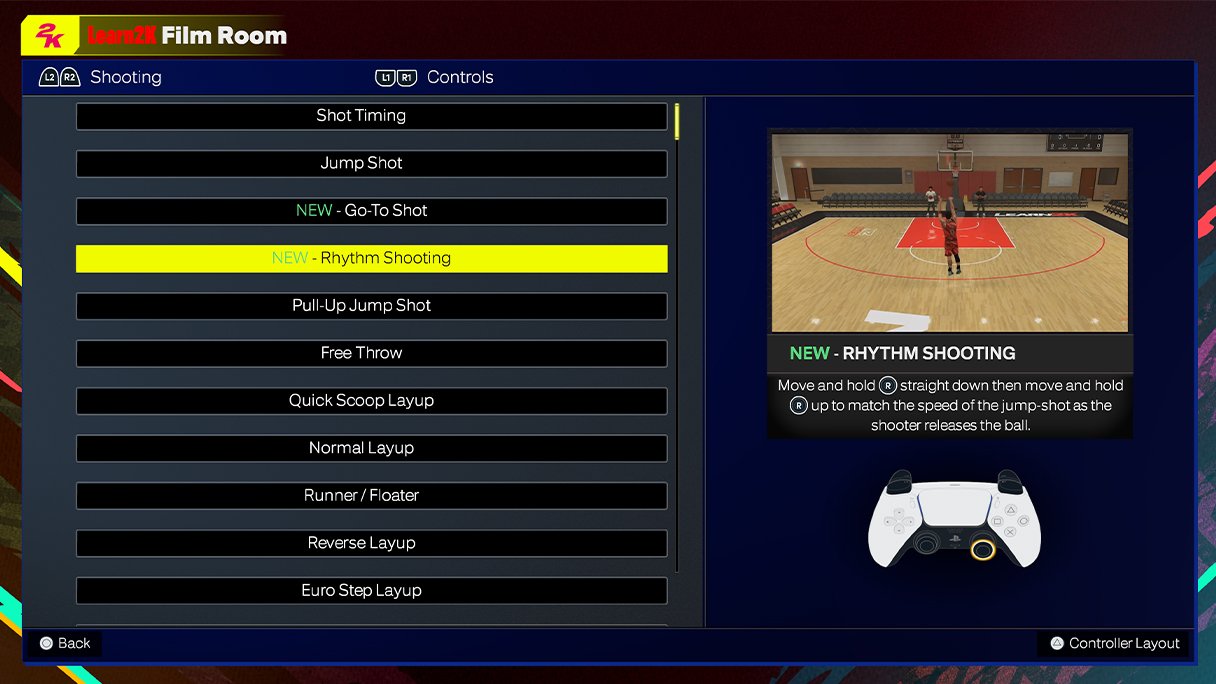
The NBA 2K25 in game display system presents information with dynamic overlays, scoreboards, and player stats, aiming for a more immersive and accessible experience.
The court comes alive in NBA 2K25, and much of that realism flows from the game’s innovative presentation. The NBA 2K25 in game display system is more than just a scoreboard; it’s a core element of the game’s engaging visual style.
It provides quick access to crucial player stats and other essential game information, all while keeping the action the main focus. This balanced approach helps players to understand the game context at a glance.

NBA 2K25 In-Game Display System: A Deep Dive
Let’s talk about how you see things when you play NBA 2K25. It’s not just about the amazing graphics; it’s about the whole system that puts information right in front of you, helping you play better. This is the in-game display system, and it’s super important for a great basketball gaming experience. We’ll break down everything from the score to the player stats, making sure you know how to use all the cool visual tools in NBA 2K25. It’s like having your own personal coach giving you updates during the game!
The Core Elements of the HUD
The Heads-Up Display, or HUD, is the main screen you see during a game. It’s got all the important stuff so you don’t miss a thing. Think of it like the dashboard of your car; it shows you speed, gas, and more. In NBA 2K25, the HUD tells you:
- The Score: This is always at the top, showing you how many points each team has. It’s usually in the middle so you can easily see it.
- Game Clock: This shows how much time is left in the quarter or the game. It’s important to keep an eye on this so you don’t run out of time!
- Team Logos: Each team’s logo is displayed next to their score, so you always know who’s who.
- Player Indicators: These show which player you’re controlling, and you can usually see who your teammates are too, with colored icons.
These basic elements are always there so you know the state of the game. But that’s just the beginning.
Diving into the Stat Overlays
Stats are super important in basketball. NBA 2K25 doesn’t just keep track of them, it shows them to you clearly so you can make smart choices. These stat overlays help you get better at the game by giving you data.
Real-Time Player Stats
During gameplay, you’ll sometimes see mini-displays showing player stats in real time. This could be:
- Fatigue Levels: Keep an eye on how tired your players are. A tired player won’t perform as well.
- Hot Streaks: When a player is on fire, you’ll see an icon next to them. This shows that they are playing really well and they’re more likely to make their shots.
- Player Grades: The game gives players grades based on how well they play, from a low grade like a “D-” to a good grade like an “A+”. A great way to track who’s performing their best.
Post-Play Stats
After big plays like a score or a steal, you might see quick pop-ups showing the stats related to that play. It’s like a quick replay with information. These usually show:
- Shot Charts: Where the shot was taken and if it was made or missed.
- Assist Information: Who passed the ball to who.
- Rebound Tracking: How many rebounds are your player getting.
These overlays help you understand what’s working and what’s not, letting you change your game plan. It’s like having a data analysis team in your video game!
Understanding the Shot Meter
The shot meter is a key part of making baskets in NBA 2K25. It tells you exactly when to release the shot button for the best chance of making the basket. It can show different things depending on the mode you are playing. Here’s how it works:
- The Arc: It shows the timing of your shot. A green area indicates that you have released the shot perfectly.
- Visual Feedback: When you get the timing right, you will see a green flash to signal that you have the perfect shot window.
- Different Styles: The shot meter can change based on different settings or different players.
Learning to use the shot meter effectively is how you score consistently. It takes practice, but it’s a crucial part of the game.
Navigating the Playcalling System
Calling plays is a big part of basketball. NBA 2K25 makes it easy to do with an in-game system that lets you choose plays fast. When you’re on offense you can:
- Call specific plays: From pick-and-rolls to isolation plays, the playcalling system makes it easy to pick what you want to run.
- See visual diagrams: You will see little pictures to help you decide which play you want.
- Set up quick plays: You can call out quick plays so that you can score easily.
The playcalling display is clear and easy to use, so you won’t get overwhelmed. It helps you control the game and be more strategic.
The Importance of the Mini-Map
The mini-map is a smaller version of the court that’s in the corner of the screen. It’s like a radar for the basketball court. You can see:
- All players on the court: This helps you see where your teammates are.
- Open spots for a pass: Find free spaces for your players to shoot.
- The location of the ball: Always know where the ball is located on the court.
Using the mini-map is very helpful for knowing where to pass and move on the court.
Understanding Different Game Modes Displays
NBA 2K25 has many different game modes, and the in-game display can change depending on what mode you are playing. Let’s look at a few examples:
MyCAREER Mode
In MyCAREER mode, the display focuses on your player’s performance. You’ll see:
- Personal stats: How many points, rebounds, assists, and more you have.
- Teammate grade: This shows how well you are playing as a team player, and you want to get the higher grade to become a valuable player for the team.
- Badge progression: See how close you are to leveling up your player’s skills.
The HUD is designed to help you track your personal progress.
MyTEAM Mode
In MyTEAM, where you build your own dream team, the display is focused on collecting and using cards. You’ll see:
- Card types and attributes: See how well your player cards are performing.
- Challenges: See what challenges are available for you to take.
- Team stats: See how well your team performs.
The display here is a blend of your in-game performance and how well your cards are performing.
Play Now Mode
This mode has a simple and classic display. It shows:
- Team scores: How many points each team has.
- Game clock: The time remaining in the game.
- Player fatigue: How tired your players are.
This display is simple so that you can get into the game quickly.
Customization Options in the Display
One really cool thing about NBA 2K25 is that you can change how the in-game display looks. You can go into the settings and change:
- HUD Size: Make the text and icons bigger or smaller depending on how you like them.
- Opacity: Make the HUD see-through or solid, depending on how much you want to see the background.
- Meter style: You can pick different shot meters.
The game lets you set up the display just the way you want it to make it perfect for you.
The Impact of Visual Clarity
Having a clear in-game display makes a big difference in how well you play. When you can see everything easily, it helps you make better choices. The visual clarity is a key part of the game because:
- Faster Reactions: Clear information means you can react quicker in the game.
- Better Strategy: Seeing the whole court, your players, and your opponents helps you plan your moves.
- More Fun: A good display means you can pay attention to the game more, making it more engaging.
The better the display, the better your gameplay experience. It’s all about having the right tools to succeed.
Tips for Using the Display Effectively
To make the most of the in-game display, here are some tips:
- Keep an eye on player fatigue: Knowing when your players are tired will help you make smart decisions.
- Watch the mini-map: Look at the mini-map before you move the ball so that you can make a good pass.
- Learn the shot meter: Practice to learn the timing of the shot meter to be able to score consistently.
- Don’t get distracted: Focus on the game and use the display to help you make the best plays.
With these tips, you’ll be using the display to its full potential.
Future Improvements and Considerations
Like any part of the game, the in-game display system will likely get better with each version of NBA 2K. We might see things like:
- More customization options: Even more ways to change the look of the HUD.
- Better stat tracking: Even more detailed information about how you play.
- Improved play calling system: Making it faster and more intuitive to call plays.
As the technology gets better, the display system will keep making the gameplay better. The game will keep improving the in-game display system so that you can play the game at your best. They want to make it easy to play and have fun.
In short, the in-game display system in NBA 2K25 is a really important part of the game. It shows you all the key information you need to play well, from the score and clock to the player stats and the shot meter. By understanding how the display works, you’ll improve your game, make better choices, and have even more fun with NBA 2K25. The developers want you to have the best possible game, so take the time to understand how the display system works and use it to your advantage.
5 SECRET Settings That You NEED To Use In NBA 2K25
Final Thoughts
Ultimately, NBA 2K25’s in game display system aims for clarity and a better user experience. Players will observe cleaner interfaces and information delivery. Visual updates intend to provide necessary data efficiently.
The revised presentation hopes to immerse players more effectively. NBA 2K25 in game display system will contribute to a polished gameplay feel.

