
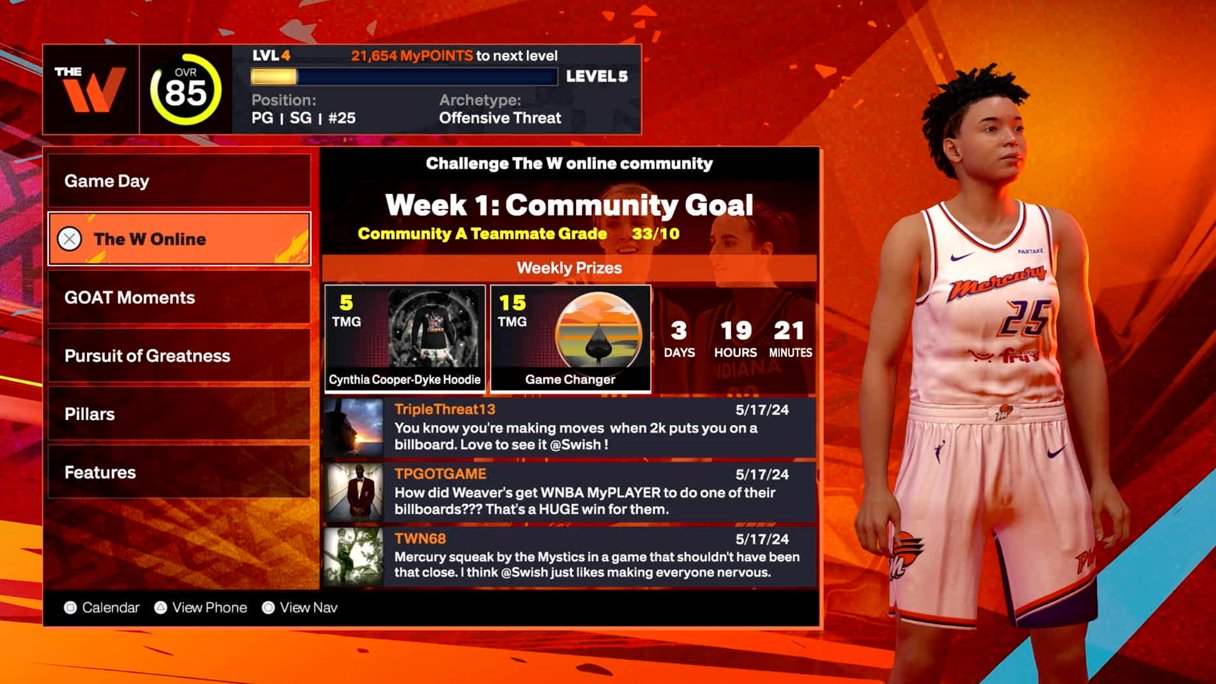
The NBA 2K25 online community guide helps players connect, strategize, and compete effectively within the game’s online modes.
Want to get the most out of playing NBA 2K25 online? This guide gives you essential information about the game’s online features and how to navigate them smoothly. We will cover crucial aspects of the game that relate to the community.
By focusing on community interaction and online play, you’ll improve your skills. Plus you can learn how to find the best matches. This NBA 2K25 online community guide is a resource that helps to get you connected and competitive.

NBA 2K25 Online Community Guide
Hey there, basketball fans! Are you ready to take your NBA 2K25 game to the next level? The online world of NBA 2K is a super fun place where you can play against people from all over, make new friends, and show off your amazing skills. But it can be a bit tricky to find your way around at first. That’s why we’ve made this awesome guide just for you. It’s like a map that will help you explore everything the NBA 2K25 online community has to offer. We’ll talk about the different game modes, how to find good teammates, and even some tips to make your gaming experience even better. Get ready to become a pro in the online world of NBA 2K25!
Understanding the Different Online Game Modes
NBA 2K25 offers many ways to play online, and each one is unique and fun in its own way. Think of them like different basketball courts, each with its own rules and excitement. Let’s check out some of the popular game modes:
Play Now Online
This mode is perfect for when you want a quick game. You choose your favorite NBA team and jump right into a match against another player. It’s a great way to test your skills with different teams and see how you stack up against others. Here’s what makes it cool:
- Fast and Simple: Just pick a team and start playing. No complicated settings or drafts.
- Learn the Ropes: It’s a great way to get better at controlling players and understanding game flow.
- See How You Compare: You can see how well you play compared to other people online.
MyTEAM Online
In MyTEAM, you get to create your dream team using basketball cards. You collect different players, coaches, and other items, and then put them together to make the best team possible. You can then take this team online and compete against other player-created teams. It’s like being a real NBA general manager and coach! Here are some of the exciting features:
- Collect Cards: Open packs and get new player cards.
- Build Your Dream Team: Choose the best players that fit your playstyle.
- Compete in Different Modes: Play in unlimited, clutch time, or limited formats.
- Earn Rewards: Win matches to get better cards and other goodies.
The City/The Neighborhood
The City (on next-gen consoles) or The Neighborhood (on current-gen consoles) is like a big, open world where your created player can live and play basketball. You can walk around, play pickup games, join different crews, shop for clothes, and more. It’s a social hub where you can meet other players and really feel like a part of the NBA world. This mode includes:
- Explore: Find courts, stores, and other cool places.
- Play Pickup Games: Jump into games with other players anytime.
- Join Crews: Team up with friends and play together.
- Customize Your Player: Make your player look the way you want with cool outfits and accessories.
Pro-Am
Pro-Am is perfect for players who love teamwork. In Pro-Am, you and your friends can create your own custom team, complete with unique logos and uniforms, and then compete against other squads online. This mode allows you to strategize and play like a real professional team. Here’s what makes it a great pick:
- Team Up with Friends: Create your own team with your friends and compete together.
- Customize Your Look: Design your team’s jerseys and logos.
- Strategic Gameplay: Work with your teammates to perform plays and win matches.
- Climb the Ranks: Compete against other teams to see who is the best.
Rec Center
The Rec Center is like a huge gym where you can join games with other players using your MyPLAYER. You can play different types of games, from 3-on-3 to 5-on-5, and work your way up. Here’s why it is cool:
- Play with Anyone: Jump into games with other players looking for matches.
- Various Game Modes: Try different game formats like 3v3 or 5v5.
- Improve Your Game: Use it to practice your skills and get better at playing with random teammates.
Finding and Making Friends in the NBA 2K25 Community
Playing online is even more fun when you have friends to play with! It’s like having your own team to support each other. Here are some tips on how to find and connect with other players in the NBA 2K25 community:
Using the in-game chat and voice features
NBA 2K25 lets you chat with other players directly while you are playing. Use the text chat during a game and if your on the correct platform, use a microphone to talk. This is great way to communicate with your teammates, plan strategies, and make new friends. It helps to make the game a fun experience.
- In-Game Chat: Send messages to other players during the game.
- Voice Chat: Talk with your teammates using a microphone.
- Use Friendly Language: Be kind and respectful when chatting with others.
Joining online groups and communities
There are many online groups and communities where you can find other NBA 2K25 players. These are places on websites and forums where people with similar interests come together. Find the ones specific to 2K and the game mode you enjoy.
- Search Online Forums: Look for NBA 2K25 groups on websites like Reddit and Discord.
- Join Social Media Groups: Find groups on platforms like Facebook and Twitter.
- Connect with Players: Introduce yourself and get to know other players.
- Find teammates: Use these communities to find players that you can play the game with.
Making friends while playing
Sometimes the best friendships come from just playing the game together. If you meet someone who plays well and is fun to be around, don’t be afraid to send a friend request! The players list in the game gives you access to friend other players.
- Add players as friends: If you enjoy playing with someone, send them a friend request.
- Team Up: Ask if they want to play together in the future.
- Be friendly: Show good sportsmanship and be nice to others.
Tips for a Better Online Experience
To make your online NBA 2K25 journey awesome, here are a few tips and tricks to help you out. These suggestions cover everything from setting up your internet to how to behave in the game.
Ensuring a Stable Internet Connection
A good internet connection is super important for online gaming. A poor connection can cause lagging, make your game slow, or even disconnect you from the game. Here’s how to make sure you have a stable connection:
- Use Ethernet: When possible, connect your console or computer to your router with an ethernet cable instead of using WiFi. It gives you a much faster and more stable connection.
- Close Other Applications: Make sure no other devices are downloading or streaming things while you play. These activities can slow down your connection.
- Check Your Internet Speed: Test your internet speed to make sure it’s good enough for gaming.
- Restart your Router: If you are having connection problems, try restarting your router.
Choosing the Right Settings
The settings you use can also affect your gaming experience. Choose settings that work well for your equipment and how you like to play. Here are some settings to consider:
- Graphics Settings: Adjust your game’s graphics settings for smooth performance, turn off high demanding effects if your system isn’t powerful enough.
- Controller Settings: Change your controls to a setup you are comfortable with.
- Audio Settings: Adjust the sound levels so you can hear the game clearly.
- Matchmaking Settings: Some modes allow you to prioritize based on connection quality or skill level.
Practicing Your Skills
The more you practice, the better you will become at the game. Playing against others will help improve your gameplay and allow you to learn from more experienced players.
- Play offline: Practice against the computer to improve your skills.
- Watch Tutorials: Look up videos online that can show you new moves and strategies.
- Focus on different skills: Work on dribbling, shooting, passing, and defense to become a more well-rounded player.
- Play with others: Play online against other players to help hone your skills and help you make new friends.
Being a Good Sport
Being a good sport is important when playing online. Always show respect to other players, even if they are better or not as good as you. Here are some important rules to remember:
- Be Kind: Always be respectful and friendly.
- Don’t Cheat: Cheating ruins the game for everyone.
- Control Your Emotions: Try not to get too angry or upset when playing.
- Congratulate Others: If someone else wins, say “good game!”
Dealing with Common Online Issues
Sometimes things don’t go as planned online. Here’s what you can do if you come across some typical challenges:
Lag and Disconnects
Lag is when your game is slow and unresponsive. Disconnects are when you suddenly get kicked out of the game. Here are some ideas to help with these issues:
- Check Your Connection: First, make sure your internet is working correctly.
- Restart Your Equipment: Try restarting your router and your console or computer.
- Lower Graphics: Reducing your graphics settings might help reduce lag.
- Contact Your Provider: If the problem is with your internet service, you may need to contact your internet provider.
Dealing with Toxic Players
Unfortunately, some players can be toxic, meaning they might be rude or mean. Don’t let these people ruin your fun. Here are a few tips:
- Mute Players: You can mute other players to stop hearing their messages if they are being rude.
- Block Players: You can block players to stop playing with them again.
- Report Players: Report players to NBA 2K25 support if they are breaking the rules.
- Ignore Players: Often the best way to deal with toxic behavior is to ignore it completely and focus on the game.
Finding Help and Support
If you are still having trouble with anything, know that there is help available. Here’s how to find it:
- Check Online Guides: Look online for tips and help if you get stuck.
- Contact Support: Reach out to the NBA 2K25 support team if you have questions or need assistance with technical issues.
- Ask in Communities: You can ask for help in online forums and communities.
Playing NBA 2K25 online is a great way to connect with other basketball fans, improve your game, and have a lot of fun. By understanding the different game modes, finding good teammates, and using our tips, you’ll be able to get the most out of your online experience. Keep practicing, be a good sport, and have fun out there on the virtual court!
5 SECRET Settings That You NEED To Use In NBA 2K25
Final Thoughts
This NBA 2K25 online community guide emphasizes connecting with fellow players. Find online groups that match your play style. Engage in forums to share tips and strategies.
Join voice chats for real-time game planning. Participate in online leagues to test your skills competitively. The online community is where you can truly enjoy the game.
The NBA 2K25 online community guide provides you crucial keys for a rewarding experience. With active participation, players enhance their game. This builds lasting friendships within the community.

