
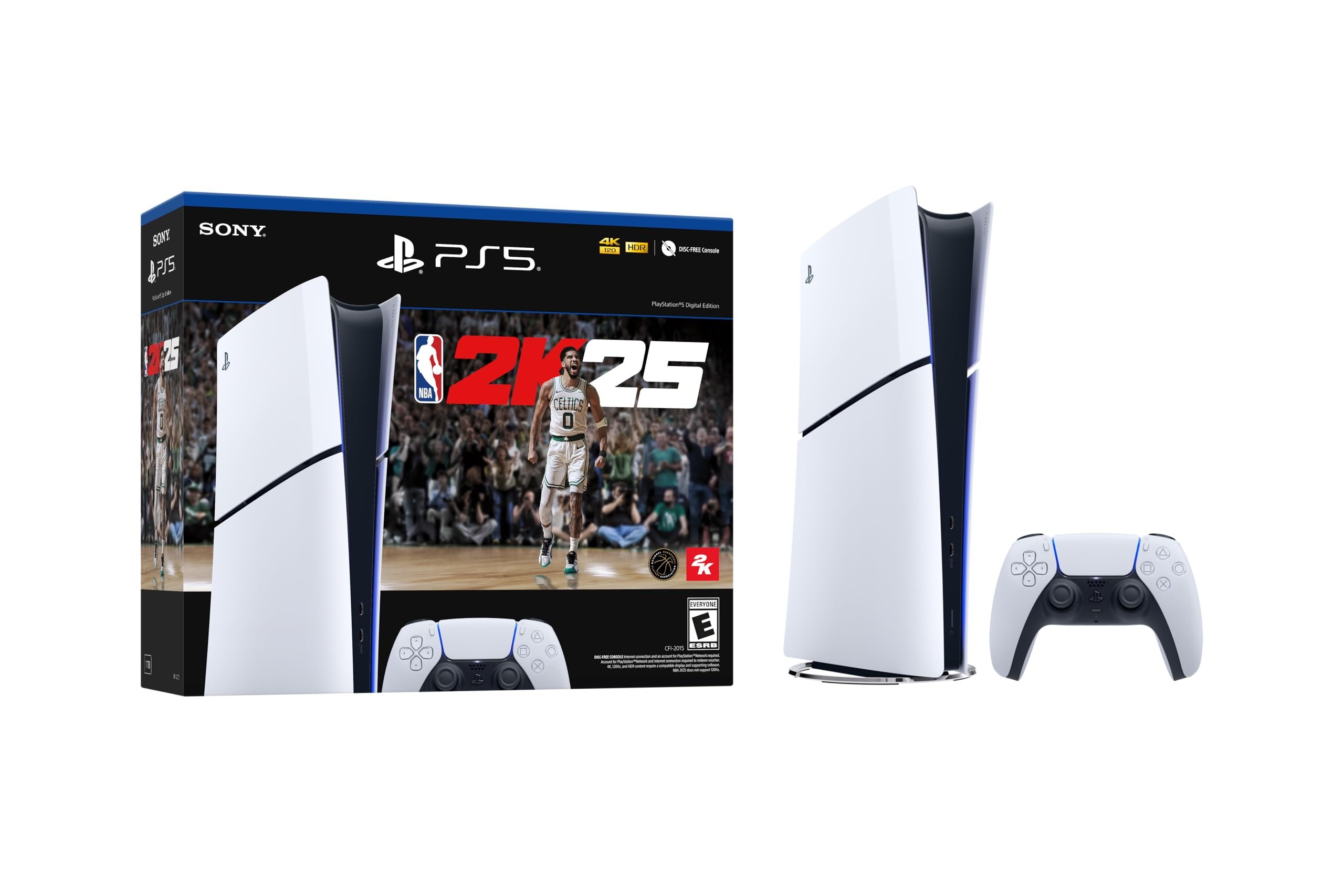
NBA 2K25 technical support addresses common issues such as game crashes, connectivity problems, and graphical glitches, offering solutions and resources to ensure a smooth gaming experience.
Experiencing a frustrating bug or connectivity issue with NBA 2K25? It can certainly ruin the thrill of a close game. This is why understanding the resources provided in the NBA 2K25 technical support overview is crucial for every player. We know that you want to get back in the action quickly. Let us guide you through the available support channels.

NBA 2K25 Technical Support Overview
Getting ready to hit the court in NBA 2K25? It’s super exciting to play, but sometimes things might not go exactly as planned. This guide is here to help you understand how to get support if you run into any problems. We will look at all the different ways you can get assistance, from simple game glitches to tricky account issues. This way, you can get back to slam-dunking and making those buzzer-beaters without any extra stress!
Where to Find Help
So, you’re experiencing some trouble with NBA 2K25? Don’t worry, many resources are available to help you. Let’s look at the main places you can go for support.
Official NBA 2K Support Website
First up is the official NBA 2K support website. This is like the main headquarters for all things support. You can find it by searching for “NBA 2K Support” on your web browser. Once there, you will see a lot of helpful articles, tutorials, and troubleshooting guides. This website is very organized and allows you to search for specific problems. It’s usually the fastest way to find answers to common questions.
- Look for a search bar to type in your specific problem, like “game crashes” or “can’t connect online.”
- Browse through different categories, like “Gameplay,” “MyCAREER,” “MyTEAM,” or “Technical Issues.”
- Check for announcements about known problems the game developers are aware of and are working to fix.
In-Game Support
Sometimes, help is right where you need it most: inside the game itself. NBA 2K25 has a built-in support feature. This usually links to the support website or opens a support ticket. To find it:
- Look in the game’s main menu or settings area.
- Find a button or section labeled “Support,” “Help,” or “Options.”
- Follow the on-screen instructions to submit a report or access help guides.
Community Forums
The NBA 2K community is huge and very active! Many players are facing and fixing similar issues. Community forums are great places to check for quick help. You can find them on:
- Reddit (look for subreddits dedicated to NBA 2K)
- The official NBA 2K forums (usually linked from the support website).
- Social Media Platforms like X (formerly known as Twitter) or Facebook
You can search for posts related to your problem, ask questions directly to other players, or share solutions that you found. Sometimes, other players have already discovered the answer!
Social Media
Follow the official NBA 2K social media accounts on platforms like X, Facebook, and Instagram. This is where the game developers often post announcements about updates, patches, and known issues. This is also a good place to ask questions to the official team behind the game. The developers are very good about giving quick updates on fixes. It can help you find out if they know about the issue you are experiencing and if a patch is coming soon.
Types of Issues and How to Handle Them
Let’s look at different types of problems that can happen and how to get them solved.
Game Crashes and Freezes
Game crashes and freezes are very annoying. Sometimes, the game might suddenly stop working, take you back to your console or computer’s main screen, or completely freeze up. Here’s what you can try:
- Restart Your Game: Close the game completely and start it again. This can fix a lot of minor issues.
- Restart Your Device: Power down your computer or console and turn it back on. This can help clear out any errors.
- Check Game Updates: Make sure you have the latest version of the game installed. Developers often release patches with fixes for these problems.
- Update Your Device’s Software: Make sure your gaming console or computer has the latest software updates installed.
- Lower Graphics Settings (PC): If you’re playing on a computer, try turning down the graphics settings. Sometimes, if the settings are too high, the game can struggle.
- Report the Issue: Go to the support website to report the problem. Give details about what you were doing when the game crashed, as this can help the developers fix the bug.
Connection Problems
Connection issues can make online play very difficult. You might have trouble connecting to the servers, or the game might lag a lot. These can also be caused by problems in your own network and not just the game itself. Try these steps if you have online problems:
- Restart Your Router and Modem: Turn off your internet router and modem, wait a minute, then turn them back on. This can sometimes fix connection problems.
- Check Your Internet Speed: Run a speed test on your computer or console to make sure your internet connection is working well and not too slow.
- Use a Wired Connection: If you’re using Wi-Fi, try using a wired Ethernet connection. A wired connection is usually more stable.
- Check Server Status: The NBA 2K support website or social media might have information on the game’s servers. They might be having a technical problem that is causing issues for everyone.
- Report the Issue: If all else fails, report the issue to the game support team. They can look into your specific problem more closely.
Gameplay Issues
Sometimes, you might find bugs or problems within the game. These can include:
- Characters glitching or getting stuck.
- Problems with scoring or game rules.
- Things not working as expected.
Here is what you can do to troubleshoot these problems:
- Restart the Game or Match: Sometimes restarting the current game or match will resolve the issue.
- Check Online for Common Bugs: Search online forums and communities to see if others have experienced the same issue.
- Adjust Game Settings: Try changing some of the game settings to see if it makes a difference.
- Report the Bug: Let the support team know about the bug. Explain exactly what you experienced.
Account Issues
Having trouble with your account? This can include problems with your:
- Username
- Password
- Linking your account to other platforms
- Issues with purchases or virtual currency
Here’s how to handle account problems:
- Password Reset: If you forget your password, use the password reset option. This usually sends a reset link to your email address.
- Verify Your Email: Make sure you have verified your email address associated with your account.
- Contact Support Directly: If you cannot fix it yourself, contact NBA 2K support directly. Provide all the necessary details about the issue and your account.
- Be Careful with Account Information: Never give out your password to anyone, especially in forums or social media.
MyCAREER and MyTEAM Issues
MyCAREER and MyTEAM are fun game modes, but you can run into some problems while using them. For MyCAREER you may experience issues like:
- Progress not saving
- Quests or challenges not registering.
- Problems with game modes
For MyTEAM you might encounter problems like:
- Cards not appearing or disappearing
- Auction house issues
- Challenges not working correctly
Here is how you can try to get help for these problems:
- Restart the Game or Mode: Sometimes restarting the game mode can fix the problem.
- Verify Your Internet Connection: As these are online game modes, make sure your internet connection is working correctly.
- Check for Game Updates: Make sure you have the latest version of the game.
- Report the Issue: If the problem continues, report the issue to the support team.
Preparing for Support
Before you reach out to support, do a little prep work. This will help make the process go quicker and get you back to playing sooner!
Gather Information
The more details you give the support team, the faster they can help. Be ready to provide things like:
- Your game platform (PC, PlayStation, Xbox, Nintendo Switch).
- Your username or account ID.
- A description of the problem, including when it started happening.
- Any error codes you might see.
- What you were doing in the game when the issue occurred.
- Any troubleshooting steps you have tried already.
Take Screenshots or Videos
If possible, take screenshots or videos of the problem. This can give the support team a better understanding of what is going on.
Be Patient and Polite
Remember that support teams are doing their best to help many players. Always be patient and polite when you communicate with them. Being respectful will help them to want to help you as quickly as possible.
Common Error Codes and What They Mean
Error codes are the game’s way of telling you something is wrong. They can look like a random mix of letters and numbers, but they are very useful for the support team. Here are some common types you might see:
Network Error Codes
These codes usually begin with error code numbers starting with 4 or 7. They indicate a problem with your connection to the game server. The game may not be able to connect because of an unstable connection or something going wrong on the game’s server side.
Game File Error Codes
These can start with letters like E or G. This means that some game files may be missing, damaged, or not installed correctly. This can be fixed by reinstalling the game or checking that the game has been correctly updated.
Account Error Codes
These codes can have letters like A or C. These errors mean there is something wrong with your account login details. The information you typed in may not match what is saved on the game’s servers. Sometimes it can mean there is an issue with the game’s ability to link to your account.
General Error Codes
Error codes starting with numbers in the 1,2, or 3 range are typically more general errors. These can sometimes be solved with a simple game restart or a computer or console restart. These can also be caused by a hardware problem.
How to Use Error Codes
When you report a problem, make sure you include any error codes you see. This will help the support team quickly figure out what’s going wrong. You can also search for the code on the support website to see if there are specific troubleshooting steps to follow.
By knowing how to find and use technical support, you can make sure you always have a good time playing NBA 2K25. Remember that help is available, and the development team is always trying to improve the game.
How to Contact NBA 2K25 Support Team
Final Thoughts
In conclusion, NBA 2K25 technical support offers various channels. Players can seek help via in-game options, website FAQs, or by submitting support tickets. This system aims to quickly address common issues and technical glitches.
The support team actively works to resolve problems, ensuring a smooth gaming experience. Gamers must explore these avenues for effective NBA 2K25 technical support overview.

