
Home » Play Games » CPS Test
Pick a timer, then tap the pad. The first click starts the clock.
First click starts the clock • Spacebar has its own bests • Beat the Daily Sprint target to grow your streak
CPS Test: Check Your Clicks Per Second Free Online
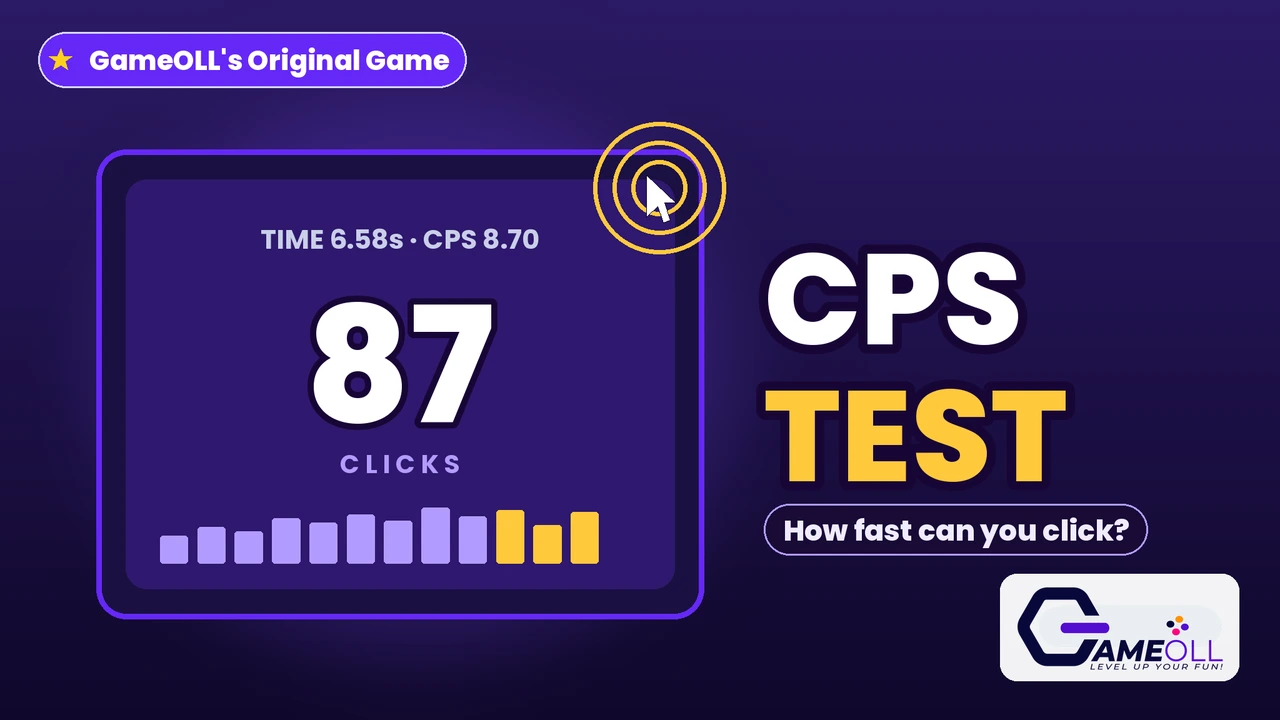
How fast can you click? It sounds like a silly question until the clock is running. Ten seconds, one pad, and your finger going as fast as it can: your clicks per second, or CPS, is the simplest speed stat a player can own, and it is strangely addictive to chase. One run gives you a number. The next run gives you a reason to beat it. The test above is ready right now, with no warm-up lap: pick a timer, hit the pad, and the first click starts the clock.
This is a full click speed test, not a bare counter. You get five timers from a one-second burst to a full sixty-second endurance run, a live pace chart that shows every tenth of a second, a seven-step rank scale, and personal bests saved separately for every timer. There is a spacebar mode with its own bests for players who train keyboard speed, a Consistency score on the long runs for holding an even pace, and a Daily Sprint that sets one fresh target every day. No download, no sign-up, and nothing leaves your device.
Free in your browserFive timersMouse and spacebarDaily SprintNo download
Type
Test · Speed · Skill
Run length
1 to 60 seconds
Inputs
Mouse, touch, spacebar
Chase
Bests, ranks, streaks
In this guide
- What is CPS?
- How this CPS test works
- What is a good CPS score?
- Mouse CPS vs spacebar CPS
- Butterfly clicking and jitter clicking
- How to click faster
- The Daily Sprint and Consistency
- Questions and answers
What is CPS?
CPS stands for clicks per second. It is exactly what it sounds like: the number of clicks you can land inside one second, measured over a run of a few seconds so that a single lucky burst cannot fake it. A score of 6 CPS over a ten-second run means sixty clicks, spread across the whole run, at an average pace of six every second. The measure is popular anywhere fast clicking matters, from Minecraft PvP, where rapid clicks have long been part of the fighting style, to cookie-style idle games, aim trainers and simple office bragging rights.
The number is honest because it blends two different skills. The first is raw press speed: how quickly your finger can work a switch. The second is stamina: how long you can hold that pace before your hand slows down. A one-second test mostly measures the first skill. A sixty-second test mostly measures the second. That is why this page offers five timers instead of one. The short runs tell you how fast you can burst, the long runs tell you how fast you truly are, and the pace chart shows you the exact tenth of a second where your speed started to fade.
How this CPS test works
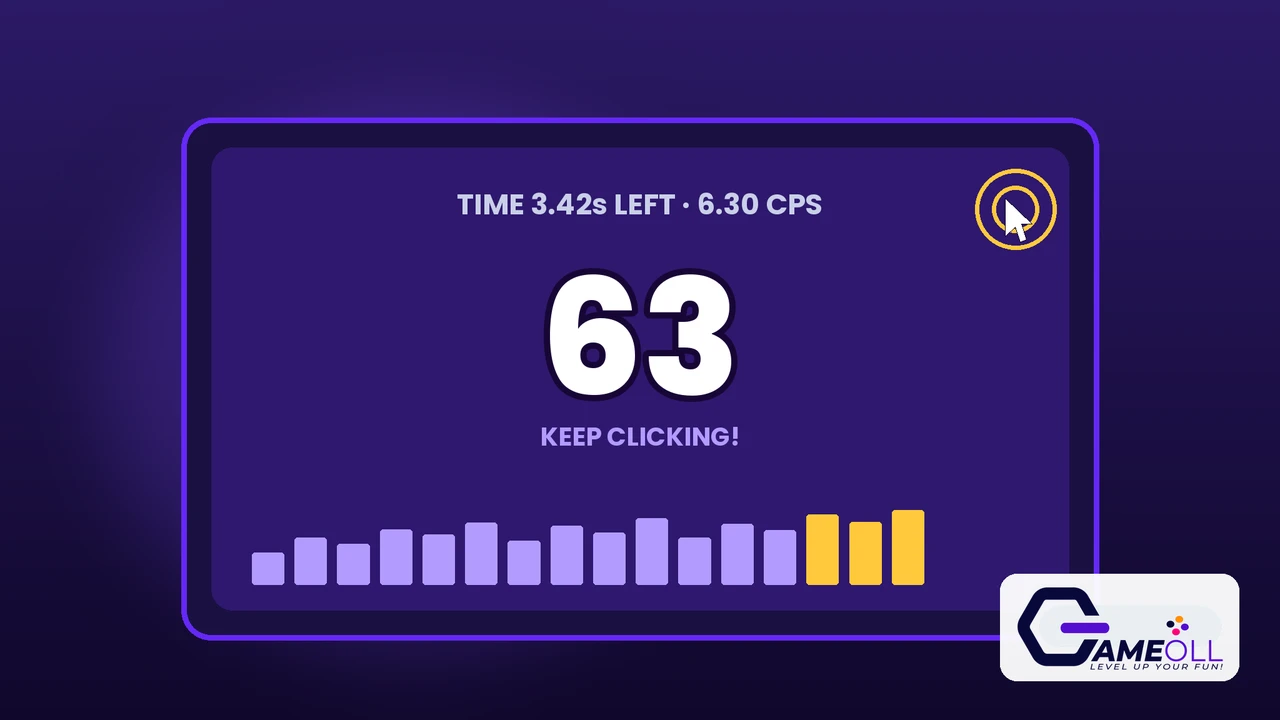
Choose a timer first: 1, 5, 10, 30 or 60 seconds. Then choose Free Run, pick your input, and press Start. The pad waits for you. Nothing is timed until your first click lands, so there is no false start and no scrambling for the pad after a countdown. From that first click the clock runs for exactly the chosen time, the counter climbs in the middle of the pad, and the readout shows the time left and your live CPS, recalculated after every click. Clicks that land after the clock runs out are ignored, so the score is always the run and nothing but the run.
Under the pad sits the pace chart. The run is sliced into buckets of a tenth of a second, and each bucket becomes one bar. A flat row of bars means an even, machine-like pace. Bars that shrink towards the right mean your hand tired. A spike at the start means you burst hard and then settled. It is the most useful part of the page for training, because it turns a single number into a picture of how you click, and it updates live while you play.
When time runs out, the result panel gives you the full verdict: total clicks, final CPS to two decimal places, your rank on the seven-step scale, and whether the run set a new personal best for that timer and input. Bests are kept separately for every combination, so your 1-second mouse burst, your 10-second mouse standard and your 60-second spacebar endurance are three different records that never overwrite each other. Everything is stored in your own browser on your own device. There is no account and no leaderboard sending your data anywhere.
What is a good CPS score?
For a normal mouse technique, most people land between 5 and 7 CPS on a 10-second run. Scores a little under that are completely ordinary, especially on a first try or on a laptop trackpad. Anything from 7 upwards is genuinely quick, and the players who post scores above 10 are usually using a trained technique, a gaming mouse with a light switch, or both. Touch players vary the most: a relaxed one-thumb tap is often around 4 to 6 CPS, while two-thumb tapping on a phone can go much faster. Treat the table below as a map of the territory rather than a judgement. The only score that matters is your own last one.
| CPS | Rank on this page | What it usually means |
|---|---|---|
| Under 2.00 | Warming Up | A first run, a trackpad, or a very relaxed hand. |
| 2.00 to 3.99 | Steady Tapper | Casual clicking at an easy, sustainable pace. |
| 4.00 to 5.49 | Quick Fingers | A normal, healthy clicking speed for most players. |
| 5.50 to 6.99 | Rapid Clicker | The typical average for regular mouse users. |
| 7.00 to 8.49 | Blaze Hands | Fast. Most casual players never reach this band. |
| 8.50 to 9.99 | Turbo Tapper | Very fast, usually a practised technique. |
| 10.00 and up | Lightning Fingers | Elite speed. Technique, hardware and training combined. |
One warning about comparing scores between websites: not every test counts the same way. Some start the clock before your first click, which quietly steals your reaction time. Some count clicks after the timer ends. Some let a spacebar or an auto-repeat key inflate the number. This test starts on your first click, stops dead on the timer, and counts one count per real press of the mouse, the touch pad or the spacebar, with the two inputs kept in separate record books. If your score here is a little lower than on a looser test, that is the honesty showing.
Mouse CPS vs spacebar CPS
The spacebar mode exists because keyboard speed is its own skill. A mouse button is a small, light switch worked by one finger that rests on it all day. A spacebar is a long, heavier key with more travel, worked by a thumb or finger that has to lift clear between presses. Most players score lower on the spacebar at first, sometimes by 2 CPS or more, and that gap is normal. Rhythm game players, rhythm typists and anyone who has trained on a keyboard often close it quickly.
The two inputs are kept completely separate on this page. Spacebar runs have their own bests for every timer, their own line in your records, and they can never inflate a mouse score. The mode is also honest about a subtle cheat: if a button on the page has focus, pressing space would normally press that button too. This test never counts a space press that lands on a focused button, so every counted press is a press on the pad and nothing else. Pick the input you want to train, and chase its record book on its own terms.
Butterfly clicking and jitter clicking
Two famous techniques can push a CPS score far beyond normal clicking, and both are welcome on this test. Butterfly clicking uses two fingers, usually index and middle, striking the mouse button in turn like a tiny drumroll. Because the fingers alternate, each one rests while the other works, and trained players reach 12 to 20 CPS. Jitter clicking is different: the player vibrates the muscles of the hand and arm so the finger shakes against the button, producing very fast but less controlled clicks, often 10 to 14 CPS, at the cost of aim.
Two honest notes belong with those numbers. First, some mice double-register butterfly clicks because of how their switch debounce is set, which can add presses you never made; a test can only count the presses it receives, so a score on such a mouse flatters the technique. Second, many game servers watch for these techniques or cap the CPS they accept, because in a fight they can be a real advantage. This page is a measuring tool, not a referee: it counts every real switch press once, whichever technique produced it, and the pace chart will show you exactly how the presses were spread. What you do with the skill in real games is between you and their rules.
How to click faster
Speed comes from small fixes more than from effort. Work through these seven, one run at a time, and watch the pace chart flatten as you go.
- Relax your hand. Tension is slow. A loose hand and a loose wrist click faster and tire later than a clenched one.
- Use your fingertip, not your whole finger. Small movements from the last joint travel less distance per click, so you can fit more clicks into the same second.
- Rest your finger on the button. Hovering wastes travel on every press. Start with the finger already touching the switch.
- Shorten the run to train the burst. One-second and five-second runs build raw press speed. Train short, then carry the pace into the 10-second standard.
- Lengthen the run to train stamina. The 30 and 60 second timers expose fading pace. Your Consistency score tells you how evenly you held it.
- Mind your hardware. A light gaming mouse switch genuinely clicks faster than a stiff office button, and a wired or low-latency connection keeps every press registered on time.
- Warm up, then measure. Cold hands are slow hands. Two relaxed practice runs before a record attempt will beat ten tense ones.
The Daily Sprint and Consistency
Every day, the Daily Sprint sets one target for a 10-second mouse run. The target comes from a fixed daily seed, which means every player in the world gets the same target on the same day, somewhere between 5.20 and 7.60 CPS. Clear the target and your streak grows by a day. Miss it and the Sprint simply stays open: you can retry as often as you like before the day turns. It is a small daily habit on purpose, ten honest seconds that give the test a reason to be part of a routine instead of a one-off curiosity.
On the 30 and 60 second runs you also earn a Consistency score out of 100. The run is cut into one-second slices, and the score measures how even those slices are: a perfectly even pace scores 100, and every wobble costs points in proportion to how far each second strayed from your average. Bursts win the short tests, but Consistency is the stat that predicts real stamina, and it is the hardest number on this page to fake.
Questions and answers
Is this CPS test free?
Yes. The test is completely free in your browser, with no download, no sign-up and no limit on runs. Your bests, ranks and Daily Sprint streak are saved on your own device only.
What is a good CPS score?
Most people click between 5 and 7 CPS with a normal mouse technique. A score of 7 to 8.5 CPS is fast, 8.5 to 10 is very fast, and anything above 10 CPS puts you at the Lightning Fingers rank on this page.
Why is my spacebar score different from my mouse score?
They are different muscles and a different switch. The spacebar has a longer travel and a heavier press, so most players score lower with it at first. This page keeps the two inputs fully separate, with their own bests for every timer.
Does CPS matter in Minecraft and other games?
In Minecraft PvP, a higher CPS can register hits more reliably and reduce the knockback you take, which is why click speed became a popular skill to train. In most other games it matters far less than aim, timing and game sense.
Is butterfly clicking or jitter clicking allowed here?
Yes. This test counts every real switch press, whichever technique you use, so butterfly and jitter scores show honestly. Some game servers restrict those techniques or cap the CPS they accept, but a training test like this one simply measures.
What is the Daily Sprint?
Every day the test sets one target score for a 10-second mouse run, picked by a fixed daily seed so every player gets the same target. Beat the target to grow your streak, and come back tomorrow for a new one.
Final verdict
A click speed test lives or dies on honesty. This one starts the clock on your first click, stops it dead on the timer, counts one count per real press, keeps mouse and spacebar records apart, and shows you the whole run as a pace chart instead of a single flattering number. Around that honest core sit the things that make a test worth returning to: five timers for burst and stamina, a rank scale with a real top rung, a Consistency score for the long runs, and a Daily Sprint that hands you one fresh target every morning. Take the 10-second run now. Whatever number you get, it is truly yours, and beating it is entirely in your hands.
Last updated: November 8, 2026