
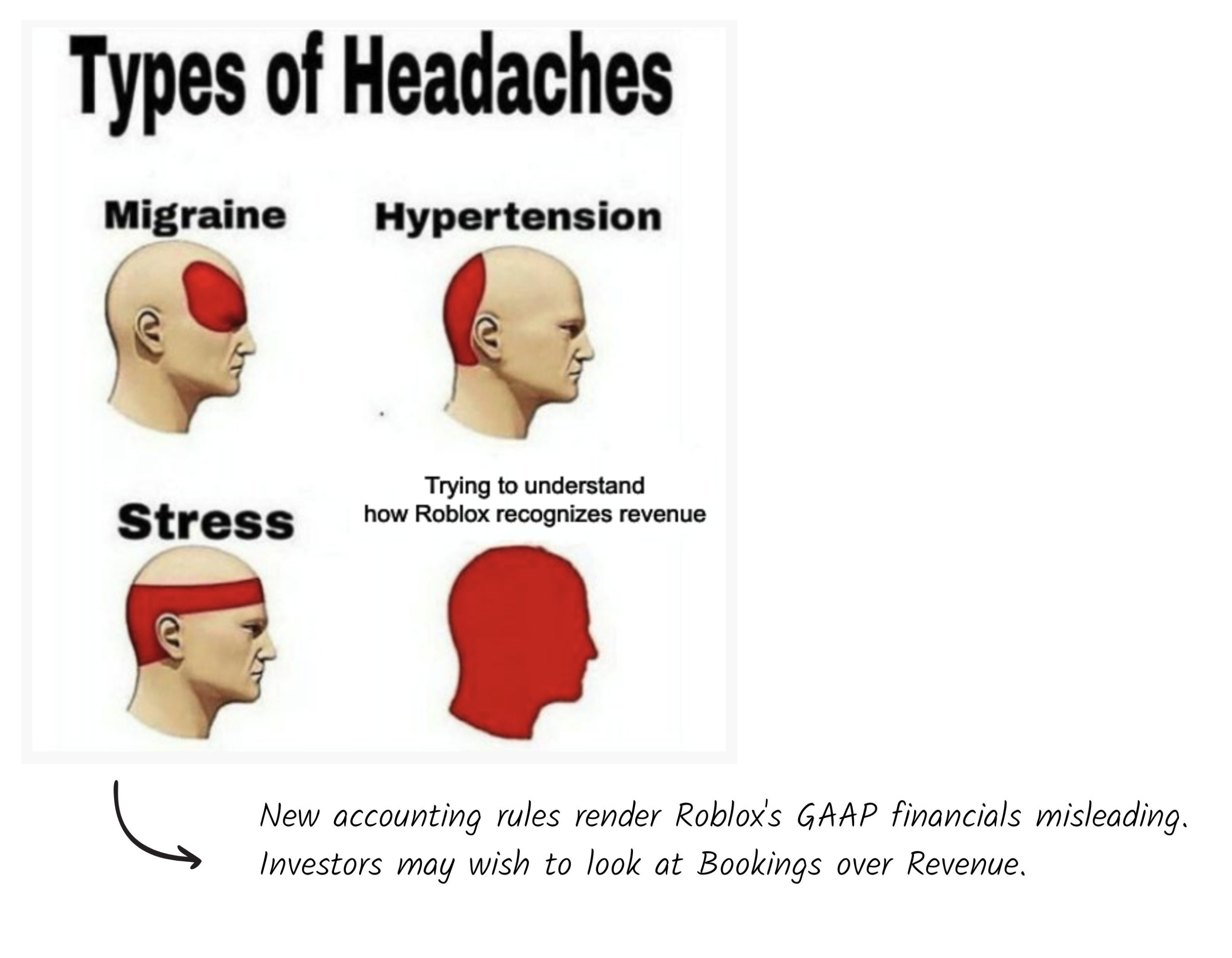
Roblox accounting standards currently lack formal, universally recognized guidelines; practices often rely on individual developer approaches or informal community standards.
Ever wondered how developers on Roblox keep track of their earnings and expenses? It’s a bit of a wild west out there when it comes to finances in the game. Unlike traditional businesses, there aren’t any strict, governing bodies setting out formal Roblox accounting standards.
This means creators often develop their own systems. Some use spreadsheets, others rely on built-in Roblox tools, but there’s a clear need for more clarity. The absence of standardized practices makes it a tricky landscape to navigate for both new and established developers.

Roblox Accounting Standards: Making Sense of Robux and More
Okay, let’s talk about something super important if you’re a Roblox creator – how to keep track of your Robux and other stuff! It’s not just about building cool games; it’s also about being smart with your money, even if that money is virtual. You might be thinking, “Accounting? That sounds boring!” But trust me, understanding the basics can really help you succeed on Roblox. Think of it like knowing the rules of a game; the better you know them, the better you play!
What Exactly Are Roblox Accounting Standards?
When we talk about “Roblox accounting standards,” we’re not talking about the super-serious rules that big companies follow. Instead, we mean the best ways to organize and keep track of all the money-related stuff happening within the Roblox platform. This involves figuring out:
How much Robux you’re earning from your games and creations.
How much Robux you’re spending on development costs or in-game items.
Keeping track of any trades or virtual item sales.
How you’re reinvesting your earnings back into your Roblox business.
Basically, it’s all about being aware of what money is coming in and going out.
Why Should Roblox Creators Care About Accounting?
You might be thinking, “Why do I need to do this? I just want to build awesome things!”. Well, there are some great reasons why keeping an eye on your Roblox finances is a smart move:
Knowing How Well You’re Doing: It helps you see which games or items are making you the most Robux. This lets you focus on what’s working and improve the things that aren’t. Think of it like getting a report card for your games, but with Robux instead of grades!
Making Better Decisions: Knowing your costs and profits lets you make smarter choices about where to invest your Robux. Should you buy a new asset, hire a builder, or advertise your game? Good accounting helps you answer these questions confidently.
Planning for the Future: If you have a good handle on your Roblox finances, you can start planning for the future. You can set goals, save up for bigger projects, and even think about what you’ll do with your earnings when you cash out through the Developer Exchange (DevEx) program.
Avoid Problems: If you just spend without tracking, you might run out of Robux for important things. A basic level of accounting helps you avoid those nasty financial surprises.
Professional Growth: As you become more successful, understanding finance makes you look and act more like a professional game developer, which can open up new possibilities.
Key Concepts in Roblox Accounting
Let’s break down some important concepts you should know when it comes to Roblox accounting:
Revenue: What’s Coming In
Revenue is all the Robux you earn from your Roblox activities. This is like the money you make when you have a lemonade stand. Here are some ways you can earn revenue on Roblox:
Game Passes: When players purchase a game pass in your game to get special powers or access, that’s revenue.
Developer Products: In-game items or abilities that players can buy, like extra lives or cool accessories, are also revenue.
Premium Payouts: If you have a high-quality game, you can earn Robux just by having Premium players visit your game. It’s like earning money just for having customers, even if they don’t buy anything in-game.
Sales of Virtual Items: If you create and sell clothing, accessories, or other virtual items, that also counts as revenue.
Group Payouts: If you work in a group to create games, or assets, and they make money, a part of that money that goes to you is considered revenue.
Expenses: What’s Going Out
Expenses are all the Robux you spend on creating and running your Roblox projects. This is like the cost of buying the lemons and sugar for your lemonade stand. Examples of Roblox expenses include:
Hiring Developers: If you pay other players to help you build, script, or design, that’s an expense.
Purchasing Assets: When you buy models, textures, or other building blocks for your game or creations, you’re incurring an expense.
Advertising: If you use Robux to advertise your game or products, that’s an expense.
Paying for Plugins and Tools: Some tools and plugins that help you create may cost Robux, which is an expense.
Commissions: if you hire artist and designers or any kind of work to help you in your creations, that’s an expense.
Profit: What’s Left Over
Profit is what’s left after you subtract your expenses from your revenue. If you made 100 Robux and spent 50 Robux, your profit is 50 Robux. This is like what you get to keep after you sell lemonade and pay for supplies.
Profit = Revenue – Expenses
Assets: What You Own
Assets are things you own on Roblox that have value. Here are some examples:
Robux: The virtual currency itself is your most important asset.
Created Games: Your games are assets that can generate revenue.
Virtual Items: The clothes, accessories, or other virtual items you make and sell are assets.
Models and Scripts: If you have unique models or scripts, those are also considered assets since they can help you make money.
Group ownership: If you created a group or have group ownership, that’s your asset, since you can monetize it.
Practical Ways to Track Your Roblox Finances
Okay, now that you know the basics, let’s talk about how you can actually keep track of everything. You don’t need fancy accounting software for this. Here are some simple ways to do it:
Spreadsheets
Using a spreadsheet program like Google Sheets or Microsoft Excel is a great way to organize your Roblox finances.
Create Columns: Set up columns for dates, descriptions of what you earned or spent (e.g., “Game Pass Sales,” “Model Purchase,” “Advertising”), revenue, expenses, and your running balance.
Record Every Transaction: Every time you earn or spend Robux, write it down in your spreadsheet.
Calculate Your Profit: At the end of each week or month, add up all your revenue and subtract your expenses to see how much profit you made.
Use Formulas: Excel and Google Sheets allow you to write formulas so you don’t have to manually do calculations.
Here’s an example table:
| Date | Description | Revenue | Expense | Balance |
|---|---|---|---|---|
| 2024-08-02 | Game Pass Sales | 200 | 0 | 200 |
| 2024-08-02 | Model Purchase | 0 | 50 | 150 |
| 2024-08-03 | Premium Payouts | 100 | 0 | 250 |
| 2024-08-03 | Advertising | 0 | 75 | 175 |
| 2024-08-04 | Developer Product Sales | 150 | 0 | 325 |
Notebook or Journal
If you prefer pen and paper, you can use a notebook or journal to track your Roblox finances.
Write Everything Down: Just like with a spreadsheet, write down every transaction.
Keep It Organized: Use separate sections for revenue and expenses, so you can see them clearly.
Simple Calculations: You might need to do calculations by hand, but that’s okay!
Roblox Developer Stats
Roblox provides some helpful tools within the creator dashboard that can give you basic data about your game’s performance.
Sales Data: The Roblox creator dashboard contains information on how many developer products, or game passes you sold.
Earnings Report: Roblox provides some basic earning and payout reports. Use these reports and cross reference them in your spreadsheets for accurate record keeping.
Player Statistics: See how many players visited your game, which can help you relate player counts to your revenue.
Advanced Roblox Accounting Tips
Once you get the basics down, here are some more advanced tips that can help you stay on top of your Roblox finances:
Track Individual Project Performance
If you have multiple games or projects, track the revenue and expenses for each one separately. This will show you which projects are the most profitable and where you should focus your efforts. Create separate sheets in your spreadsheet to differentiate between each project.
Set Budgets
Just like in real life, setting a budget for your Roblox projects can help you control your spending.
Determine Spending Limits: Decide how much you will spend on things like advertising and buying assets, for each project.
Stick to the Budget: Make an effort to stay within your budget. This will help you save your Robux and avoid overspending.
Analyze Your Financial Reports
Take some time each week or month to look at your financial reports (spreadsheets, journal, etc.).
Look for Patterns: Are certain games or items making more revenue? Are you spending too much in one area?
Adjust Your Strategies: Use what you learn from your reports to improve your games and financial strategy.
Plan for the DevEx Program
If you plan to cash out your Robux using the DevEx program, it’s important to plan ahead.
Understand the Requirements: Know the exchange rates and minimum Robux requirements.
Keep Good Records: Having detailed financial records will be useful for any taxes or reporting that might be required for your DevEx transactions, although Roblox does not currently require a tax ID for payments, keep in mind that you might have to pay taxes according to your government laws.
Estimate Your Cash Out: Project how much real-world currency you could earn from DevEx, so you can plan your investments and personal finances accordingly.
Reinvest Smartly
Don’t just keep all your Robux. Reinvest some of your profits back into your projects to make them better. This could mean hiring a developer, buying new assets, or advertising your game. Think of it as making your lemonade stand bigger and better!
Consult with other Creators
Talk to more experience Roblox creators in communities, groups, or even online forums about how they handle their finances. You may be able to pick up extra tips, or learn from their experiences.
Common Mistakes to Avoid
Even if you know the basics, it’s easy to make mistakes. Here are some common errors that you should avoid:
Not Tracking Expenses: It’s easy to focus on how much Robux you’re earning but forgetting to track how much you are spending can lead you down a path of financial troubles. Not tracking expenses makes it very hard to know how much you profit.
Spending Without Planning: Just spending every Robux you earn without thinking about what you need could mean you won’t have the needed funds when you actually need them for something important. This can lead to missed opportunities.
Ignoring Profitability: Not looking at your profit margins makes it hard to evaluate your business’ performance and makes it difficult to make better and well informed decisions.
Failing to plan for DevEx: If you expect to be able to cash out your Robux at any time, without paying attention to the minimum limits, you may get disappointed when you don’t meet those standards. Plan early to avoid these types of disappointments.
Overlooking Small Amounts: Ignoring small expenses can add up to big losses. Even if you think a small purchase won’t hurt you, it could still make a difference in your total expenses. Be mindful of everything.
Using Robux for Non-Business Purposes: Be careful not to mix your personal Robux spending with your business spending. Keep them separated to have a clearer picture of your game’s financial performance.
Not Seeking Help: If you’re unsure about how to handle your Roblox finances, don’t be afraid to ask for help from more experienced creators. The Roblox community is a great resource, and people will often be more than willing to share advice, tips, and experiences.
Keeping track of your Roblox finances may seem a little complicated, but it’s a lot like managing your own real-life money. If you understand how much you are earning, and how much you are spending, you will be able to plan better, manage better, and ultimately have better success. By using a simple spreadsheet, a notebook, or even just paying attention to the data on your Roblox creator dashboard, you can have a better handle on your business.
You’ll be on your way to making smart decisions and growing your Roblox empire! Remember, being good at business is just as important as being good at building. With a little bit of effort, you can become a true Roblox tycoon!
Can We All Become "ROBLOX DEVELOPERS" Now?!?
Final Thoughts
In essence, adhering to proper Roblox accounting standards ensures transparency and accurate financial tracking within the platform. Developers need to meticulously record transactions, including Robux earnings and expenditures. This careful record-keeping helps with informed decision making about future game development.
Consistent application of roblox accounting standards allows for better profitability analysis. Following these established practices prevents potential issues and promotes sustainable growth within the Roblox ecosystem.

