
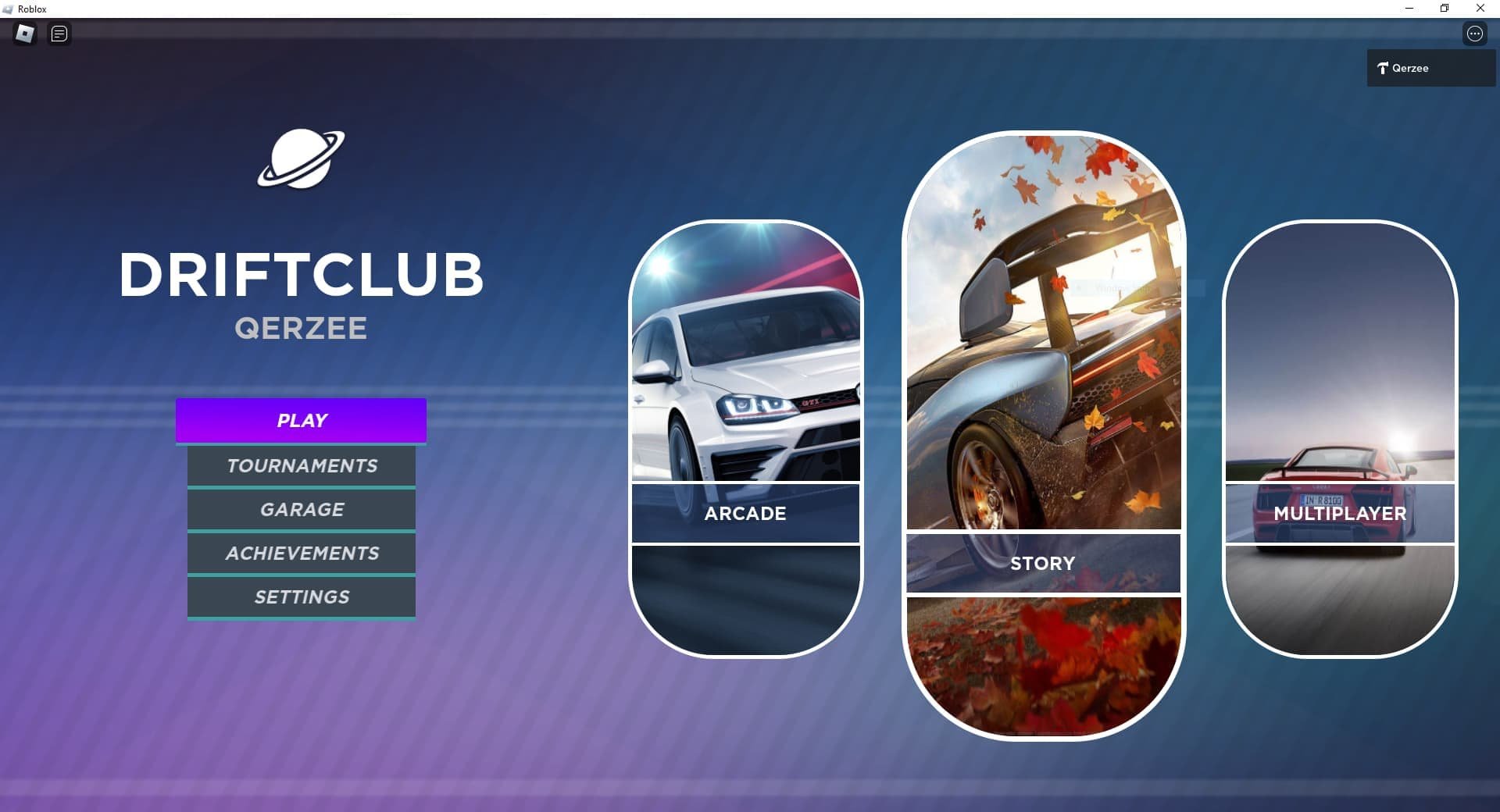
Roblox achievement system design focuses on clear, engaging goals with varied challenges and rewards, motivating players through personalized progress and a sense of accomplishment.
Thinking about how players feel when they achieve something in a game is key. A well-planned Roblox achievement system design gives a sense of progress and keeps users engaged. It’s not just about completing tasks; it’s about providing meaningful milestones and a satisfying experience. Good design includes diverse objectives to cater to different player preferences. Rewards, whether cosmetic or functional, also play a big role in motivating continued play.

Roblox Achievement System Design
Okay, let’s dive deep into how achievements work in Roblox and how you can make awesome ones for your own games! It’s not just about giving players a shiny badge; it’s about encouraging them to explore every corner of your game, try new things, and feel a sense of accomplishment. A well-thought-out achievement system can keep players coming back for more!
Why Achievements Matter in Roblox Games
Think of achievements like little goals scattered throughout your game. They give players something specific to work towards, beyond just the main game objective. Here’s why they’re super important:
Boosting Player Engagement: Achievements give players reasons to keep playing. They’re like breadcrumbs that guide players deeper into your game world. Players might try different strategies or playstyles just to earn a new badge.
Encouraging Exploration: If you have hidden areas or secret items, an achievement for finding them can encourage players to explore the entire map. This helps them enjoy all the hard work you put into creating your game.
Providing a Sense of Progression: Achievements give players a tangible sense of progress. They can see how far they’ve come and feel good about their achievements. This keeps them motivated.
Adding Replayability: Even after finishing the main game, achievements can give players a reason to jump back in and try something new. They might want to collect every badge or master a skill.
Showcasing Accomplishments: Players can show off their hard-earned badges on their profile or in-game. This creates a feeling of pride and encourages healthy competition.
Designing Effective Roblox Achievements: Key Elements
So, what makes a good achievement? It’s more than just saying “You played the game!” Here are the key elements of effective achievement design:
Clear Objectives
Players should easily understand what they need to do to earn an achievement. Don’t make them guess! Use simple, straightforward language. For instance:
Instead of: “Demonstrate superior prowess,” use “Win three matches in a row.”
Instead of: “Achieve transcendence,” use “Reach Level 20.”
Use descriptive language in achievement titles. This ensures players understand the task. Avoid vague or confusing requirements.
Meaningful Milestones
Achievements should reward significant actions or milestones in the game. Earning an achievement should feel like an accomplishment.
Consider these examples:
Reaching a high score or completing difficult levels.
Discovering a hidden area or finding a rare item.
Mastering a difficult game mechanic.
Interacting with other players in a specific way, such as trading or teaming up.
Variety in Achievement Types
Keep things interesting by offering a variety of achievements that cater to different playstyles.
Here are some ideas:
Skill-Based Achievements: Reward players for skill and practice like winning matches or hitting a target repeatedly.
Exploration Achievements: Reward players for seeing the whole game world. An example of this would be discovering all hidden spots.
Collection Achievements: Challenge players to find and collect different items in the game. Collect 100 coins, or find all the hidden collectables.
Story-Based Achievements: Tie achievements into the game’s storyline or quests. Complete all the levels, or finish the main story-line.
Social Achievements: Encourage players to interact with each other. Trade with another player.
Time-Based Achievements: For daily or weekly activity, reward players for time spent in the game. Play for 5 consecutive days.
Appropriate Difficulty
The difficulty of an achievement should match the effort required to earn it. Simple achievements should be easy to obtain, while very challenging tasks should be rewarded with rarer and more prestigious badges. For instance, a starter achievement could be “Play your first game” and a harder achievement could be “reach the final level without dying”.
Visual Appeal
The icon and description of the achievement should be visually appealing and match the style of your game. A cool badge image and title make earning achievements much more rewarding! Ensure the image is clear and easy to see, and that the description is fun to read.
Hidden Achievements
Consider including a few hidden achievements that players need to stumble upon. This encourages exploration and creates a sense of mystery. Keep the hints very subtle, or don’t use hints at all.
Achievement Categories
Organize achievements into categories to make them easier to browse. This helps players focus on specific areas of your game or gameplay styles. Examples include exploration, combat, and social categories.
Technical Implementation in Roblox Studio
Okay, so how do you actually create these achievements in Roblox Studio? Here are the basics:
Using the BadgeService
Roblox provides a built-in service called BadgeService that allows you to create and award badges. Here’s a simplified example in Lua, Roblox’s scripting language:
lua
local BadgeService = game:GetService(“BadgeService”)
local BadgeId = 123456789 — Replace with your badge ID
local function awardBadge(player)
local hasBadge = BadgeService:UserHasBadge(player.UserId, BadgeId)
if not hasBadge then
local success, errorMessage = pcall(function()
BadgeService:AwardBadge(player.UserId, BadgeId)
end)
if success then
print(player.Name .. ” awarded badge: ” .. BadgeId)
— Optional: Show an in-game notification to the player
else
warn(“Error awarding badge: ” .. errorMessage)
end
end
end
— Example: Award a badge when a player reaches level 10
local function checkLevel(player)
local playerLevel = player.leaderstats.Level.Value
if playerLevel >= 10 then
awardBadge(player)
end
end
game.Players.PlayerAdded:Connect(function(player)
player.leaderstats.Level.Changed:Connect(function()
checkLevel(player)
end)
end)
Explanation:
1. BadgeService = game:GetService(“BadgeService”): Gets the BadgeService so you can work with badges.
2. local BadgeId = 123456789: This is where you put the specific ID of the badge you create on the Roblox website. Make sure to get it from the badge page after it has been created.
3. awardBadge(player) Function:
Checks if the player already has the badge using BadgeService:UserHasBadge().
If they don’t, it uses BadgeService:AwardBadge() to give them the badge.
It includes error handling with pcall to catch issues.
4. checkLevel(player) Function:
Checks if the player’s level (example leaderstat) is greater than or equal to 10.
If it is, the awardBadge(player) is called.
5. game.Players.PlayerAdded:Connect(function(player)): This event fires when a new player joins the game
6. player.leaderstats.Level.Changed:Connect(function()) This event is to track the leaderstat change on the server to check when player achieves level 10 or not.
Important: Make sure that the leaderstats for your game are created properly for this code to work correctly.
Setting up the Badge
1. Create a Badge on the Roblox Website: Before coding, create a badge on the Roblox Creator Dashboard under your game’s experience settings.
2. Get the Badge ID: Copy the unique Badge ID (a long number) from the badge’s page on the website. You will use this ID in your script.
3. Upload Badge Icon: Create a nice picture for your badge. Make sure that the image is 512×512 pixels.
Monitoring Game Events
You need to track events in your game that trigger achievements. Examples include:
Player deaths: Character.Humanoid.Died
Game state changes: Like when a level is completed.
Item collection: Track when a player picks up a special item.
Player interactions: Track when players trade or cooperate.
Use game events like Touched, Changed, PlayerAdded etc to trigger certain achievements.
Using Data Stores
You might want to store players’ progress towards an achievement even if they leave the game and come back later. Use Data Stores in Roblox to save this information. Here’s how you can do this:
lua
local DataStoreService = game:GetService(“DataStoreService”)
local achievementProgressStore = DataStoreService:GetDataStore(“AchievementProgress”)
local function getPlayerAchievementProgress(player)
local userId = player.UserId
local progressData = achievementProgressStore:GetAsync(userId)
if progressData then
return progressData
else
return {} — Return an empty table if no saved data
end
end
local function savePlayerAchievementProgress(player, progressData)
local userId = player.UserId
local success, errorMessage = pcall(function()
achievementProgressStore:SetAsync(userId, progressData)
end)
if success then
print(“Progress saved successfully for ” .. player.Name)
else
warn(“Error saving progress: ” .. errorMessage)
end
end
— Example: Check if a player has collected 5 items
local function checkCollection(player)
local progress = getPlayerAchievementProgress(player)
if not progress.ItemsCollected then
progress.ItemsCollected = 0
end
progress.ItemsCollected = progress.ItemsCollected + 1
savePlayerAchievementProgress(player, progress)
if progress.ItemsCollected >= 5 then
— award the achievement here
local badgeId = 987654321 — Replace with your badge id
local hasBadge = BadgeService:UserHasBadge(player.UserId, badgeId)
if not hasBadge then
awardBadge(player)
end
end
end
— Example call when player collects an item
— Example: item.Touched:Connect(function(hit)
— local player = game.Players:GetPlayerFromCharacter(hit.Parent)
— if player then
— checkCollection(player)
— item:Destroy()
— end
— end)
Explanation:
1. DataStoreService = game:GetService(“DataStoreService”): Gets the DataStore service.
2. achievementProgressStore = DataStoreService:GetDataStore(“AchievementProgress”): Creates a DataStore for tracking progress, make sure to choose a name that is good enough to understand the purpose of the datastore.
3. getPlayerAchievementProgress(player): Gets data for a player from the datastore, it returns an empty table if there’s no existing data for that player.
4. savePlayerAchievementProgress(player, progressData): Saves the player’s progress to the datastore, with error handling.
5. checkCollection(player): This is example of how to use the datastore to track player’s progress of collecting items, it checks if the player has collected the required amount to award the badge.
Remember to handle errors and save data frequently. Be careful when setting up datastore, as if you create too many datastores it can cost you money.
Balancing Achievement Difficulty
It’s important to balance the difficulty of achievements. Don’t make everything super easy, or too hard.
Easy Achievements: Start with simple achievements. These should give new players a quick sense of success. Examples: “Play the game,” “Finish the tutorial,” “Collect your first coin”.
Medium Achievements: These achievements should require a bit more effort or time. Examples: “Reach level 5,” “Win 5 games,” “Complete one quest”.
Hard Achievements: These are for dedicated players who want a challenge. Examples: “Reach max level,” “Complete the game on the hardest difficulty,” “Collect every item”.
Hidden Achievements: These can range in difficulty. Keep the requirements secret. Example: “Discover the secret area”.
Use player testing to make sure your difficulty is balanced.
Testing and Iteration
Don’t just set up your achievement system and forget about it!
Here’s how to ensure everything works correctly:
Playtest: Have players test your game and report if the achievements are too easy or too hard.
Gather Feedback: Ask players what they like or dislike about the achievements. Are some too hard or boring? Are there any achievements they are excited about?
Iterate: Based on feedback, adjust the achievements. You may need to change the requirements, rewards, or the game itself.
Monitor: Check the data to see how many players are earning achievements. If too few people are getting a certain achievement, it might be too hard. If almost everyone gets the achievements, it might be too easy.
Tips for Success
Here are some tips to make your achievement system really shine:
Make it Meaningful: Achievements should be integrated with the core gameplay loop.
Keep it Fresh: Regularly add new achievements to keep the game engaging.
Promote Community: Let players show off their achievements on profiles or in social aspects of your game.
Avoid Grinding: Avoid achievements that force players to repeat boring tasks.
Listen to Your Players: Your community is your best source for feedback.
Crafting a good achievement system takes time and thought. But when you get it right, it can drastically increase player satisfaction and keep your Roblox game thriving! Remember to plan carefully, implement methodically, and test rigorously. This will make your game fun, challenging and rewarding!
By integrating these detailed aspects into your Roblox game, you will be able to significantly improve the player experience, engagement, and longevity of your game, turning it into a must-play experience within the Roblox community.
bro tried roblox studio🤯☠️ #shorts #fyp
Final Thoughts
Roblox achievement system design hinges on clear goals and engaging rewards. Effective systems provide a sense of progression for players. Challenges should suit different skill levels, boosting player retention.
Careful planning of achievement tiers is also vital for balanced gameplay. Developers should create varied objectives that keep gameplay fresh. A well-designed system encourages continued engagement with the game. The ‘roblox achievement system design’ greatly influences a game’s success.

