
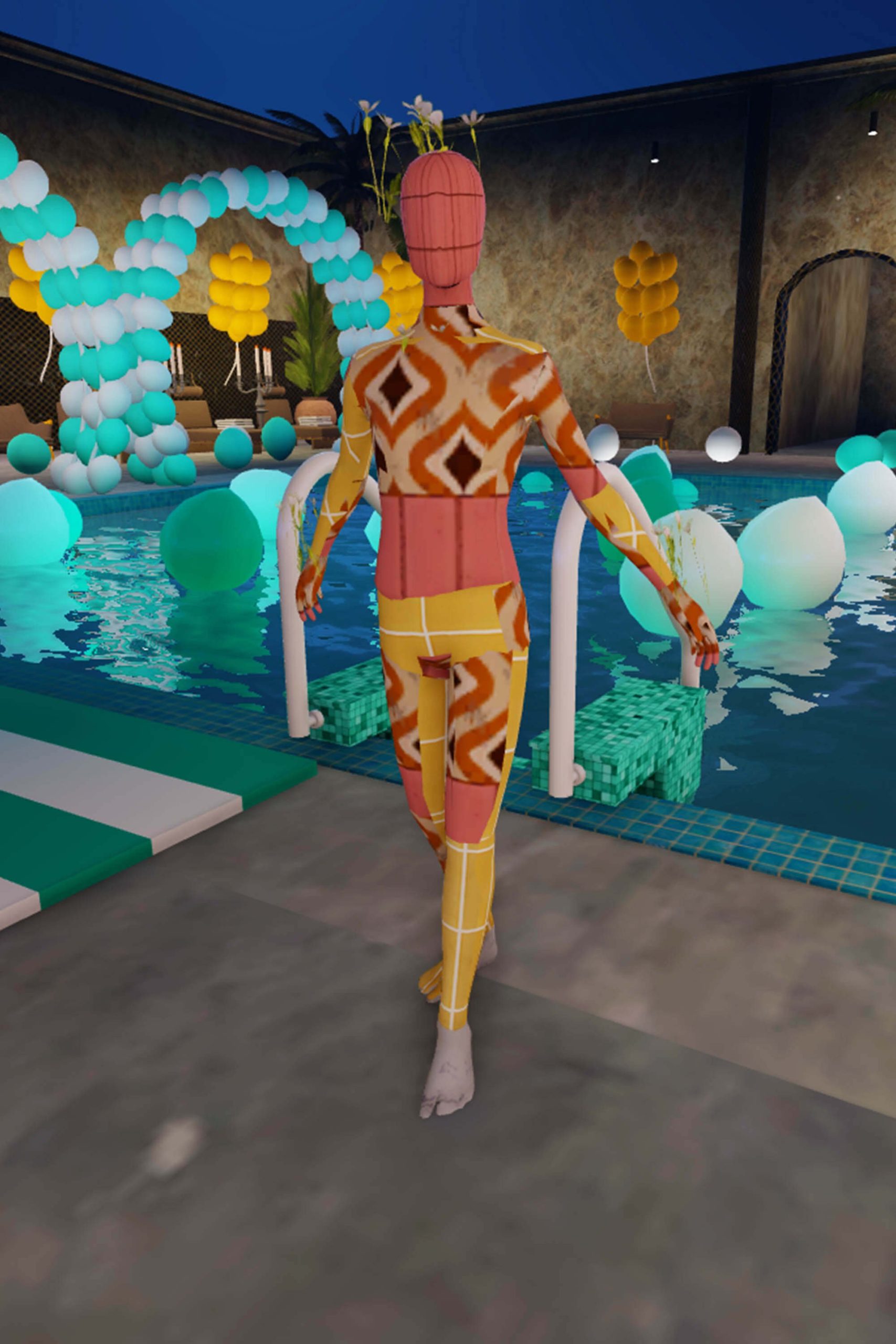
Roblox animation in virtual worlds allows developers to create engaging, interactive experiences by bringing avatars and objects to life through programmed movements and actions.
Ever wondered how characters in Roblox games move so realistically? It’s all thanks to carefully crafted animation. Roblox animation in virtual worlds gives life to these digital spaces. Developers use this technique to create immersive and memorable experiences.
From simple walks to complex fight scenes, animations drive interaction. They are key to how we perceive and engage with the virtual world. Effective animations add so much to the fun and enjoyment within a game.

Roblox Animation in Virtual Worlds: Bringing Your Imagination to Life
Let’s dive deep into the exciting world of Roblox animation! It’s more than just making your avatar move; it’s about crafting stories, creating cool actions, and building entire virtual worlds that come alive. Think about your favorite games – many of them use animation to make things look realistic and fun. In Roblox, you have the power to do the same! We’re going to explore how Roblox animation works, what you can create, and how you can get started making your own virtual masterpieces.
The Basics of Roblox Animation
Animation in Roblox involves making models and characters move in a sequence of frames. It’s like flipping through a picture book really fast; each picture is slightly different, giving the illusion of movement. There are a couple of key ways to animate in Roblox:
Keyframe Animation
What it is: This is probably the most common way to animate in Roblox. You set up “key” poses at different points in time, and the computer figures out the movements in between.
How it works: Imagine you want your character to jump. You’d set a key pose where the character is standing, another key pose at the peak of the jump, and a final pose where they land. The game will automatically fill in the in-between movements, making it look smooth.
Why it’s great: It lets you have a lot of control over how movements look. You can fine-tune each pose and movement to be exactly how you want it.
Scripted Animation
What it is: Sometimes, you want animations that happen automatically or in response to certain actions in your game. This is where scripting comes in.
How it works: You write code that tells the game how to move models and characters. This could be anything from a simple door opening animation to complex fighting moves.
Why it’s useful: Scripted animations can make your game more interactive and responsive. You can make things happen when a player touches something or triggers an event.
Example: Imagine a magical book opens when a player approaches it, all happening due to scripts.
Animation Tools in Roblox Studio
Roblox Studio has built-in tools to help you create amazing animations. These tools might seem a little tricky at first, but with practice, you will get the hang of them.
The Animation Editor
What it is: The animation editor is your main place to create keyframe animations. It displays a timeline, a preview window of your model, and the various properties of the animation.
How to use it: You load a model, create different key poses on the timeline, and tweak the animation curves to make it look just how you want it. You can also loop and adjust animation speed.
Key Features:
Timeline: Visualize the sequence of animation frames.
Keyframes: Set the poses for your model at specific moments.
IK (Inverse Kinematics): Manipulate joints easily and create natural poses.
Animation curves: Adjust the speed and feel of the movement between poses.
The Scripting Interface
What it is: The scripting interface is used to write code for animations and interact with other aspects of the game.
How to use it: You use the Lua language to add code that controls when and how animations play. You can make animations triggered by events or run automatically.
Example: If you make a button on the screen and want your character to wave when pressed, you would need scripting for that.
Key Features:
Events: Control animations that respond to player input.
Functions: Create animations and use them as needed.
Variables: Store animation objects, and trigger them in an orderly manner.
Types of Animations You Can Create
The sky is the limit with Roblox animation. You can create all sorts of movements, interactions, and effects that help build out your virtual world:
Character Animations
What they are: These are the movements your avatar makes, like walking, running, jumping, and emoting.
Why they are important: Good character animations make the game feel more immersive and realistic. They’re a core part of how the player experiences the virtual world.
Examples:
Basic movements: walking, running, jumping, swimming.
Emotes: waving, dancing, laughing, sad.
Combat: punching, kicking, sword fighting.
Special abilities: teleporting, flying, super speed.
Object Animations
What they are: Animations of non-character elements in the game, such as doors opening, lights flickering, or objects moving.
Why they are useful: Object animations can bring life to your game’s environment and add a touch of realism.
Examples:
Opening doors, chests, and containers.
Moving gears, wheels, and machinery.
Animated light fixtures, like flickering lamps.
Waterfalls and flowing lava.
Special Effects Animations
What they are: Animations used to create special effects like magic spells, explosions, and other eye-catching visuals.
Why they enhance a game: They make your game exciting and engaging. Special effects can add to the overall fun and immersion of a virtual world.
Examples:
Magic spells, like fireballs or lightning bolts.
Explosions and blasts.
Particle effects, such as smoke or sparks.
Projectiles that travel through the air.
Animated portals and gateways.
Making Animations Look Great
Just knowing how to animate is not enough. You need to learn how to make your animations smooth and believable, as well.
Timing and Spacing
What it is: How much time to spend in each animation pose. If each keyframe happens too fast, the animation might look jerky.
How to get it right: You need to spend enough time on the key pose and ensure smooth movement between poses. Slow down for slower movements and speed up for quick moves.
Tips
Experiment with different speeds and pacing.
Pay close attention to the overall rhythm of the animation.
Use the animation curves feature to fine-tune the pace.
Exaggeration
What it is: Making movements bigger and more pronounced than in real life.
Why it works: Exaggeration can make animations more dynamic and fun to watch.
How to do it: Over-extend limbs, make characters jump higher, or exaggerate facial expressions.
Examples:
A character’s eyes popping out when they are surprised.
Stretching a character’s body when they are squashed.
A super fast runner leaving a trail of dust.
Anticipation
What it is: Adding a preparatory movement before the main action, like bending your knees before you jump.
Why it helps: Anticipation gives the viewer a sense of what is about to happen. It makes animation feel more natural and believable.
How to do it: Add small movements before the main move. For example, if your character is going to throw a punch, have them wind up before the fist comes out.
Examples:
A character crouching down before jumping.
Pulling a bowstring back before releasing an arrow.
A runner leaning forward before sprinting.
Follow Through and Overlapping Action
What it is: Making different parts of a body move at slightly different times, like the clothes of a character continuing to move after their body stops.
Why it looks real: Follow through makes the animation look more natural and smooth, mimicking physics.
How to do it: Animate clothing, hair, and other elements slightly behind the main movement.
Examples:
A character’s hair flowing after they stop moving.
A cloak swinging behind a running character.
A sword continuing its swing momentum, even when the character stops.
Animating Complex Scenes
Animating multiple characters or objects moving at the same time can be tricky, but with planning and practice, you can pull off some amazing effects.
Planning Your Scene
What to do: Break down your animation into smaller parts. Think about what needs to happen first and what comes next. It’s helpful to draw out a simple plan on paper or use a storyboard.
Why it helps: Planning lets you focus on individual details and ensures everything flows together nicely.
Tips:
Start with the main movements, then add smaller details.
Use reference videos or real-world examples to guide your animation.
Use storyboarding techniques to visualise your animation.
Using Multiple Animations
What it is: Combining several animations together to achieve a complex result.
How to do it: Use scripts to play multiple animations at the same time or in a sequence.
Examples:
A character running with their arms swinging naturally.
An object moving with added sound effects.
Characters performing a choreographed dance.
Optimization
Why it’s crucial: Complex animations can slow down a game, so it’s important to optimize them. Keep animation files small, reuse animations when possible, and avoid having too many complex animations happening at the same time.
How to optimize:
Reduce the number of keyframes without sacrificing the quality.
Re-use animation parts or loop cycles.
Simplify model detail where possible, since complex models may cause lag.
Tips and Tricks for Aspiring Animators
Here are a few extra things to keep in mind as you start your Roblox animation journey:
Practice: The more you animate, the better you will become. Don’t be afraid to try new things and experiment with different styles.
Learn from others: Check out tutorials on YouTube and look at animations made by other Roblox developers. It is amazing how much you can learn from the people around you.
Use reference material: Look at real-life videos and pictures to understand how people and objects move.
Be patient: Good animation takes time and effort. Don’t be discouraged if your first few animations aren’t perfect. Just keep practicing, and don’t give up!
Get feedback: Share your work with friends and ask for their opinions. It can be very beneficial to have fresh eyes on your animation.
Start Small: Don’t try to create complex animation right away. Start with basic movements and then build your way up to bigger tasks.
Community Resources: There are many Roblox communities, forums, and groups where you can ask for help and share your work. Be sure to take advantage of these tools.
Roblox animation is a powerful tool that allows you to tell stories, create engaging experiences, and build your own virtual worlds. Whether you want to make cool character movements, impressive special effects, or fun object animations, Roblox gives you the tools to express your creativity. Start practicing, don’t stop learning, and get ready to create things that are memorable!
This journey into Roblox animation is only just beginning for you, so keep experimenting, keep creating, and keep having fun!
We've got Damiann 😈 #roblox credit by @IceCreamSandwich
Final Thoughts
Roblox animation in virtual worlds offers unique creative avenues. Animators develop dynamic experiences for players. The platform allows for a variety of styles, from simple movements to complex sequences.
This accessibility makes animation a fundamental part of many virtual experiences. Developers use it to enhance immersion and engagement. The key to success is understanding the tools and limitations.
Ultimately, roblox animation in virtual worlds shapes how players interact with and perceive these digital environments. Effective animation creates more compelling and memorable interactions.

