
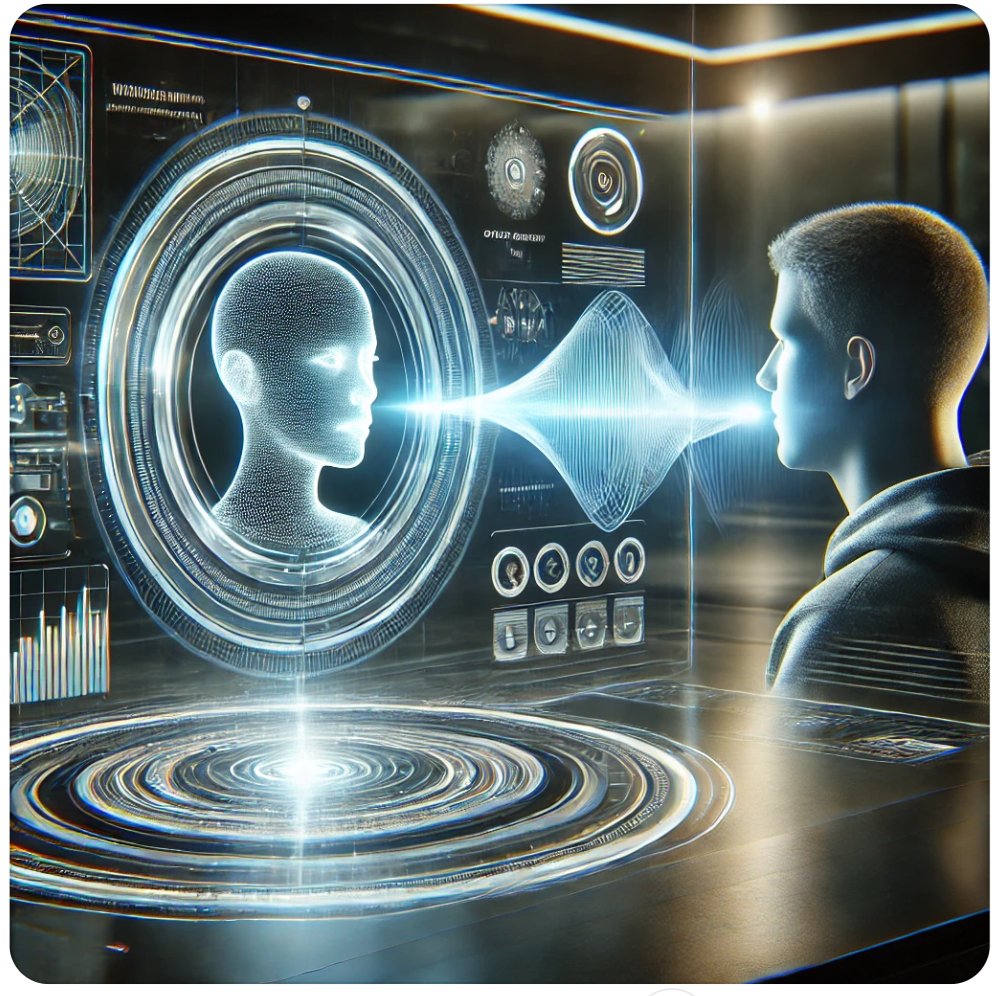
Roblox human computer interaction encompasses how players navigate and engage within the game’s virtual world, using interfaces and controls to achieve their objectives.
Ever wondered how you seamlessly jump, build, and chat in Roblox? It’s all about Roblox human computer interaction, the science of how we, as users, interact with the game. This interaction isn’t just about pressing buttons; it includes everything from understanding the menus to responding to in-game cues. The design of these interfaces greatly influences a player’s experience. Understanding this dynamic leads to better gameplay.

Roblox Human Computer Interaction: How We Play and Create
Have you ever wondered how Roblox feels so smooth and easy to use? It’s not just magic! It’s all about something called Human-Computer Interaction, or HCI for short. HCI is how we, as humans, interact with technology like computers, phones, and, yes, even Roblox! It’s about making these tools easy and fun to use. Let’s dive deep into how HCI principles make your Roblox experience awesome.
Understanding the Basics of Human-Computer Interaction in Roblox
At its core, HCI in Roblox is about creating a seamless and intuitive experience. Think about how you move your character, chat with friends, or build a fantastic world. All these actions involve HCI. It’s the design of the game that makes these actions possible, enjoyable, and not frustrating. Let’s break down some key concepts:
Input Methods: How You Tell Roblox What to Do
Input is how you, the player, send information to the game. In Roblox, there are several main ways you do this:
- Keyboard: This is how you move your character (using the WASD keys), jump (Spacebar), and type in chat. The keyboard is a very direct way to control things.
- Mouse: You use the mouse to look around, click on buttons, and select things on the screen. It’s great for precise actions.
- Touchscreen: If you play on a tablet or phone, you use your fingers to touch the screen. This lets you move, look around, and interact with the game directly.
- Gamepads/Controllers: These are used mostly when you are playing on console, it allows you to play with buttons on the controller.
The game developers design the experience so that each input feels natural and responsive. Imagine if you pressed the “W” key and your character didn’t move – that would be terrible HCI!
Output Methods: How Roblox Tells You What’s Happening
Output is how the game gives you information back. Roblox uses many different output methods to keep you informed and entertained. These include:
- Visuals: This includes everything you see on the screen – your character, the world around you, buttons, menus, and even the animations. The visual design is very important for a great experience.
- Sound: Sound effects, background music, and other audio cues let you know what is happening in the game. Think about the sound when you jump or get a coin – these tell you something important without needing to read text.
- Text: Text is used for chat, menus, messages, and game information. It’s how the game communicates with you directly using words.
- Haptic Feedback: Some devices have the feature of vibrations. These small vibrations let you know when you interact with the interface or in game events. For example, a subtle vibration when you are hit.
Core Principles of Good Roblox HCI
Good HCI in Roblox is about making the game feel natural, fun, and easy to use. Here are some of the principles that make this possible:
Visibility and Feedback
Imagine pushing a button and nothing happens. Frustrating, right? Good HCI makes it clear what you can interact with and provides immediate feedback. This means buttons should be easily visible, and when you click something, the game should quickly show you what is happening.
- Clear buttons and icons: Buttons in Roblox should be easy to see and understand, so you know what they do.
- Immediate responses: When you perform an action (like moving, jumping, clicking), the game should respond right away.
- Status updates: The game should keep you informed of important game status like health, time, and other game-specific info.
Consistency and Simplicity
Consistency means that things work the same way throughout the game. If you use “E” to interact with an object in one place, you should use “E” in other places too. Simplicity means keeping the interface straightforward and avoiding unnecessary complexity. If a game is too complicated it will be confusing.
- Consistent layouts: Menus and interfaces should look and behave similarly across different parts of the game.
- Easy-to-understand actions: The controls should be clear and easy to learn, so players are able to jump right in.
- Simple menus: Menus should be organized and easy to navigate. This avoids confusion and helps you find what you need quickly.
Learnability and Memorability
Learnability refers to how easy it is for players to figure out how to use the game. Memorability is about how easy it is to remember how to do things, even after taking a break. Good HCI design helps you become a pro quickly and stay a pro. These two points are very important in game design as nobody wants to learn a complicated game.
- Intuitive controls: Controls should be logical and easy to remember.
- Help and tutorials: New players should be able to learn the controls and game mechanics without difficulty.
- Clear prompts: The game should help you by providing prompts and guides when you need them.
Error Prevention and Recovery
Even with great HCI, mistakes can happen. Good design tries to prevent errors from occurring and helps you recover from them easily. This way the user doesn’t have to leave the game as result of confusion. For example, the game might ask “are you sure” if you try to buy something very expensive or delete an item.
- Confirmation prompts: The game should ask for confirmation before you do something important, like deleting your character.
- Undo/Redo options: Some games may have options to undo an action, which helps if you make a mistake.
- Easy restart: Players can easily restart game when they encounter error.
Specific Examples of HCI in Roblox
Let’s look at some specific examples of how HCI principles are applied within Roblox.
The User Interface (UI)
The UI is everything you see on the screen that isn’t part of the game world itself – things like menus, health bars, and chat windows. A good UI is clean, easy to navigate, and doesn’t get in the way of gameplay.
- Clean layout: The UI elements (buttons, menus, text) are arranged in a way that’s easy to understand.
- Clear menus: Finding the settings or other options is very straightforward.
- Relevant info: Important information, like your health or how much money you have, is always visible when needed.
Movement and Camera Controls
Moving your character and looking around is one of the most basic actions in any game. Roblox does a good job at this, making it feel natural and responsive.
- Responsive movement: When you press a key to walk or run, your character reacts quickly.
- Smooth camera: Looking around with the mouse or finger is easy and does not make you feel dizzy.
- Intuitive jumping: The spacebar is a common and easy-to-understand way to jump.
Chat and Communication
Chatting with friends is a huge part of the Roblox experience. The chat interface is designed to be simple and quick to use.
- Easy-to-access chat: The chat window is easy to find and use.
- Clear text: Chat messages are easy to read, and you can adjust the text size.
- Emotes: Emotes let you communicate in a fun, visual way.
The Roblox Studio Interface
Roblox Studio is the tool that developers use to create Roblox games. It’s a much more complex interface than the game itself, but it’s still designed with HCI principles in mind to help users create efficiently and effectively.
- Toolboxes: The toolbox helps developers find resources.
- Clear hierarchies: The different parts of your game are displayed in an organized way.
- Easy tools: There are tools to help you build and test your games quickly.
Accessibility in Roblox: Making the Game for Everyone
Accessibility is about making sure everyone can enjoy a game, regardless of their abilities. Roblox is working to become more accessible to all users.
Options for Visual Impairments
Some players might have trouble seeing the screen. Some useful features for these players are
- Text-to-speech: Some devices can read the text on the screen out loud, this feature allows visually impaired players to understand menus and messages.
- Adjustable font sizes: Players can increase the size of the text in the game to make it easier to read.
- High contrast settings: Increasing the contrast between the background and text can make things easier to see.
Options for Auditory Impairments
Some players may have trouble hearing the sound. Here are the features that may benefit these players
- Visual cues: Instead of just sound, some games use visual cues to alert players (like a flashing screen).
- Subtitles: If a game has speech, subtitles can be provided.
Options for Motor Impairments
Some players may have difficulty controlling the keyboard or mouse. Roblox can offer these features
- Keyboard customization: Players can change the key bindings, this helps users control the game in an easy way for them.
- Simplified controls: Some games use simplified controls, like needing less buttons to play.
- Gamepad/controller support: Many gamepads offer easier access for players.
HCI and the Future of Roblox
As Roblox keeps growing, so does the importance of HCI. Here are some things we can look forward to:
Improved Interfaces
Roblox will likely keep improving its interface, making it even more intuitive and easy to use. This means more efficient menus, more accessible options, and a better experience for all players.
- AI-Powered Interfaces: Maybe we will see AI helping players, understanding what they are trying to do and helping them on their journey.
Advanced Input Methods
We might see more ways to interact with Roblox, beyond the usual keyboard, mouse, and touchscreen. This could include using voice commands or even gestures.
- Virtual Reality (VR): Roblox is already compatible with VR, and this can change how we interact in game.
- Augmented Reality (AR): AR could one day overlay game elements onto the real world.
Personalized Experiences
HCI can be used to customize the experience for each player, making the game feel more personal and enjoyable.
- Customizable Settings: Players could have more control over game settings, like UI styles and controls.
All these advancements will make Roblox even more enjoyable and inclusive for all players. The principles of HCI are not just for making games easier to use but to make them more accessible and enjoyable for everyone. The better the HCI, the more fun and engaging the games will be.
In conclusion, HCI plays a vital role in the Roblox experience. From how we move our characters to the way we create amazing worlds, good HCI principles make the game easy, fun, and accessible. As Roblox continues to grow and change, these principles will only become more important. By understanding and improving HCI, we can make the world of Roblox more engaging for everyone.
Can you make a living off of roblox?
Final Thoughts
Effective Roblox human computer interaction creates engaging and enjoyable player experiences. Developers must prioritize intuitive interfaces and clear feedback mechanisms. Thoughtful design choices enhance navigation and overall game play.
Optimizing user interfaces for accessibility makes games inclusive. Understanding player behavior allows developers to refine their designs. Focusing on Roblox human computer interaction is key to success.

