
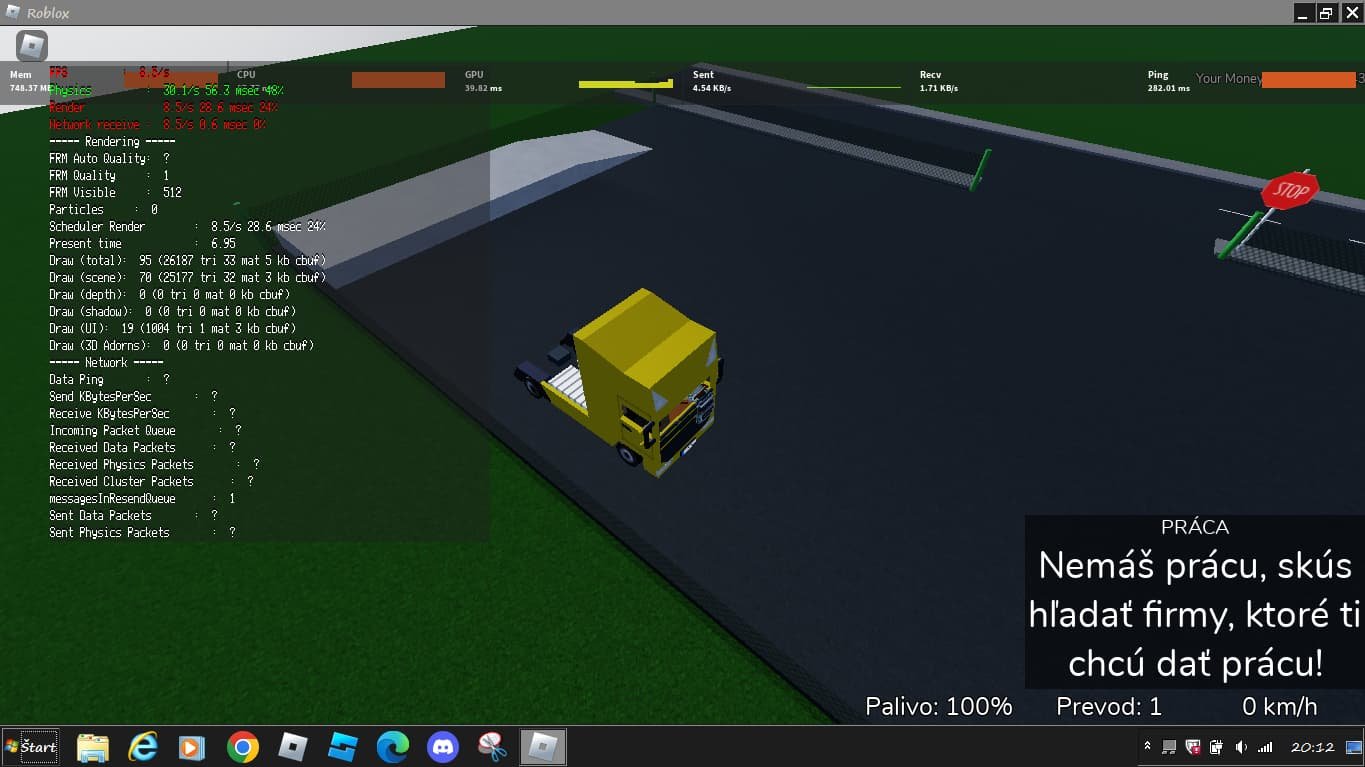
Creating a compelling Roblox single player game design requires a focus on engaging mechanics, narrative elements, and challenges that are suitable for individual player progression and enjoyment.
Ever dreamed of crafting your own solo adventure on Roblox? Building worlds where players explore at their own pace is totally achievable. The key is understanding that roblox single player game design differs greatly from multiplayer experiences. Players want a self-contained journey, not just a place to hang out. We will explore this single player design topic further in this blog.

Roblox Single Player Game Design: Creating Immersive Worlds
Creating a captivating single-player game on Roblox is like building your own special world. It’s a chance to tell a story, present challenges, and let players explore at their own pace. Unlike multiplayer games where you’re playing with others, single-player experiences are all about the player’s personal adventure. This means you need to think carefully about the details that will keep them engaged and entertained. Let’s dive into how you can design fantastic single-player games within Roblox.
Understanding the Core of Single-Player Game Design
Before you start building, it’s helpful to understand what makes a great single-player game. It’s not just about having a map to wander around. It’s about creating a journey that is rewarding and interesting. Here are the key elements to keep in mind:
Storytelling and Narrative
A good story can make a game much more enjoyable. It gives players a reason to play and helps them feel connected to the world you’ve created. Think about these aspects:
- The Main Goal: What is the player trying to accomplish? Is it finding a treasure, saving someone, or escaping a dangerous place?
- Interesting Characters: Even if it’s just the player, the character should feel special. You can create a backstory or give them special abilities to make them unique.
- Setting the Scene: The world around the player needs to tell a story too. How does it look? What are the details that make it special?
- Plot Twists: Small surprises can make the game more interesting. Maybe something changes unexpectedly or a character reveals a secret.
Engaging Gameplay Mechanics
Gameplay is how the player interacts with your game world. You need to make sure that it feels fun and rewarding. Consider these points:
- Movement and Controls: How does the player move around? Is it smooth and easy to learn? Simple controls are key for new players.
- Challenges and Puzzles: What kind of challenges will they face? Puzzles, obstacles, and problems to solve make a game more interactive.
- Progression System: How does the player grow or get better? Maybe they get stronger, learn new skills, or collect items that help them along their journey.
- Rewards and Feedback: What do they get when they complete a challenge? Positive feedback makes players feel they’re making progress. Rewards can be items, abilities, or even just a message that says “good job!”
The Importance of Level Design
The way you design your levels is a big deal. It guides the player through the game and sets the tone for their experience. Here’s what to keep in mind:
- Pathways and Flow: Guide the player where you want them to go without making it too obvious. Use landmarks and interesting spots to lead them.
- Visual Variety: Don’t make all the areas look the same. Change the colors, details, and lighting to keep the game interesting.
- Secrets and Exploration: Hiding small things that players can find by going off the main path can be really fun. This makes the world feel more alive.
Building Your Roblox Single-Player Game
Now that we’ve covered the basics, let’s talk about how to actually make your game. Building in Roblox is like playing with digital LEGOs. You can create anything you imagine. Here’s a simple guide to get started:
Planning Your Game
Before jumping into Roblox Studio, you should have a plan. Think about the story, characters, and main gameplay. It’s helpful to write down ideas, make simple drawings, and think about how the game will feel to play.
- Brainstorm Ideas: What kind of game do you want to create? A puzzle game? An adventure game? A horror game? Write down all your ideas, even the ones that sound silly.
- Create a Story Outline: What will happen in your game? Write a basic story, or at least the main plot points. This will be your guide as you build the game.
- Sketch a Simple Map: Draw a rough layout of your game world. You don’t need anything fancy, just something to show where the main areas will be.
- Plan your Challenges: What will the player do in your game? Come up with some interesting challenges that players will enjoy completing.
Using Roblox Studio
Roblox Studio is your main tool for making games. You can use it to build, write code, and test your creations. Here are the basics:
- The Interface: Learn the basic tools like the “Select,” “Move,” “Rotate,” and “Scale” tools. These will let you build and adjust your game’s world.
- Adding Parts: Use the “Part” button to add basic shapes like cubes, spheres, and cylinders. These are the building blocks of your game.
- Changing Colors and Materials: Make your parts look interesting by changing their color and material. You can make parts look like wood, metal, or even glowing goo.
- Adding Models: Find models in the Roblox Toolbox to add pre-made objects like trees, houses, and other cool things. Be careful to choose models that are appropriate.
- Using Lua Scripting: Learn some basic coding to make things happen. Scripts let you add interactivity to your game, like moving platforms or items you can pick up.
Level Design in Roblox Studio
Now let’s go more deeply into how to build your levels:
- Start with the Base: Lay down a basic foundation or floor for your game level. Use parts that are easy to build with.
- Build Walls and Obstacles: Use parts to create paths, obstacles, and barriers that guide the player through your game.
- Use Lighting: Add light sources to make your game look good and to create different moods. You can make a bright sunny day or a dark and creepy night.
- Add Details: Add small details like plants, rocks, and other things to make your game world feel alive. These small touches make a big difference.
- Test as You Build: Play your game as you are making it. This way you can make sure your world looks good, plays well, and feels fun.
Adding Interactivity
Making a game that feels alive means making sure players can do things, and that these actions have effects.
- Basic Interactions: Make it so players can pick up items, activate switches, and interact with other things in the world.
- Using Triggers: Use scripts to make things happen when the player steps on a certain area or interacts with a specific object.
- Simple UI Elements: Create simple text boxes to give players hints or instructions.
- Sound Effects: Add sound to your game to make it more engaging. The player should hear sounds when they interact with the game elements.
Advanced Techniques for Single-Player Experiences
Once you have a handle on the basics, you can explore some advanced techniques to make your games even better.
Advanced Storytelling Techniques
Go beyond the basics of a story and make it truly special:
- Dialogue Systems: If you want to include characters, make it so the player can talk with them. Use dialog boxes to create conversations that help move the story forward.
- Environmental Storytelling: You can tell a story with the world around the player. Details in the level can suggest a background story without using words.
- Cutscenes and Sequences: You can create short animations that tell a part of the story. Use scripts to trigger them at certain points in the game.
- Branching Narratives: Allow player choices to change the story’s direction. Different choices can lead to different outcomes, offering more replayability.
Sophisticated Gameplay Mechanics
Make the game more complex, interesting and satisfying:
- Inventory Management: Let players collect and use items they find in the game world. Managing resources can add another layer of gameplay.
- Skill Trees or Upgrades: Allow the player to improve their character’s skills or abilities over time. This will make the player feel like they are growing stronger.
- Enemy AI (If Applicable): If you have enemies in your game, make them smart. Give them interesting behaviors so they are not too easy to beat.
- Customizable Options: Let players customize some of their character’s appearance, or game difficulty. This allows players to play in a way that best fits them.
Advanced Level Design
Go beyond the basic level layouts to create memorable environments:
- Verticality: Use height to make your levels more exciting. Build stairs, cliffs, and tall structures that players can climb to.
- Hidden Areas: Include areas that are hard to find but reward players that explore. These hidden zones can have special items or story elements.
- Atmospheric Design: Use lighting and sound to create different moods in different areas. Make the player feel scared, happy, or relaxed as they move through the game.
- Dynamic Environments: If you’re up to it, create changes in the level that happen as the player advances. This can make the world feel alive and reactive.
Testing and Refining your Game
Even the best games need testing. It’s important to play your game, get feedback, and make changes to improve the experience.
Playtesting Your Game
- Play Your Own Game: First, play your own game over and over to spot problems. Find glitches, and anything that doesn’t feel right.
- Ask Friends to Test: Let your friends or other players try out your game. Their fresh perspective can reveal issues you might have missed.
- Watch Players: Watch how other people play your game. Notice where they get stuck or if they seem confused, this gives you an idea where to improve.
- Gather Feedback: Ask testers to tell you what they liked and didn’t like. Use their comments to make your game better.
Making Changes Based on Feedback
- Fix Bugs: Correct any errors that make the game not work correctly.
- Adjust Difficulty: Change the challenge to match the players’ skills. Is it too hard? Too easy?
- Improve Level Design: If players are getting stuck or confused in certain areas, rethink those sections.
- Add More Content: If players think the game is too short, add more levels, challenges or secrets.
The key to creating an amazing single player experience on Roblox is to be creative, try new things, and most of all, have fun. Keep building, keep learning, and you’ll make amazing games that players will love.
How I Learned To Make Roblox Games in a Week
Final Thoughts
In essence, successful roblox single player game design hinges on creating engaging player experiences. Focus on strong core mechanics and a well-defined progression system. A compelling narrative and clear objectives keeps players invested.
Remember level design greatly impacts the single-player feel. Use environments to guide the player and create challenge. Careful consideration given to these elements helps enhance a user’s enjoyment. This makes the game more enjoyable.

