
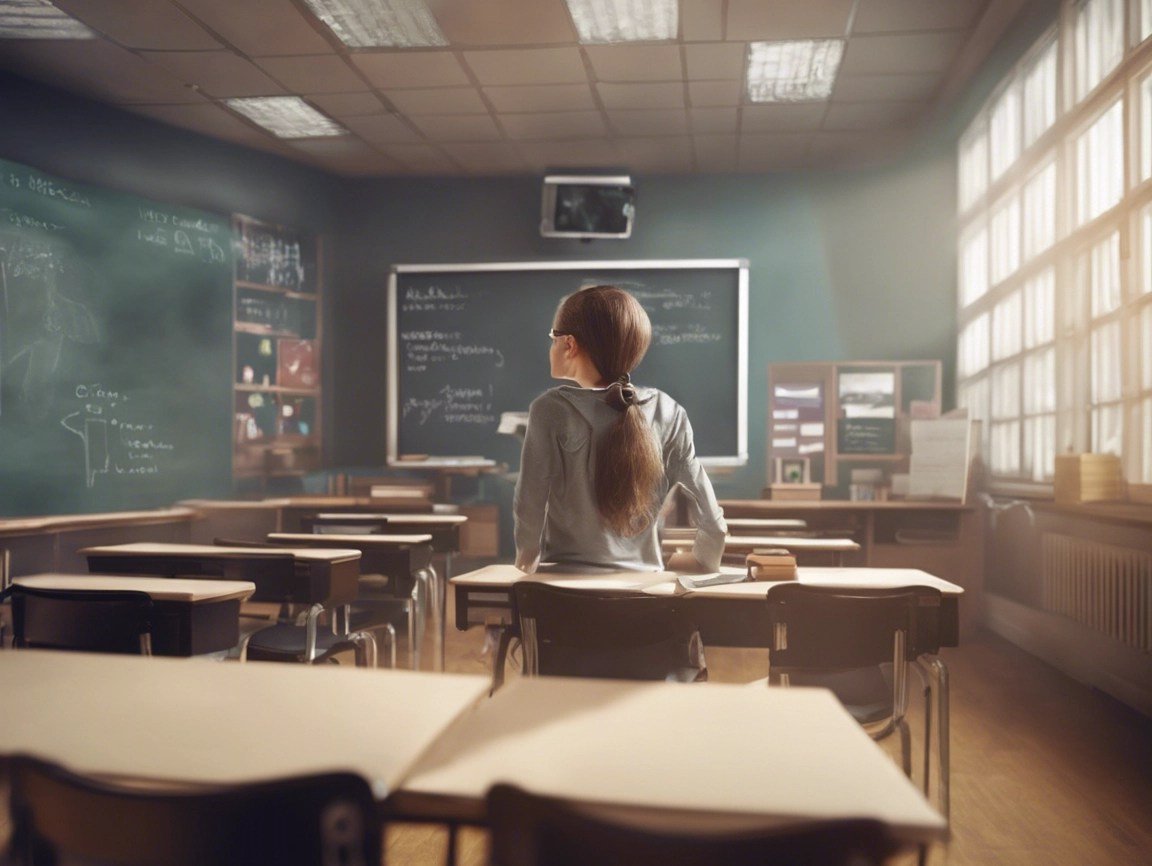
Roblox virtual classroom setups utilize in-game building tools and scripting to create interactive learning spaces, fostering engagement in a familiar environment.
Have you ever thought about making education more fun and engaging? Picture this: learning math inside a vibrant castle or exploring history in a detailed ancient city, all within the world of Roblox. This is the potential of roblox virtual classroom setups.
These setups allow educators to create custom learning experiences. Students interact directly with the material in an environment they already enjoy. It’s a fantastic blend of play and education.

Roblox Virtual Classroom Setups: A Deep Dive
Alright, let’s talk about something super cool: turning Roblox into a virtual classroom! Imagine learning about history while walking through ancient Rome, or doing science experiments in a digital lab. That’s the magic of using Roblox for education. It’s not just about playing games anymore; it’s about building awesome learning spaces. We’re going to explore all the fun, creative, and super useful ways you can set up your own Roblox virtual classroom. Ready to jump in?
Why Choose Roblox for Virtual Learning?
You might be wondering, “Why Roblox? There are lots of other learning platforms.” That’s a great question! Roblox has a bunch of things going for it that make it a fantastic choice for education:
Engaging and Interactive
First, it’s super engaging! Kids already love Roblox. By using a space they’re familiar with, they’re much more likely to participate and have fun while learning. Think about it: instead of reading a textbook, they’re exploring a world they can actually interact with. This makes learning feel less like work and more like an adventure. They can move around, see things from different angles, and even build stuff themselves.
Creative Freedom
Roblox gives you a lot of creative control. Teachers and even students can build the classroom exactly how they want it. Want a spaceship classroom? Go for it! A jungle classroom? No problem! The possibilities are really endless. This freedom to customize makes each learning experience unique and exciting.
Collaborative Learning
Roblox is built for multiplayer experiences. That means students can work together on projects, explore the same world at the same time, and help each other out. This builds teamwork skills and fosters a sense of community, even when you’re learning online. It’s like having a classroom where everyone can participate and contribute at the same time, which is something that is sometimes hard in a traditional setup.
Accessibility
Roblox is available on lots of devices, like computers, tablets, and phones. This makes it accessible to many learners, no matter what kind of tech they have at home. Plus, it’s free to play, which removes a barrier for schools and families that are on a budget. This means more students can have the chance to experience a new way of learning.
Setting Up Your Roblox Virtual Classroom: Step-by-Step
Now, let’s get into how you actually create your own virtual classroom. It might seem a little tricky at first, but don’t worry, we’ll walk through it step-by-step.
Planning Your Space
Before you even touch the keyboard, it’s important to plan what you want your classroom to look like. Ask yourself some questions:
- What subjects will you be teaching in this space?
- What kind of activities will students be doing?
- How big do you need the space to be?
- Do you want to replicate a real-world classroom or create something completely unique?
Think about the overall theme and layout. You could draw a sketch of your ideas or use a whiteboard to brainstorm with your students if they’re involved. This planning will save a lot of time and effort later.
Using Roblox Studio
To build your classroom, you’ll need to use Roblox Studio. It’s a free tool that lets you create your own Roblox games and experiences. Here’s what to do:
- Download Roblox Studio: Go to the Roblox website and download Roblox Studio.
- Create a New Game: Open Roblox Studio and create a new game. You can start with a blank baseplate or pick a template to begin with.
- Add the Basics: Start with a floor, walls, and a ceiling to form the main room. You can use simple blocks or get creative with different shapes.
- Add Furniture: Then, add things like tables, chairs, and whiteboards. You can find lots of these items in the Roblox Studio toolbox (or you can try to create your own!)
- Make It Educational: Now comes the fun part! Add educational elements like posters, models of historical artifacts, or interactive science equipment. Make it match what you’ll be teaching!
Remember, you don’t have to be a professional builder. The most important thing is to create a space that is functional and helpful for learning. Feel free to experiment and have fun with it! Don’t be afraid to try out different objects and colors to see what works best.
Adding Interactive Elements
The power of Roblox is in its interactivity. Here’s how you can add some interactive elements to your classroom:
- Buttons and Switches: Add buttons or switches that trigger events like opening doors, playing audio clips, or displaying information.
- Teleporters: Use teleporters to move students to different areas within the classroom or to different learning environments entirely. Imagine teleporting to a volcano during a science class!
- Quizzes and Challenges: You can set up quizzes and challenges that students can complete within the classroom. These can range from simple multiple-choice questions to complex puzzle games.
- Interactive Models: Use 3D models of molecules, planets, or other learning objects that students can pick up, move, or manipulate.
- Scripting: For more advanced interactivity, you can use Lua scripting (Roblox’s programming language). This allows for complex interactions and custom experiences.
Designing Specific Classroom Types
Different subjects may need different classroom layouts. Let’s look at some examples:
Science Lab
For a science class, you’ll want to include things like:
- Lab tables with equipment
- Beakers, test tubes, and microscopes
- Interactive chemical elements and experiments
- Safety equipment like goggles and fire extinguishers
- A place to record experiment results
History Museum
If you’re teaching history, try this layout:
- Different sections or displays for each era or event
- 3D models of historical artifacts, buildings, and people
- Informative signs or descriptions
- Interactive timelines or maps
- A “walk-through” experience to feel immersed
Language Arts Classroom
Here are some ideas for a reading or writing environment:
- A library with virtual books that can be opened and read
- A comfortable reading nook
- Writing prompts displayed on virtual whiteboards
- A performance stage where students can share stories or speeches
- Interactive vocabulary games
Math Classroom
Here’s how you can create a fun math learning environment:
- Interactive number lines or geometry tools
- A space for solving problems on a digital board
- 3D shapes that students can manipulate
- Games and puzzles that focus on math concepts
- A place to record and share answers
Optimizing Your Roblox Classroom for Learning
Creating a classroom is one thing, making it really effective for learning is another. Here are some ideas to make your Roblox classroom really shine:
Clear Signage and Navigation
Make sure your classroom is easy to navigate. Use clear signs, arrows, and labels to guide students to different areas. If it’s confusing, students will spend more time trying to get around rather than learning.
User-Friendly Interface
Keep the interface simple and easy to use. Students need to be able to focus on the learning material, not on figuring out how to use the classroom. Keep menus and tools uncluttered and intuitive.
Visual Appeal
While it’s important for the classroom to be functional, make it visually appealing. Use colors, textures, and lighting to create a pleasant learning environment. It helps make it more inviting and motivates students to explore the space. Think of it as a space you’d want to learn in yourself.
Incorporating Voice Chat
Using the in-game voice chat feature can greatly enhance communication and interaction between students and teachers. You can have class discussions, collaborate on projects, or have students explain what they are doing in real-time, similar to a real classroom.
Classroom Management Tools
Roblox doesn’t have built-in classroom management tools, but you can set some guidelines and establish some ground rules for behavior. For example, you could establish areas for working together and areas for quiet study. Remember to make these rules clear to all students.
Regular Updates and Improvements
Don’t be afraid to make changes to your classroom as you go. Gather feedback from your students and adjust the layout, content, or activities as needed. It is important to continually refine and update the space to keep it fresh and engaging.
The Role of the Teacher in a Roblox Classroom
The teacher is still key in a virtual Roblox classroom. Your role might look a bit different, but you’re still there to guide, encourage, and help learners. Here’s what a teacher might do in this new setting:
Facilitating Learning
Instead of just lecturing, your focus will be on facilitating learning. You’ll guide students through activities, help them solve problems, and encourage them to explore and think critically. You’ll be more of a learning guide than a lecturer.
Creating Engaging Activities
You’ll create engaging activities that take advantage of the interactive features of Roblox. This could be treasure hunts for vocabulary, collaborative building projects for history, or virtual experiments for science. The more interactive the activities, the more interested the students will be.
Monitoring and Assessing Progress
You’ll need to monitor students’ progress and assess their learning in the virtual world. This could involve observing their participation, reviewing the results of virtual quizzes, or having students present their work through screen recordings or voiceovers. The assessment will require new ways to track progress.
Providing Support and Feedback
Just like in a traditional classroom, you’ll need to provide support and feedback to your students. You can do this through voice chat, in-game text messaging, or by leaving comments on their work within the classroom environment. Quick feedback is really important in making progress.
Technical Assistance
Finally, you might need to provide some technical support. You might have to help students with getting into the Roblox classroom, learning how to move around, or using the interactive tools. Be prepared to offer a little tech support alongside your teaching duties.
Challenges and Solutions
Like anything new, there are some potential challenges when setting up a Roblox virtual classroom. Here are some common issues and ways to tackle them:
Student Distractions
Roblox is a game, so students might get distracted by the entertainment side of things. To help with this:
- Establish clear rules and expectations for behavior within the classroom.
- Design engaging and structured activities that keep students focused.
- Use the classroom management tools like kicking/banning users or blocking chat in severe cases.
Technical Issues
Technical glitches can happen. This might include issues with internet connections or problems with the Roblox platform itself. Here are some tips to minimize disruptions:
- Test the classroom and all activities before starting a lesson.
- Have a backup plan in case something goes wrong.
- Encourage students to have their devices updated and to try a different device if they are experiencing problems.
Accessibility for All Learners
Make sure your classroom is accessible to all learners. This includes students with disabilities or those who might need specific accommodations:
- Provide options for visual and auditory learning.
- Ensure the interface is easy to use for all students.
- Offer alternative ways for students to complete activities if needed.
Keeping it Secure
It’s crucial to keep the Roblox classroom safe and secure. Set permissions carefully, monitor interactions, and establish safety guidelines. You can choose to keep your classroom private so that only the students can access it.
By planning ahead and anticipating potential issues, you can create a safe and productive learning environment for your students.
Creating a Roblox virtual classroom may feel like a big task, but the results can be incredibly rewarding. It is a chance to bring new kinds of educational experiences to students and make learning fun and engaging. With careful planning, design, and management, your Roblox virtual classroom can truly help students in their educational journey.
HOW TO PLAY ROBLOX AT SCHOOL
Final Thoughts
Roblox virtual classroom setups offer engaging learning spaces. Educators can create interactive lessons. These platforms foster student collaboration and creativity.
Effective setups require careful planning. Thoughtful design keeps students focused. Proper platform management is also vital.
Ultimately, well-designed Roblox virtual classroom setups enhance educational experiences. They provide unique ways for students to learn.

