
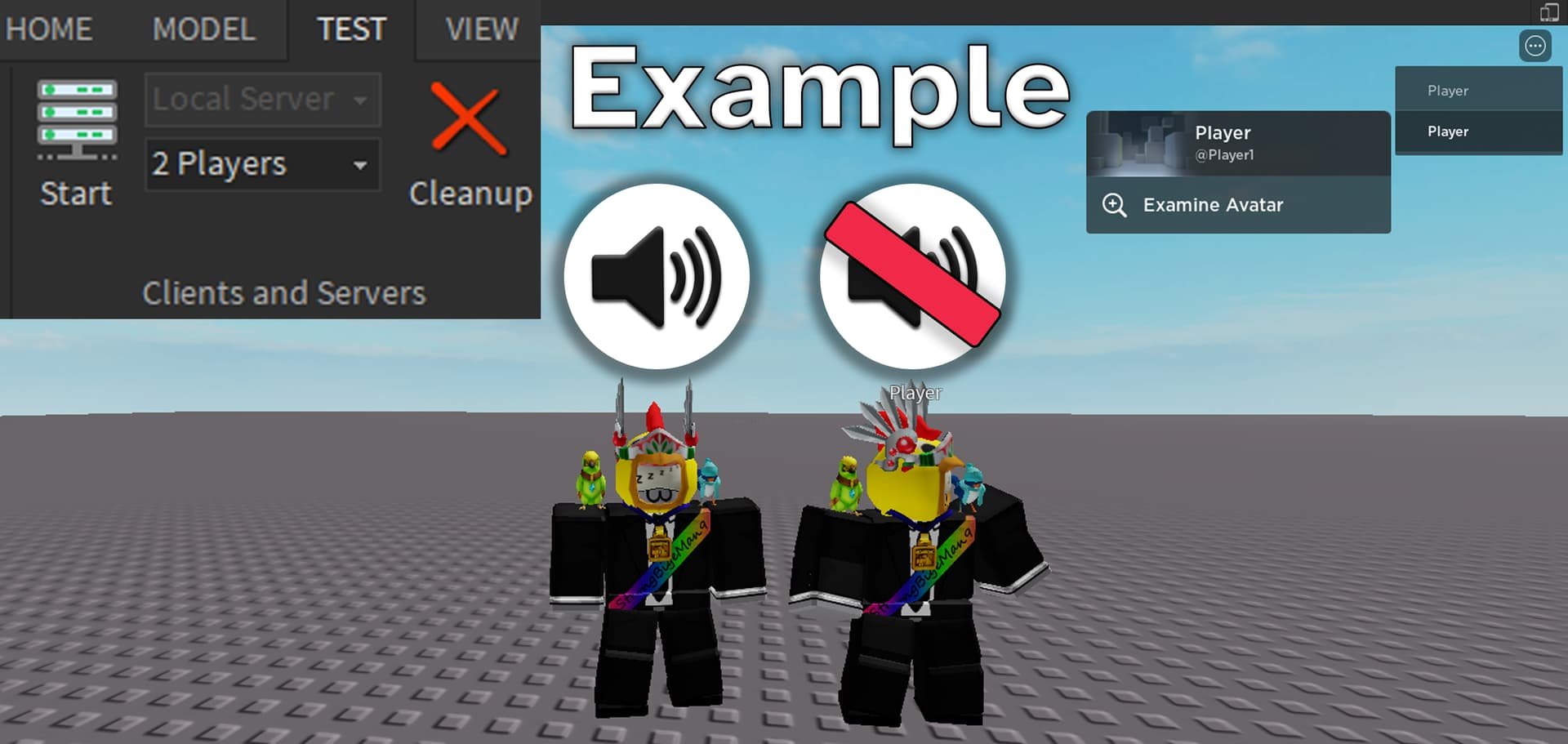
Roblox voice chat implementation involves enabling the feature in your account settings, verifying your age, and using the designated push-to-talk or voice activation button while in compatible experiences.
Ever wondered how players connect using their voices within the vast world of Roblox? The ability to communicate directly through speech greatly enhances the social gaming experience. Roblox voice chat implementation provides a more immersive way to connect with friends and other players.
This feature, though simple in its execution, requires a few steps for new users. Once enabled, it completely changes how you play and interact in-game. You will find communication to become more dynamic and engaging.

Roblox Voice Chat Implementation: A Deep Dive
Hey there, Roblox fans! Have you ever wished you could just talk to your friends while you’re exploring a new game or building something amazing together? Well, you’re in luck! Roblox has a super cool feature called voice chat, and it’s changing how we play. Let’s explore how Roblox voice chat works, how to get it, and how to stay safe while using it.
What is Roblox Voice Chat?
Imagine being able to hear your friend’s excited screams when you finally beat that tricky obstacle course, or planning your next epic build with clear instructions. That’s what Roblox voice chat brings to the table. It lets you talk to other players in real-time using your microphone. It’s like having a walkie-talkie built right into the game!
How Does it Work?
Roblox voice chat uses your device’s microphone to pick up your voice and sends it to other players nearby in the game. When someone is talking, you’ll see a little microphone icon above their avatar. It’s pretty similar to how you might talk on a video call, but it’s all happening directly within the Roblox world. The best part? It makes games way more fun and social! It brings a new layer of connection while playing games with your friends.
Why Use Voice Chat on Roblox?
Voice chat is a game-changer, bringing new ways to have fun and interact on Roblox. Here are some reasons why it’s awesome:
- Better Teamwork: Need to coordinate your moves in an obby? Voice chat makes it super easy to talk tactics and win together.
- Making New Friends: It’s easier to connect and build friendships with people when you can talk to them directly.
- More Immersive Gameplay: Hearing your friends laugh, cheer, or give hints brings your gameplay to life!
- Faster Communication: Forget typing out long messages! Talking is much faster, letting you get straight to the action.
- More Fun: Simply put, playing with voice chat is just plain more fun and interactive.
How to Enable Voice Chat on Roblox
Okay, you’re probably thinking, “How do I get in on this voice chat action?” It’s pretty simple! Here’s a step-by-step guide:
Eligibility
Before you can use voice chat, there are a few things you need:
- Age Verification: You must be 13 years or older. Roblox asks you to verify your age, and they do this by requesting that you submit a photo of your ID (like a driver’s license, passport, or other government-issued ID).
- Microphone: You’ll need a working microphone on your device. Most computers, tablets, and phones have built-in microphones, but you can also use an external one for better sound quality.
The Verification Process
Here’s how to get your age verified and enable voice chat:
- Go to Your Settings: Log into your Roblox account and head over to your account settings. You can find it by clicking the gear icon.
- Find the Privacy Tab: Look for the ‘Privacy’ tab in your settings menu.
- Enable Voice Chat: You’ll see a section about communication preferences. You’ll see a toggle option to enable voice chat, but only if you’re eligible.
- Verify Your Age: If you’re eligible, the system will prompt you to verify your age. You’ll need a valid photo ID and a working camera on your device to do so. They’ll ask you to take a picture of your ID and then take a photo of your face.
- Wait for Approval: Once you’ve submitted everything, Roblox will review it. This usually doesn’t take too long and you will get notified once your age is verified.
- Restart Roblox: After your age is verified and voice chat is enabled, you might need to restart your Roblox app or browser to see the change.
That’s it! Once verified and enabled, you’re ready to start talking with your friends in Roblox games!
Voice Chat Settings: Making It Your Own
Roblox also gives you a range of settings to control your voice chat experience. Let’s check them out:
Mute and Volume Controls
You have complete control over who you hear and how loud they are. You can mute specific players if you don’t want to hear them and also adjust individual volume settings.
- Muting Players: If someone is being too loud, or you just need some quiet time, you can easily mute them by clicking on the microphone icon above their avatar. This will stop their voice from coming through to you.
- Adjusting Volumes: You can also adjust the volume of other players’ voices so that they are just right for you. You may want to hear some players louder than others.
Privacy Settings
You can control who can talk to you and who can hear you. This can also be managed in the privacy settings.
- Limiting Conversations: You can set it so only your friends or people you’ve joined a server with can talk to you. This helps keep your conversations in the game a bit more private.
- Controlling Who Hears You: Roblox also gives you options to control who hears your voice. This can be useful if you only want to chat with people you know and trust.
Roblox Voice Chat: Staying Safe
While voice chat is super fun, staying safe is really important. Here’s what you need to know:
Respect Others
Just like in real life, it’s essential to treat others with respect in voice chat. Don’t say anything you wouldn’t say to someone in person. This helps keep Roblox a happy place for everyone.
Don’t Share Personal Information
Avoid sharing things like your full name, address, or phone number. Keep these details private to keep your information safe.
Be Careful with Strangers
Be cautious when talking to people you don’t know very well. If someone makes you feel uncomfortable, it’s okay to mute them, and if it is something you think Roblox should know, report them!
Reporting Inappropriate Behavior
Roblox has a reporting system to help keep the community safe. If someone says or does something that makes you uncomfortable or breaks the rules, report it right away!
Trusted Adults
If you ever feel confused or uncomfortable by something that happens in voice chat, it’s always a good idea to talk to a trusted adult like your parents or a teacher. They can help you stay safe.
Troubleshooting Voice Chat Issues
Sometimes, things don’t work perfectly. If you’re having trouble with voice chat, here are a few things you can try:
Microphone Problems
- Check Your Microphone: Make sure your microphone is plugged in correctly (if it’s an external one) and that it’s set as the default microphone in your device’s settings.
- Test Your Microphone: Most operating systems have a tool to test your microphone. Make sure it’s working correctly outside of Roblox.
- Allow Microphone Access: Sometimes, the browser or app might ask for permission to use your microphone. Make sure you allow it for Roblox.
Sound Issues
- Volume Settings: Check your game’s volume settings and make sure the voice chat volume isn’t turned down too low.
- Check Speaker Connections: Ensure your speakers or headphones are working correctly.
- Restart Roblox: Sometimes simply restarting the game can solve many sound-related problems.
Connection Problems
- Check Your Internet Connection: Voice chat needs a good internet connection to work smoothly. Make sure your Wi-Fi is working or try connecting using an ethernet cable for a more stable connection.
- Restart Your Router: If your internet seems slow, try restarting your router.
The Future of Roblox Voice Chat
Voice chat is a game-changer for Roblox, and it’s constantly getting better. Roblox is always working on ways to make voice chat more secure, reliable, and fun for everyone. As technology progresses, we can anticipate even more features and improvements, making our experience on Roblox even more immersive and interactive. They are planning to incorporate additional languages, improvements to voice quality, and even additional privacy controls as the platform progresses, so stay tuned. The future of playing and connecting on Roblox is bright!
So, whether you’re coordinating a building project, strategizing in a battle game, or just hanging out with your friends, voice chat is a great way to take your Roblox experience to the next level. Just remember to be respectful, stay safe, and have a blast!
How to enable voice chat in Roblox #roblox
Final Thoughts
Roblox voice chat implementation allows for richer social interaction within the game. Players can now communicate more effectively, coordinating strategies and building connections through spoken word. This adds a new layer of immersion.
The feature also presents challenges, such as moderation and ensuring user safety. Developers are continually working to improve the voice chat experience. A safe and enjoyable environment is very important.
Ultimately, roblox voice chat implementation represents a significant step. It enhances the platform’s social aspect, while requiring careful development and continuous adjustments to keep it safe for everyone.

