
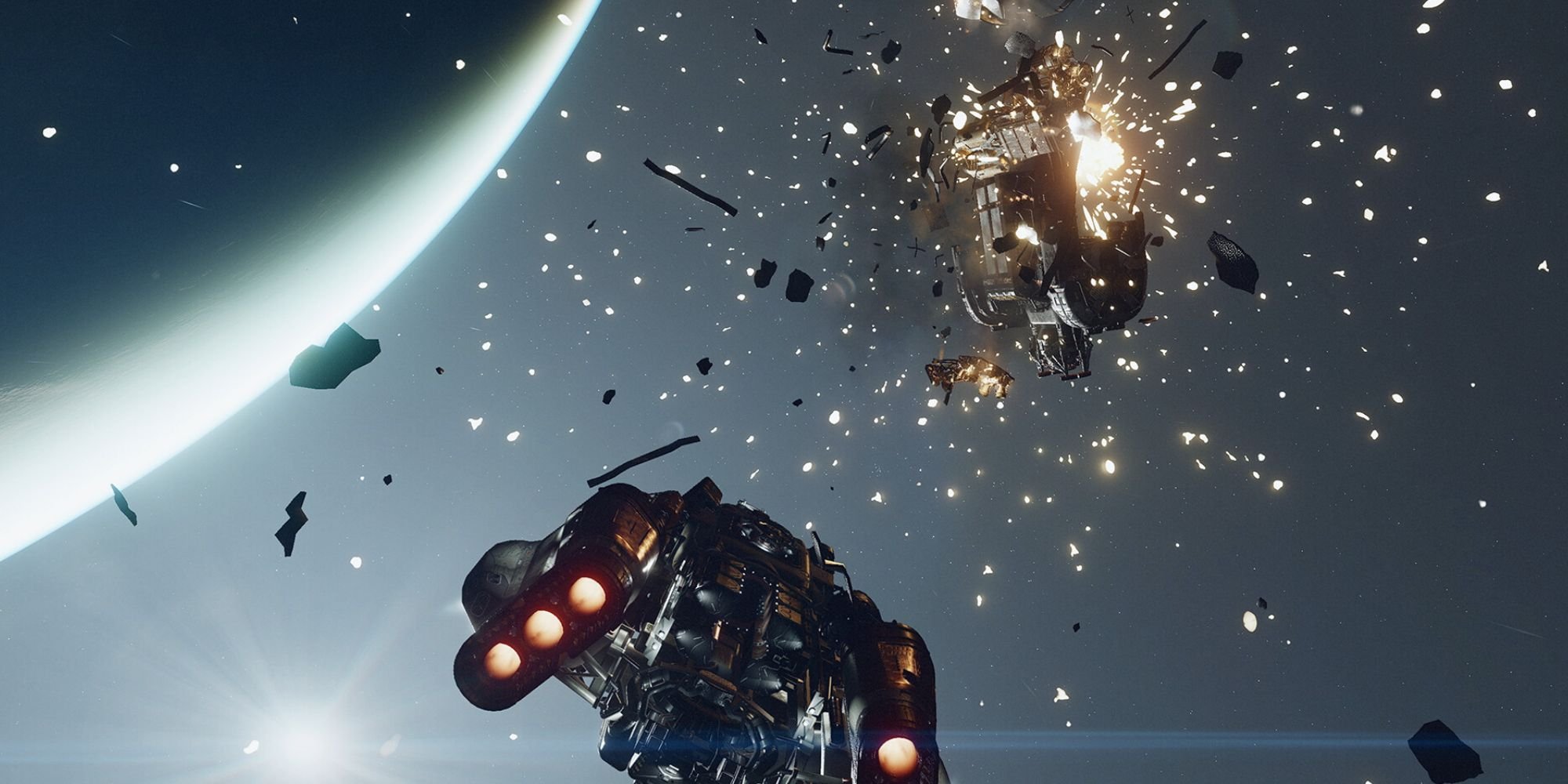
Efficiently travel in Starfield space by upgrading your ship’s grav drive, utilizing fast travel between known locations, and carefully planning your routes to minimize jumps.
Venturing into the vast expanse of Starfield, you quickly realize space travel is central to the experience. But how do you make the most of your journey through the stars? Many players are asking, “Starfield how to effectively travel in space?”
It’s essential to understand the mechanics at play here. Don’t simply wander; invest in upgrades and plot your course wisely to get where you need to be.

Starfield How to Effectively Travel in Space
Space travel in Starfield is a big part of the game, and knowing how to do it well can make your adventures much smoother and more fun. It’s not just about pointing your ship and going – there are different ways to get around, things to consider, and skills that can help you on your journey. Let’s dive into the ins and outs of getting from planet to planet, system to system, and everything in between.
Understanding Your Ship’s Capabilities
Before you take off, you need to know what your ship can do. Think of it like learning the features of a new car. Each ship in Starfield has different stats that affect how it travels through space.
Key Ship Stats for Travel
- Jump Range: This tells you how far your ship can jump between star systems. A higher jump range means you can travel to more distant locations without needing to make multiple hops.
- Fuel Capacity: Like a car, your ship needs fuel to travel. A higher fuel capacity means you can make longer journeys before needing to refuel. Keep an eye on that fuel gauge!
- Shielding and Hull: While not directly related to travel speed, a strong shield and hull can save you from pirate attacks and other dangers that you might encounter during your travels.
How to Check Your Ship’s Stats
You can find your ship’s stats in the ship menu. To get there, open the main menu, go to “Ship,” and select “Ship Builder.” Look for things like “Jump Range” and “Fuel.” Understanding these numbers is very important for planning your space routes.
The Basics of Space Travel
Space travel in Starfield has a few core mechanics you should know. It’s like learning the rules of a board game before you start playing.
Grav Jumping
Grav jumping is how you travel between star systems. To do this, you need to open your star map, select a system, and then press the jump button. When you jump, your ship creates a grav drive and makes a jump to your chosen location.
Important Note: You can only jump to systems that are within your ship’s jump range. If the destination is too far, you’ll need to make several shorter jumps to get there. Sometimes a little planning ahead will save you time.
Landing on Planets and Moons
To land on a planet or moon, open your star map and select the celestial body you want to visit. Then, zoom in and select a landing location. Press the land button, and your ship will automatically descend. It’s a bit like parking your car after a long drive, only this is in space.
Fuel Management and Efficient Travel
Running out of fuel mid-space is not a good time. To avoid this, you have to manage your fuel and plan your journeys with this in mind.
Fuel Consumption
Every time you grav jump, your ship will use fuel. The amount of fuel used per jump depends on the distance of the jump, and the weight of your ship. Longer jumps will use more fuel. Try to keep a close eye on your fuel gauge, especially before long travels.
Refueling Options
If you see your fuel running low, you have a few options. You can land at a space station, a large city, or at an outpost you own. These locations often have vendors who sell ship fuel. You can also sometimes find fuel at various settlements in the game, so if you are going to travel in space, always be prepared.
Tips to Save Fuel
- Plan Your Route: It’s like planning a road trip – try to find the shortest route to your destination to save fuel.
- Upgrade Your Fuel Capacity: If you frequently find yourself low on fuel, consider upgrading your ship’s fuel tanks at a ship technician.
- Lighten Your Ship: More cargo means more fuel use. Only carry what you really need, and you may find yourself getting a little more mileage.
Navigating the Star Map
The star map is your most helpful tool for planning journeys in Starfield. It can feel confusing at first, but it gets easier as you go.
Understanding the Star Map Icons
The star map uses a variety of icons to show you different things like planets, moons, space stations, and points of interest. Take the time to familiarize yourself with these icons as it will help you know what to expect when you get to a specific place.
Here’s a quick guide to some common icons:
- Planets: Round icons with different colors and textures showing you different planets and their properties.
- Moons: Smaller, round icons orbiting planets.
- Space Stations: Often a circle with a hexagon in the center.
- Outposts: Usually a small structure-like icon.
- Quest Markers: Unique icons to show where your mission will take you next.
Planning Your Route on the Star Map
To travel, open the star map and pick your destination. The map will display routes with lines, showing you the path you will take. Make sure your ship has the jump range needed to reach each star system in your route. You can always adjust your path to make it shorter or go through systems with more resources and vendors.
Skills That Enhance Travel
Your skills can also improve your ability to travel in space. Just like how someone who practices a sport gets better at it, the same applies to your Starfield skills.
Astrodynamics Skill
The Astrodynamics skill can increase your ship’s jump range. The higher your Astrodynamics skill, the longer your travel range becomes. This can be very helpful if you want to travel to places that are very far away, or just cut a few jumps off your path.
Piloting Skill
The piloting skill helps you to fly your ship and helps you learn advanced techniques to get around. Also, higher piloting skill unlocks more powerful ship parts which can also help you with longer journeys. You will need to master your ship to fly smoothly, and this skill will help you to do so.
Advanced Travel Techniques
Once you’re comfortable with the basics, you can start to explore some advanced travel techniques.
Avoiding Pirate Encounters
While you travel, you might encounter pirates. If you do not want to fight, you might be able to boost away to safety or jump out of the system you are in. Always keep an eye on your surroundings, and be ready to act.
Exploration and Discovery
Starfield is full of surprises. Taking time to explore different planets and systems can lead to new discoveries, special locations, hidden quests, resources, and much more. Don’t just stick to the main routes.
Ship Upgrades and Customization for Better Travel
Upgrading and changing your ship can make a big difference in how well you travel. There are many options to customize and get the very best out of your ship.
Upgrading Your Grav Drive
A better grav drive will make your jumps faster, use less fuel, and give you a longer jump range. This upgrade is very important if you want to travel long distances.
Upgrading Your Fuel Tanks
You can increase your fuel capacity by getting larger fuel tanks. This will let you do more jumps without needing to stop and refuel.
Adding Ship Modules
You can add specialized ship modules to help improve your ship. For example, you can add scanners to help you find rare resources, extra cargo space to carry more items, and better shields to protect you from dangers.
Customizing Your Ship’s Look
You can also customize the appearance of your ship. Change its colors, add special parts, and make your ship truly your own. This might not directly affect travel, but it can make your travels much more enjoyable.
Tips for New Players
If you’re just starting out, space travel in Starfield might seem complicated, but don’t worry; everyone starts somewhere. Here are some extra tips for new players.
- Start Small: Don’t try to go to the furthest systems right away. Start by exploring the systems closest to you and work your way out.
- Follow the Tutorials: The game’s tutorials will help you understand how things work, and they usually give you useful tips and hints as you go through them.
- Experiment: Try different routes, upgrade your ship, and see what works best for you.
- Don’t Be Afraid to Ask for Help: There are a lot of friendly people online who can help you with tips and advice if you need it.
Traveling in Starfield is more than just getting from point A to point B; it’s part of the adventure. With the right knowledge and some practice, you will become a master of space travel, and explore the whole universe. Keep in mind to manage your fuel, plan your journeys and keep your ship upgraded. Have fun and enjoy your adventures!
Starfield how to grav jump, space travel guide
Final Thoughts
To effectively travel in space in Starfield, remember to manage your grav jumps. You must pay attention to fuel levels, planning your routes carefully. Upgrading your ship’s grav drive can significantly improve jump distance.
Use the starmap to plot your course and check for potential dangers. Proper management of resources is key. Starfield how to effectively travel in space involves knowing your ship’s capabilities and navigating wisely.

